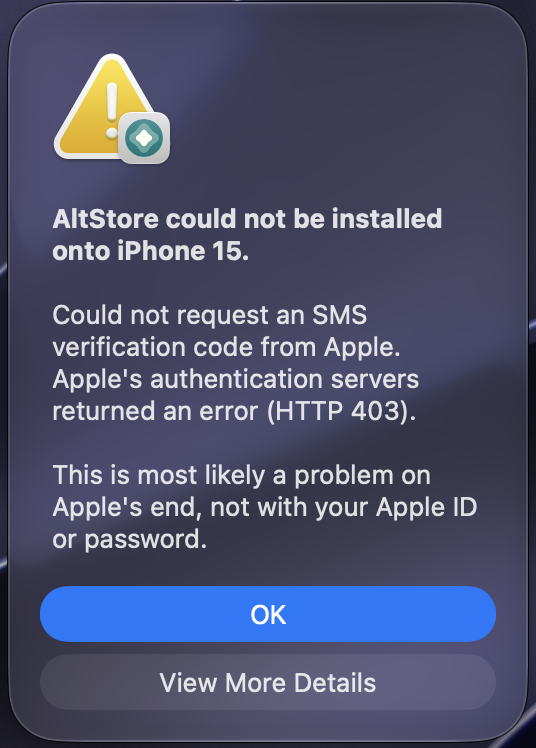
⚠️ If you're repeatedly receiving a 503 error after updating AltStore Classic, you may need to reset your Remote AltServer connection.
To do so, go to AltStore's Settings and tap Server > Reset Remote AltServer.
You can then tap "Set up Remote AltServer" to reset.
✅ AltStore Classic 2.3.3 and AltServer Windows + macOS 1.8.4 are now available with a fix for the 415 error
To update AltServer, click "Check for Updates..." in the menu.
After updating, you should be able to install or update AltStore Classic as expected.
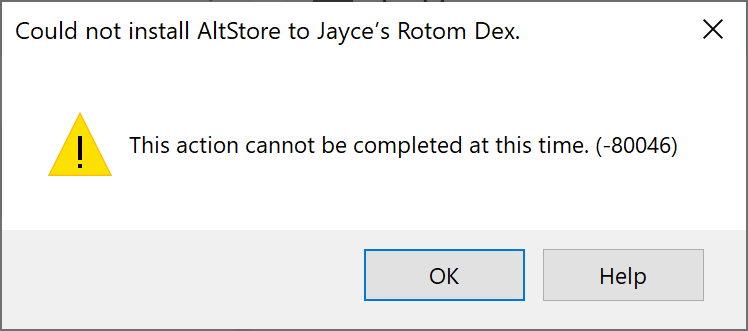
✅ AltStore Classic 2.3.2 and AltServer Windows 1.8.1 + macOS 1.8.3 are now available with fixes for 503 and -80046 errors
To update AltServer, click "Check for Updates..." in the menu.
After updating, you should be able to install or update AltStore Classic as expected.
⚠️ We’re aware of a new AltStore Classic error -80046 (not -80045) affecting AltServer Windows users
We're looking into it, but in the meantime you can continue using Remote AltServers in AltStore Classic
We appreciate your patience while we work to address this (again 😅)
🚀 AltStore Classic 2.3.1 and AltServer macOS 1.8.2 are out with a fix for error -80045
Update AltStore from the My Apps tab. If that fails, manually update via AltServer
To update AltServer, click "Check for Updates..." in the menu. Once updated, install AltStore normally.
🚀 Updates are now available for ALL AltStore Classic and AltServer versions with a fix for Apple ID sign-in issues.
AltStore Classic updates will also be available for AltStore PAL users once Apple approves it.
Huge thanks to sshane on GitHub 💚 https://t.co/VXaLmCsjXb
@ClashRoyale To those of you wanting to join a tournament, check this link:
https://t.co/iB0Cc5i7ib
It lists all active tournaments made by content creators. Refresh it from time to time and try joining one, if you're lucky.
@AskPlayStation getting error WS-43689-0 after trying to purchase the free trial, already checked the country/region both on the payment method and psn account and they’re the same, any suggestion to fix this?