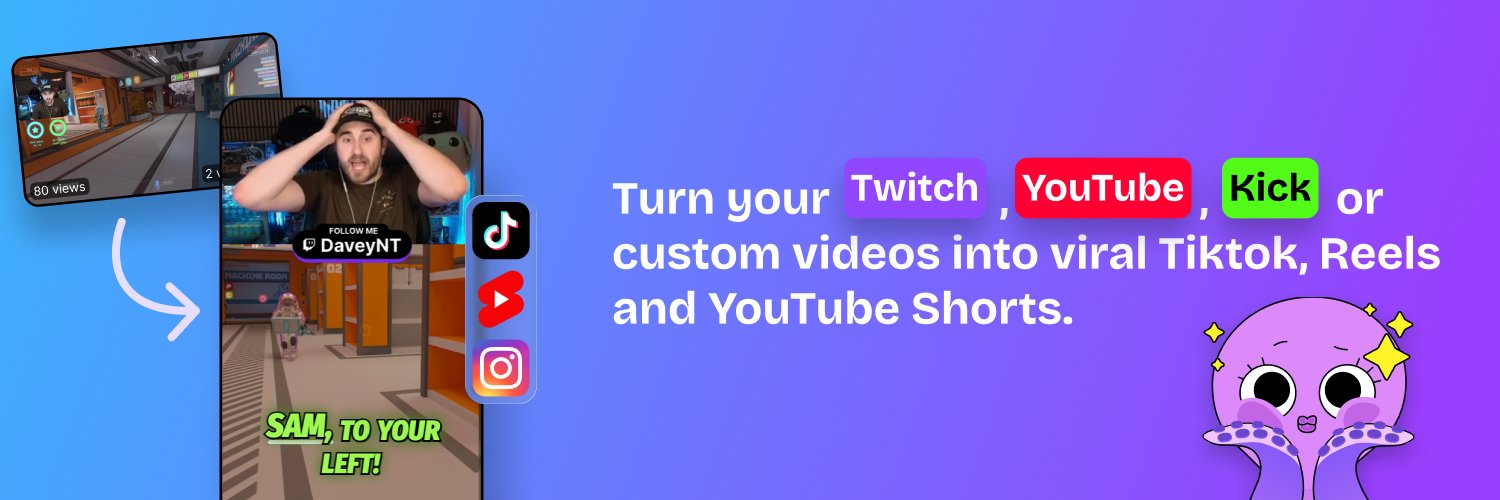
Turn your stream clips into vertical content for FREE! 🚀Just upload your clip, crop it, and post it to your socials, all from one website! Try it out now 👇🏽
Hey Streamer👋
Need help with your social media content?
StreamLadder easily let’s you convert your Twitch, YouTube, Kick or Local File clip into a fire 9:16 post!🔥
Sign up & Basic Features are FREE 👉 https://t.co/bblZ9S8WYJ
👥 INVITE AN EDITOR FEATURE IS LIVE!
With the Pro tier subscription, you can invite others to join your team and help out with your content workflow!
✂️ Editing your clips for you!
📎 Creating clips with ClipGPT!
📩 Using your saved templates and caption styles!
🗓️(Optionally) sharing to your social media accounts!
Whether you have an official editor, a community clipper, or a friend who wants to lend a hand - now they can with StreamLadder Editor Invites!
That's our Creator tier, which includes our main AI tool, so it is a more expensive tier because of that!
If you're looking for the Content Publisher and Scheduler, that's available on Starter for $15 a month!
If you've already made an account, lmk (in dms) the email you used, and I'll get you a 14-day trial (no card needed) to test if it's worth it!
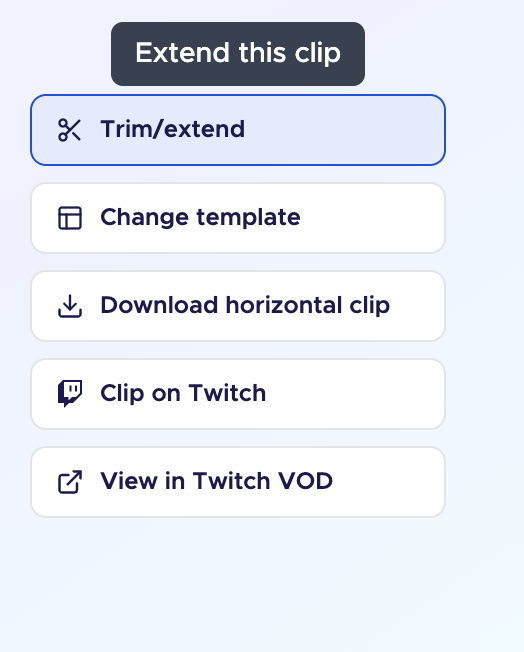
@itspch_ We've actually just improved this feature! Have you tried using the new trim/extend button (on the right of your video) this allows you to trim / extend the clip to the exact seconds you want instead of the +30 seconds before/after
@TheLibanAli@ObeezyLive Hey Liban, we did just add 4k exporting yesterday as a feature behind our Pro tier! Would love to get you a test of it if you'd be interested!
@RedViper608 Hey there! We haven't gotten too many reports of this - could you make a ticket about it on our site so our support and dev team can look into it?
🐙 NEW HIGHLY-REQUESTED FEATURES ARE HERE!
3 of the most-requested features from our community are finally here!
📤 4K Exporting
✖️ X Publishing Integration
👥 Editor Invites (Coming soon)
For the streamers dedicated to the highest quality content, these updates are a must have!
Want the full details? Check your StreamLadder Dashboard and our Update Announcement Article below!
@kyuxromitv Hey kyuxromi! I totally get if the update was frustrating - what about the new dashboard/navigation was most confusing? Feel free to message us here, or contact our Community Manager Shane through the Discord if you'd like to suggest any changes to things :)
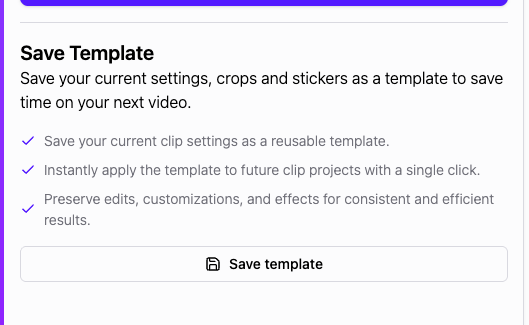
@sodaprincesss I understand. The positions of the crops should be saved in your browser, regardless of the template. If that doesn't happen, that's a bug.
Btw, the saving templates feature is part of the $15/month plan.
@TheLibanAli@ObeezyLive Hey! What do you want to do in Davinci thats not possible in StreamLadder or that you would like to be easier? We're constantly improving based on user feedback
Hey! We didn't increase any prices, what we actually did was:
- created a Pro plan, for large, professional streamers with some specific features for them like inviting editors to their projects.
- Renamed Gold+ClipGPT to "Creator", it has all the same features as it did before, and we'll be adding more features to this. This is the plan we recommend to most streamers. And as a thank you for long time supporters, we've giving all current Gold+ClipGPT subscribers a free upgrade to Pro.
Let me know if things are unclear, happy to explain further
@NotSoAverageMac Not currently no, but we're happy to hear interest in it! If there was one happening, we'd be sure to keep y'all updated as soon as we know too!
We've been seeing so many talented creators, especially in the Creator Accelerator Program. But there's always talent that remains hidden. Introduce yourself below and let the world know you're out there!! 👇👇