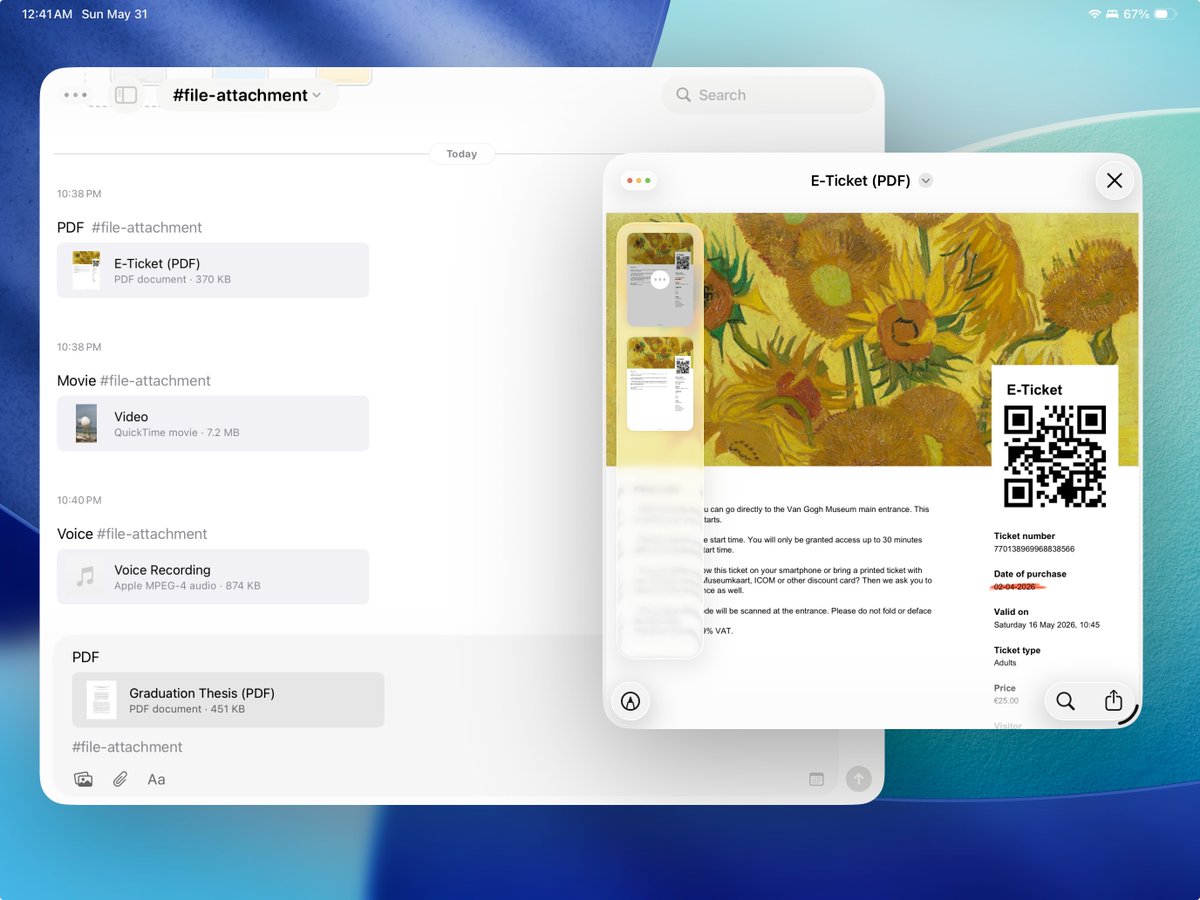
You can now attach files to Strflow! 📎
PDFs, documents, audio, videos, and more. Add them inside the app, or copy & paste, drag & drop, or use the share sheet.
We’ve added a Lifetime plan for Strflow Plus after requests from users who prefer a one-time payment over a subscription✨
It’s currently $37.99, or $27.99 if you’ve previously purchased a yearly subscription.
Excited to announce that Strflow now fully supports iPad 🎉
Enjoy a larger view, multiwindow support, keyboard shortcuts, and quick image annotation.
Designed to feel familiar from the start, while being as powerful as our Mac app.💻
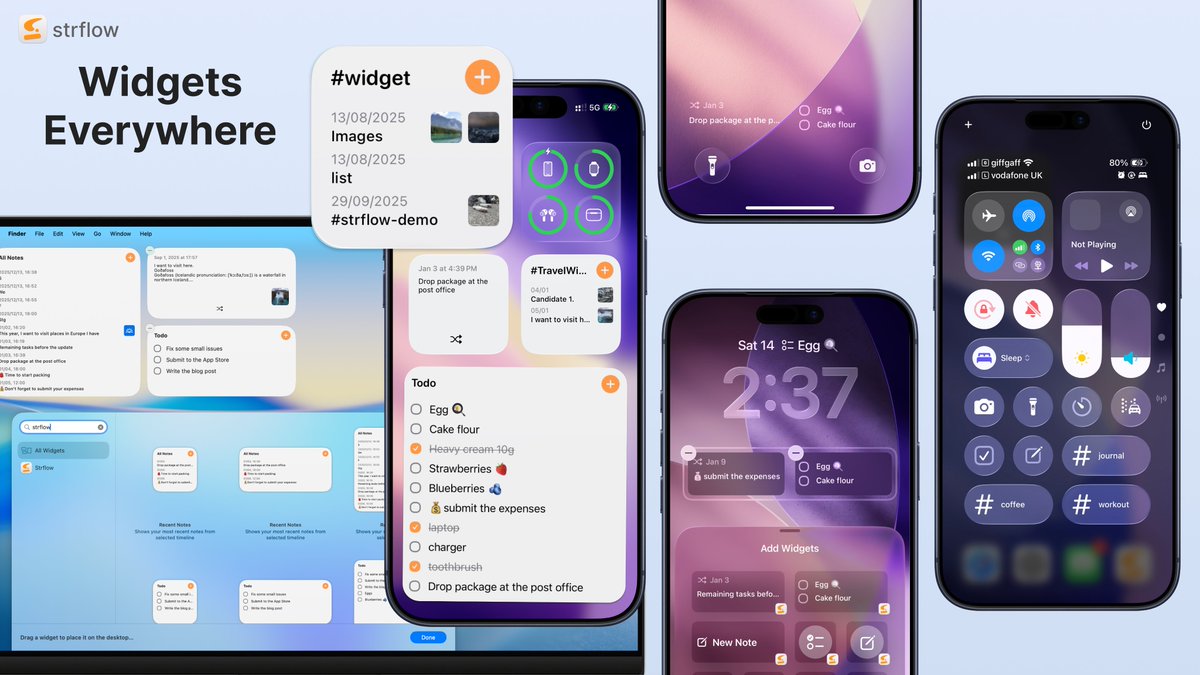
Widgets are here for Strflow✨
See recent notes, toggle todos, and shuffle past notes — interact with your notes without opening the app.
Available wherever widgets can live: Home Screen, Lock Screen, Control Center, and macOS.
Update and try it out!
Happy New Year!
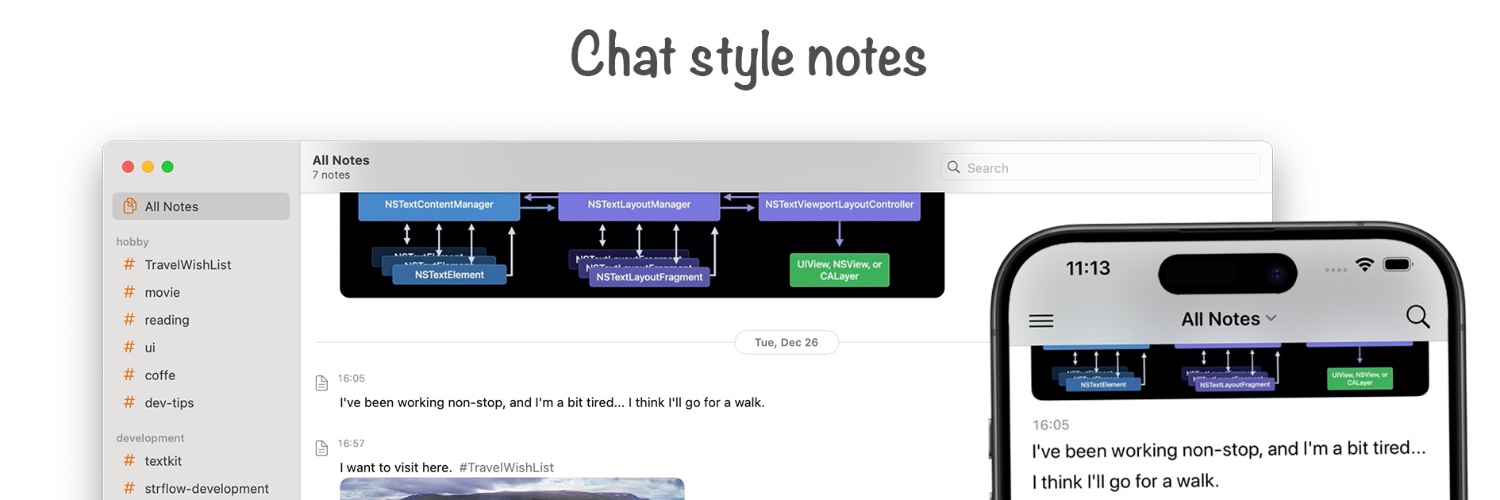
Strflow now supports TODOs & Reminders in your timeline, plus an untagged timeline.
Capture unstructured thoughts like you text yourself. ✅🔔
Started using @StrflowApp this month on iPhone + Mac → love its clean, simple design for journaling, lifelogging, or quick notes. The tag system (and grouped tags!) makes it even better. Check it out: https://t.co/ygOqkx5cFZ