Stablecoin focused non-custodial app for Payments, Defi & AI agent digital finance. $BTC on ⚡, $ETH, $SOL, $XRP, $FLR, $TRX, Base, Linea & $SUI, one seed.
Getting paid in USDC is the easy part. Explaining it to your accountant at year end is the rest. Here is what clean stablecoin books need, and how to produce them without a weekend of spreadsheets.
Most businesses that take crypto do the bookkeeping last. Then year end arrives and someone has to rebuild twelve months of payments from wallet screenshots. Nobody enjoys that, and it is where mistakes creep in.
What clean books need, at minimum:
When income counts. Usually when the payment is settled, not when it was requested.
Fees, recorded as costs, not quietly netted out of sales.
Refunds, recorded when they are paid.
Cost basis for anything you later sell or spend, because that is how gains are worked out.
A trail from each line back to the public record.
How STB Superapp builds that from the public record:
x402 Books: for any period, your sales and paying wallets, fees, refunds and net income, plus what you or your agents spent, by agent and by vendor.
Share journal: export a journal your accountant can import into QuickBooks, Xero or a plain CSV.
Tax export: in Settings, export a year of activity as a tax CSV or a file for Koinly, with proceeds, cost basis and gain on each row.
Everything is built from public on-chain records, not numbers you type. That is what makes it trustworthy.
The fine print: books cover mainnet activity, and none of this is tax advice. Rules differ by country, so hand the files to whoever does your taxes.
Who this is for: founders, freelancers and small businesses taking USDC more than a few times a month.
We wrote the full guide to stablecoin bookkeeping, linked below. Bookmark it now, not in December, and follow for a new Arc build every day this month.
https://t.co/DuwKCe2Eos
$USDC #Arc
Arc, Base or Solana: which chain should you take USDC payments on? We read each chain's own fee and finality documentation and compared them side by side, with no hype and no cherry-picked screenshots of a cheap day.
Three questions decide whether a chain works for everyday payments:
What is the network fee made of, and does it jump when the chain is busy?
Which coin pays the fee? If it is not the coin you hold, you need to keep a second coin topped up.
How quickly is a payment final, meaning it cannot be undone?
Arc, Circle's network for USDC: the network fee is paid in USDC itself, and Arc's design aims to keep that fee stable. A payment is final about a second after it lands. You only ever need to hold dollars.
Base, a layer two on Ethereum: the fee is paid in ETH and includes a part for posting data back to Ethereum. Fees are usually small. You need a little ETH alongside your USDC.
Solana: the fee is paid in SOL, with a base fee and an optional priority fee when the network is busy. Fees are usually tiny. You need a little SOL alongside your USDC.
What this means in practice:
If you take payments at a counter, fast finality matters most, because you hand over goods when the payment is final.
If your customers already hold USDC on one chain, meet them there, then move it later.
If you hate topping up gas coins, a chain where USDC pays the fee removes a whole class of failed payments.
Moving between them is not a big deal: Circle's CCTP moves real USDC from one chain to another, burned on one side and minted on the other.
STB Superapp supports all three, shows the network fee before you send, and can move your USDC between them.
The full comparison, with links to each chain's documentation, is below. Bookmark it before you pick a chain for your business, and follow for a new Arc build every day this month.
https://t.co/jPihhlD2tf
$USDC #Arc
Arc, Base or Solana: which chain should you take USDC payments on? We read each chain's own fee and finality documentation and compared them side by side, with no hype and no cherry-picked screenshots of a cheap day.
Three questions decide whether a chain works for everyday payments:
What is the network fee made of, and does it jump when the chain is busy?
Which coin pays the fee? If it is not the coin you hold, you need to keep a second coin topped up.
How quickly is a payment final, meaning it cannot be undone?
Arc, Circle's network for USDC: the network fee is paid in USDC itself, and Arc's design aims to keep that fee stable. A payment is final about a second after it lands. You only ever need to hold dollars.
Base, a layer two on Ethereum: the fee is paid in ETH and includes a part for posting data back to Ethereum. Fees are usually small. You need a little ETH alongside your USDC.
Solana: the fee is paid in SOL, with a base fee and an optional priority fee when the network is busy. Fees are usually tiny. You need a little SOL alongside your USDC.
What this means in practice:
If you take payments at a counter, fast finality matters most, because you hand over goods when the payment is final.
If your customers already hold USDC on one chain, meet them there, then move it later.
If you hate topping up gas coins, a chain where USDC pays the fee removes a whole class of failed payments.
Moving between them is not a big deal: Circle's CCTP moves real USDC from one chain to another, burned on one side and minted on the other.
STB Superapp supports all three, shows the network fee before you send, and can move your USDC between them.
The full comparison, with links to each chain's documentation, is below. Bookmark it before you pick a chain for your business, and follow for a new Arc build every day this month.
https://t.co/jPihhlD2tf
$USDC #Arc
Nobody can reverse a confirmed USDC payment. Not the sender, not the app, not the chain. So how do refunds work? Here is the honest answer, and how sellers can still earn trust without chargebacks.
With a card, the bank can pull money back weeks later. That protects buyers, and it also costs sellers fees, fraud losses and disputes they often lose. Stablecoin payments remove the chargeback entirely. Once a payment is final, it is final.
That means a refund is always a new payment, from the seller back to the buyer. The question is how to make that fair and visible.
How refunds work for x402 sellers in STB Superapp:
1. The seller promises a refund window when they set up a paid link: none, a day, three days or a week.
2. That promise is saved with every payment, so it cannot be changed after the fact.
3. A buyer asks for a refund inside the window, from the app, or an agent asks by signing with the same wallet that paid.
4. The seller approves with a transfer signed on their own phone, which can only go back to the payer, for no more than was paid. Or they decline with a reason.
The part that builds trust: every answer, and every silence, becomes part of the seller's public refund record. Buyers and their agents can see how often a seller honours refunds before they pay.
For in-person sales, Arc Checkout works the same way: open the order, tap Refund, sign, done. The refund comes from the seller's own wallet.
The fine print: refunds are never automatic, there is no escrow, and the STB fee on the original sale is not returned.
Who this is for: sellers who want to offer a refund promise, and buyers who want to know who keeps theirs.
The full guide to refunds without chargebacks is linked below. Bookmark it, and follow for a new Arc build every day this month.
https://t.co/zeBaKcrAhp
$USDC #x402
Your USDC can earn on Arc. Before it does, you should know exactly what you are trusting, because yield is never free of risk. Here is how the vaults work, in plain words.
When you deposit USDC into a yield vault, you are not putting it in a savings account. You are lending it, through a smart contract, under rules set by someone called a curator. The yield is what borrowers pay.
The pieces that matter:
The vault. A smart contract that holds deposits and tracks your share.
The curator. The team that decides which markets the vault lends into and how much.
The rate. It moves with demand. It can rise, and it can drop at any time.
Withdrawals. Some vaults can limit how fast money leaves, especially when lots of people withdraw at once.
Arc lists Morpho USDC vaults, which follow a standard vault design that wallets and apps can read.
How Earn works in STB Superapp:
1. Open Earn and look at the vaults on offer.
2. Check each vault's 0 to 100 safety score. We built it to sum up the risks above, so you can compare before you sign.
3. Pick a vault, enter an amount and review the deposit.
4. Read the notes, then confirm with Face ID.
5. Withdraw any time. Withdrawals are never held up by a disclosure screen.
Who holds your deposit? You do. It sits in the vault under your own address, never ours.
Cost: our fee is a small share of the yield you earn, never your principal. The vault's curator also takes its own fee, shown on the vault.
The fine print, read it twice: yield is variable, a vault can lose value, and low cash in a vault can delay a withdrawal.
Who this is for: people holding USDC on Arc who want it to earn something while they are not spending it, and who want the risks spelled out.
We wrote the full guide, including what can go wrong, linked below. Bookmark it before your first deposit, and follow for a new Arc build every day this month.
https://t.co/9z1DQuY932
$USDC #Arc
Testnet run today: paid 0.01 USDC on Base Sepolia to the handle receiptproof, resource receipt-proof, settled by the CDP facilitator, tx 0xad81ec697559aa938e7190a894338acb55476fa2d064ee529a75d3b9316158fb. Receipt bare: verdict settled, retry same_payment, endpoint withheld. With the token: full. A forged-signature payment: 402 invalid_exact_evm_payload_signature, receipt verdict refused, retry new_payment, signer_verified false. Docs: https://t.co/aw7PT0LPpI
If you are selling an API to AI agents over x402, you will hit the word facilitator within five minutes. Here is what a facilitator actually does, why sellers use one, and whether you need your own.
x402 lets an API ask for payment the way a website asks for a login. The agent gets a 402 Payment Required answer, signs a USDC payment, and tries again. Somewhere in the middle, someone has to check that payment and put it on chain.
That someone is the facilitator. It does two jobs:
Verify: is this signed payment valid, for the right amount, to the right address, and not already used?
Settle: put the payment on chain so the money actually moves.
Why not do it yourself? You can, but you would need to run or rent a node, watch for replays and handle every chain you accept. A facilitator lets a seller take payments with a few lines of server code instead.
Who runs facilitators: Coinbase runs one, Circle runs one, and so do we.
The STB facilitator, in plain terms:
1. In STB Superapp, open Arc tools, then Facilitator, and add your site.
2. Copy the site key and the receiving address.
3. Point your standard x402 server at our facilitator URL with that key.
4. Run the built-in check to confirm it works.
What you get on top of settlement: every payment shows up in your x402 Books, and buyers can ask for refunds inside a window you choose, with your answers building a public refund record.
The fine print: keep your site key secret, settled payments are final, and the domain you enter is a label for your own records.
Who this is for: API sellers, data providers and anyone adding paid endpoints for agents.
The full explainer, including how the major facilitators compare, is linked below. Bookmark it before you ship your first paid endpoint, and follow for a new Arc build every day this month.
https://t.co/aVA4QPKpVC
$USDC #x402
Payer + nonce are public on chain once a payment settles, so they prove nothing about who is asking. A bare lookup gets only what retrying needs (verdict, settlement id, network, one-word reason). The URL you received carries a token that opens the rest. Before a payment reaches the chain, the signed payment itself opens it too.
A USDC transfer carries an amount and two addresses. It does not carry an invoice number. That is why reconciling stablecoin payments turns into a spreadsheet nightmare, and there are two clean ways to fix it.
Picture month end. Thirty payments came in, several for the same amount, from addresses you do not recognise. Which client paid which invoice? Card payments and bank transfers come with references. A plain on-chain transfer does not.
Fix one: a memo on chain. Arc has a memo contract that attaches a short note to a payment. The note travels with the payment and anyone can read it later, so a payout can say exactly what it was for.
Fix two: a unique amount per order. If every order asks for a slightly different amount, the amount itself identifies the order.
How STB Superapp uses both:
Bulk payouts: every line can carry a memo, like an invoice number or a project name. The batch exports as a CSV with the memos included.
Arc Checkout: every checkout adds a few millionths of a dollar to the amount, so each payment matches its order on its own, with no typing.
One caution you cannot skip: an on-chain memo is public and permanent. Anyone can read it, forever. Use references, never personal details. Invoice 1032 is fine. A name and a salary is not.
Why this matters beyond tidiness: clean matching means clean books, faster month-end close, and fewer awkward did-you-pay messages to clients.
Who this is for: founders, agencies, finance teams and freelancers who get paid in USDC more than a few times a month.
The full guide to reconciling stablecoin payments is linked below. Bookmark it before month end, and follow for a new Arc build every day this month.
https://t.co/8sQfws64pc
$USDC #Arc
Letting an AI agent shop for you is easy. Deciding what it is allowed to buy, and proving that to a merchant, is the hard part. Spending mandates are a signed answer to that, and here is how they work.
The risk with agent payments is not that an agent can pay. It is that nothing outside the agent knows its limits. If its instructions are wrong, or someone tricks it, it can spend in ways you never meant.
Google's Agent Payments Protocol, AP2, describes mandates: signed statements of what an agent may buy. A merchant can check the mandate before accepting a payment.
How Spending mandates work in STB Superapp:
1. Create an agent, and give it an on-chain ID under Agent ID.
2. Open Arc tools, then Spending mandates, and tap New mandate.
3. Set the most per purchase and the most every 24 hours.
4. Optionally list the only merchants it may use, and choose how long the mandate lasts.
5. Read the review, then sign with Face ID.
6. Open a mandate any time to see what merchants see, test a purchase, or revoke it.
What a mandate is not: a payment. It moves no money and costs no gas. It can only ever say no.
The honest fine print, because accuracy matters with money:
Our mandates are AP2-aligned, not AP2-compliant. They use Ethereum-style signatures, so a strict AP2 verifier will not accept them as they are.
A merchant that does not check a mandate is not bound by it. Combine a mandate with a budget your agent cannot exceed.
Signing a new mandate replaces the old one, and revoking takes one signature.
Who this is for: anyone letting an agent book, buy or subscribe on their behalf, and merchants who want a clear yes or no before taking an agent's money.
The full guide to AP2 and where mandates fit is linked below. Bookmark it before you give an agent a card, and follow for a new Arc build every day this month.
https://t.co/KBsnE5G0xQ
$USDC #AI
@brian_byar17103@Handln The day-to-day use of an ERC-8004 ID is the check before money moves. A service looks up the agent in the registry, sees who owns it and what it's for, then decides whether to serve or pay it. Art on top is a nice extra. The lookup is what gets used.
Before a service lets your AI agent pay it, or trusts what your agent says, it needs to know who the agent is. ERC-8004 is the emerging standard for that. Here is what it does, what it does not, and how to give your agent an ID today.
Right now most agents are anonymous. An API sees a wallet address and nothing else: no history, no owner, no track record. That makes it hard for good agents to earn trust and easy for bad ones to hide.
ERC-8004 is a draft Ethereum standard with two parts that matter here:
An identity registry. Each agent gets a token that points to a registration file describing it.
A reputation registry. Others can post feedback about the agent, and anyone can read it.
One rule in the standard is worth knowing: an owner cannot rate their own agent. Ratings have to come from someone else.
How Agent ID works in STB Superapp:
1. Create an agent budget or claim a payable handle first.
2. Open Arc tools, then Agent ID, and tap Register.
3. Review what will be signed: the owner, the registry on Arc, the network fee and the registration file. Nothing else is signed.
4. Confirm with Face ID. The identity appears under Your identities with an explorer link.
After that, we post our own rating for the identity at most once a day, and only when it changes, from a separate address. That separate address is exactly how the standard keeps owners from grading themselves.
Who holds the identity? You do. The token is minted to your own wallet, and we cannot move it or point it somewhere else.
The fine print: the identity and every rating on it are public and permanent. ERC-8004 is still a draft, so details may change.
Who this is for: builders running agents that pay for things, sellers who want buyers to see a track record, and anyone tired of anonymous wallets.
We wrote a plain-English walkthrough of the standard itself, linked below. Bookmark it if you are building agents, and follow for a new Arc build every day this month.
https://t.co/fhSuuNTon3
$USDC #AI
You can sell a file, a private link or a note for USDC without a store, a checkout plugin or a payment processor, and your buyer does not even need an account. Here is how pay to unlock works.
Most creators who want to sell one thing hit the same wall. You need a storefront, a payment provider that approves you, a way to deliver the file, and a plan for disputes. For a one-off guide, a template or a private video link, that is far too much machinery.
Pay to unlock in STB Superapp strips it down to a single page:
1. Open Arc tools, then Pay to unlock, and tap Sell something.
2. Pick Private link or Text note.
3. Add a title, an optional description and a price in dollars.
4. Review what buyers will see, then create the page.
5. Share the page link or its QR anywhere: your bio, a newsletter, a chat.
What the buyer does: they open your page in a browser, confirm their email with a 6-digit code, and pay in USDC. What they bought opens through a single-use, time-limited link. No account, no app to install.
Where does the money go? Each order pays its own payout contract that nobody owns, and that contract can only pay you. We never hold the money. There is no STB fee on these sales today.
The fine print, so there are no surprises:
Sales are final. Refunds are never automatic. If a buyer has a problem, you send the money back yourself.
A buyer can copy what they unlock, so sell things where that is fine.
You can take a page down any time. New buyers stop, and people who already paid keep access.
Who this is for: writers selling a guide, designers selling templates, coaches selling a private session link, developers selling a script.
The full guide, including how buyers can pay just by signing, is linked below. Bookmark it for your next launch, and follow for a new Arc build every day this month.
https://t.co/c21SiuZpYO
$USDC #Arc
How does an AI agent pay a tenth of a cent for one API call, when an on-chain transaction can cost more than the call itself? The answer is nanopayments, and the trick is not sending each payment on its own.
The math problem is simple. If your API charges a fraction of a cent per call and every call is its own on-chain payment, the gas eats the price. Per-call pricing for agents only works if payments are cheap enough to be almost free to make.
Circle Gateway nanopayments solve it by batching. An agent signs a payment for each call. Gateway collects many of those signed payments and settles them together, so no single call carries its own gas.
How it works for a seller in STB Superapp:
1. Create a paid link for your API or data, priced at a cent or less.
2. Open Arc tools, then Nanopayments.
3. Under Your resources, switch nanopayments on for that link.
4. Agents now pay per call with no gas per payment.
5. Earnings collect in your own Circle Gateway balance, which you watch on the same screen.
6. When you are ready, tap Withdraw to my wallet and confirm with Face ID. The USDC lands in your wallet on Arc.
What to expect: because Gateway settles in batches, a payment shows as pending for a short while before it is settled. That is normal and it is the whole reason the cost stays tiny.
Who holds the balance? You do. Payments credit your own Gateway balance, and only your phone can sign a withdrawal. We never hold it.
Cost: a small STB fee is collected when you withdraw, and Circle charges its own small withdrawal fee. Both are shown before you confirm.
The fine print: payments are final, with no chargebacks, and withdrawals go to Arc.
Who this is for: anyone selling data, search, scoring or AI calls to agents, where each call is worth less than a cent but there are thousands of them.
We wrote the full explainer, including how x402 and Gateway fit together. It is linked below. Bookmark it if you are building for agents, and follow for a new Arc build every day this month.
https://t.co/Jv5koQMMNo
$USDC #x402
Paying 40 contractors in USDC should take one signature, not 40. Here is how batch payouts work on Arc, what happens when one line fails, and the one thing you must never put in a memo.
If you have ever paid a team in crypto, you know the routine: copy an address, paste, check it twice, type the amount, sign, wait, repeat. One slip and someone is paid twice or not at all. By the twentieth payment, mistakes are not a risk, they are a schedule.
The fix is a batched transaction: many transfers inside one transaction. One signature, one review, one network fee for the whole batch.
How Bulk payouts works in STB Superapp:
1. Open Arc tools, then Bulk payouts, and tap New batch. Give it a name only you see, like October contractors.
2. Paste your list, one person per line: an address or an STB handle, the amount, and an optional memo. A CSV works too.
3. Tap Check the list. Every problem shows under its own line before you sign anything: a bad address, a duplicate, a missing amount.
4. Fix them, save, and review: people, payouts, total and the network fee.
5. Pay everyone with one Face ID.
6. Each line then shows Paid or Not paid, and the whole batch exports as a CSV for your books.
What if one line fails? By default the rest still go through, and you can copy the failed lines to try again. If you would rather one failure stop everything, switch on All or nothing before you sign.
The memo is the quiet hero here. Each payment can carry a short note written on chain, which makes reconciliation trivial. But a memo is public and permanent. Anyone can read it, forever. Never put a salary figure, a home address or anything private in one.
Who holds the money? You do, right up to the moment each payment lands. The batch is one transaction signed on your phone. Every recipient is screened against sanctions lists first, and your spending guardrails apply to the batch total.
Cost: no STB fee on bulk payouts today. The network fee on Arc is paid in USDC, so you do not need a second coin for gas.
Who this is for: founders paying contractors, DAOs paying contributors, agencies paying freelancers, anyone running a monthly payout list.
The full guide, including how batched transactions work under the hood, is linked below. Bookmark it before your next payroll run, and follow for a new Arc build every day this month.
https://t.co/dm8BbQd4p0
$USDC #Arc
A customer can pay you in USDC at the counter and you can know it landed before they reach the door. Here is exactly how it works on Arc, step by step, with the parts most guides skip.
The problem with taking crypto in person has never been the payment. It is the waiting. On many chains you either hand over the goods on trust or you stand there refreshing a block explorer. Neither works at a busy counter.
Arc is Circle's network for USDC, and a payment on it is final about a second after it lands. That one property changes the whole flow.
How Arc Checkout works in STB Superapp:
1. Open Arc tools, then Checkout, and tap New checkout.
2. Type the amount. Add a note if you want one, like a table number or an invoice reference.
3. Show the QR. It is a standard payment request, so the customer can pay from any wallet that holds USDC on Arc.
4. The screen listens for the payment and flips to Paid on its own.
5. Hand over the goods only when it says Paid.
The detail that saves you hours later: every checkout adds a few millionths of a dollar to the amount. That tiny unique tail is how a payment matches its order automatically. No reference numbers, no matching by hand at the end of the day. Every sale shows under Orders, and Today's CSV exports the day for your books.
Who holds the money? You do. Sales go to your own address on Arc through a payout contract that nobody owns, not even us. That contract also pays a small STB fee, which you can see in Checkout settings before you take a single payment. We never hold your sales.
The fine print, because it matters:
A paid sale is final on chain. Nobody can reverse it, including us.
Refunds are never automatic. You send one back yourself from your own wallet, signed on your phone, up to the sale amount.
Circle, which runs Arc and issues USDC, can block an address.
Who this is for: cafes, market stalls, repair shops, freelancers who meet clients in person, and anyone whose customers already hold USDC.
We wrote the full guide, including how finality works on Arc and how to handle refunds well. It is in the link below.
Bookmark this for the day a customer asks to pay in USDC, and follow for a new Arc build every day this month.
https://t.co/ws7rKoyo2j
$USDC #Arc
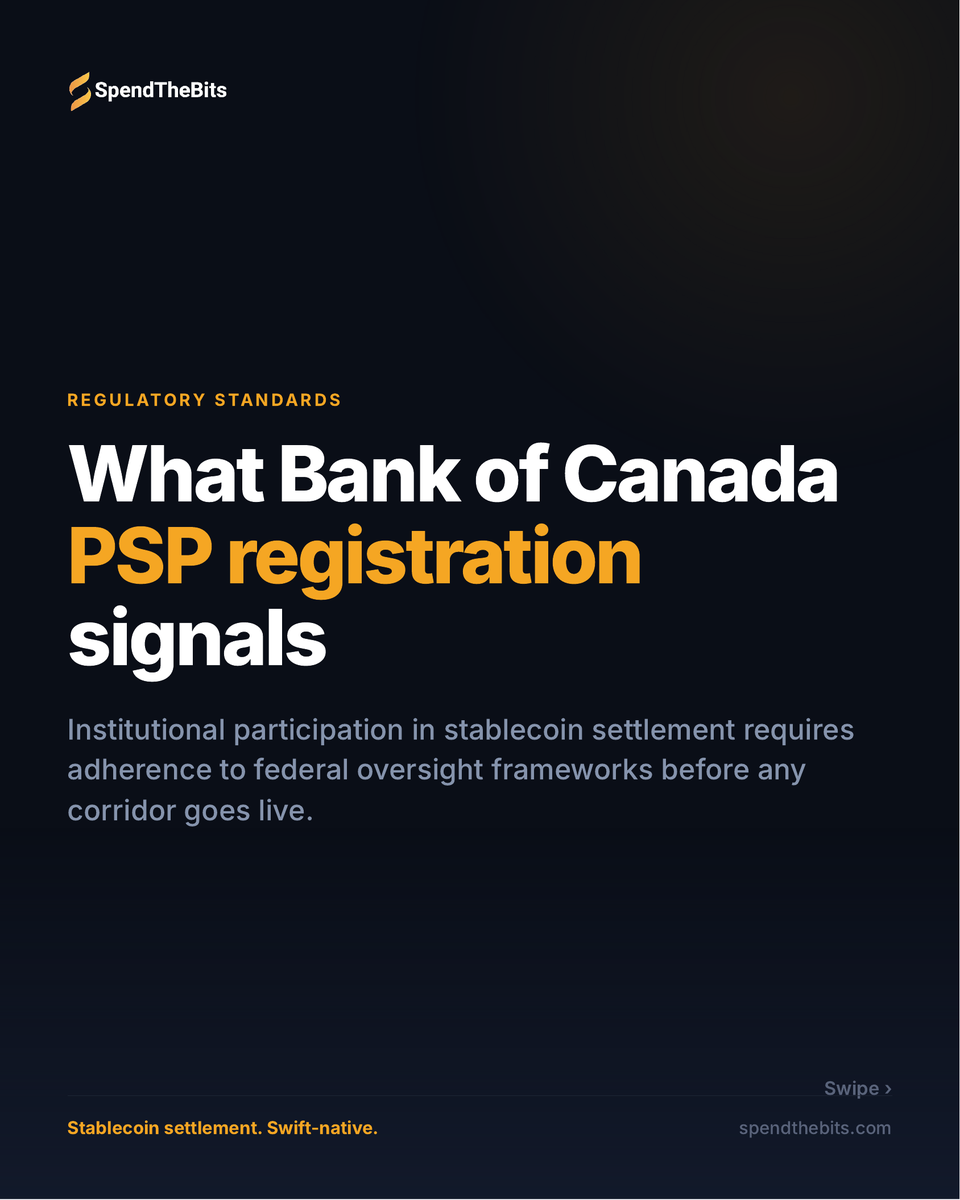
What Bank of Canada PSP registration signals.
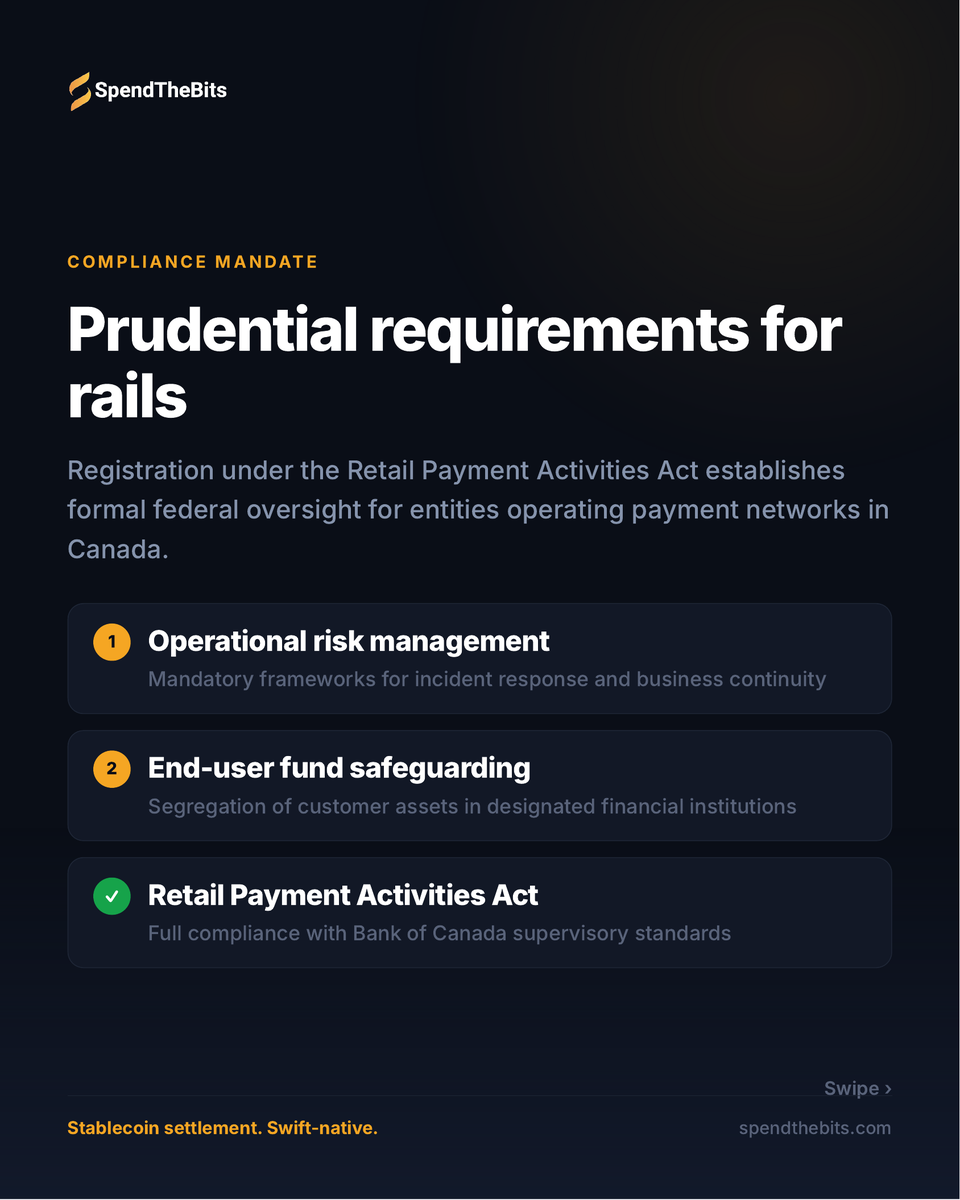
Operational risk management.
End-user fund safeguarding.
Retail Payment Activities Act.
Institutional participation in stablecoin settlement requires adherence to federal oversight frameworks before any corridor goes live.
Which of these have you already solved?
DM us or email [email protected]
#Banking #Fintech
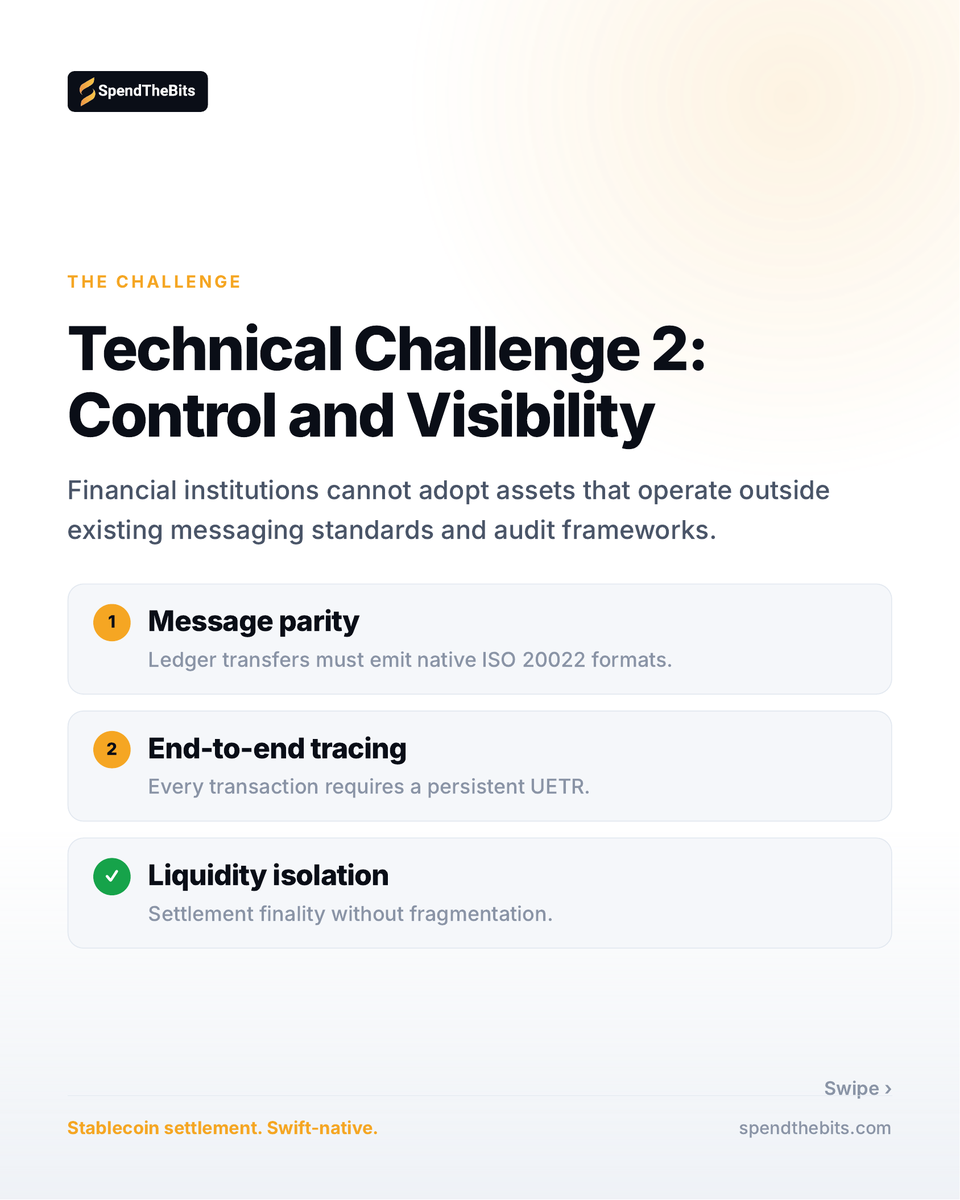
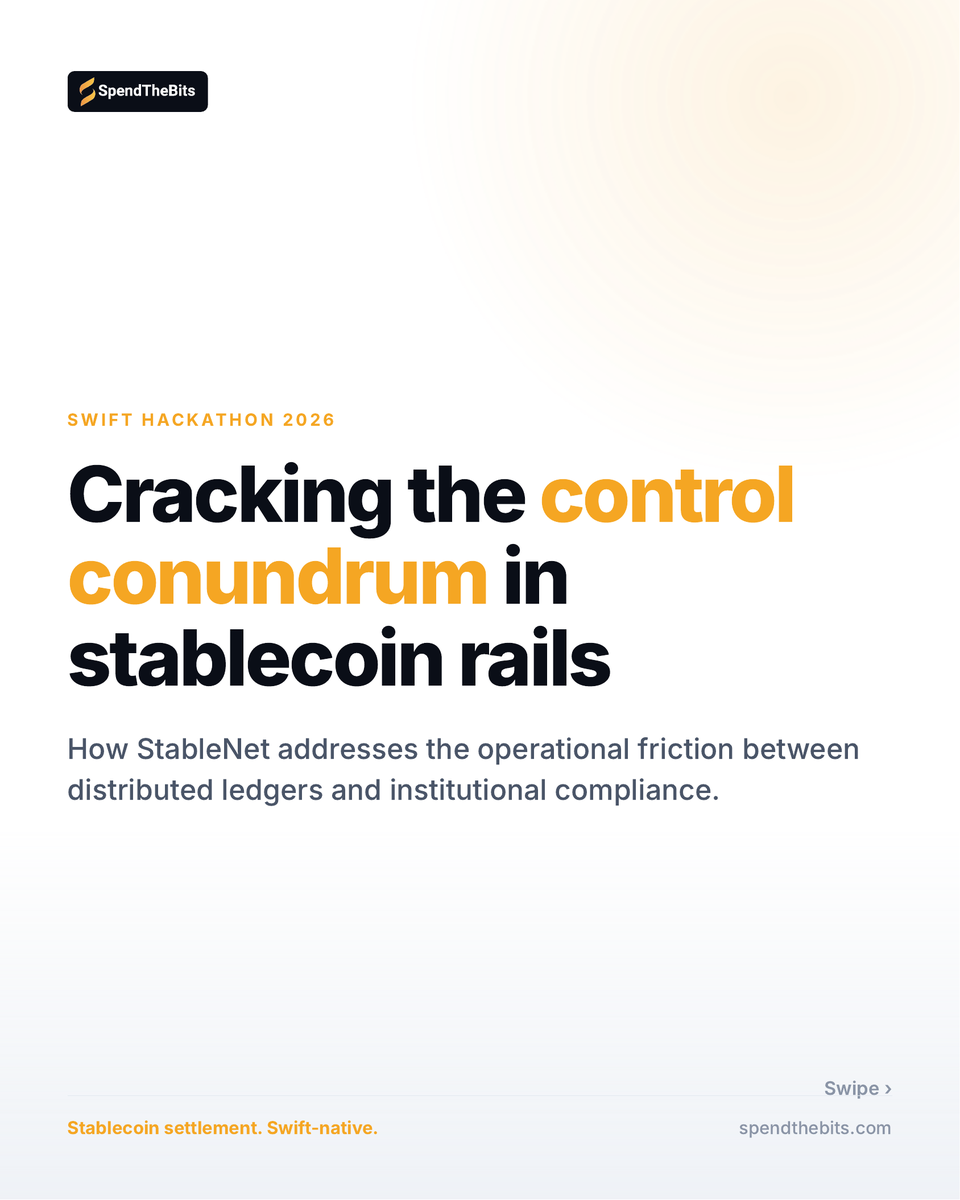
Cracking the control conundrum in stablecoin rails.
Control without losing settlement speed.
Tracing that survives the chain.
Liquidity that stays isolated.
How StableNet addresses the operational friction between distributed ledgers and institutional compliance.
What is stopping this at your institution?
DM us or email [email protected]
#CreditUnions #ISO20022