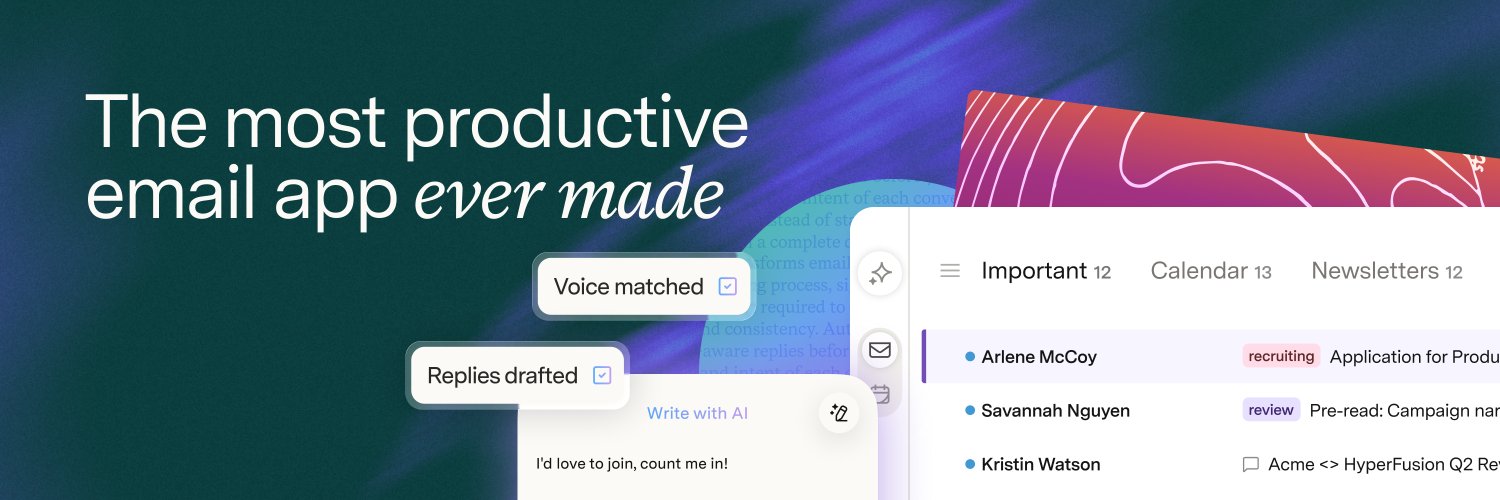
For the past decade, we've built the most productive email app ever made.
But not everybody wants to switch apps.
Today, we're bringing the Superhuman magic right into Gmail and Outlook!
Introducing: Email Assistant by Superhuman Mail 💜
Your inbox, finally under control.
How are you using the Superhuman Mail MCP? Let us know what else you’d like to see 😄
Connect Superhuman Mail to your favorite AI tool:
Add to Claude → https://t.co/WNEFmCwhD4
Add to ChatGPT → https://t.co/joXW7T7gg5
Add to other tools → https://t.co/MaEGIseyl0
The Superhuman Mail MCP just got a lot better with four big updates 👇
➊ You can now add attachments to emails and send them from your favorite AI tools, like Claude or ChatGPT Work 📎
Happy attaching!
➍ You can now share and comment on emails 🗯️
Sharing gives your team a live view of an email. Your team can then discuss via comments on the email, even if they don’t use Superhuman. There’s no need to forward or bcc.
Fair question, Dillon! People on our team do use Auto Draft, but we'd love to understand where it falls short for you. Have you tried it and found the drafts missed what you wanted to say, or is this more a concern about the idea itself?
Here's a bit more about how it works: https://t.co/B2Rjnasl6K. Feel free to DM us if you'd like to share more details. ☺️
For the past decade, we've built the most productive email app ever made.
But not everybody wants to switch apps.
Today, we're bringing the Superhuman magic right into Gmail and Outlook!
Introducing: Email Assistant by Superhuman Mail 💜
Your inbox, finally under control.
@CalebBaskin Hi Caleb! Do you mean connecting your inbox to Claude/ChatGPT to manage email there, or having the Email Assistant use context and instructions from those tools? Our Mail MCP supports the first today, including for Email Assistant customers. The second isn’t supported yet.
Thanks so much for asking, Yan! 👀 If you already use the Superhuman Mail app, you can’t use Email Assistant alongside it—and we wouldn’t recommend trying to. That said, you may already see certain things, like Auto Labels, Auto Archive, and Auto Drafts reflected in Gmail or Outlook. That's because the Mail app syncs with your underlying email account.
The two products have some overlapping features, but their settings and workflows aren’t fully connected yet. We’re exploring how to make them work together more seamlessly, and we’d love to hear how you’d want to use both!
@akash_gupta94 Sorry Ask AI hasn’t been working as expected for you! 😞 If you send us more details through this form, we'd be happy to take a closer look at how we can improve it: https://t.co/EjOSuX2tnf
Early customers are on top of their email for the first time in years.
Auto Archive clears 50% of their inbox.
Auto Labels flags the 4% needing a reply.
50% of Auto Drafts are sent unedited.
Each draft sent saves 9 minutes.
Reply to 4 emails a day; save 3 hours per week!
@guillegonzaleza Hey Guille! While we don’t currently offer a unified inbox view, this article may help make managing multiple inboxes a little easier: https://t.co/v56m6rgNpo
We understand it’s not quite the same, but we really appreciate the feedback and have shared it with our team.