@newsmanual Happy you enjoyed our game 00Boyfriend! Thank you for sharing the stories in this episode, some aspects definitely resonated with me. And best of luck to @FemmeAndroid on Bodies and future projects!
11th place! Really happy to get this score and see our improvement over past jams. Turn out this year was crazy Congrats to all those #ludumdare46 creators!
@tha_rami I enjoy your talks and share many opinions on games and the industry. You inspired me to do game jams and we've won a couple and placed very well in Ludum Dare. We got to talk at PAX where you dropped an early prototype of your latest title.
Such a chompy boy! Really liked how the mimic in Penny Arcane came out. Great to reuse a drawing from #inktober and it really fit well with our game and the #ldjam theme "life is currency". Try our game at https://t.co/JLeq2DMp1z #indiegamedev#pixelart#gamejam
Check out our game Penny Arcane for #ludumdare44 its fun! https://t.co/JLeq2E3ZT7 This #gamejam theme is "Your life is currency". Our hero Penny is a coin mage that needs money to survive the dungeon! #ldjam#indiegame#pixelart
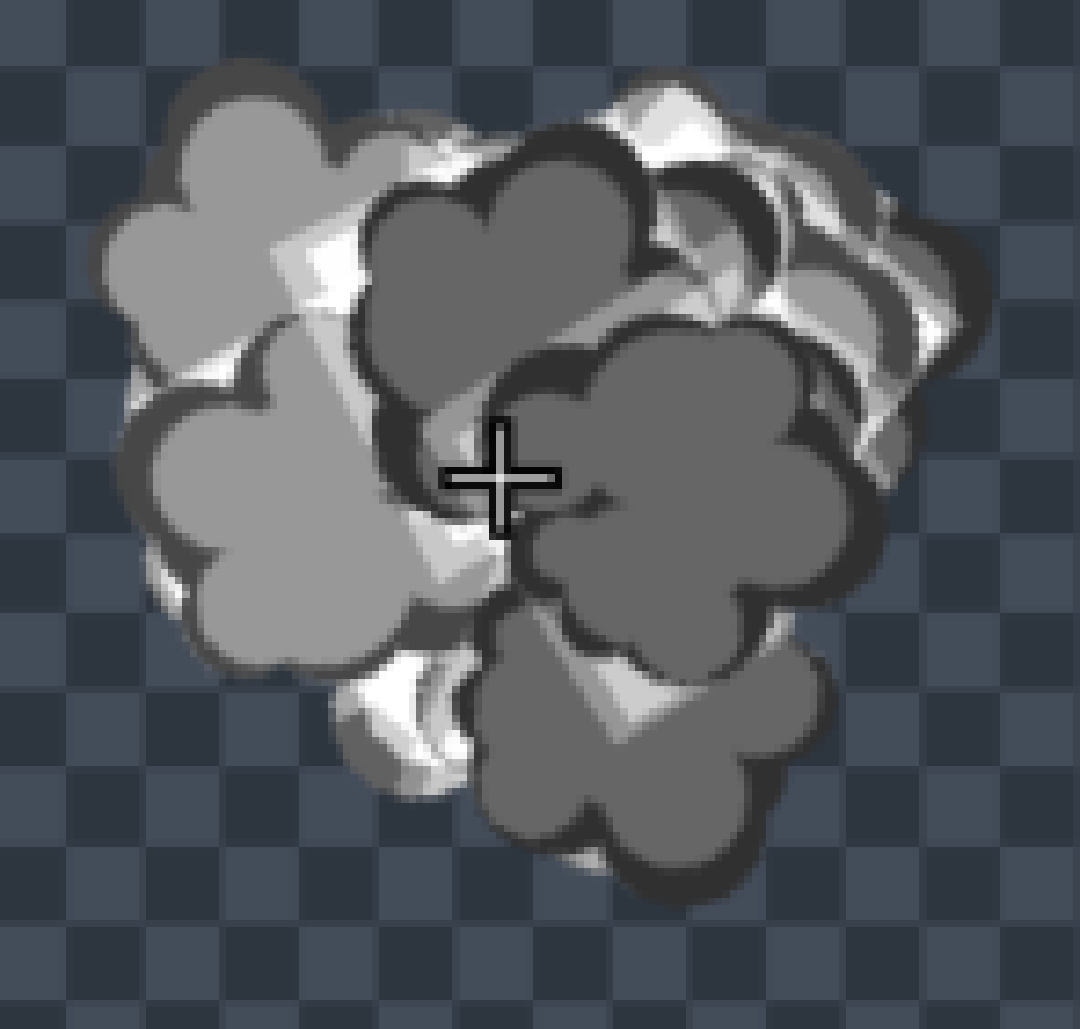
@DavitMasia thought this capture might help, the large sphere is a sprite colored white (took me a while to realize color on sprites is like tint) and the tiny circles are on a layer below, although they are color red. if it makes a difference i'm running an i5 with an AMD RX580
@DavitMasia any thoughts on avoiding alpha areas of custom sprites showing up in #pixelfxdesigner? This is normal blendmode, seems to go away with additive, I don't always want to use additive. Sprites made in Photoshop
@ObsydianX@DavitMasia Wish that was the case, I suspect it isn't because it happens with the built in sprites too. A similar thing happens in subtractive blendmode, this is with a built in star sprite and its color set to white