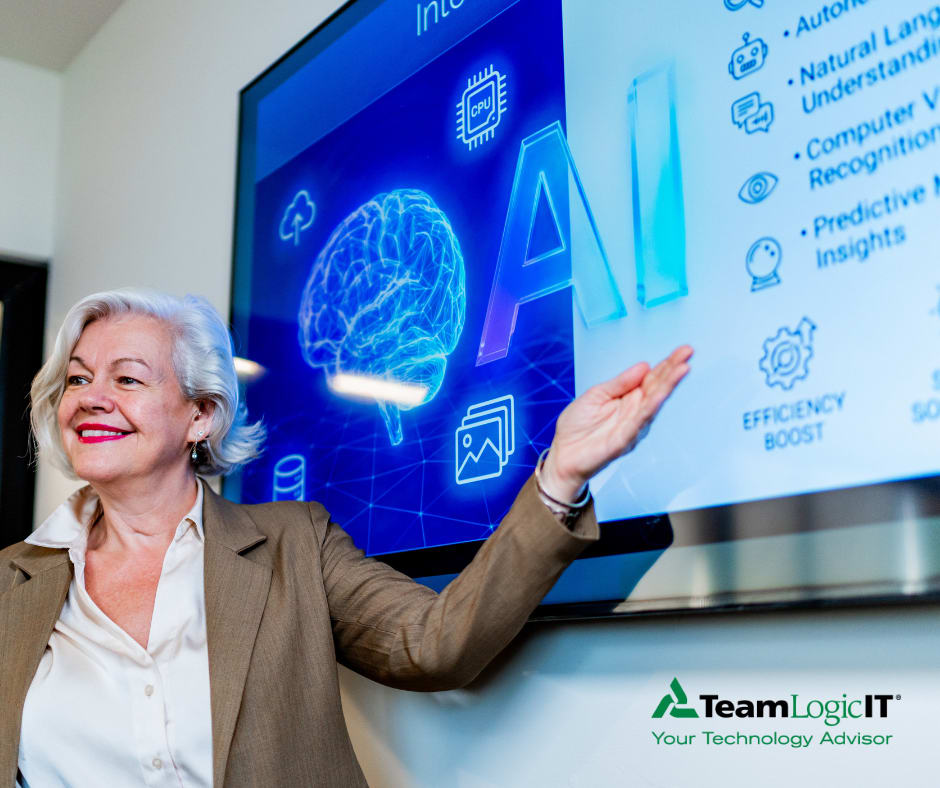
What would make AI worth adopting for your business? Start with the outcome you want to improve. TeamLogic IT helps turn that answer into a focused AI direction built around real business value. Optimize AI for your business with TeamLogic IT.
#TeamLogicIT#AI
Good IT should feel uneventful. That’s why TeamLogic IT takes a proactive approach to IT management. TeamLogic IT stops disruptions before they start, giving business owners peace of mind while keeping data secure.
#TeamLogicIT#ProactiveITManagement
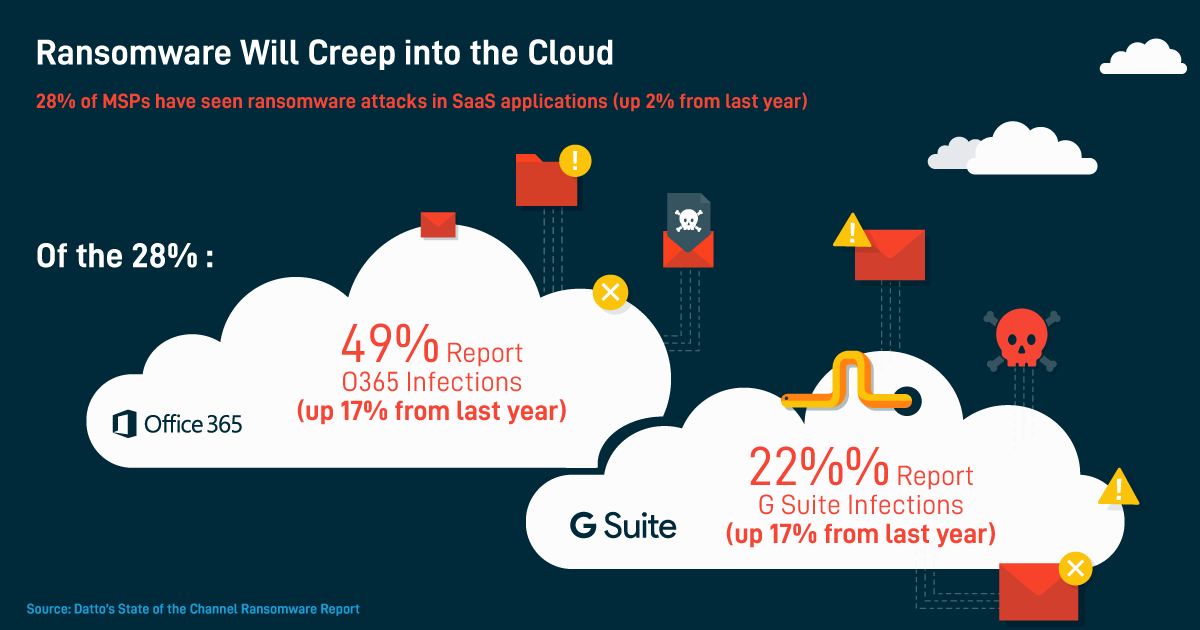
Only 1 in 4 #ransomware attacks are reported to authorities. Problem is bigger and growing. What else should you know about ransomware? Find out here. https://t.co/Ni4p4XAJ80
Do you know some of the common types of #ransomware and what to do in the event you encounter it? We can help you #stopransomware. https://t.co/tALHtSaJn6
5 types of social scams your employees need to know about: phishing, baiting, quid pro quo, pretexting and tailgating. Define each with our helpful guide here. https://t.co/BJFwIg74dZ
IT pros say there’s a lack of cybersecurity training across businesses worldwide. This is putting your data in jeopardy. Don’t be another statistic. Contact us today. #stopransomware
All it takes is one click by an employee to put your data in jeopardy. Protect your business with a Ransomware Protection and Recovery Solution. Contact us to learn more.
It’s easy to get distracted when you’re in a video meeting. Turning on your camera (and turning off other notifications) gives you the incentive to be present in the meeting instead of handling other issues during the call.
When self-isolating, video conferencing systems will be your best friend. Book 15min using your video conferencing system instead of relying on email or a messaging tool. Read more about collaborating while WFH here: https://t.co/PglVo1yTpe
Social Distancing for the SMB: Explore whether you can establish policies and practices, such as flexible worksites (e.g., telecommuting) and flexible work hours (e.g., staggered shifts), to increase the physical distance. https://t.co/QJvlv6TxYa
When working remotely, connect to your secure, private home network instead of relying on public WiFi. If you send your data through an unsecured WiFi connection, you lose the power of privacy making it possible for cybercriminals to intercept your data. https://t.co/CQKjdviGoc
When WFH, ensure you have fully patched and updated anti-virus and anti-malware software. It’s important to follow the same best practices you would as if you were in the office, and report any suspicious activity or concerns to internal IT or your MSP. https://t.co/2IgtcC1U3O
When working remotely, it’s crucial to continue your typical cybersecurity best practices and reach out with any questions or concerns. Read more here: https://t.co/4FRicHLmIC