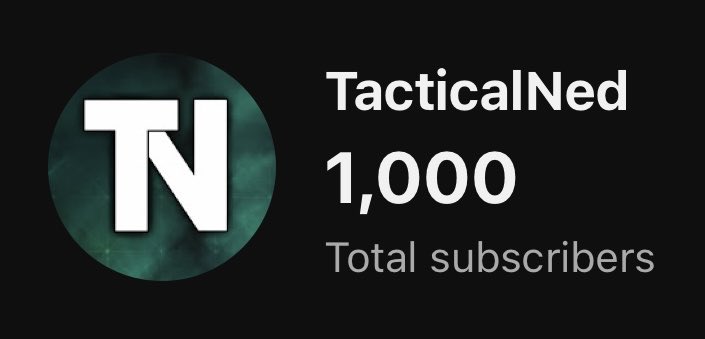
Hit a pretty big milestone today! Big thanks for everyone who’s supported me thus far!
Gotta give credits to @showxr for showing me the ropes of YouTube and editing, and the @CaliberCollect guys and their content creator program!
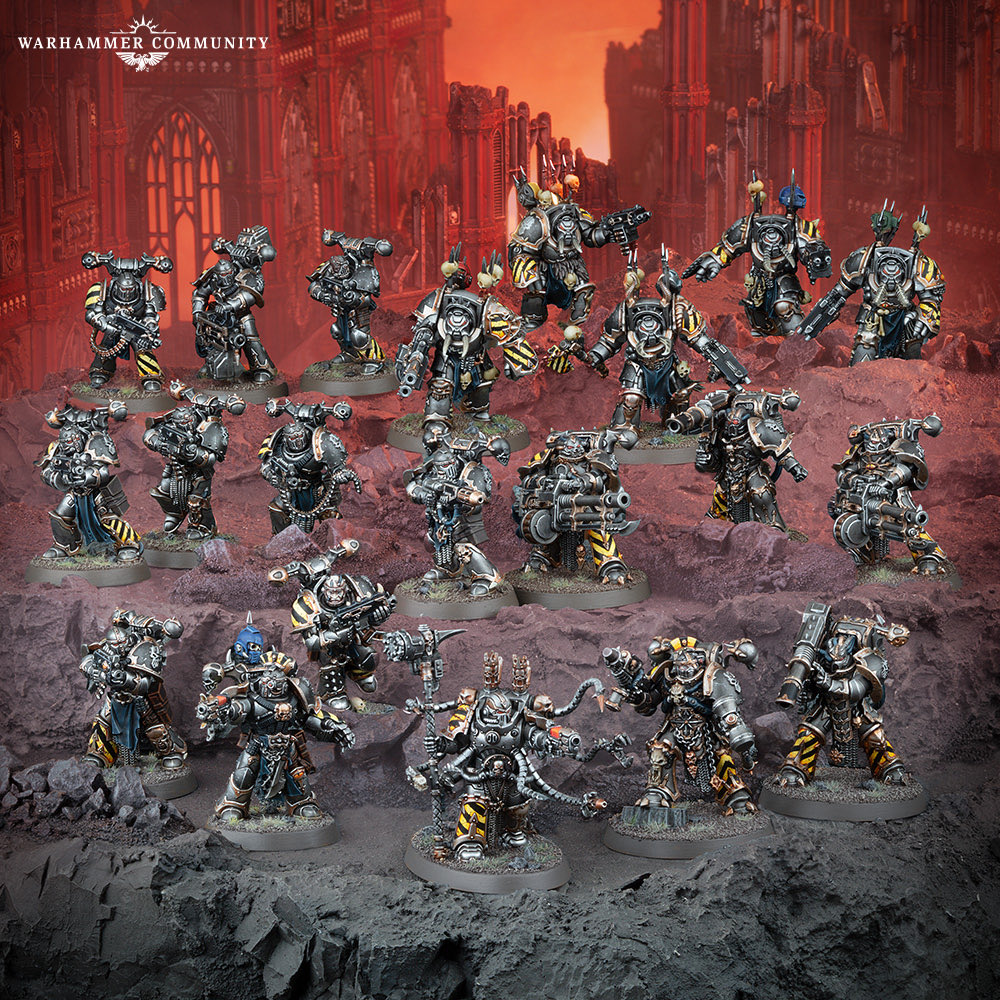
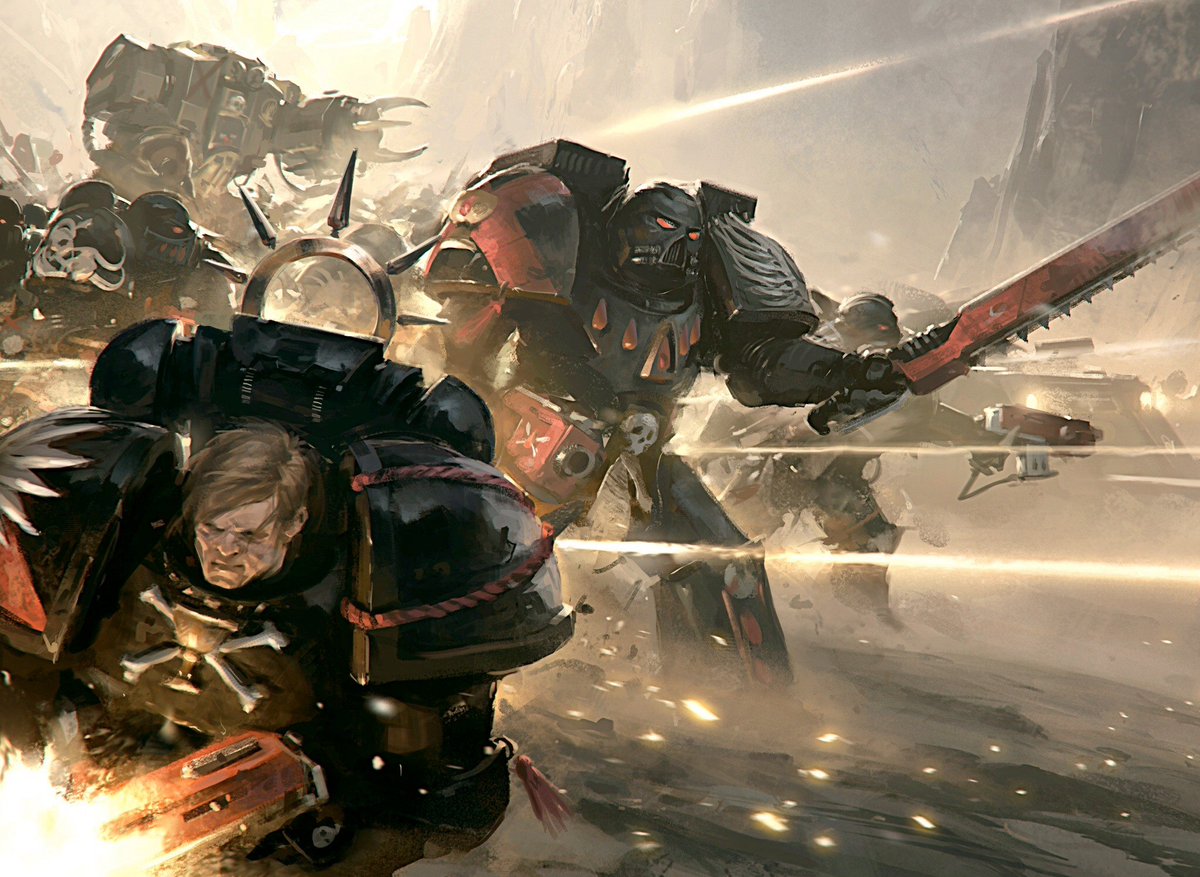
As I’ve gotten more into the lore I decided last week I want to paint my Havocs and vehicles of my CSM army as Iron Warriors. Today this gets revealed and it looks great.
In Marathon...
🔹Seasonal gameplay content is free for all players to access or earn, including zones and Runner shells
🔹There is no pay for power
🔹Rewards Passes do not expire
🔹You can buy previous seasons' Rewards Passes if you wish
🔹You unlock rewards in your Rewards Passes using SILK, which is earned by playing the game. SILK cannot be purchased.
🔹Premium Pass Rewards only include cosmetics, not gameplay items
🔹Cosmetics are also earnable through the Codex, with others available for purchase
🔹The premium currency LUX can only be used for cosmetics – not gameplay advantages
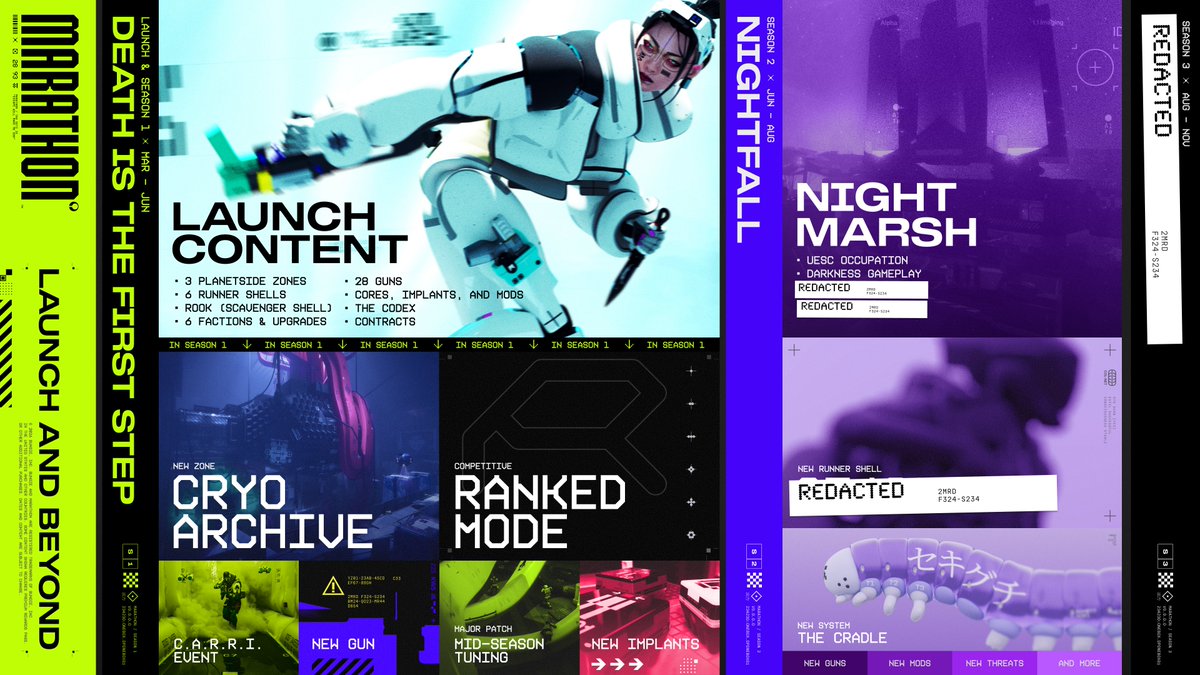
Learn more about seasons in Marathon and preview our season 1 and 2 plans:
🔹Seasons last ~3 months
🔹Seasons introduce new content and features, free for all players to access or earn
🔹Everyone starts each season with nothing to their name
🔹You keep your achievements and cosmetics
@bradlebees@IFrostBolt I just logged on to try it for myself, so far it’s working flawlessly. I have discord open, OBS open, overlays on, and alt tabbing with no issues.
Update 0.4 Incoming🔥
The next major milestone for #GrayZoneWarfare is scheduled for release in March 2026.
Get your first look at the #Spearhead update and tell us what you think.
If you’re playing Marathon on pc and experiencing the bug where your mouse freezes, doesn’t let you pick up loot, and just makes the game unplayable, the methods in this video still work to fix it. 👇🏼
https://t.co/m6SH0SR3ql
We are seeing reports of mouse or other input issues:
If streaming, try streaming the whole screen and not the Marathon game window specifically.
If not streaming, or if the above doesn't work, try disabling Discord or Steam overlays. For Steam click Settings → In Game and then toggling off "Enable the Steam Overlay while in-game".
We are aware of some third-party utilities that can introduce this problem. Try closing any screen sharing, screen capture, or screen measurement utilities.
@MarathonGameHQ Other methods that have worked for some include:
Disabling discord entirely
Uninstalling and reinstalling the game and having discord disabled before launching the game again.