📸 Paste screenshots into TeamDesk records—no temporary file needed.
Our new tutorial shows how to add paste controls with the AI setup assistant.
https://t.co/CG7df99RA9
Got a TeamDesk Data Analysis exactly right after several rounds of refinement?
Save it as a reusable prompt.
Next time, just type its name and let AI rebuild the same analysis using your latest data.
Learn how:
https://t.co/94nrcXIgF2
#TeamDesk#AI#DataAnalysis
Root-level CSS variables = consistent, customizable #TeamDesk UI! 🎨 In Part 3 of our styling series, learn how typography, color palette & appearance settings are defined once and used everywhere — plus how to tweak them in the Theme Editor. 👇
https://t.co/VDqnsiViVh
✨ Happy Holidays from TeamDesk! 🎄
2025 brought powerful AI features: natural-language Data Analysis, AI View & Form Designers.
Thanks for being part of our journey—here’s to a brilliant 2026!
👉 https://t.co/rsZZPTYzPq
#TeamDesk#AI#NoCode
TeamDesk AI data analysis is getting smarter 🤖📊
✔ Rate AI responses
✔ Add table-specific instructions
✔ Get more accurate, consistent insights
Your feedback + your rules = better answers.
👉 https://t.co/2Qx1DCXuIF
#AI#DataAnalysis#NoCode#TeamDesk
Want a cleaner, more maintainable UI in TeamDesk? 🚀 Check out Styling new TeamDesk UI, part 2: Common conventions: class-naming, relative units, CSS vars & color logic in HSL. Read here 👉 https://t.co/bcK9jdzyMD
#UIDesign#TeamDesk
The TeamDesk Mobile App now speaks 35 languages! From English & Deutsch to Українською & Español — making collaboration truly global.
https://t.co/Wudy9NPnzn
#TeamDesk#Multilingual#AppUpdate
New in TeamDesk! 🚀
Ask questions in plain language and instantly analyze your data using AI — charts, insights, and quick answers at your fingertips.
Try AI Data Analysis now 👇
https://t.co/AC1i4NB1Eo
🚀 Meet AI Form Designer: instantly improve your TeamDesk forms with plain, natural language - all by typing what you want. It's the fastest way to create clean, user-friendly forms in TeamDesk. Try it today!
https://t.co/YKgDqaJc4i
🚀 Meet View Designer – our new AI-powered tool that lets you build and customize reports in TeamDesk using natural language.
Start creating smarter views, faster.
👉 Read more:
https://t.co/NYcOimNNZc
Customize your database and domain colors to match your corporate identity seamlessly. Enhance your brand consistency with our latest update! #TeamDesk#Customization#BrandIdentity
https://t.co/atjUxYxhja
From all of us at TeamDesk, we send our warmest wishes for a joyous holiday season and a New Year brimming with opportunities and success. Thank you for being an essential part of our journey. #TeamDesk#YearInReview#HAPPYHOLIDAYS
https://t.co/GEGUzgnvjW
New TeamDesk UI reaches general availability. It features a sleek and light-colored design, which is more modern and visually appealing. The layout is more refined, with better spacing and larger fonts, making it easier to read and navigate.
https://t.co/8vEdpWVxGj
Update Fields option to automatically evaluate fields in Word documents. PNG format is supported in domain, database and workspace images.
https://t.co/Oc7XzxNMtj
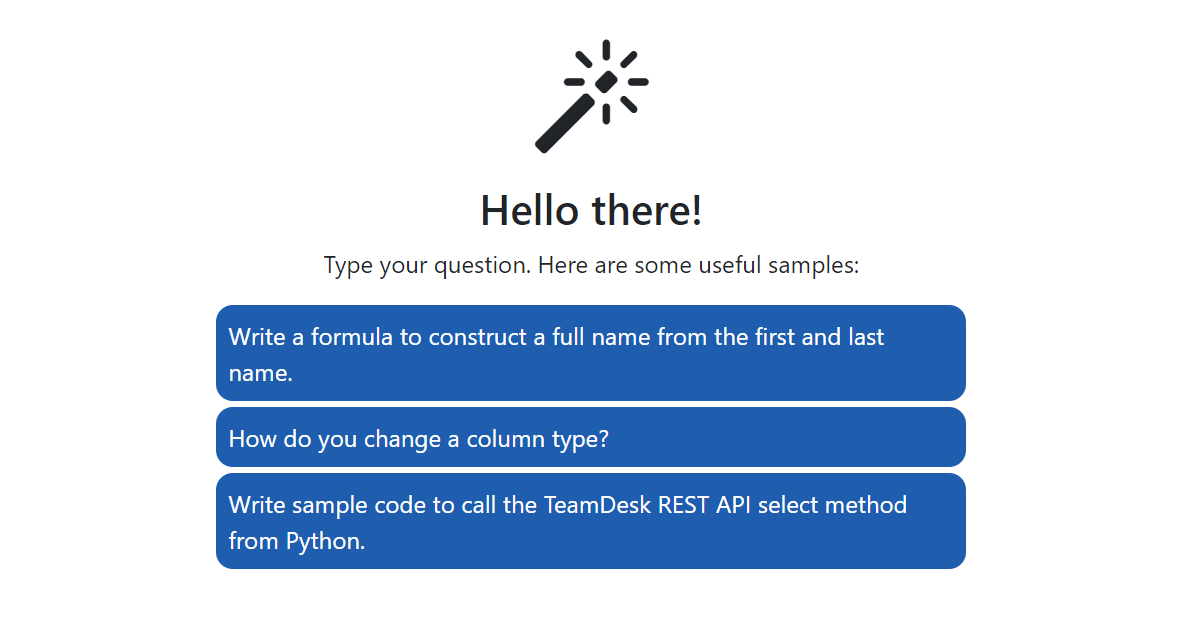
You can now ask questions directly within the help system and get instant answers from our AI-powered chat. No need to sift through documentation—just type your question and get the help you need right away! https://t.co/fYIJyaUqL6