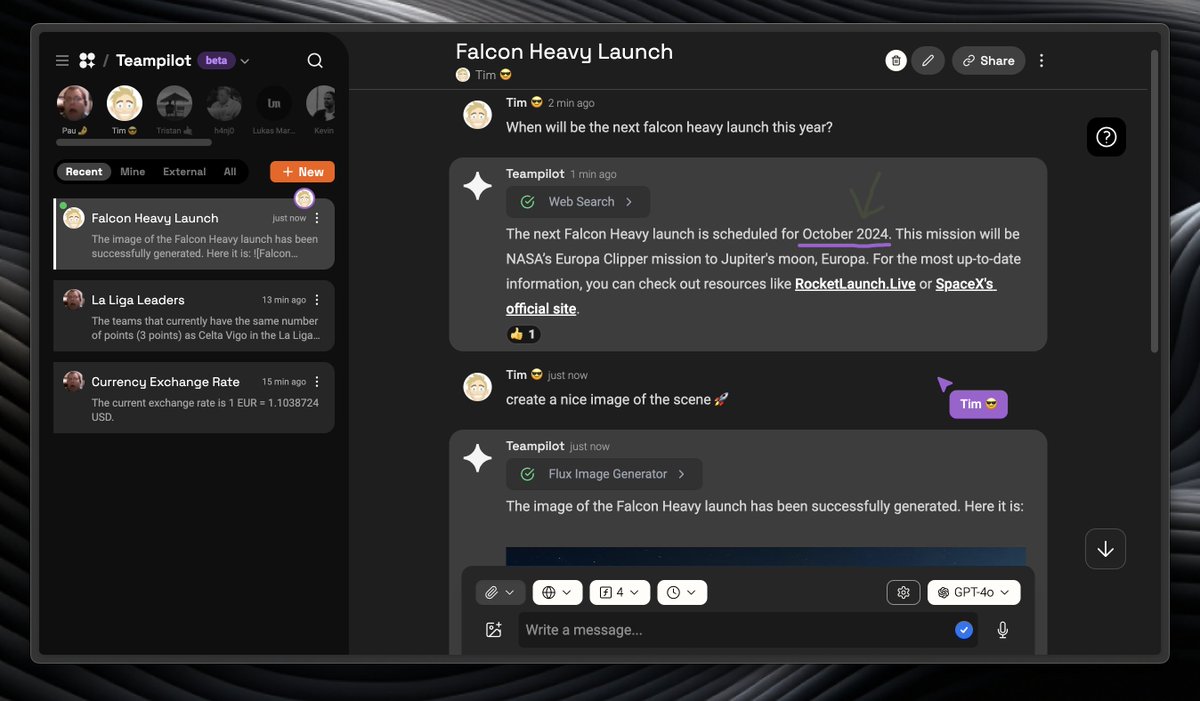
Introducing Teampilot AI: Backend as a Service. The most complete AI platform for secure, GDPR-compliant, reliable, and fast AI integration.
This is the perfect option to leverage cutting-edge AI safely in your project, asap.
Developed in Germany 🇩🇪
Here is all you need to know 🧵
You can code your own AI tools and functions directly within Teampilot.
Using TypeScript, you can connect your AI to anything, all within the platform.
You can even render interactive React UIs inside these tools to create custom user experiences.
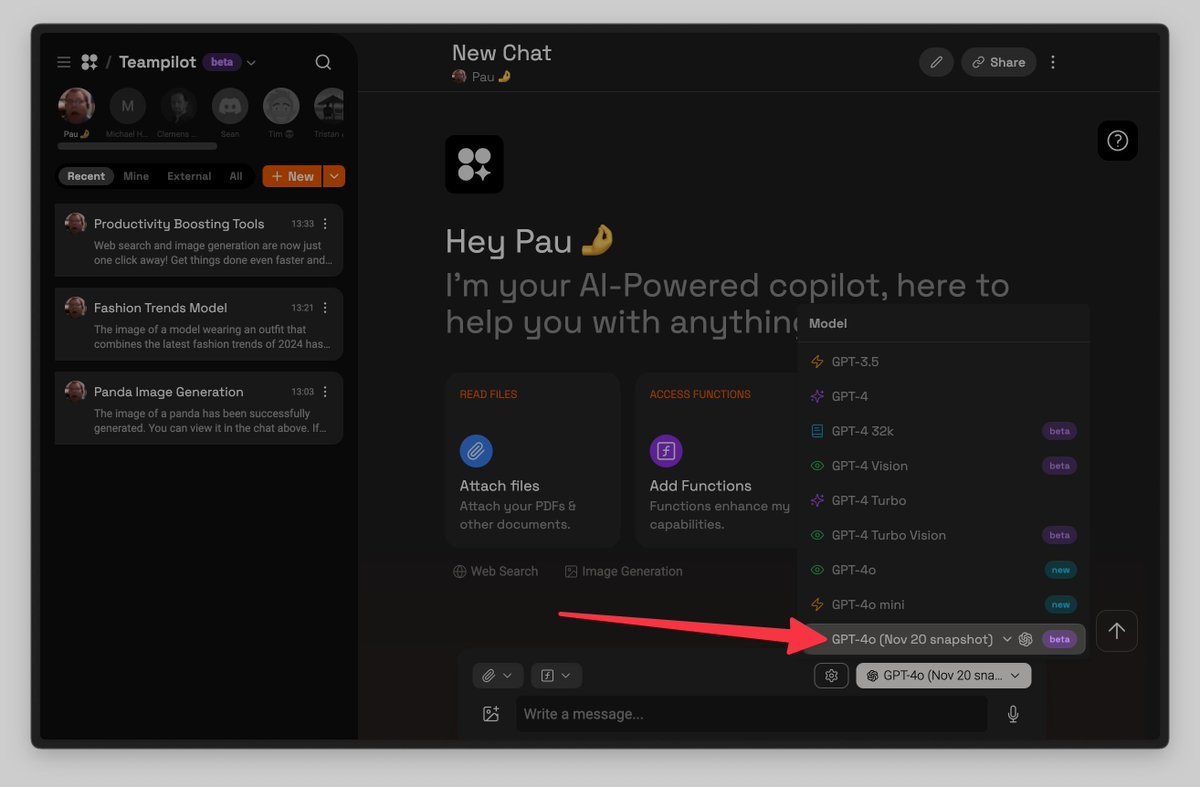
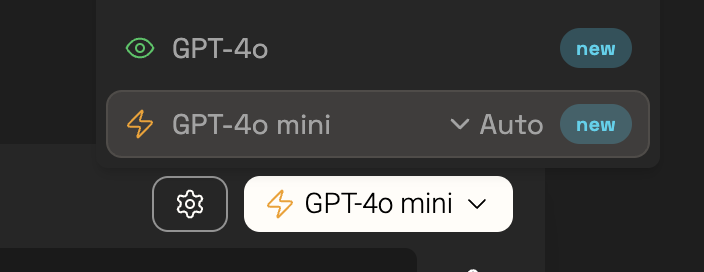
GPT-4o got an update 🎉
The model’s creative writing ability has leveled up–more natural, engaging, and tailored writing to improve relevance & readability.
It’s also better at working with uploaded files, providing deeper insights & more thorough responses.
You can now change the expressions of faces in Teampilot! 🚀
Just tell it to:
- Look where you want 👀
- Raise or lower your eyebrows 🤨
- Add a wink 😉
- Give or remove a smile 😀
- Form an "aaa," "eee," or "wooo" with the mouth 😮 (or mix them)
Just launched 📊 Team Reports. Get deeper insights into how your team uses Teampilot AI.
Built with beautiful @shadcn UI charts.
Now live in your Teampilot team!
We're thrilled to introduce the Flux 1.1 Pro model in Teampilot AI! Experience the next level in image generation with enhanced performance and stunning results.
AI is great, but using it together makes it even better.
We've just added our newest collaboration feature!
🖌️ Multiplayer Sketch: You can now draw whatever you want in any chatroom.
By the way, we have a free plan, so come check it out with no strings attached!
Check out our latest blog article where we compare DALL-E from @OpenAI against the innovative Flux image generation model family from @bfl_ml.
⚡ Who is faster
🫰 Who is cheaper
✅ Who is better
Dive in to find out! 👇
From zero to finished UI was never so easy 🔥
As a Developer, @v0 is incredible to build great UI's fast.
Kudos to @vercel and @jaredpalmer for this incredible tool! 👏
🥳And that's it, this is all you need to do to create your own AI Sales Assistant.
☁️ But the sky is the limit, you can go ahead and further customize your Sales Assistant as much as you want.
You can improve its System Message or add more Vector Collections, for example for your Products so the AI can look them up.
Or give it access to more functions. We have a large collection of pre-build functions for you to choose, or you can code your own.
⌨️If you want to try it before setting it up, you can chat with the Example Sales Assistant here: https://t.co/4n1nf2kmM7
📈 Boost your sales and cut support costs with your own 🧑💻 AI Sales Assistant.
Easily create and embed your own highly customizable AI Sales Assistant on any website using our powerful suite of tools.
Enhance customer interactions and drive revenue effortlessly.
Here is how: 🧵
If you don't have a Website or just don't want to add it as a Widget, you can give your Customers access to your Sales Assistant directly within Teampilot.
To do that, just copy the "Link" in the Access Control section and send it to your Customers.
ℹ️Note:
- Your Customers don't need a Teampilot account to chat with your Sales Assistant.
- Via this Link, they can only chat with your Sales Assistant, they can not change any Settings or see anything else from your Teampilot Team.
✅ So you're safe to send this to your Customers.