Did you know your iPad can make marking more convenient?
With Apple Pencil, you can annotate digital scripts, highlight answers, add feedback and keep your marking organised without carrying piles of paper around.
Get in touch with Digicape Education: [email protected]
Happy World Teachers’ Day 🍎
We celebrate the teachers who inspire and guide the next generation.
At Digicape, we’re proud to partner with schools and educators, supporting the people who make a difference in the classroom every day. 💙
#WorldTeachersDay#Education#Digicape
We’re proud to announce a new partnership between Digicape Education and Rondebosch Boys’ High School.
As Rondebosch’s Apple technology partner, Digicape will support the school with the supply of Apple devices, alongside the training, technical support, device management.
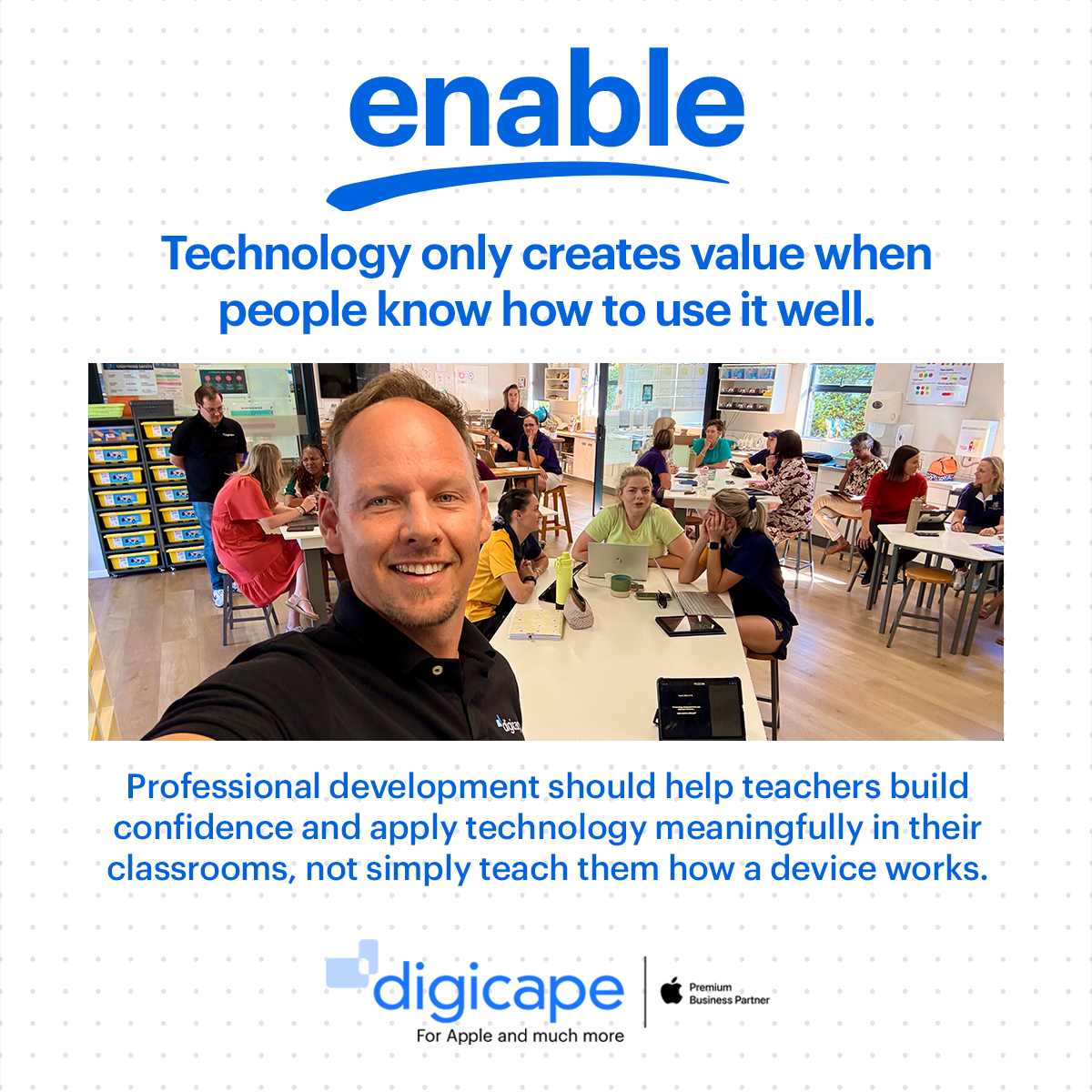
Digicape works with schools beyond the device, helping them plan, prepare, deploy and get meaningful long-term value from their technology investment.
Contact [email protected] to learn more about partnering with Digicape Education.
#Digicape#AppleInEducation#EduTech
Instagram decided to roll out a new “Muse AI” feature, that lets users create AI images based on people’s Instagram photos.
Then they opted in EVERYONE with a public account
To opt out:
Click your profile picture
3 bars in the top right
scroll down to "Sharing and reuse"
Toggle off for both Posts and for Reels
It was great connecting with school leaders and teachers at the Principal Suppliers Conference at UWC.
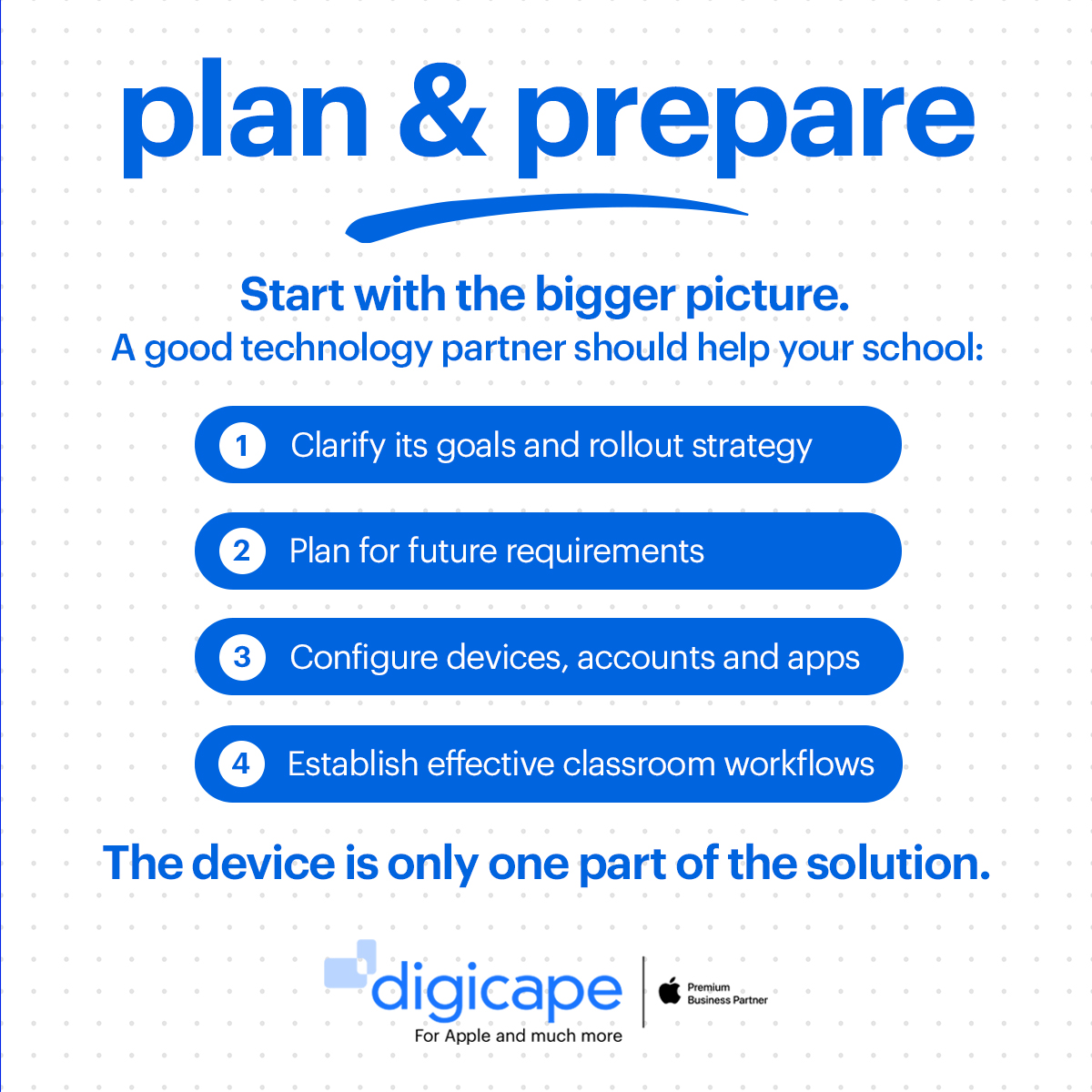
Our Head of Education shared practical tips on the questions schools should ask before investing in technology.
https://t.co/JrrHTHQEOe
#DigicapeEdu#AppleEducation#EdTech
Usually I tune out for image generation stuff but not gonna lie this one "Spatial reframing" feature was kinda sick: You can preview the effect in realtime, and the blur is what’s filled in later by the generative models. This is a good, tasteful use of image generation models. Works with any photos in your library, even older ones. Very interested to test it.