@parisketchya@objktcom We recommend using any Chrome-based browser.
Firefox version is currently unavailable, and you may be using the previous v1 version of the Extension, which we do not recommend.
Please use a Chrome-based browser with the latest v2 version of the extension installed
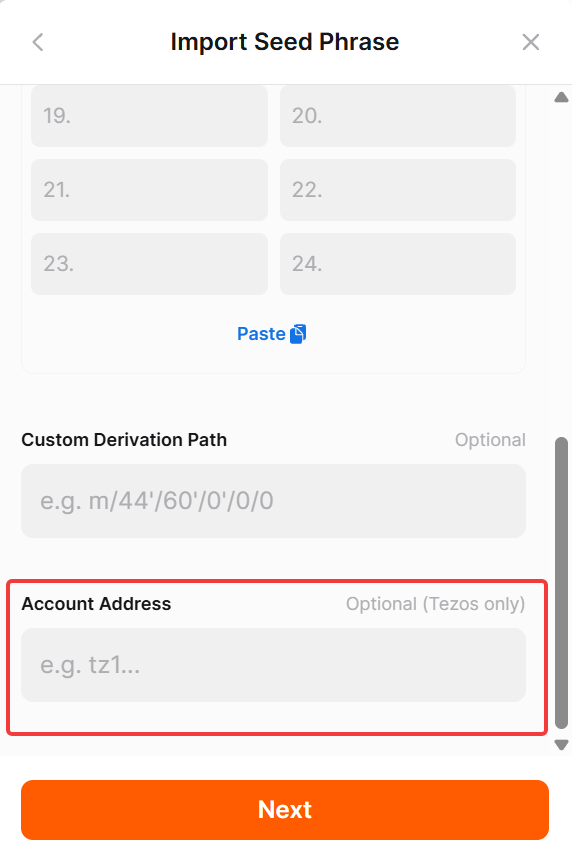
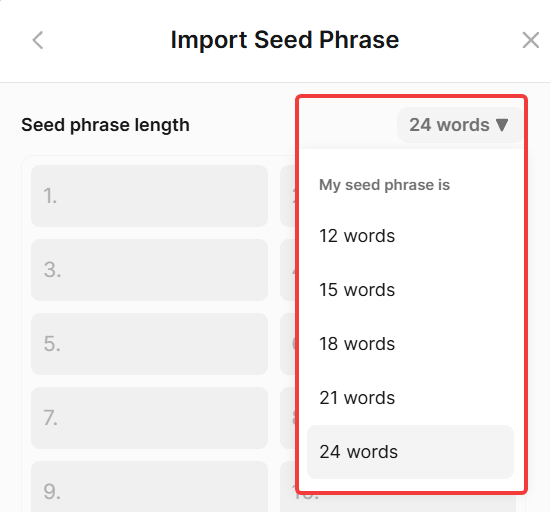
@webidente@WiseSigmaToad@oblivion_fields@KukaiWallet You can try to input your seed phrase and enter your Tezos account address, and it will try to find exactly your wallet
We do not know if it will work, but if you can try and check, it will be very helpful
@parisketchya@objktcom Please open Objkt inside Temple. Open the DApps section in Temple, choose Objkt there, then choose to connect Temple, and it will work through the in-app browser. Then try to mint
Big news is here: @etherlink is officially LIVE on Temple Mobile! 🚀
Today marks our official leap into the multi-chain era. You can now seamlessly navigate both Tezos and Etherlink right from your pocket.
Here is everything packed into this milestone update 🧵👇
@KOLLECTOR_OG@etherlink We tested Shielded Tezos just now, and all transactions are executed correctly on our side. Shielded Tezos is working properly for us.
So, please, can you send us more detailed info about what is not working on your side? Screenshots and errors will be helpful!
Ready to explore the EVM layer on Tezos?
Update your Temple Wallet app on iOS and Android today, explore Etherlink dApps, and let us know what you think! 📲🔥
A Fresh, Sleek UI/UX 🎨
Hopping between networks should feel effortless. We have refreshed the mobile interface to make switching between Tezos and Etherlink fluid and intuitive. Clear chain indicators, cleaner layouts, and smooth navigation throughout.