After discovering this epic level during yesterday’s stream I just had to share it with you guys. Make sure to join future streams here: https://t.co/1Utna3J3bN
Oh and here’s that epic level which I’m sure you will love: https://t.co/cv5NuOBE7e
@Havenisthebest9 To upload thumbnails you have to verify your YouTube account with your phone number. A tutorial on verifying your account can be found here: https://t.co/vHmtNsFzx3
Triple Upload! :D
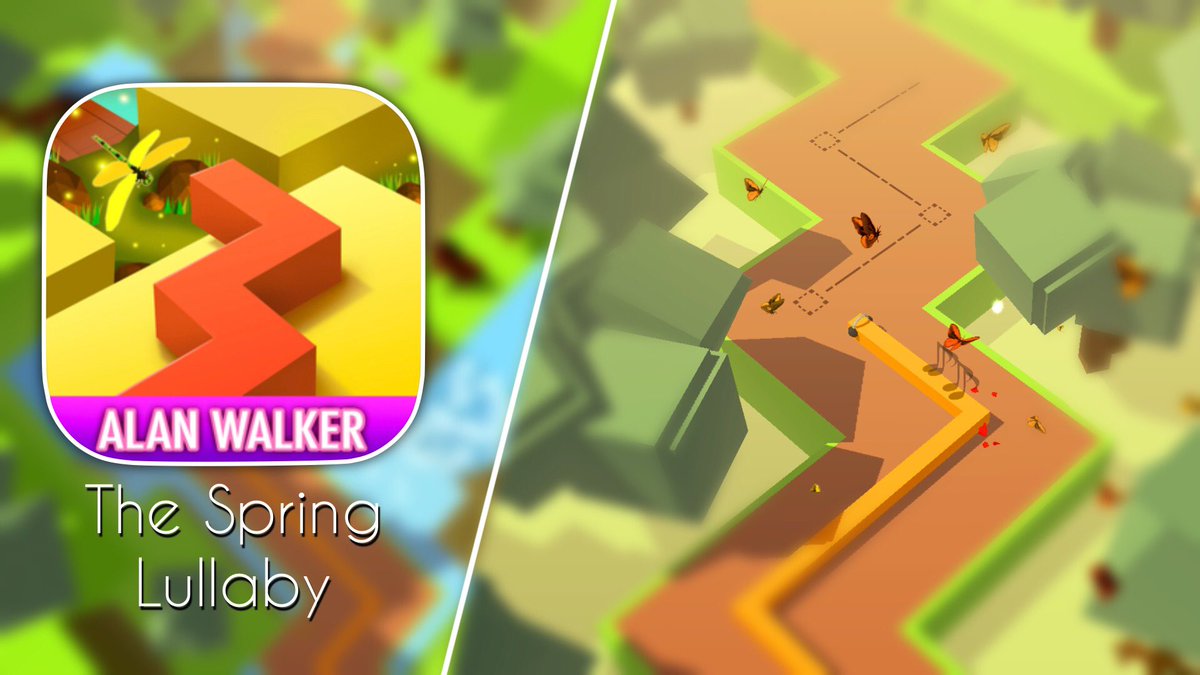
Two from the new Dancing Line update, and one from the new Rolling Sky update!
Rolling Sky - The Spectre: https://t.co/PGU9XjAAMh
Dancing Line - The Spring Lullaby: https://t.co/6IKS7owteP
Dancing Line - The Alley: https://t.co/bZklTPnbS4
@Havenisthebest9 Similar process, except it’s more chance based.
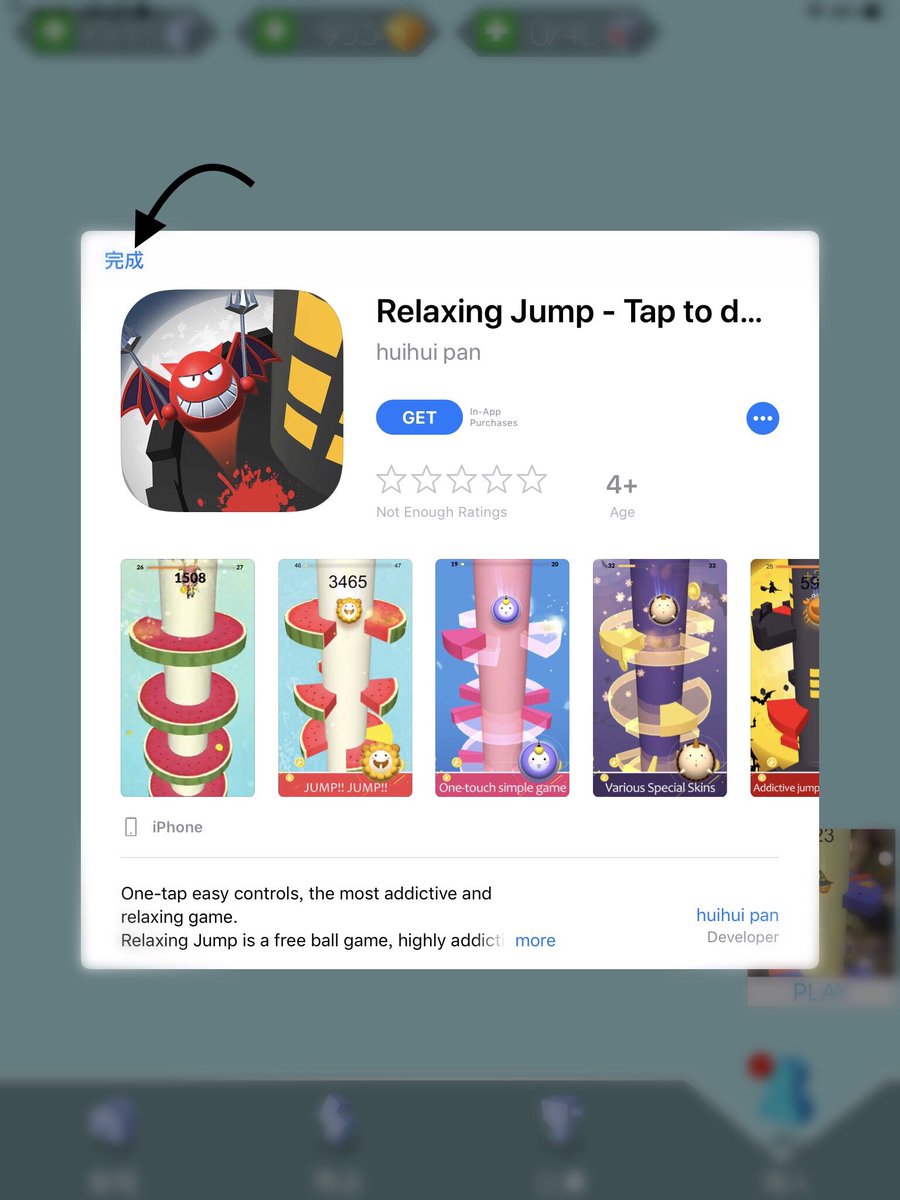
When you launch the app, there is a chance that an AD will be displayed (1st image).
If there is no AD, just completely restart the app until you get an AD.
Click the AD, wait for it to load then click done.
@Havenisthebest9 Okay so there’s a few steps..
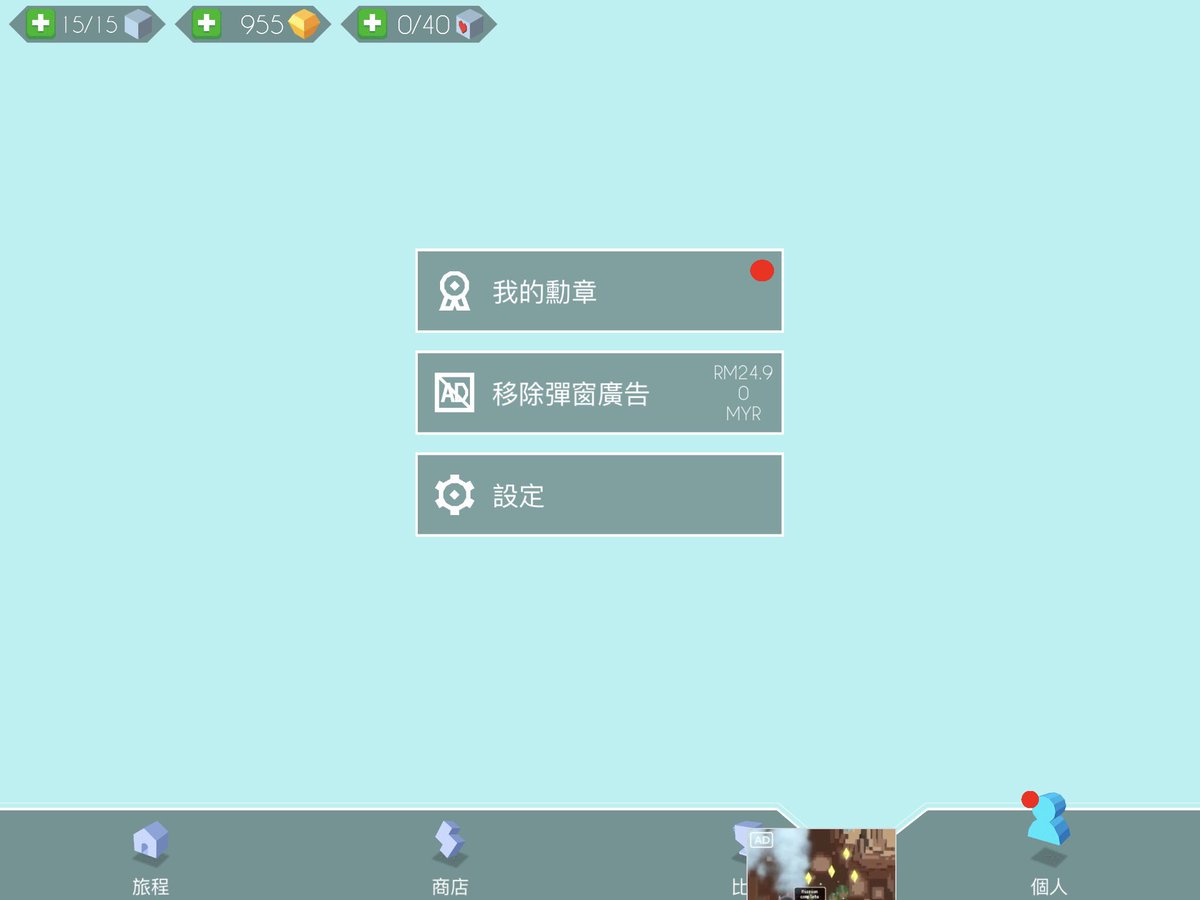
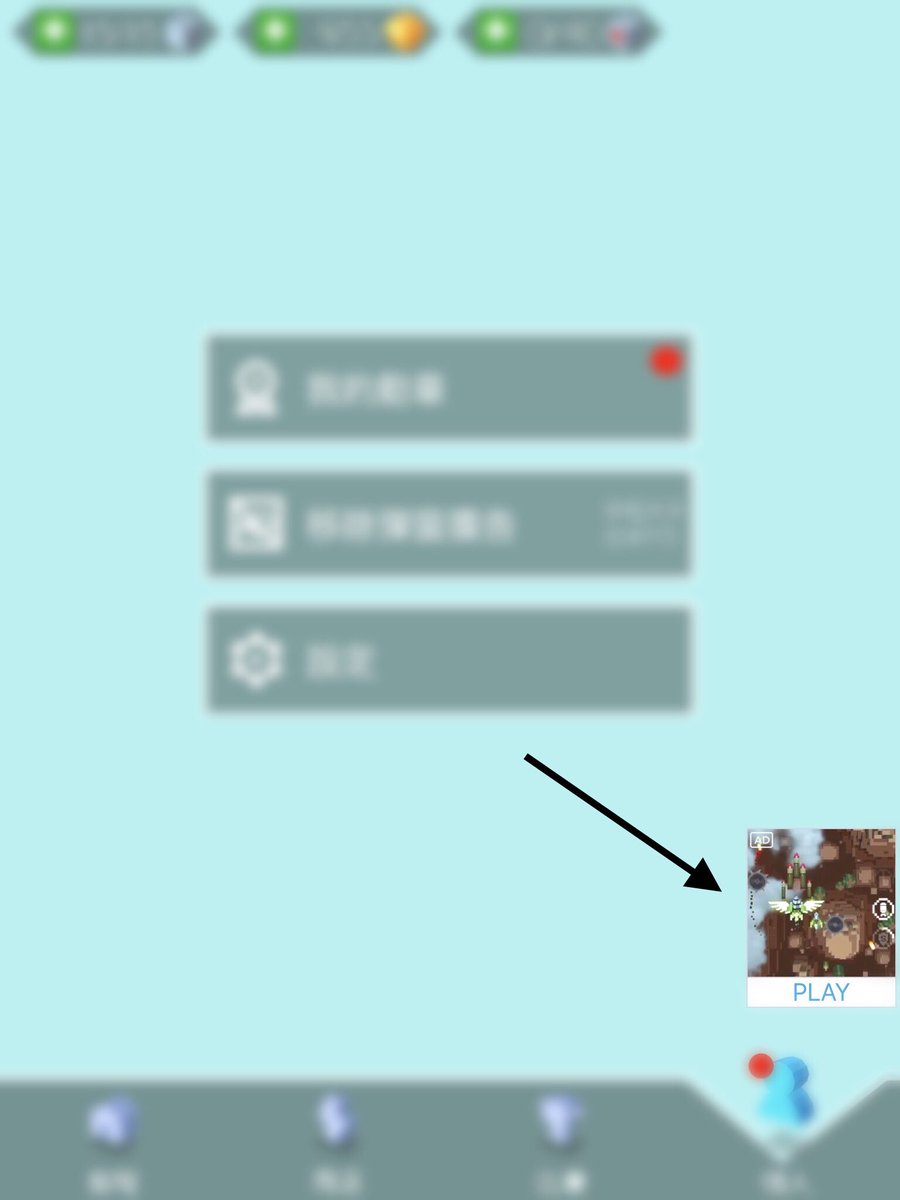
1: Open the game, go to settings, and check if there is an AD in the bottom right corner (if there isn’t, restart the app)
2: Click the AD, and wait for it to load
3: Physically rotate your device to landscape then click done
Picture steps below :D
Not on Christmas Day (But very soon), I am planning to do a ‘Christmas Livestream’ where I will be playing (and hopefully beating) all 3 of the new levels for the first time. I’m just waiting for the new update to go public, then I’ll choose a time to stream.
See you all soon! :D