💡 New Blog Post: Quick SharePoint Approvals using list formatting to set field values
🛠️Based on interest in the sample posted recently, I've written a post explaining it and with the JSON template: https://t.co/vZjmM38vYW #SharePoint#ListFormatting#MicrosoftLists#PnPWeekly
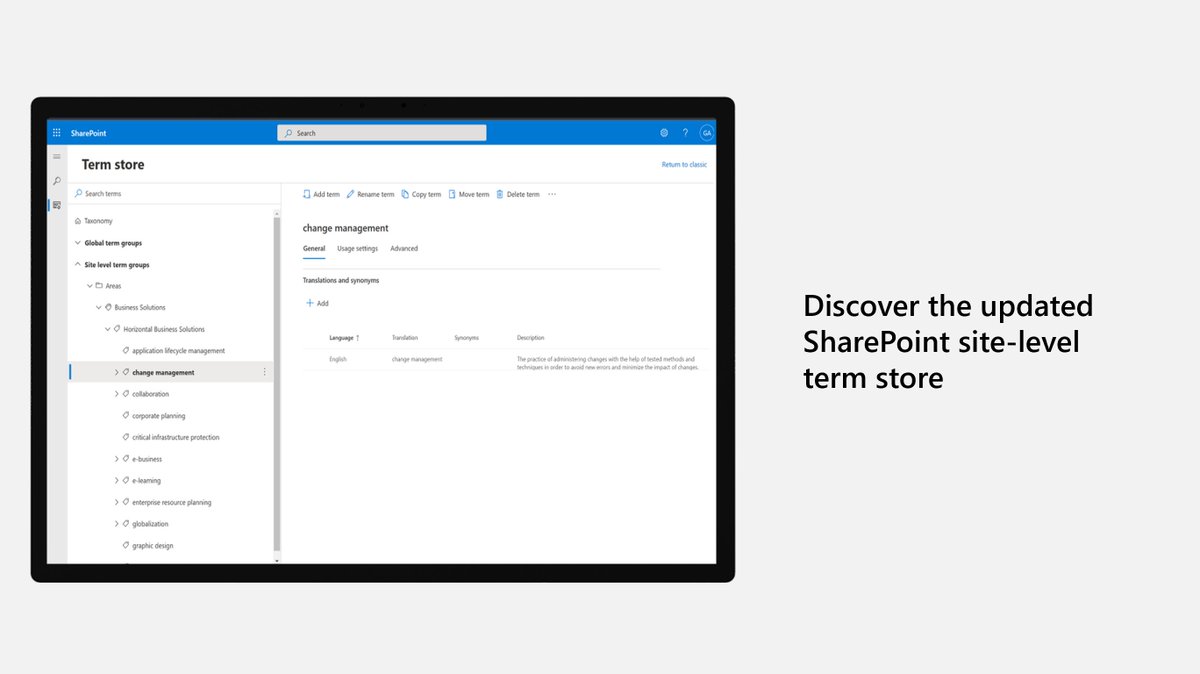
Learn about new updates that make it easier to navigate your taxonomies and create and edit terms when classifying & discovering your Syntex and #SharePoint content. https://t.co/CPkDy3IBj4
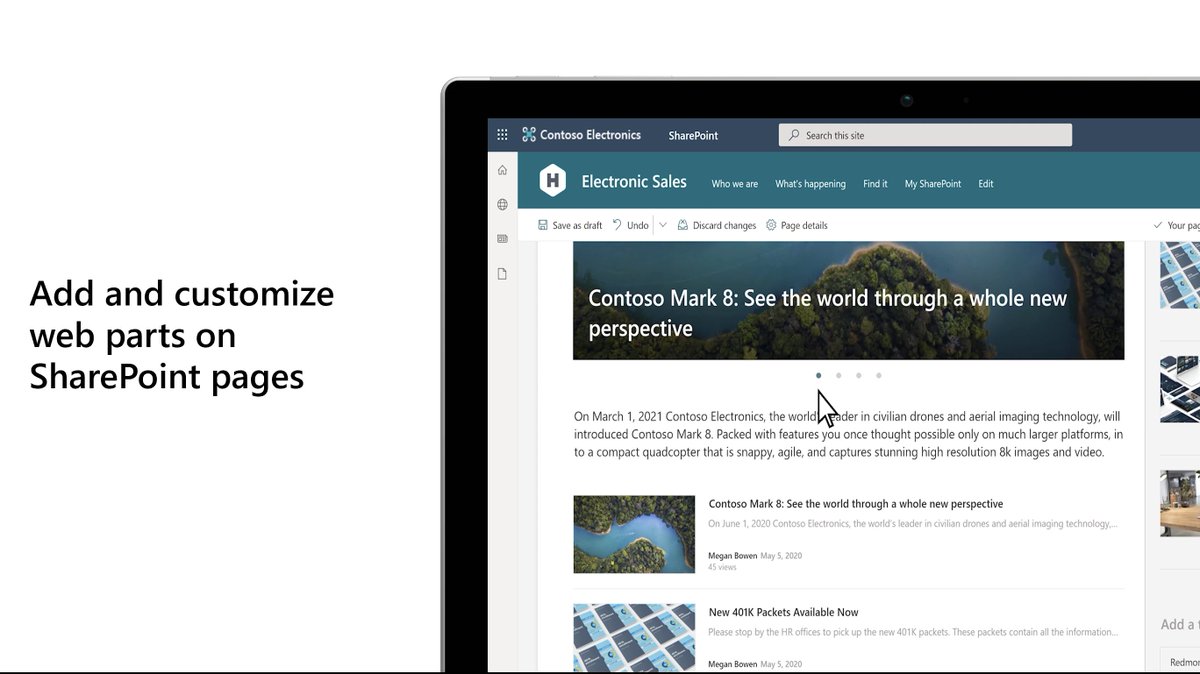
Organizations use Microsoft #SharePoint to create websites, and use it as a secure place to store, organize, share, and access information from any device. https://t.co/zrpjIe6iRL
#SharePoint Server Subscription Edition represents the next step in the @SharePoint Server journey emphasizing the specific needs of our on-premises customers. Learn more: https://t.co/GtuUWvvWzu
#SharePoint home sites have special capabilities like being marked as an official source of news in the organization. Learn how to plan, build, and launch a home site. https://t.co/mMsM4grxFL
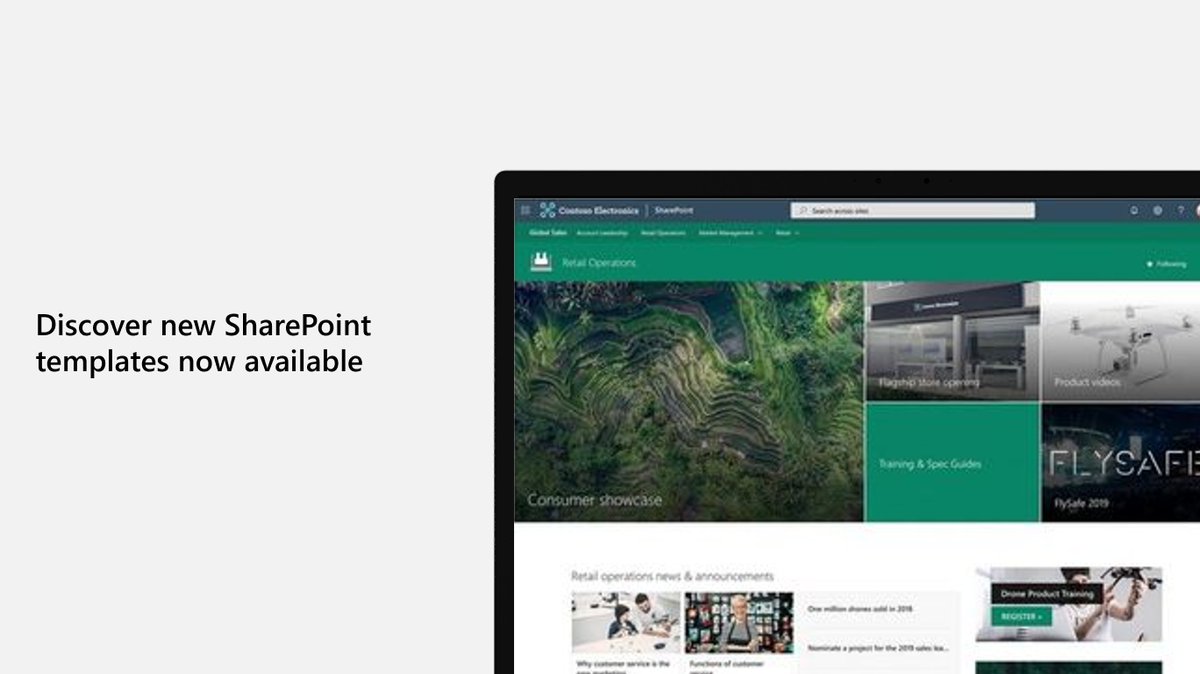
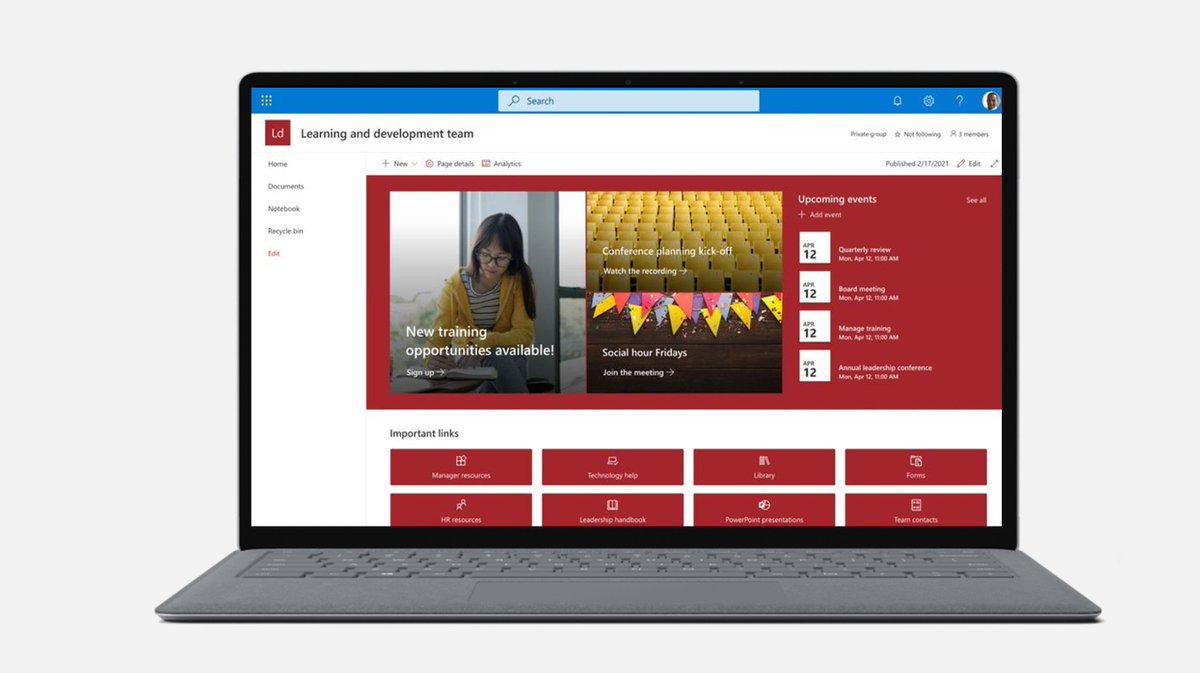
SharePoint site templates are flexible enough to address a variety of needs, making it easy to create and populate site content. Discover your options: https://t.co/Hs97t0oqVK
🤩 Great #Microsoft365dev community demo by @DeLucaGiulian on using OneDrive Apps folder to save user's preferences cross-device
✔ Scenario
✔ Technical details
✔ Live experience and code walkthrough
Watch 📺 → https://t.co/WEz1KZ0YCU #MicrosoftTeams#MicrosoftGraph#SPFx
There are lots of great #SharePoint site templates for all your creative needs and they are flexible enough to address a variety of uses, making it easy to create and populate site content. https://t.co/5EnYXpUGsn
This is a super exciting update for #MicrosoftTeams and #SharePoint! Rename a channel in Teams and the corresponding folder in SharePoint will also be renamed!!