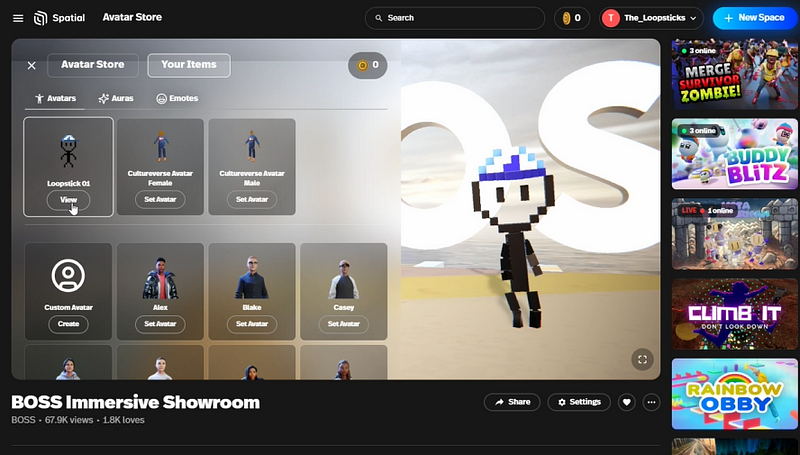
The tutorial for importing your 3D Loopstick into @Spatial_io is now available !
The process has been made as easy as possible to keep your experience simple 🤌
DM me if you want your own ready-to-use 3D Loopstick for Spatial 😶
https://t.co/80dx09f51D
https://t.co/HWJZk7bJ9O
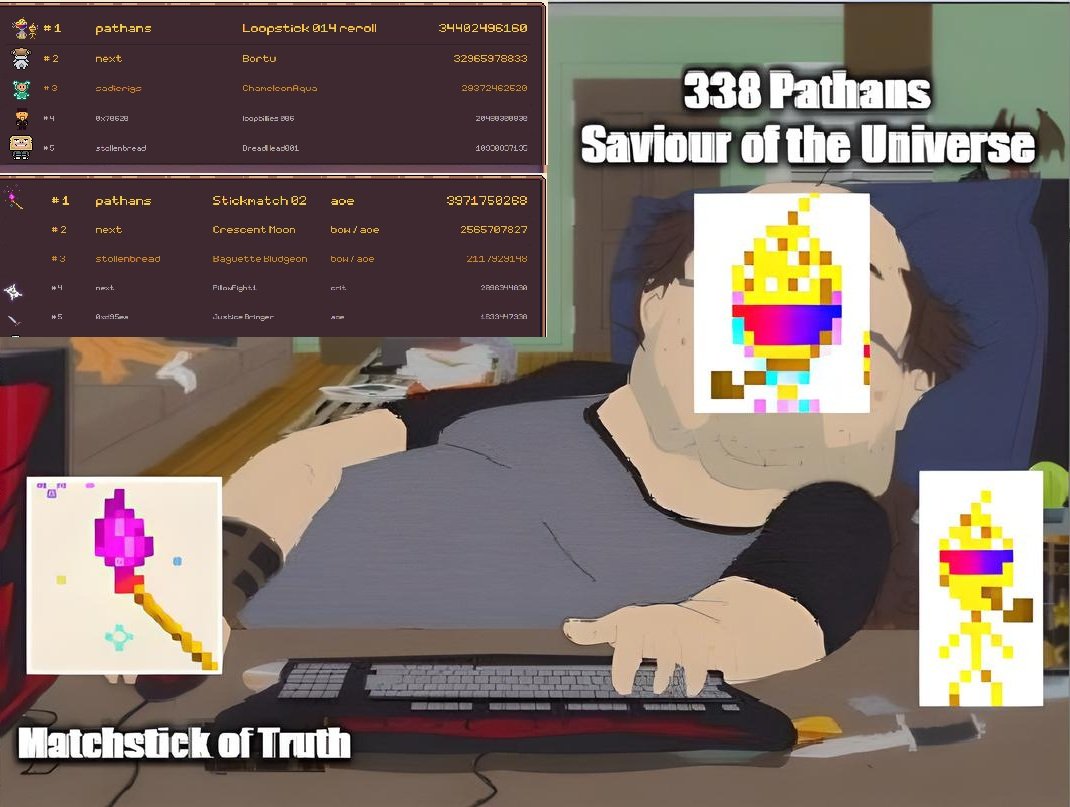
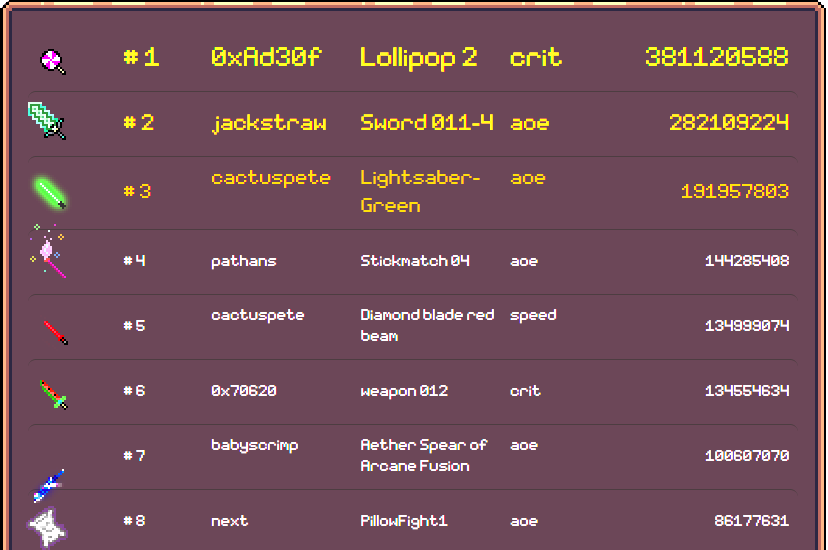
The Loopsticks may seem a little feverish, but they're here to rule them all in @LooperLands !
🥇Top avatar
🥇Top weapon
Gg @PathansOG 🔥🔥🔥
Image by @PathansOG the goat!
Originals 2D avatars integrated into @LooperLands .
Keep in mind that if you want to integrate your own 3D Loopstick into @Spatial_io , you can follow this tutorial : https://t.co/80dx09exc5
Originals 2D avatars integrated into @LooperLands .
Keep in mind that if you want to integrate your own 3D Loopstick into @Spatial_io , you can follow this tutorial : https://t.co/80dx09f51D
Original 2D avatar integrated into @LooperLands .
Keep in mind that if you want to integrate your own 3D Loopstick into @Spatial_io , you can follow this tutorial : https://t.co/80dx09exc5
Original 2D avatar.
Owner : @Pneuma_Brainboy
Keep in mind that if you want to integrate your own 3D Loopstick into @Spatial_io, you can follow this tutorial : https://t.co/80dx09exc5
@foreplay241 I'm just finishing building your LS so that it's ready to be imported with the greatest of ease ! Can't wait to see it blossom into its new form 😶
A step-by-step tutorial will follow shortly 😶
You will need :
- a loopstick minted on @loopringorg and integrated into @LooperLands
- a @Spatial_io account
- the @unity hub software
- 1 brain (pix)cell
- a PC
- 20 minutes of your time