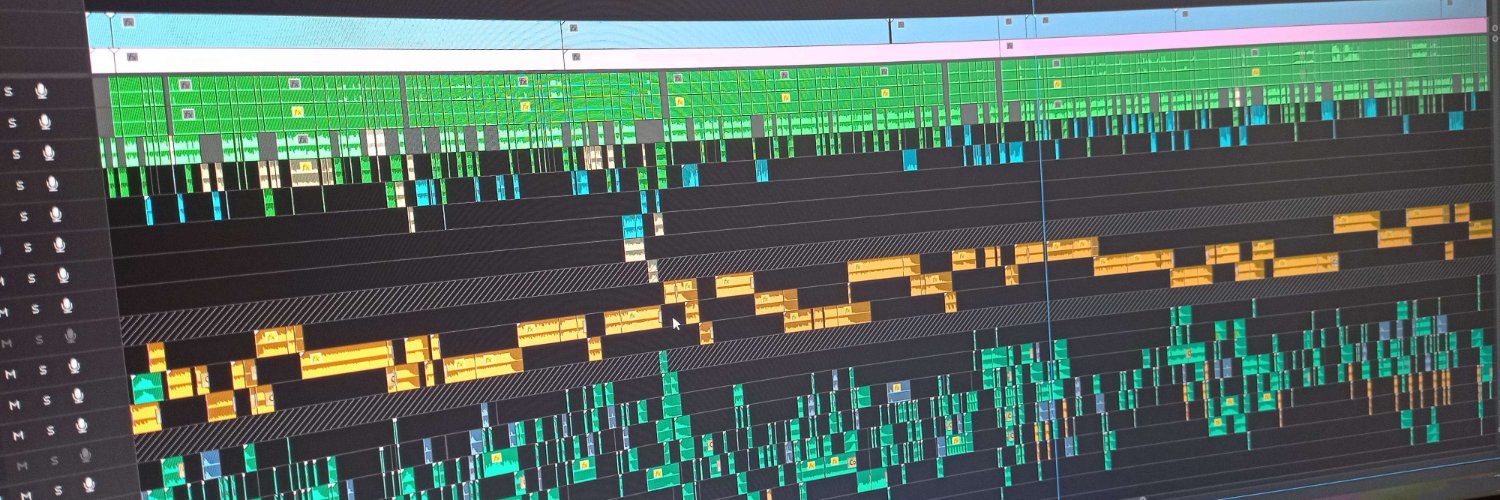
@full_ronin It can change song to song, but it should be loud enough to have an emotion impact, but not too loud that it blocks out dialogue/commentary for instance.
Usually I order the loudness like this :
- Commentary 1st
- SFX 2nd
- Music 3rd
Quick reminder to Video Editors.
I see lots of editors making audio balancing mistakes.
Make sure you are setting the most important part of your video (Voice-overs, actors etc...) to -3dB.
You are setting the wrong volume on your YouTube Videos.
LUFS are 'Loudness Units relative to Full Scale'
It's a standardized way to measure audio levels.
Platforms auto adjust volumes to encourage dynamic range without compression.
Optimum level for videos is to aim for -3dB.
4/ A Final Gut Check:
If you know you’ll ask for a raise in a few weeks, you’re not charging enough. Set your price right from the start.
💡 Don’t sell yourself short. The right clients will pay for quality.
🔁 If this helped, share it! 👇
How to Price Yourself as a Video Editor🎬
Most editors struggle with pricing. Charge too low, and you burn out. Charge too high, and clients walk. So how do you price yourself correctly?
Let's break it down 🧵
3/ How Should You Price Yourself?
Think of it as a two-way street:
✅ How much value does your work bring to the client?
✅ What’s the minimum amount you’re satisfied with?
Your rate should be between those two numbers.
👑YouTubers & Streamers
Want to grow faster, upload more, and stress less?
I manage editors & provide quality assurance so your content:
✅ Keeps viewers watching longer
✅ Hits deadlines without the headaches
✅ Frees up your time to create content & scale faster
DM me if you want to learn more
This post got me:
7 video editing clients
$1,000+ of revenue
Brand recognition
Let me explain how.
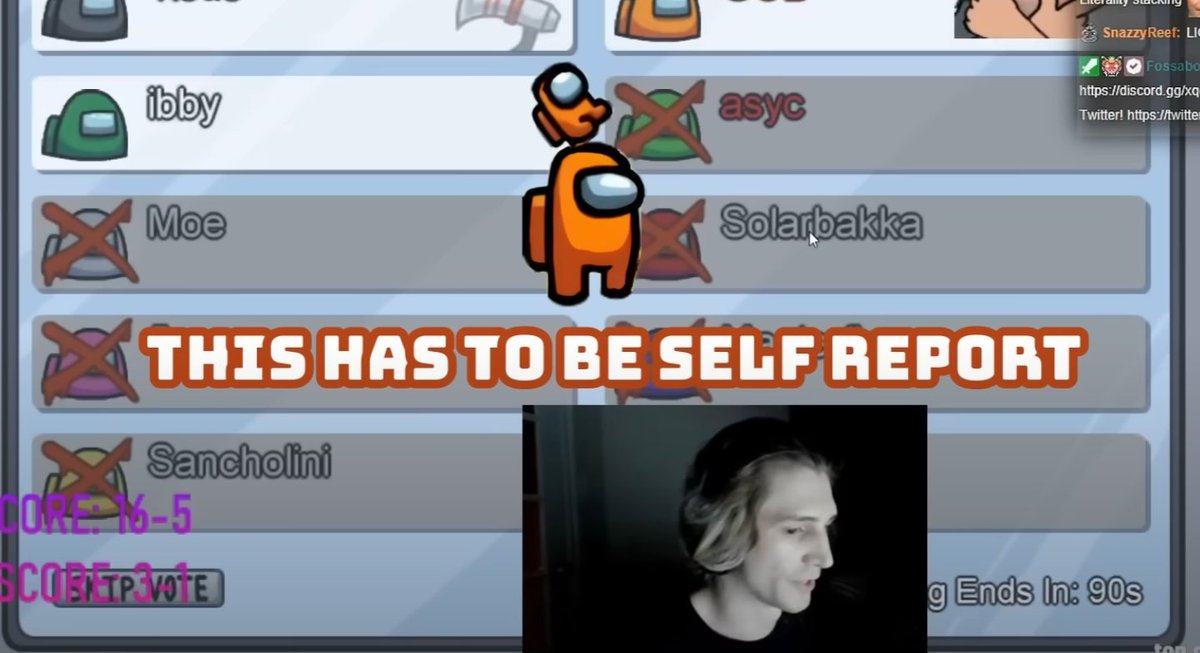
When Among Us was the most popular game on YouTube there was a huge demand for video editors for all the new content.
I positioned myself with a simple strategy to outdo all the other editors.
Creating my own editing style that no other editor had done at the time I set myself out from other editors in the eyes of clients.
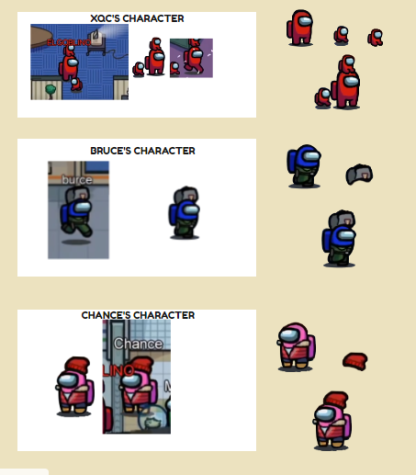
I created animated characters to for each person playing to identify who they are and make talking scenes more interesting.
Taking the most popular gameplay clips I fully edited and posted such content on my channel and amassed over 130K views.
And since no one else could do the same type of editing I had an incredible amount of inbound asking for editing with this exact style.
Don't copy styles.
Instead re-invent and reimagine them to create something truly unique.
That's what sells.
A small preview of my large Miro board! In this screenshot I'm showcasing a few of the assets I'm gonna use for a video and a bit of my process when going in depth in planning a video. (click to see the whole thing, so far only made 3 of 10 characters)
How to edit your videos 2x faster
1. Standardize your workflow
Work through your video stage by stage, cutting then visuals, then music, then sound effects.
2. Don't do wasteful visuals
Crazy visual effects aren't always the answer. Sometimes the simpler idea can be 10x more effective.
3. Prepare your assets
You should download assets before starting on the project, leave as little as possible to the last minute.
@snacks_money I know this point!
I chose not to include "bath water" part because its just too long for the tweet. But I've essentially mentioned the exact same thing.
Focus on the viewer experience always.
And that can mean including shots you find boring, but the viewer doesn't.
Hiller-Smith has been a huge inspiration for me when I started my editing career so please do follow him if you haven't already.
Thanks for all the great knowledge over the years! :)
If you found the thread useful please retweet and follow!
4. Pope in the pool
Entertain your audience while providing context.
Exposition doesn't have to be boring!
This could mean throwing in comedy, action, or tension while providing context.
5. Don't overedit
Don't make edits more complicated for the sake of it.
Prioritise the viewer experience above all else.
If that comes with a simple edit then you don't need to make anything flashy.
This also lets you utilise your time more efficiently.
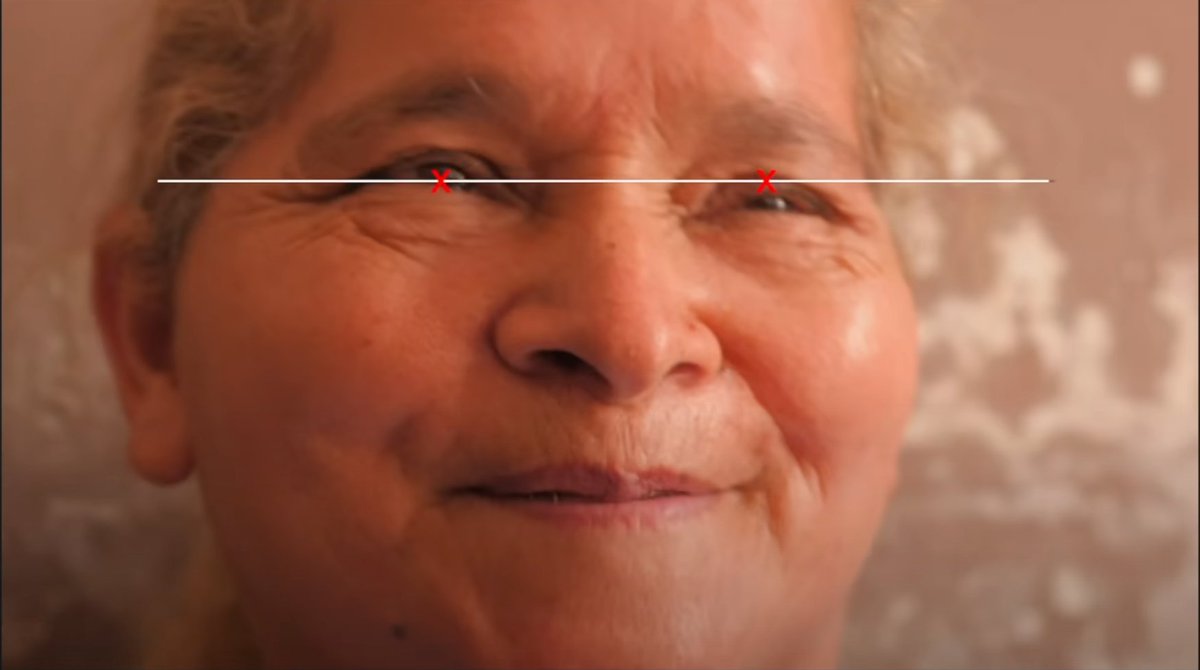
3. Match eye-lines cuts
Keeping the cut between two shots at the same eye level allows for a smooth transition between scenes as well as avoiding extra viewer effort to watch the video.