If your thoughts move between devices, your journal should too. Journey is a polished Mac journal app built for cross-platform writing.
Compare the options: The Best Journaling Apps for Mac: 10 Digital Diaries Compared (2026) https://t.co/5dCvAnvr4G
If distracting websites have started creeping back into your workday, it may be time to tighten your Mac setup.
Compare the best blockers: How to Block Websites on Mac (2026): Top Apps and Tips for Focus and Deep Work https://t.co/FPCC2G7Kpb
Dictation’s not your only speed hack. Cotypist lets you type as fast as you can think - accelerating output with smart, useful suggestions.
Great on its own or paired with dictation → Dictation on Mac: How to Use Talk‑to‑Text & the Best Dictation Apps https://t.co/XCmBStZytE
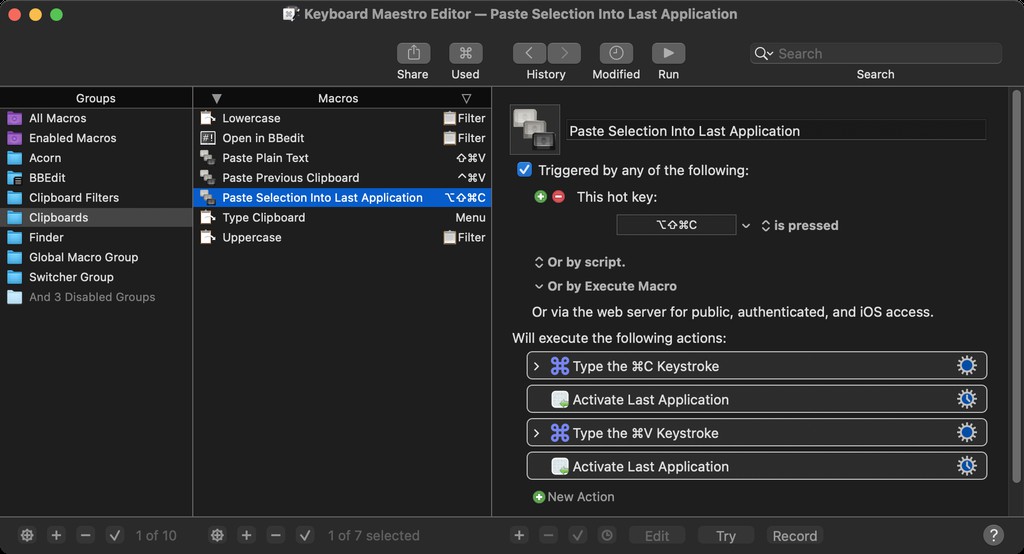
Automate repetitive clicks and actions. Keyboard Maestro gives you deep Mac control with simple logic-based workflows.
Find out more: Why Do It Yourself When Your Mac Can? Mac Automation from Basics to AI https://t.co/ODRciN5TFD
Your workspace changes. Your tools shouldn’t hold you back. Discover the best remote work apps built for Mac.
Revisit 👉 Work From Anywhere: Top Remote Work Tools for Mac Users in 2025 https://t.co/M2eWutM0vW
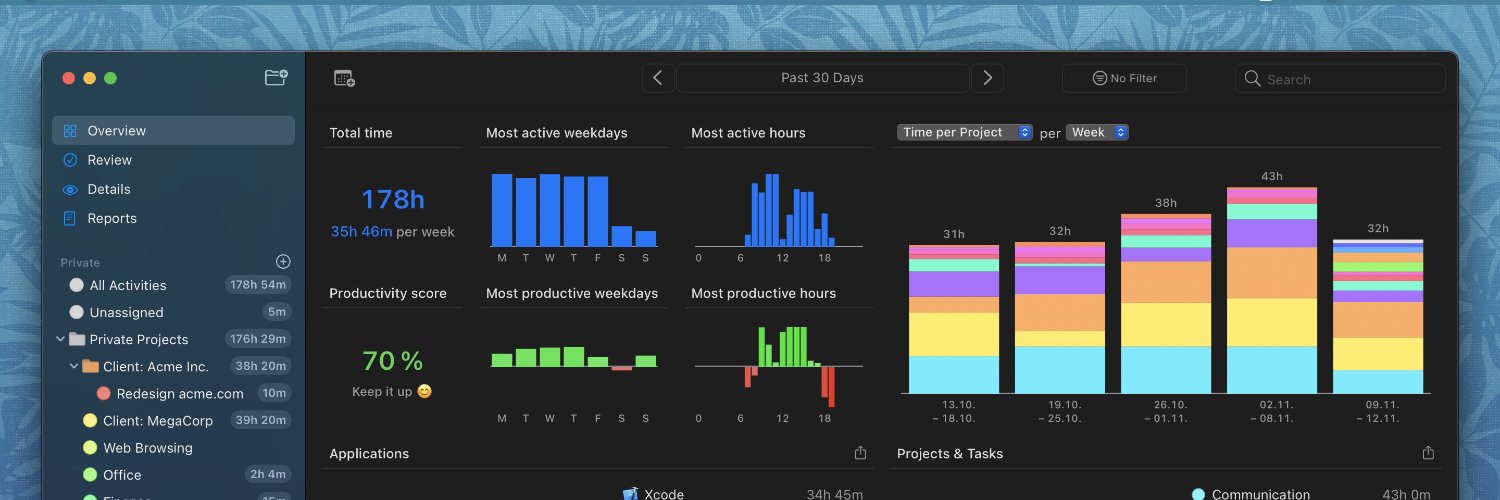
Journaling is often part of a broader mindfulness practice. Timing brings that same awareness to how your workday actually unfolds.
See how Timing helps: The Best Journaling Apps for Mac: 10 Digital Diaries Compared (2026) https://t.co/5dCvAnvr4G
Diarly is worth considering if your ideal journal is private, minimal, Markdown-friendly, and built around the writing itself.
Explore the review: The Best Journaling Apps for Mac: 10 Digital Diaries Compared (2026) https://t.co/5dCvAnvr4G
Apple Journal is the simplest starting point if you want a free, built-in journal across newer Apple devices.
Explore the comparison: The Best Journaling Apps for Mac: 10 Digital Diaries Compared (2026) https://t.co/5dCvAnvr4G
Day One is the polished all-rounder journalling app for Mac users who want rich entries, privacy, and a long-term digital journal.
See the review: The Best Journaling Apps for Mac: 10 Digital Diaries Compared (2026) https://t.co/5dCvAnvr4G
Timing pairs well with Pomodoro apps by showing what you actually worked on during each focus block, not just when the timer ran.
Learn more: The Best Pomodoro Apps for Mac in 2026: Focus Timers for Every Workflow https://t.co/kbTCeSe74y
Choosing a journaling app is easier when you know how you want to write: free-form, guided, private, or AI-supported.
Compare the options in our latest guide: The Best Journaling Apps for Mac: 10 Digital Diaries Compared (2026) https://t.co/5dCvAnvr4G
Devs, what’s your time worth? Revisit our guide and find the time tracker that shows exactly how you code, work, meet, and grow.
👉 Developer Time Tracking: Stay “In the Zone” with These Top 10 Apps https://t.co/u5d0j0c24I
The best Mac journaling apps make writing feel easy, keep entries private, and help you return to the habit consistently.
Read the new guide: The Best Journaling Apps for Mac: 10 Digital Diaries Compared (2026) https://t.co/5dCvAnvr4G
Micro Snitch is useful when you want clear signals around privacy without adding complexity, with a visible camera or microphone indicator.
Read the guide: Best Mac Menu Bar Apps in 2026: Tiny Utilities That Save You Hours https://t.co/yR7JlcwS6E
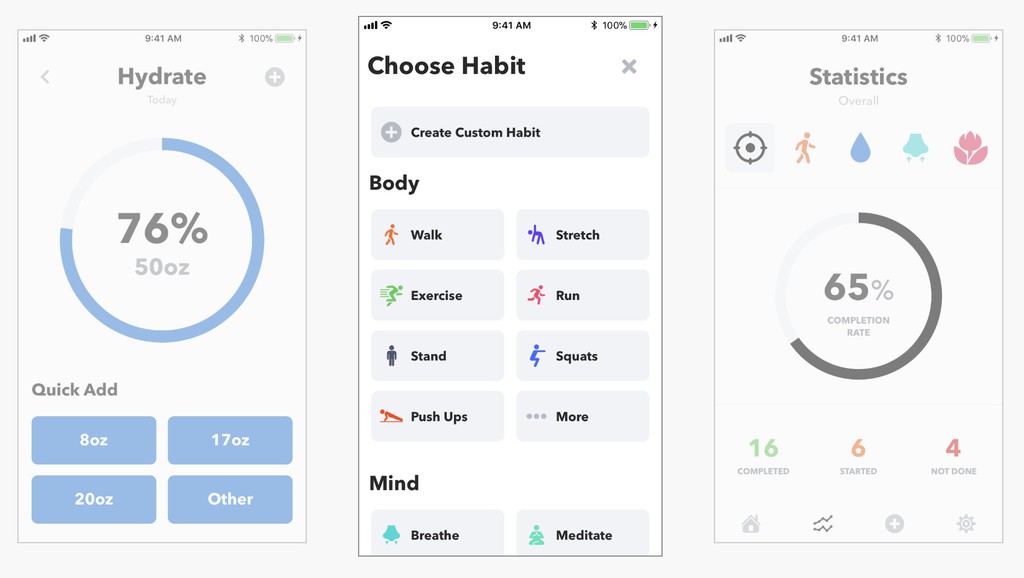
If you need nudges more than dashboards, HabitMinder is a solid choice for reminder-driven routines.
See if it’s your best fit: Best Habit Tracker Apps for iPhone and Mac (2026) https://t.co/nGNHRJ1sD9
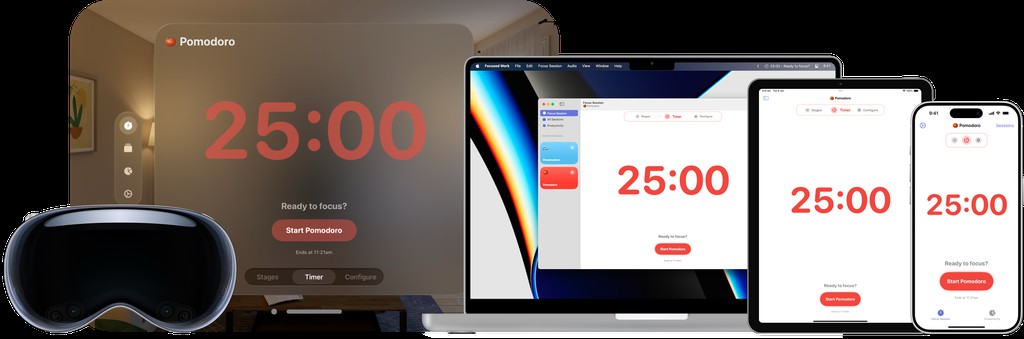
Focused Work is useful if the classic 25/5 Pomodoro rhythm feels too rigid. Build custom focus sequences for different parts of your day.
Find your setup: The Best Pomodoro Apps for Mac in 2026: Focus Timers for Every Workflow https://t.co/kbTCeSe74y
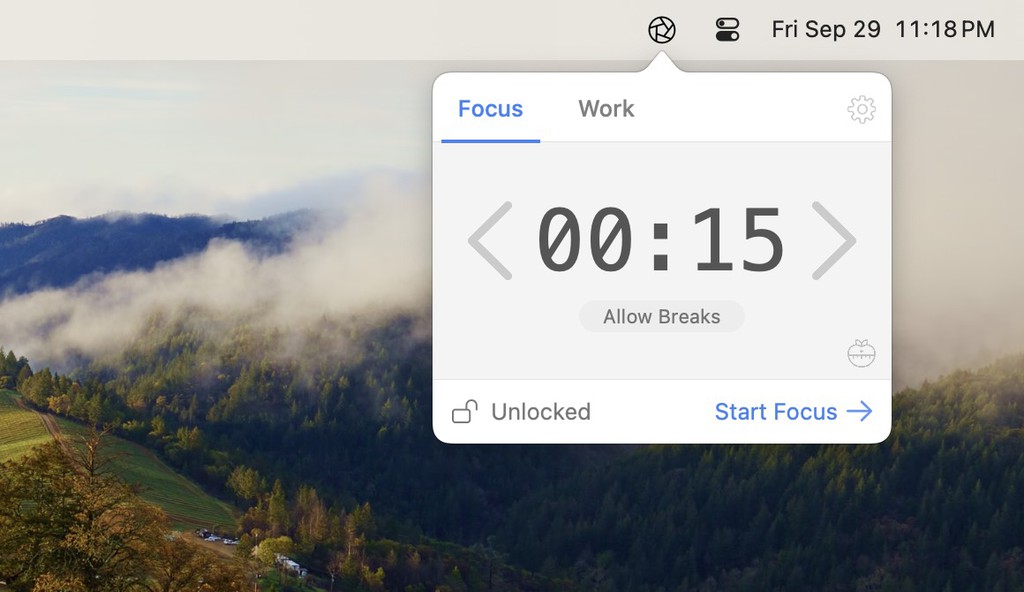
HeyFocus is the stricter option for Mac users who need blocking first and a Pomodoro timer second.
Discover more: The Best Pomodoro Apps for Mac in 2026: Focus Timers for Every Workflow https://t.co/kbTCeSe74y
Session is built for intentional focus: set a goal, start the timer, update Slack, and keep distractions out of the session.
See how it works: The Best Pomodoro Apps for Mac in 2026: Focus Timers for Every Workflow https://t.co/kbTCeSe74y
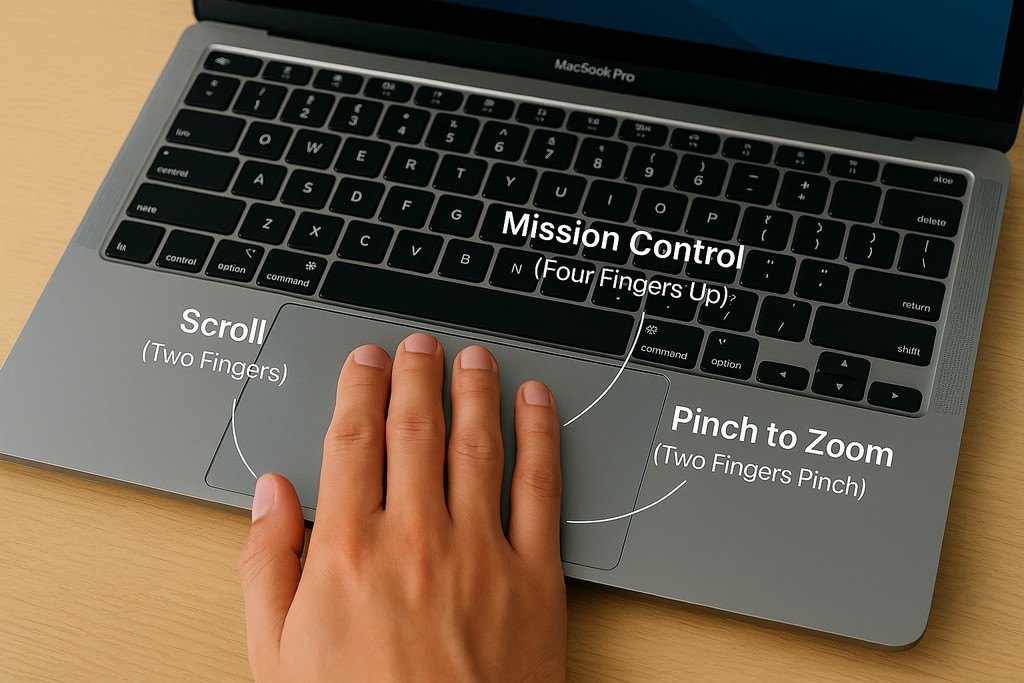
Master Mac trackpad gestures at a glance. See every essential move in one place—perfect for leveling up your workflow.
Grab the cheat sheet: Mac Trackpad Gestures: Swipe Your Way to a Smoother Work Experience https://t.co/H8W6nl7FGr
Focus by Meaningful Things is a polished Pomodoro app pick if you want task planning, Apple device sync, and Pomodoro stats in one app.
Explore the review: The Best Pomodoro Apps for Mac in 2026: Focus Timers for Every Workflow https://t.co/kbTCeSe74y