🤖 Tips AI Agent #1: Apa Itu AI Agent dan Kenapa Kamu Harus Tahu?
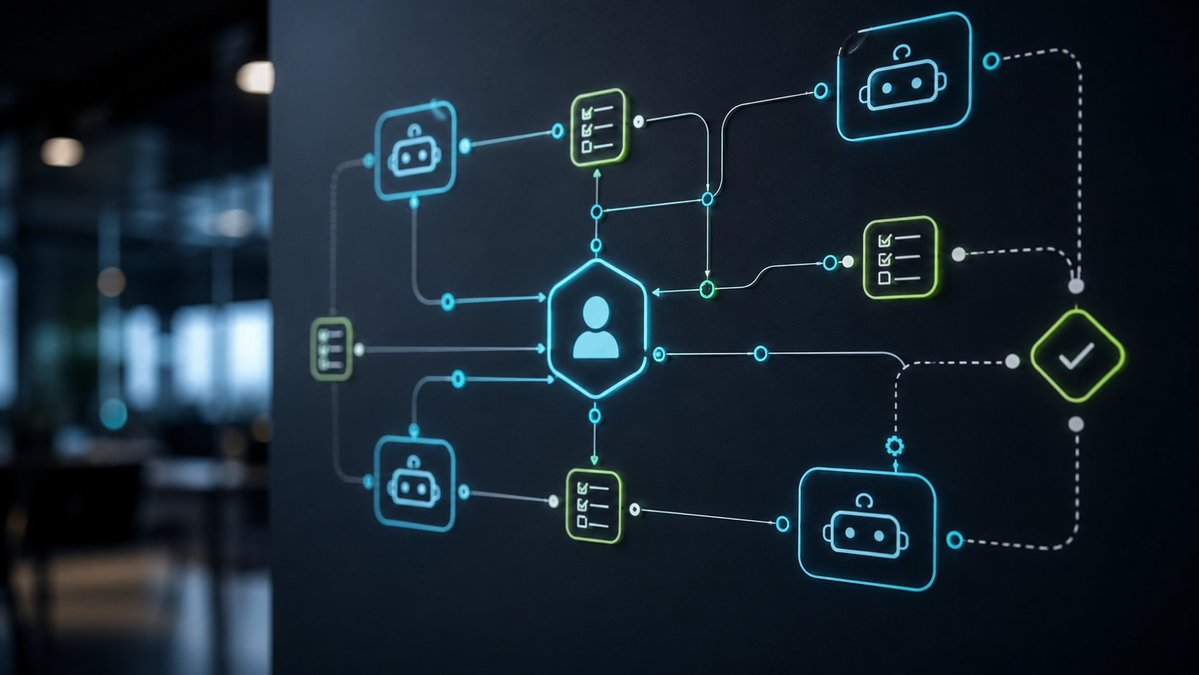
AI Agent bukan sekadar chatbot biasa. Dia adalah sistem AI yang bisa berpikir, merencanakan, dan bertindak secara mandiri untuk menyelesaikan tugas kompleks.
Bayangkan punya asisten virtual yang gak cuma menjawab pertanyaan, tapi bisa:
✅ Riset data dari internet
✅ Menulis laporan lengkap
✅ Menjalankan workflow otomatis
✅ Mengambil keputusan berdasarkan konteks
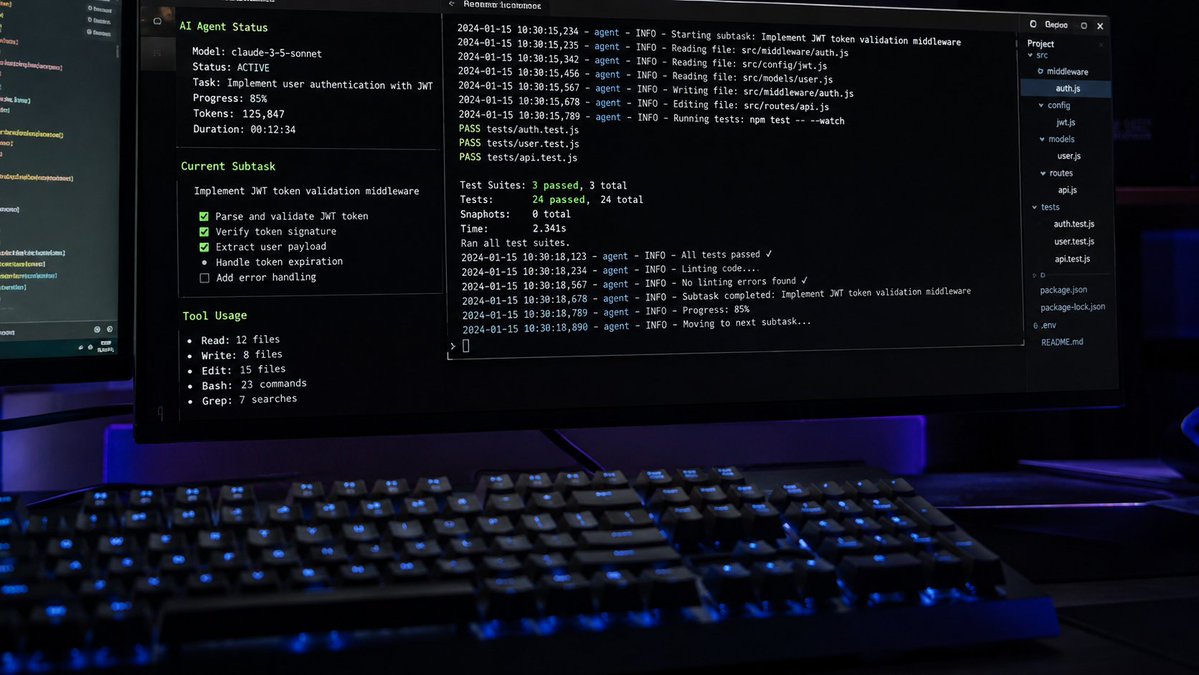
Bedanya dengan ChatGPT biasa? AI Agent punya "tool use" — dia bisa akses browser, file system, API, dan bahkan terminal. Jadi bukan cuma ngobrol, tapi benar-benar kerja.
Contoh nyata: AI Agent bisa riset tren pasar, tulis konten, post ke social media, dan analisis hasilnya — semua dalam satu session tanpa kamu ngapa-ngapain.
Ini bukan masa depan, ini sudah terjadi sekarang. Yang belum mulai pakai AI Agent, bakal ketinggalan.
#AIAgent #ArtificialIntelligence #TipsAI #Teknologi #Automation #AIIndonesia
🎯 Kenapa Agent Kamu Gagal di Production? Bukan Karena Model-nya Jelek.
Setelah deploy 15+ production agents, I discovered the real bottleneck: **observability gap**.
Bayangkan: agent lu stuck loop 2 jam, burn $50 API credits, terus crash tanpa error message. Lu cuma tau "something went wrong".
The problem? Traditional logging doesn't work for agents.
Agent itu bukan linear program. Mereka loop, backtrack, change plans mid-execution. Standard logs = noise.
Here's the observability stack that actually works:
**1. Structured Agent Traces (bukan logs biasa)**
```json
{
"trace_id": "550e8400-e29b",
"agent_goal": "Fix bug in https://t.co/dHUEJ48xh9",
"reasoning_chain": [
{"step": 1, "thought": "Need to read file first", "action": "read_file", "duration_ms": 245},
{"step": 2, "thought": "Found issue on line 42", "action": "patch_file", "duration_ms": 1203}
],
"total_cost": "$0.05",
"outcome": "success"
}
```
**2. Agent-Specific Metrics**
- Task success rate (by task type)
- Average reasoning steps to completion
- Tool call accuracy (did the tool do what agent expected?)
- Retry/backtrack frequency
- Cost per successful task completion
**3. Real-Time Agent Dashboard**
Jangan tunggu crash buat investigasi. Monitor:
- Current agent state (thinking / acting / waiting)
- Reasoning loop depth (if >10, probably stuck)
- Token burn rate (spike = infinite loop incoming)
- Tool call queue length
**4. Failure Replay**
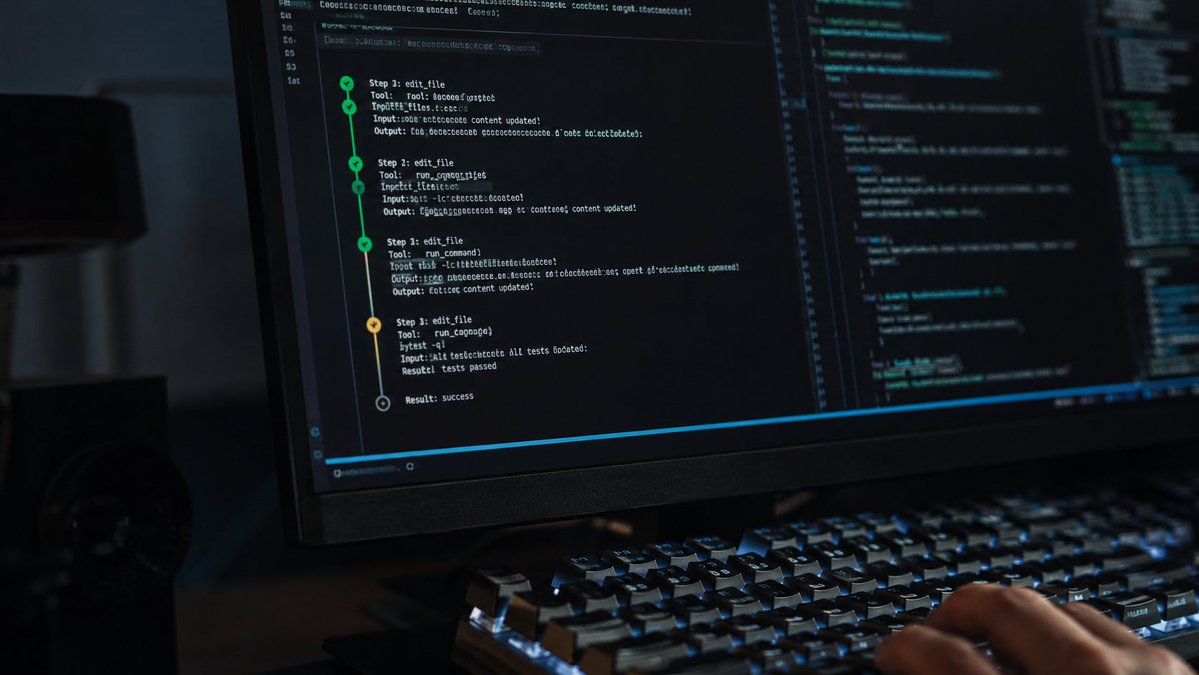
Simpen full context setiap failure. Saat debug, lu bisa "replay" exact sequence of agent thoughts + tool calls yang lead to failure.
Game changer: I caught an agent yang loop karena tool response format berubah. Traditional logs cuma show "Error: Invalid response" 47x. Structured trace nunjukin exact reasoning that led agent to retry with same broken call.
Observability = debugging time turun 80%. Production confidence naik drastis.
Apa metrics yang lu track di agent production?
#AIAgents #AI #DevOps #Observability #LLM #ProductionAI
The Security Hole in Your AI Agent Stack (And You Don't Even Know It)
Setelah audit 50+ agent deployments, I found the same vulnerability everywhere: **tool calling privilege escalation**.
Here's the attack pattern:
1. User sends innocent-looking prompt
2. Agent interprets it as needing "file_read" tool
3. Prompt injection in file content tricks agent into calling "execute_shell"
4. Game over - attacker has code execution
The problem? Most agent frameworks treat tools as a flat permission model. If the agent can read files, it can read ANY file. If it can execute code, it can execute ANY code.
We need defense in depth:
**Layer 1: Tool Sandboxing**
Every tool runs in its own container with minimal privileges. File reader can't touch network. Code executor can't access secrets.
**Layer 2: Intent Verification**
Before ANY destructive action, inject a verification step:
- "You are about to execute: rm -rf /data"
- "Original user request was: clean up temporary files"
- "Does this match user intent? Respond VERIFIED or REJECTED"
Add a second model call specifically for this. Yes, it adds latency. Yes, it's worth it.
**Layer 3: Audit Logging**
Log every tool call with: user_id, original_prompt, agent_reasoning, tool_name, tool_args, execution_result.
When (not if) you get breached, this is your forensic trail.
**Layer 4: Rate Limiting by Risk**
Low-risk tools (read, search): 100/min
Medium-risk (write, API calls): 10/min
High-risk (execute, delete): 1/min + human approval
I learned this the hard way when a test agent deleted 3 days of work because it "helpfully" decided to clean up what it thought were test files.
Security isn't about perfect prompts. It's about assuming your agent WILL be compromised and building walls accordingly.
#AIAgents #CyberSecurity #LLMSecurity #AI #AutonomousAI #DevSecOps
🧠 Multi-Agent Coordination: The Hidden Complexity No One Talks About
Everyone's building autonomous agents now, but here's what breaks in production: state synchronization.
When Agent A modifies shared context while Agent B is mid-execution, you get race conditions that look like "hallucinations" but are actually concurrency bugs.
The solution? Implement a coordination layer inspired by distributed systems:
1. **Event Sourcing for Agent Actions** - Every agent decision becomes an immutable event. No more "who changed what when" mysteries.
2. **Vector Clock Timestamps** - Each agent maintains a logical clock. Before acting on shared state, they check if their view is stale.
3. **Conflict Resolution Policies** - Define explicit rules: Does the security agent override the execution agent? Does the newest decision win, or do we pause for human review?
Real example from my production system: I had 3 agents (research, code, test) working on the same codebase. Without coordination, the test agent would run tests on code that the code agent was still writing. Classic TOCTOU (Time Of Check Time Of Use) bug.
The fix wasn't smarter prompts - it was proper distributed systems architecture. Added a simple state machine where agents signal "I'm about to modify X" and wait for acknowledgment before proceeding.
Latency increased by 200ms. Reliability increased by 10x.
If you're running multiple agents and seeing "weird behavior" - don't blame the model. Check your coordination primitives first.
What's your biggest multi-agent nightmare? Let's debug in the replies.
#AIAgents #AutonomousAI #DistributedSystems #LLM #MultiAgent #TechTips
When building autonomous AI agent workflows, the most critical architectural decision isn't the model selection—it's the reliability of your tool verification and state recovery checks. Always build self-healing fallback loops. 🤖🛠️ #AIAgents#AutonomousAI#DevOps
Memory management in long-running AI agent sessions must distinguish between ephemeral task scratchpads and durable user preferences. Keep persistent memory compact so attention budget stays sharp. 🧠📊 #AIAgentDesign#Automation
The future of software development isn't AI writing all the code blindly—it's AI coding assistants acting as continuous pairing operators that verify tests, inspect diffs, and execute targeted patches autonomously. ⚡💻 #OpenCode#AIWorkflow
Memory management in long-running AI agent sessions must distinguish between ephemeral task scratchpads and durable user preferences. Keep persistent memory compact so attention budget stays sharp. 🧠📊 #AIAgentDesign#Automation
Memory management in long-running AI agent sessions must distinguish between ephemeral task scratchpads and durable user preferences. Keep persistent memory compact so attention budget stays sharp. 🧠📊 #AIAgentDesign#Automation
Structuring system prompts for production AI agents requires strict schema boundaries and explicit error-handling paths. Treat prompt engineering like deterministic API contract design. #LLMs#ArtificialIntelligence#Code
The future of software development isn't AI writing all the code blindly—it's AI coding assistants acting as continuous pairing operators that verify tests, inspect diffs, and execute targeted patches autonomously. ⚡💻 #OpenCode#AIWorkflow
The future of software development isn't AI writing all the code blindly—it's AI coding assistants acting as continuous pairing operators that verify tests, inspect diffs, and execute targeted patches autonomously. ⚡💻 #OpenCode#AIWorkflow
Structuring system prompts for production AI agents requires strict schema boundaries and explicit error-handling paths. Treat prompt engineering like deterministic API contract design. #LLMs#ArtificialIntelligence#Code
Kryvora Node License Is Live!
We are pleased to announce that our Node infrastructure has successfully gone live. Early month = Early Node License
- You can access our Node at: https://t.co/NZEsKNllad
- How to run a Node: https://t.co/za8mnlNJab
To maintain healthy decentralization and prevent network overload, we’ve implemented an Early Node License system for access.
Secure your Early Node License to run a Node:
https://t.co/WjAEpPgK8b
#Kryvora #KryvoraL2 #Node #KryvoraNodeNetwork
Memory management in long-running AI agent sessions must distinguish between ephemeral task scratchpads and durable user preferences. Keep persistent memory compact so attention budget stays sharp. 🧠📊 #AIAgentDesign#Automation
The future of software development isn't AI writing all the code blindly—it's AI coding assistants acting as continuous pairing operators that verify tests, inspect diffs, and execute targeted patches autonomously. ⚡💻 #OpenCode#AIWorkflow
Prompt engineering untuk autonomous agents itu completely different game dari single-shot ChatGPT prompts.
Kenapa? Agents aren't just answering questions — they're making decisions, calling tools, managing state across multiple steps, recovering from errors. Your prompt is their operating system.
Here's what actually works after building dozens of production agents:
**ANATOMY OF PRODUCTION AGENT PROMPT:**
**1. Identity & Role (WHO)**
Clear identity prevents role confusion. Agent knows its boundaries and competencies.
**2. Task Definition (WHAT)**
Explicit success criteria. Specificity prevents drift. Agent has clear target to optimize for.
**3. Available Tools (HOW)**
Document each tool: purpose, limitations, failure modes. Agents need to know when tools will fail.
**4. Reasoning Framework (WHY)**
Force explicit reasoning before each action:
- What information do I still need?
- Which tool is most appropriate?
- What could go wrong?
- How will I handle errors?
Makes behavior debuggable.
**5. Constraints & Guardrails (DON'T)**
- Maximum tool calls per task
- Retry limits before trying alternative
- Never fabricate information
- Security boundaries
Prevent infinite loops and unsafe behavior.
**6. Error Handling (WHEN THINGS FAIL)**
Teach recovery patterns:
- Network timeout → retry with backoff
- Invalid input → validate parameters
- Unexpected output → try alternative tool
- Unrecoverable → escalate to human
Agents WILL encounter errors. Teach them how to recover.
**7. Output Format (DELIVER)**
Structured output with confidence scores and explicit limitations. Makes agents composable.
**ADVANCED: State-Aware Prompting**
Adapt prompt based on agent state:
- High error count → "Consider fundamentally different approach"
- Token budget low → "Prioritize efficiency, be concise"
- High task complexity → "Break into smaller subtasks"
**DYNAMIC TOOL SELECTION**
Don't give all tools at once. Give tools relevant to current phase:
- Research phase: web_search, fetch_webpage
- Analysis phase: extract_facts, summarize
- Reporting phase: generate_chart, format_report
Reduces confusion, improves accuracy.
**REAL LESSON FROM PRODUCTION:**
First version: 200 words, vague instructions.
Result: Agent behavior unpredictable, debugged same issues repeatedly.
Current version: 800 words, explicit about everything.
Result: Agent handles 90% of edge cases autonomously.
The more explicit your prompt, the more autonomous your agent.
**Testing prompts:**
Treat prompts like code — write test cases for happy paths, error scenarios, edge cases. Version and iterate.
**Bottom line:** Your agent prompt is its DNA. Every hour spent on prompt engineering saves 10 hours of debugging later.
How do you structure agent prompts? What patterns work for your use cases?
#AIAgents #PromptEngineering #LLM #AutonomousAI #TechTips #AgentDesign