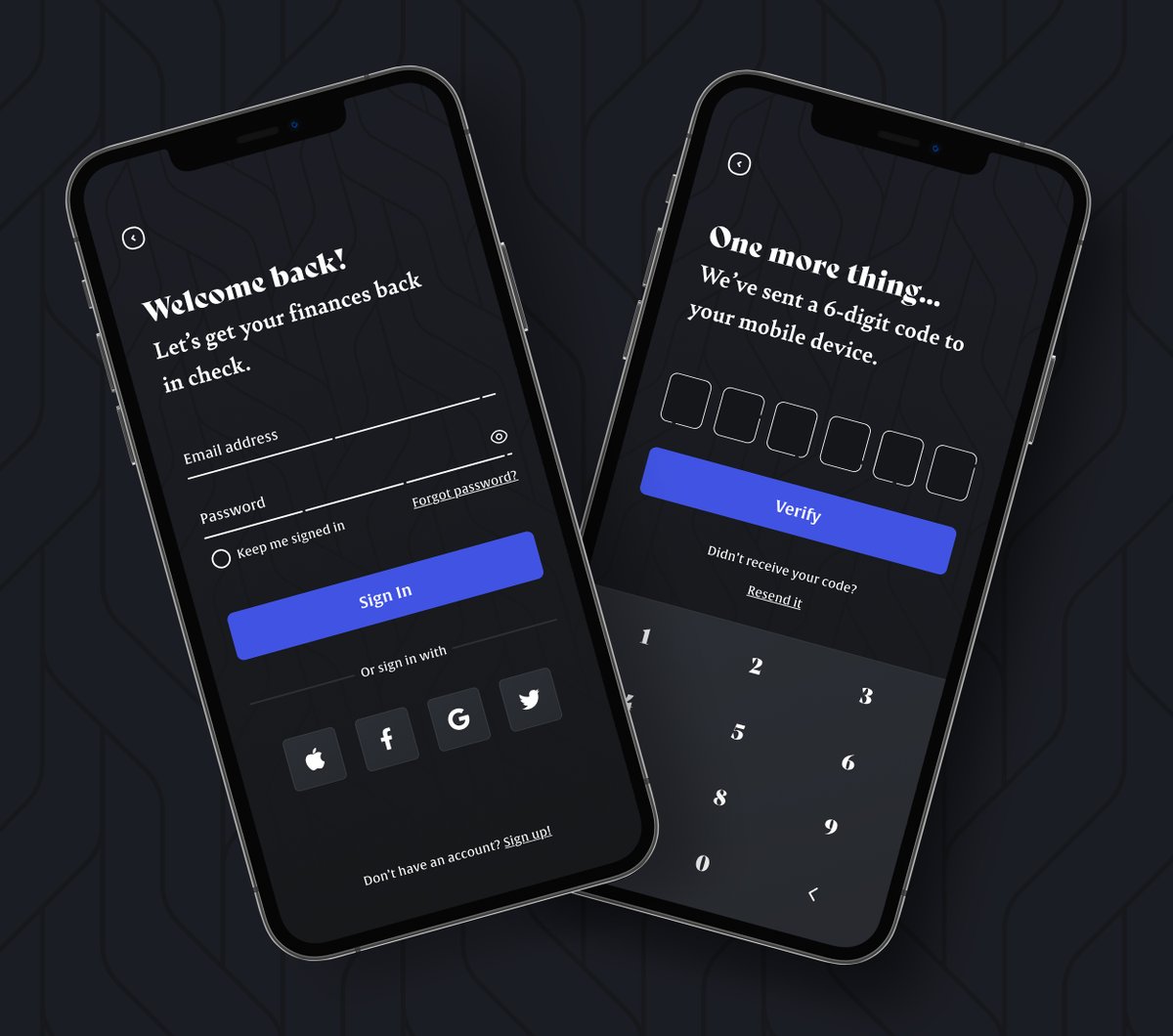
Really missing the speed of @AdobeXD when building prototypes.
Now that I use other design tools at Intuit, no matter how good these web tools are, they are web tools.
They simply can't compete with the speed of a native/optimized tool.
For all you gaming UX/UI designers out there, you won't want to miss this Adobe MAX presentation by Stephan Dube from Ready at Dawn!
https://t.co/R7Roe1tBqM
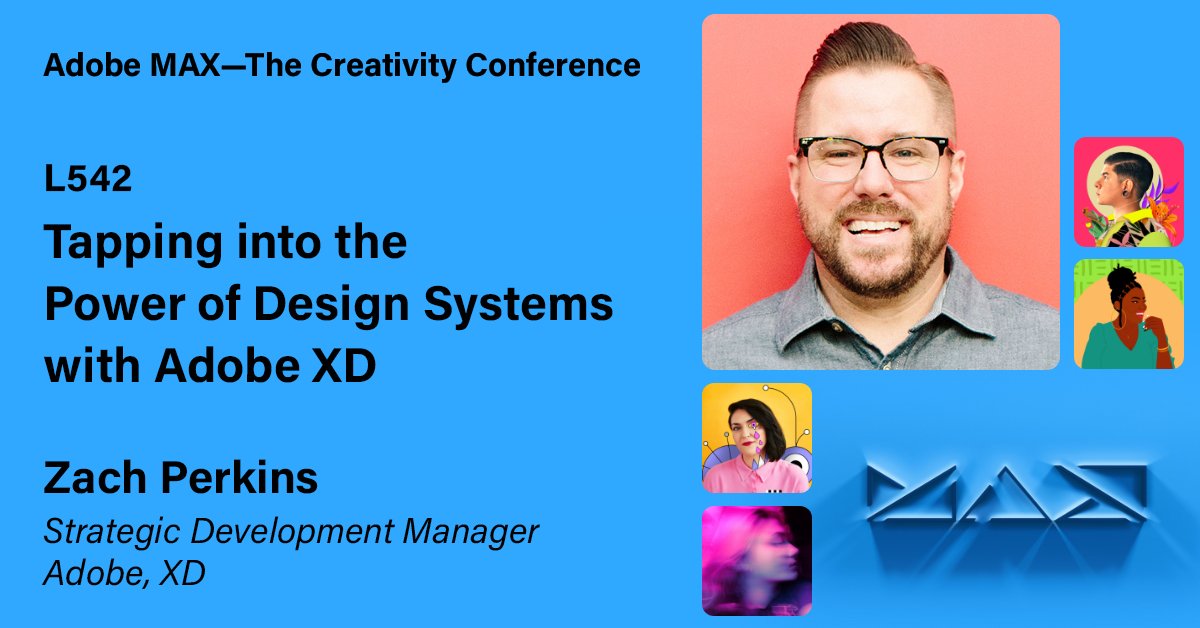
🙌 MAX is here! Tune into the live stream tomorrow, and join myself and @TheOnlyKLJ as we'll go into some detail on building and managing design systems in Adobe XD. #adobexd#designsystems
https://t.co/ZDYSVufByb
Next week on Meet the Makers, learn how to easily share your work with the whole team and make it stand out using the new Presentation plugin for Adobe XD. Save your spot today: https://t.co/XjEqlphrjD
Myself and team mate Sr Design Technologist Daniel Wagner are speaking at @AdobeXD Meet the Makers about our Presentation Plugin. Would you like to attend?
https://t.co/Oc879pGZa5
Want to learn how to easily create amazing presentations in @AdobeXD? Please join myself, Lance Shields and Daniel Wagner at the next Meet the Makers session on Thursday, 6/17. We'll discuss and show off our new Presentation Plugin! https://t.co/Z5BTzNrBVf @lancesh#uxdesign
Why did I personally switch design tools a few years ago, and haven't looked back since?
Come hang with me (virtually) on Wednesday night at 6PM PST, I'll be speaking at the 24 Hours of UX Conference! https://t.co/jxktf1eEY7 #adobexd#24HoursOfUX
One artboard.
Components in #AdobeXD just leveled up with support for gamepad 🎮, keys ⌨️, and voice 🎙 triggers.
Check out my video to learn more 👉 https://t.co/jRQ5DCcJPq
New in today’s release of Adobe XD — you can now animate strokes and paths using Auto-Animate. See how you can use Auto-Animate to bring motion to your designs: https://t.co/xBZRWIEhIb