Creators shouldn’t need a new tool for every media problem.
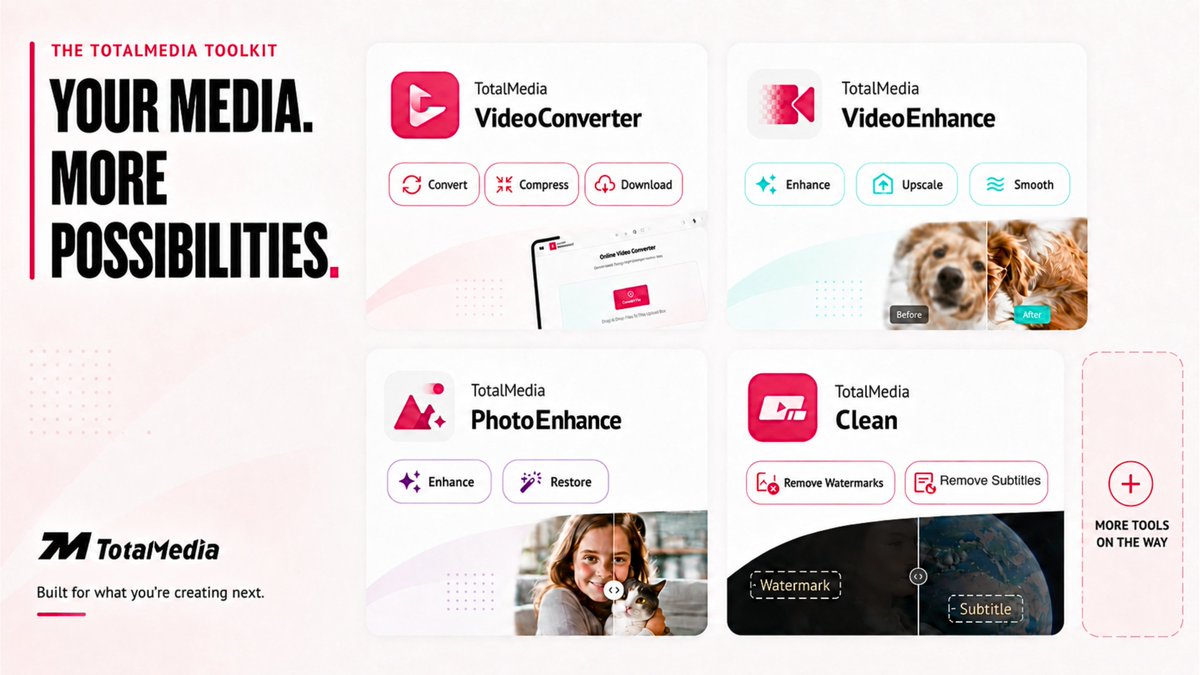
So we’re building one toolkit that keeps growing.
Convert. Compress. Download.
Enhance. Restore. Clean.
Your media. More possibilities. ↓
https://t.co/VcGavM8qJx
#CreatorTools
We built TotalMedia VideoConverter's TV preset to apply that H.264 + AAC combo for you — no manual codec settings, no guessing.
Add file → pick TV preset → convert. That's it.
4/ TotalMedia does download → convert → compress in one app, one upload.
6MB in, 2.36MB out.
Same quality, zero tab-switching.
$2.5 buys back the uploads (and your sanity).
👉https://t.co/3rhtzFtFmt
3/ So the real comparison isn't "$2.5 vs free."
It's $2.5 vs. clicking through 4 fake download buttons, three times, hoping none of them installed something.
If you've done this in the last week, you already know the exact pop-up I mean.
$𝟮.𝟱𝟬 𝘁𝗼 𝘂𝗽𝗴𝗿𝗮𝗱𝗲 𝘁𝗵𝗲 𝗳𝗶𝗿𝘀𝘁 𝘁𝗵𝗶𝗻𝗴 𝗿𝗲𝗰𝗿𝘂𝗶𝘁𝗲𝗿𝘀 𝘀𝗲𝗲.
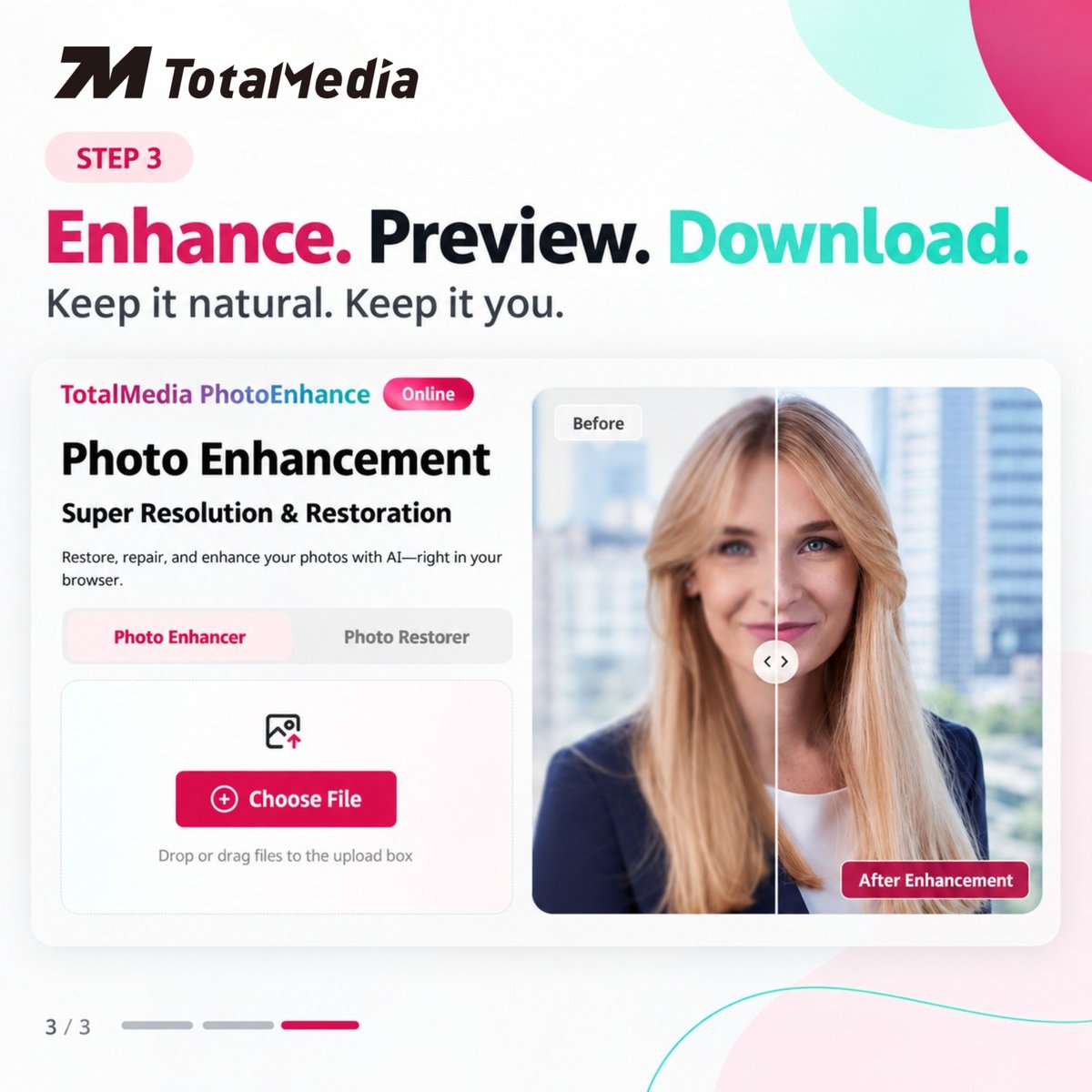
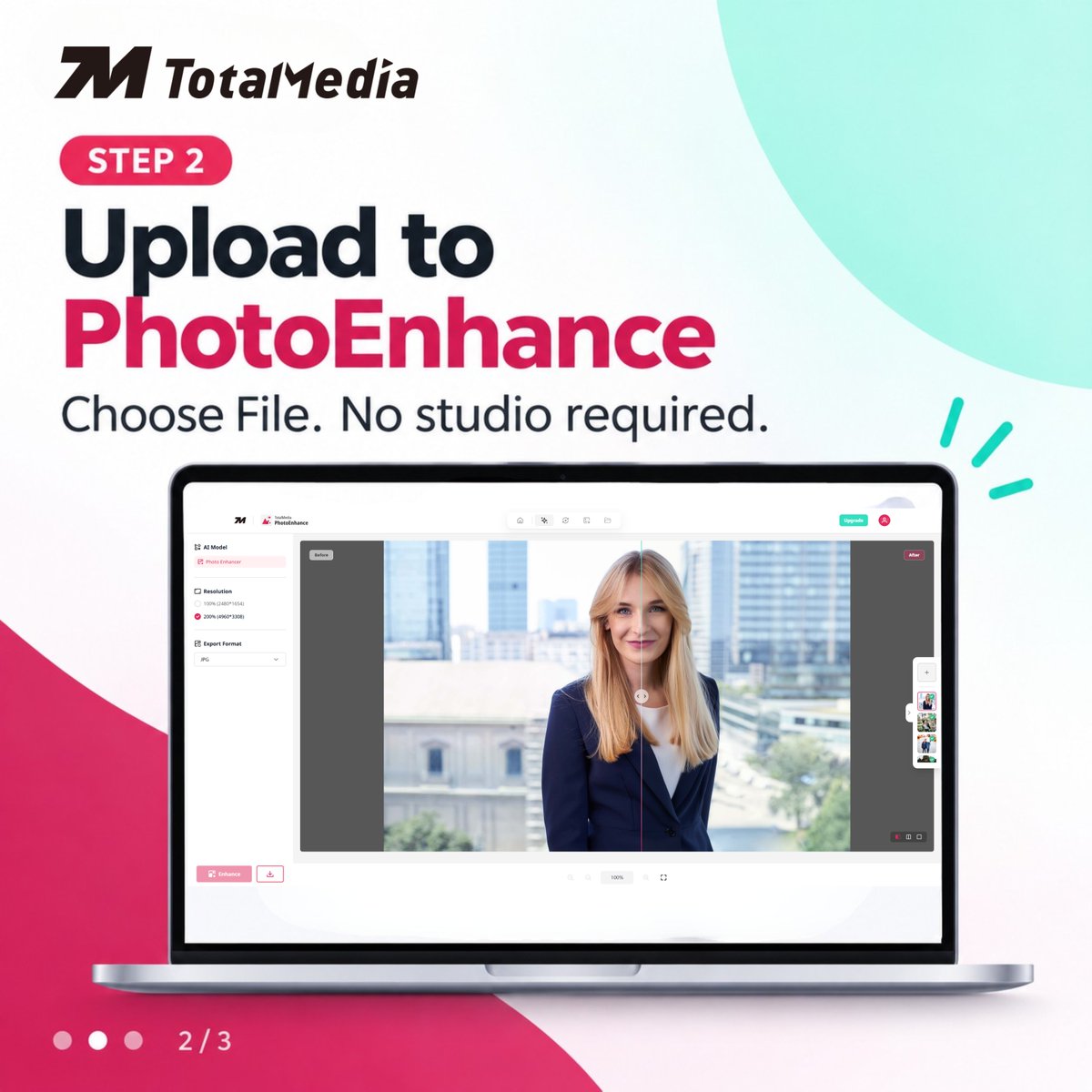
No studio. No expensive photographer.
Just choose → upload → enhance.
A better headshot won’t get you hired.
But it can help you get noticed.
#LinkedInTips#JobSearch
Nobody tells you this about old videos:
It's not the camera. Not the file. Not YouTube compression.
It's 𝗼𝗻𝗲 𝗻𝘂𝗺𝗯𝗲𝗿 most people have never heard of — and once you know it, you'll spot it in every choppy video you've ever seen 🧵
How to actually do it — 2 minutes, no install:
Open 𝗧𝗼𝘁𝗮𝗹𝗠𝗲𝗱𝗶𝗮 𝗩𝗶𝗱𝗲𝗼𝗘𝗻𝗵𝗮𝗻𝗰𝗲 in browser
Upload the clip
Turn on Frame Interpolation, pick a frame rate
Check the before/after slider
Hit Enhance, download