Give Downloads a second look. Review files locally on your Mac and choose what goes to Trash. No automatic deletion. A RelayByte app by @thecyberseckyle.
Four nominations for Trayage in the @macpiphq Awards 2026! 💜
• Best Utility
• Best Free App
• Best Pay-Once App
• Hidden Gem
If Trayage makes your Mac a little tidier, vote by Dec 20. It’s free, with one vote per category.
https://t.co/pXZT6JHmih
#indieapps#indiedev
@thecyberseckyle @sudoaptaj Hey Atul, we are trying to get the app listed on MacProof but having only Google and Github as options to sign in is a bit limiting no?
Trayage is 30% right now during #BlackFridayDeals!
Why spend $9.99 when you can spend $6.99 on one of the best Mac apps to manage your Downloads folder. Trust us, your Mac will thank us!
https://t.co/eXpwMuwb7Z
Two downloads with similar names and sizes might be duplicates. They also might be different builds you actually need. Trayage surfaces possible matches for review. You decide, and nothing moves to Trash without confirmation. https://t.co/t0l31uT5m5
Freelance Downloads folders are full of briefs, exports, invoices, and files you absolutely shouldn't toss by accident. A review-first workflow helps separate important client material from the temporary stuff. https://t.co/NVF5a5K5Bd
If Downloads is overwhelming, don't start by deleting everything old. Review the most recent items first. You'll quickly remember what's still in use and which files were just temporary. Trayage helps you look before deciding.
https://t.co/vlhX0BrDA6
A quick question for Mac users: what's the oldest file sitting in your Downloads folder? An installer, a PDF, a ZIP, or something you don't even recognize? No judgment.
That's exactly the kind of folder Trayage is made to help you review.
@Haumealvav@MacBaseApp Hey 👋🏼. Good question. Trayage uses clues like file age, size, possible duplicates and installers to suggest what’s worth reviewing. It shows why each file was flagged. You decide what’s still useful, and nothing moves to Trash until you select it and confirm.
Finder tags can do more than color-code files. In Trayage 1.1, a saved smart filter can use a Finder tag to bring your 'review later' downloads back into view. You're still the one choosing what stays or goes.
https://t.co/yfsQwz6ap8
#macOS#Trayage
Trayage 1.1.1 is available for direct download ✨
Optional usage sharing helps guide what comes next. Off by default, always your choice, and never includes file names or contents.
Plus a few improvements to Settings and larger text sizes.
https://t.co/vlhX0Br5Ky
If you haven’t tried the latest version of Trayage, you’re missing out!
Tons of new features, complete redesign, private by design, no files are removed with you’re doing.
All for $9.99 with free 7 day trial
https://t.co/pjXmkgTcoG
Trayage is now US$9.99 once—down from US$29.99. No subscription.
Version 1.1 brings a new look, smart filters, and local duplicate checks for your Downloads.
Review files free. Try cleanup for 7 days.
Available directly and on the Mac App Store.
https://t.co/ajetTFh15H
Mac’s Downloads folder piling up?
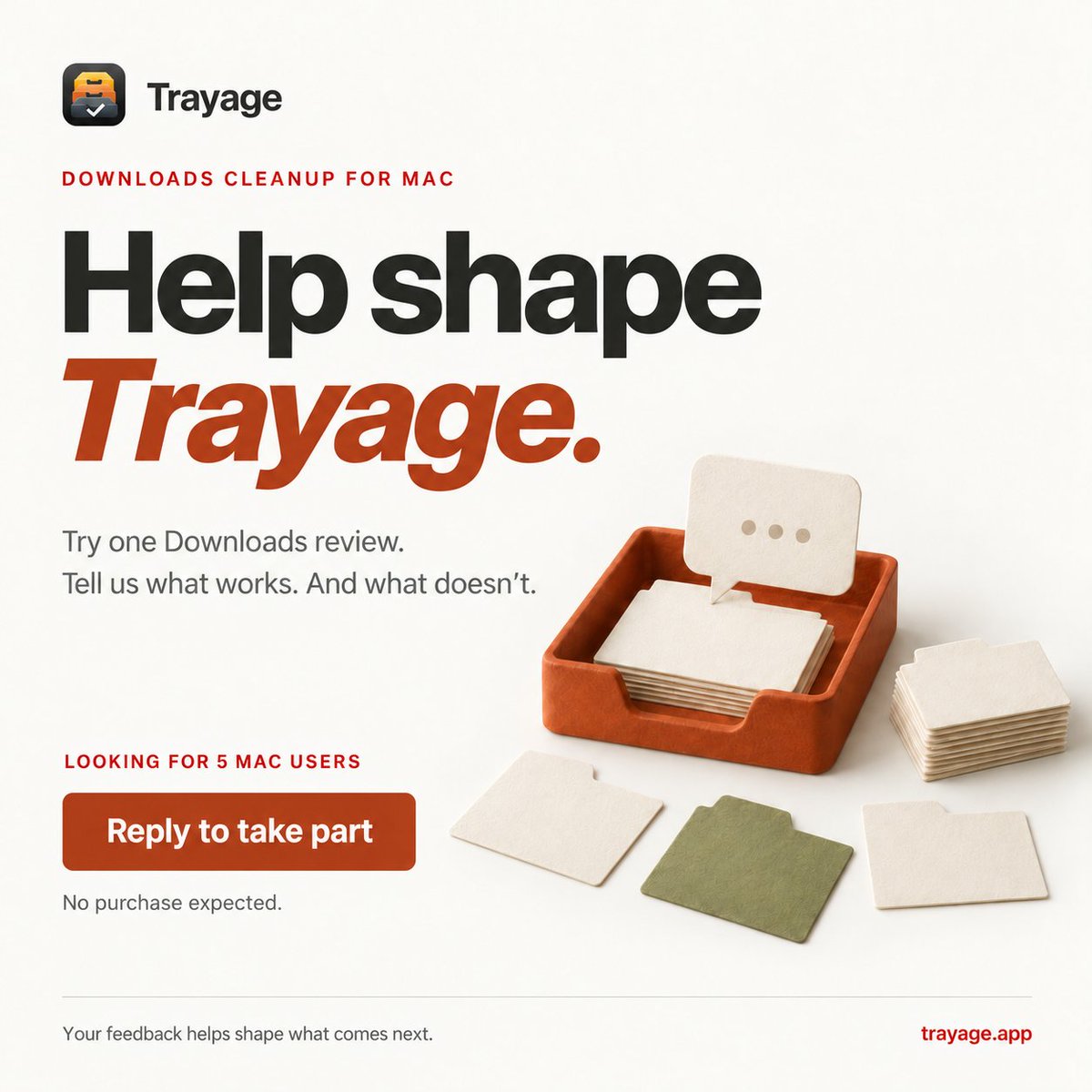
Help shape Trayage. It suggests files worth checking and explains why. You decide what stays.
Looking for 5 Mac users to try one folder and tell me what helped or confused them.
No purchase needed. Reply or DM.
We decided to bring the launch promo to the Mac App Store too! 🎉
Use TRAYAGE35 to get Trayage’s one-time cleanup unlock for $19.49 US—35% off through October 31.
https://t.co/rY3qX52IEa