Looking to take your #videoediting to the next level or simply bust out of a creative rut?. Here is the 10 Websites to Learn the Basics of Video Editing. Chech this link here https://t.co/LXT7UdOPsL
via @shutterstock
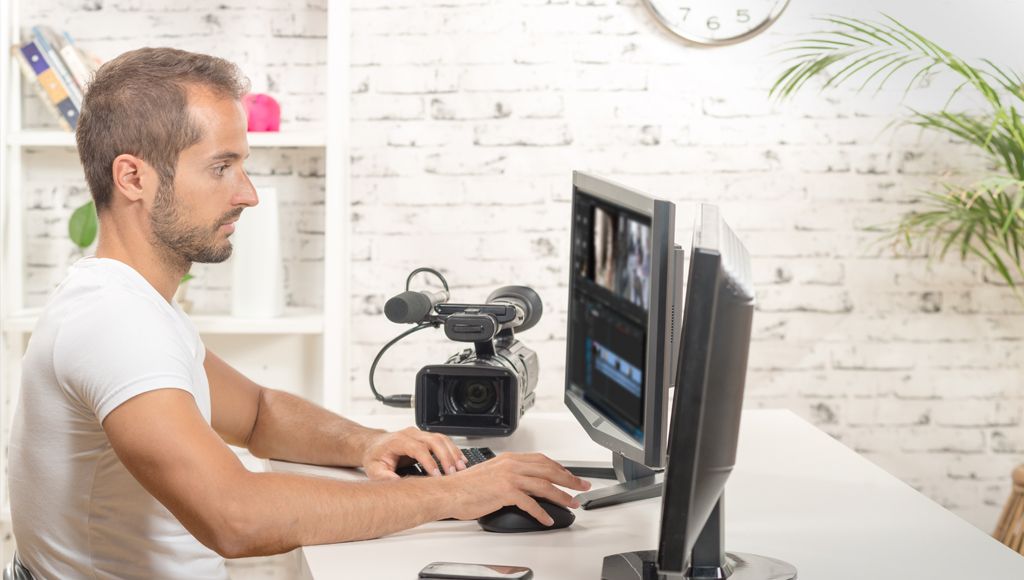
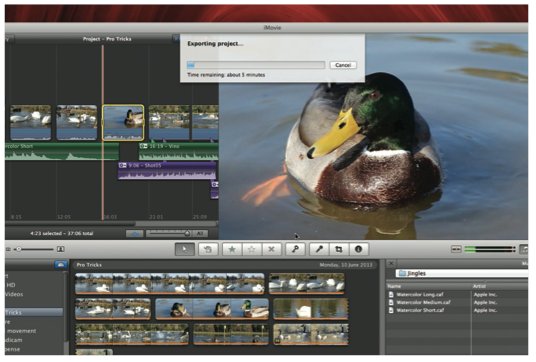
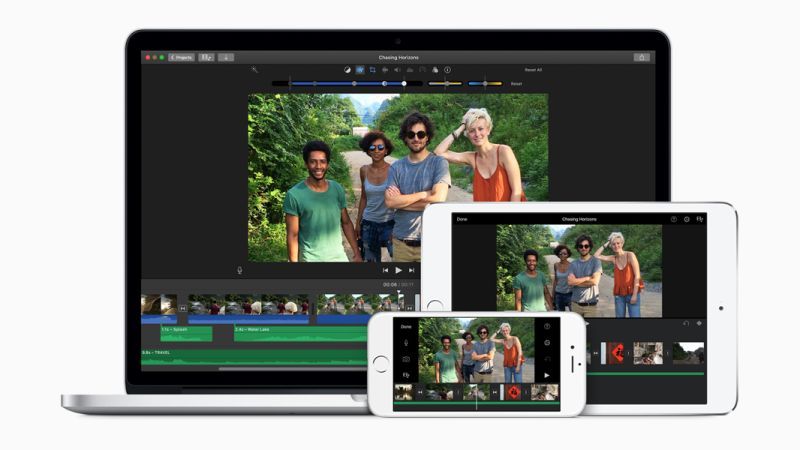
The choice for a certain #videoediting program depends whether you’re a beginner or an advanced user. It’s also important to decide what you want to do with the video you edited. Read here to learn more https://t.co/fmsLdER9wo
#Video content can be a valuable asset to your inbound #videomarketing content mix.By the end of this year, video content is expected to represent nearly 3-quarters of all internet traffic.
Check out this helpful tips by @HubSpot @soph_bern through here https://t.co/JeQCdEmjSl
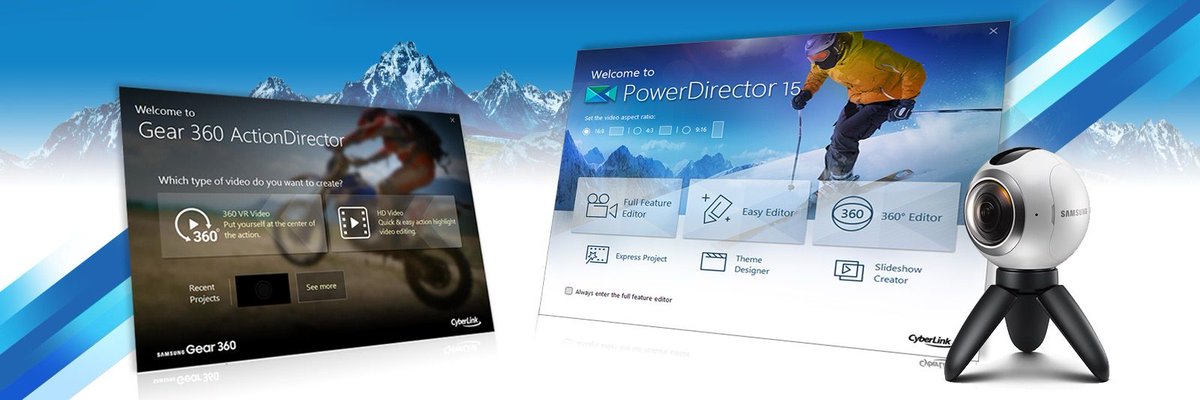
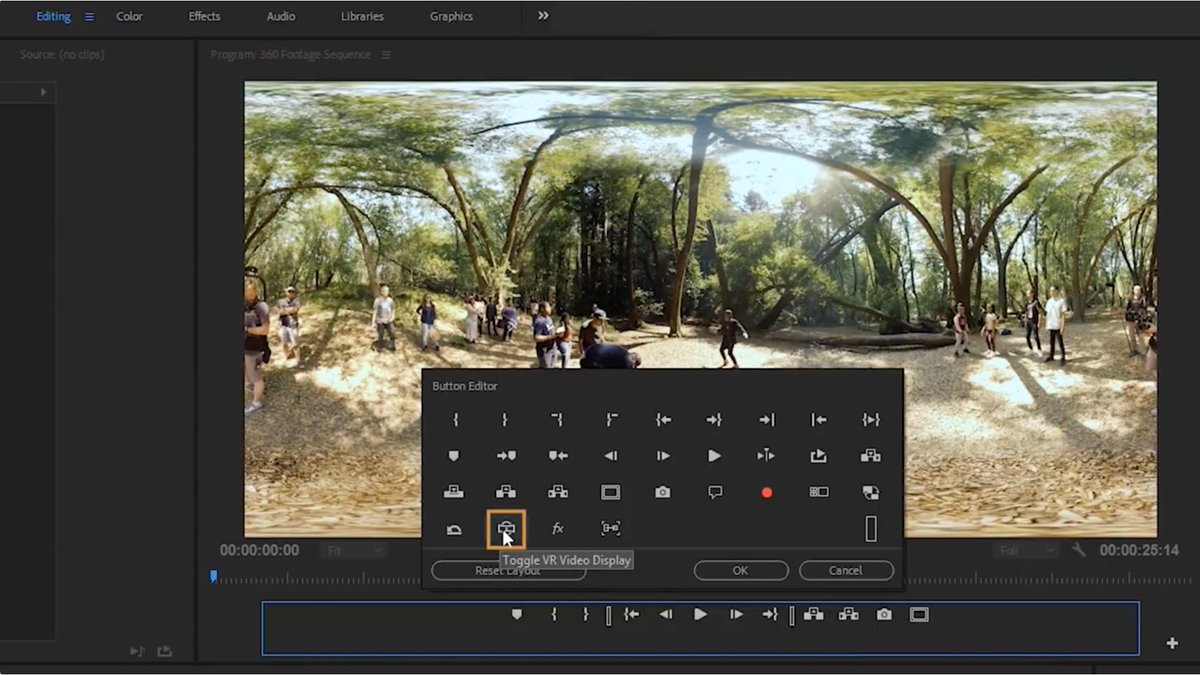
Here are 4 ways for making your #360-degree #videos more impressive! This tutorial highlights the step-by-step instructions on make the most out of your timeline. Check out here https://t.co/o44TKyGFny via @samsung_dev#videoediting#videotutorial#videomarketing
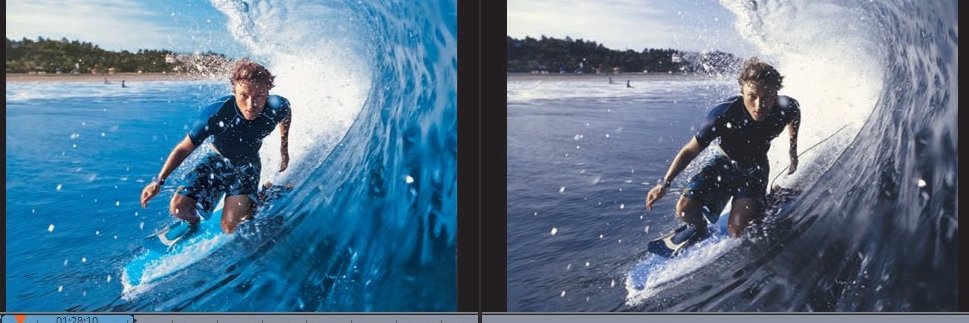
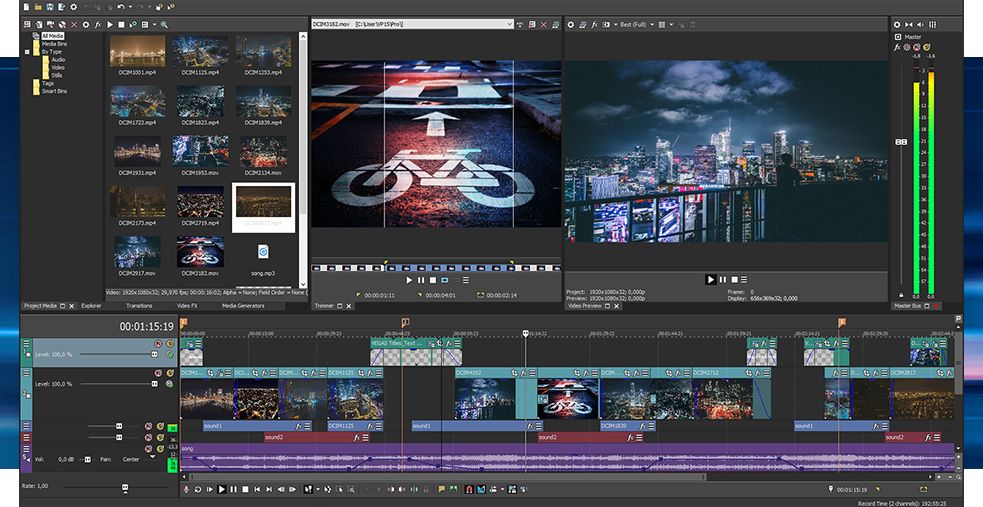
In this tutorial, you’ll learn how to utilize all the techniques you’ve learned in all the previous Sony Vegas tutorials to make your #videos look flawless! See the link here https://t.co/7JGEd2QIxJ
#videoediting#videomarketing#videotutorials#sonyvegas
3 #Lightroom Tips & Tricks to Dramatically Speed up Your #Photo-Editing Workflow. Read more at https://t.co/ZxQyHOuNZa via @ShutterbugMag
#videoediting#lightroom
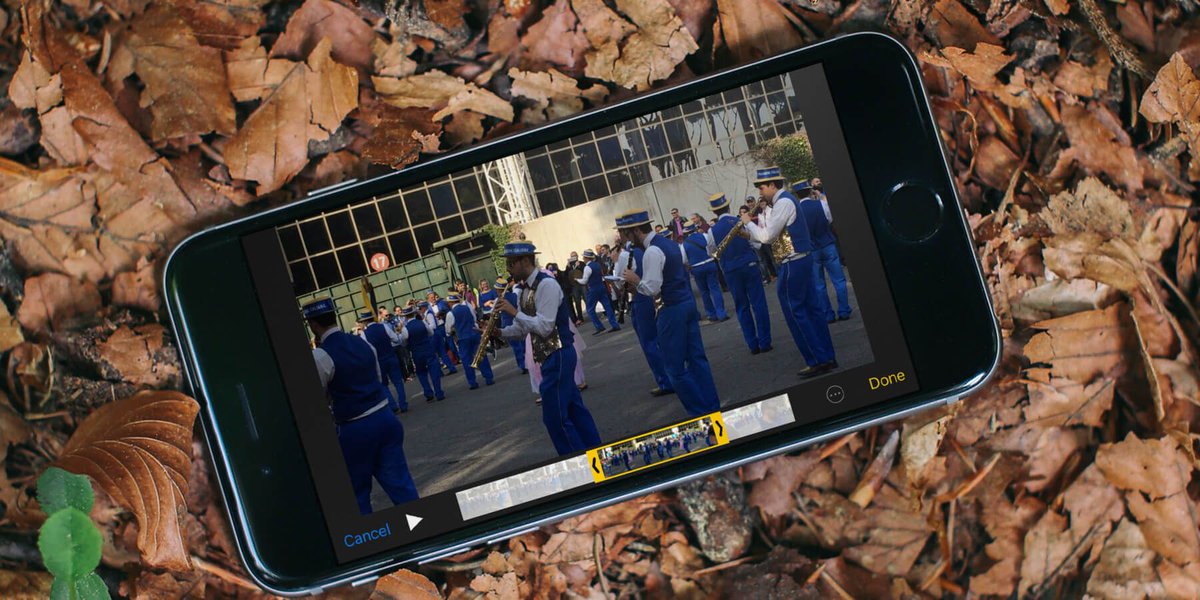
These ff 5 tips are intended for both complete beginners and amateur #YouTubers who wish to improve the quality of their videos and market their channels more efficiently. Check out here https://t.co/3zzIM0m0Rj via @EditingInsider#videomarketing#videotips#videotechniques
The secret to making your amateur #videos look professional is not nearly as much about the video gear you are using as it is the #videoeditingtechnique. Learn more about here https://t.co/2TpXwDtMfl
A tutorial for Green Screen Backgrounds #videoediting using the Chroma Key Tool (#AdobePremiere CS4 or Earlier) Premiere Tutorial 7 – Chroma Keying by Sonic Orb Studios through this link https://t.co/3IVFo7mUNK
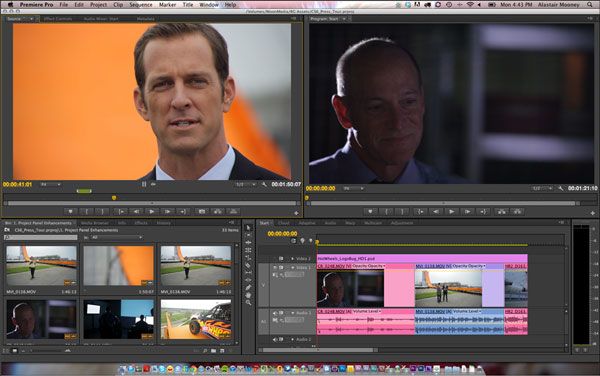
Edit like a pro, even if you’re not. In this #video series, you’ll learn how to assemble a sequence in the #AdobePremierePro timeline, apply cool effects, improve the audio, brighten colors, and export your video. See the link here https://t.co/ZEYZlFSbor via @adobe