Cybersecurity Week 4: It’s All About MFA! 🔒
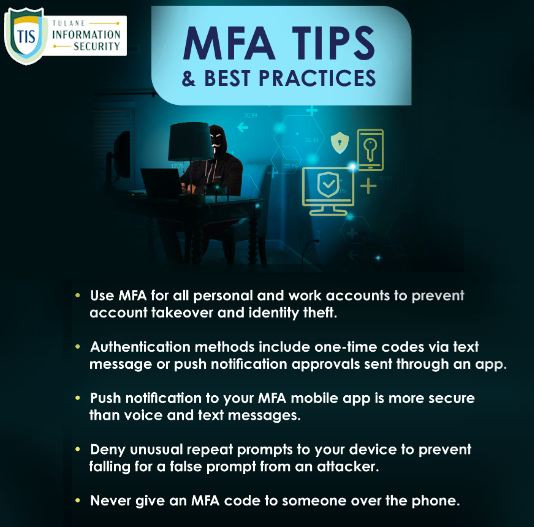
Security just got smarter! Multi-Factor Authentication (MFA) adds an extra layer of protection to keep your accounts safe. Because one password just isn’t enough! 🛡️
#CyberSecurityWeek#MFA#StaySafeOnline#infosecurity
Week 3 Of #CybersecurityAwarenessMonth
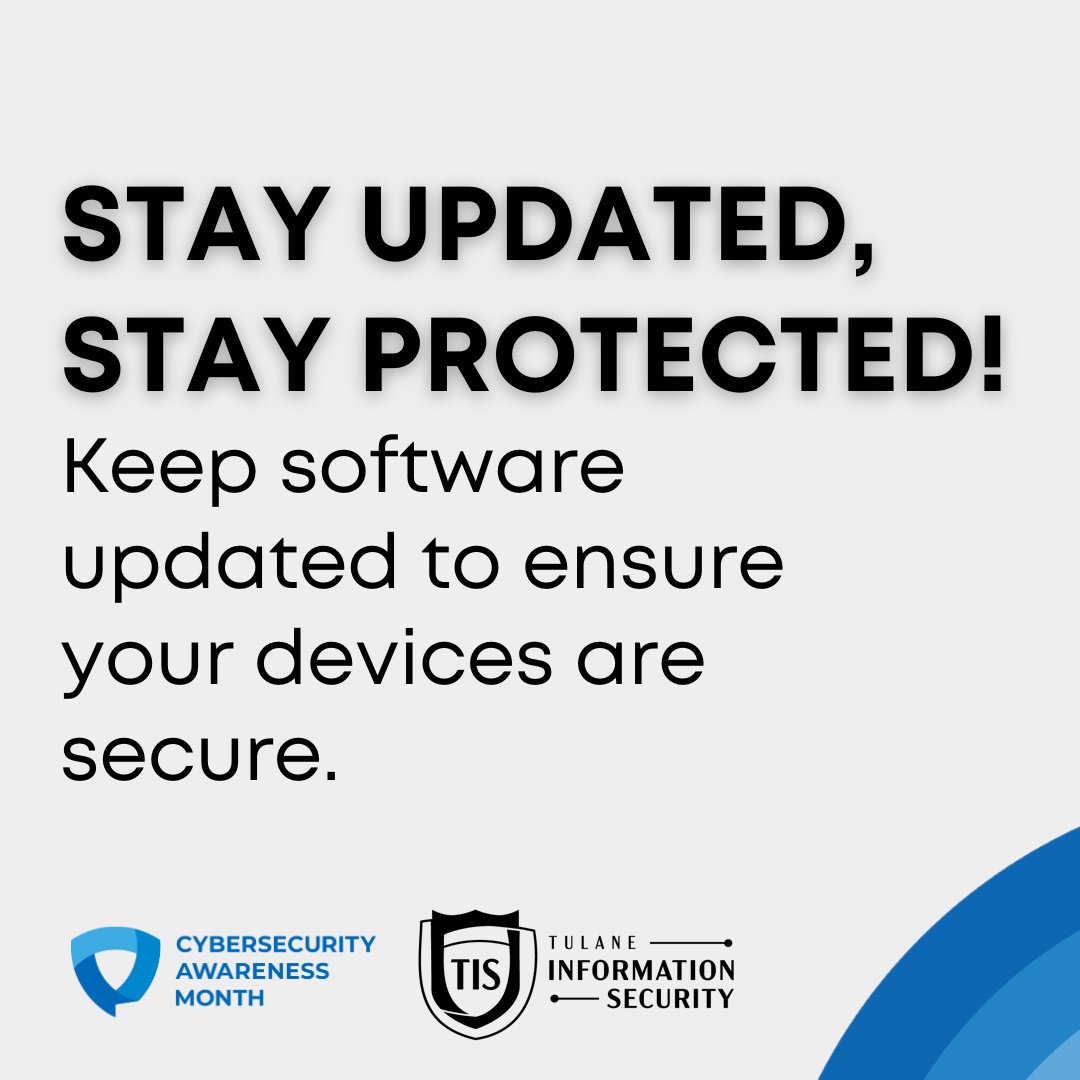
Keep your devices minty fresh with the latest updates💻 Regular software updates aren’t just for new features, they help protect yourself from cyber threats. Stay secure, stay updated, and keep those hackers out!
Week 2 of #CybersecurityMonth, we’re cooking up the perfect recipe for digital safety.
Just like in the kitchen, a great cybersecurity recipe needs the right ingredients: they must be unique, complex, and long. Learn more at https://t.co/XyWQMCZK7m!
Phishing emails are like a bad recipe. You think you're getting a gourmet offer, but one click and you're serving up trouble instead. Always check the ingredients before you bite! 🍽️🐟🚫
Learn more at cybersecurity.tulane/edu/phishing to keep yourself protected.
Get ready to spice up your October with #cybersecurityawarenessmonth! Learn to fry phishy links, whip up some strong, mouth watering passwords, serve up a full spread of MFA, and squeeze in some fresh updates to keep your digital kitchen safe. Bon app-é-tech! 🍲💻
Passwords are like the gatekeepers of your online kingdom—but why settle for one guard when you can have two? Read more about the importance of MFA in our blog: https://t.co/J83KrtwbpQ #CybersecurityAwarenessMonth#SecureTulane#SecureOurWorld
MFA is high tech; methods for getting around it are not! Never approve an MFA prompt you didn't start, watch out for attackers pretending to be who they are not, and double check the URL in any email! #CybersecurityAwarenessMonth#SecureTulane#SecureOurWorld
#SecureTulane like a pro! Multifactor authentication adds an extra layer of protection to your accounts, making it harder for hackers to get in. Stay one step ahead and lock them out. #CybersecurityAwarenessMonth#SecureOurWorld
Week 4 of #CybersecurityAwarenessMonth emphasizes the importance of enabling multifactor authentication whenever MFA is available. Follow us this week and visit https://t.co/wjFMna4c4E for tips and resources. #SecureTulane#SecureOurWorld
The power of timely updates! Automatic software updates work silently to protect your devices. Say goodbye to outdated software and embrace the power of the latest features, enhanced performance, and tightened security. #CybersecurityAwarenessMonth#SecureTulane#SecureOurWorld
Any device that connects to the internet is vulnerable to risks. The best defense is to keep device security software, web browser and operating systems up to date. Turn on auto-updates to simplify things! #CybersecurityAwarenessMonth#SecureTulane#SecureOurWorld
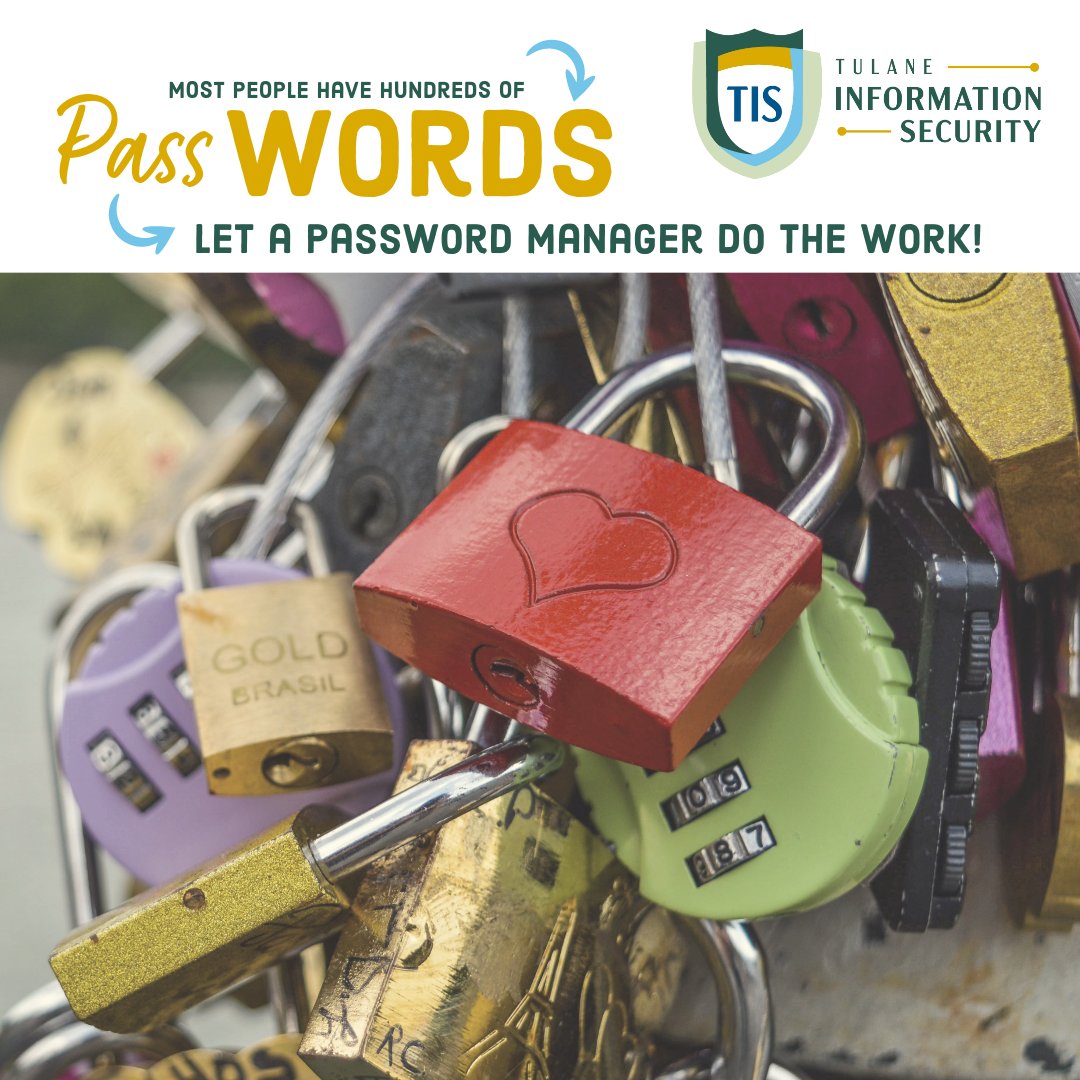
Did you know the average person has more than 100 passwords for online accounts? Here’s an easy pro tip: a Password Manager can help you create strong, unique passwords or passphrases for each account. #CybersecurityAwarenessMonth#SecureTulane#SecureOurWorld
No matter the account, all passwords should be created with these 3 words in mind: Long (126 characters), Unique (never reuse passwords), and Complex (a combination of upper/lowercase letters, numbers, and special characters.) #SecureTulane#SecureOurWorld
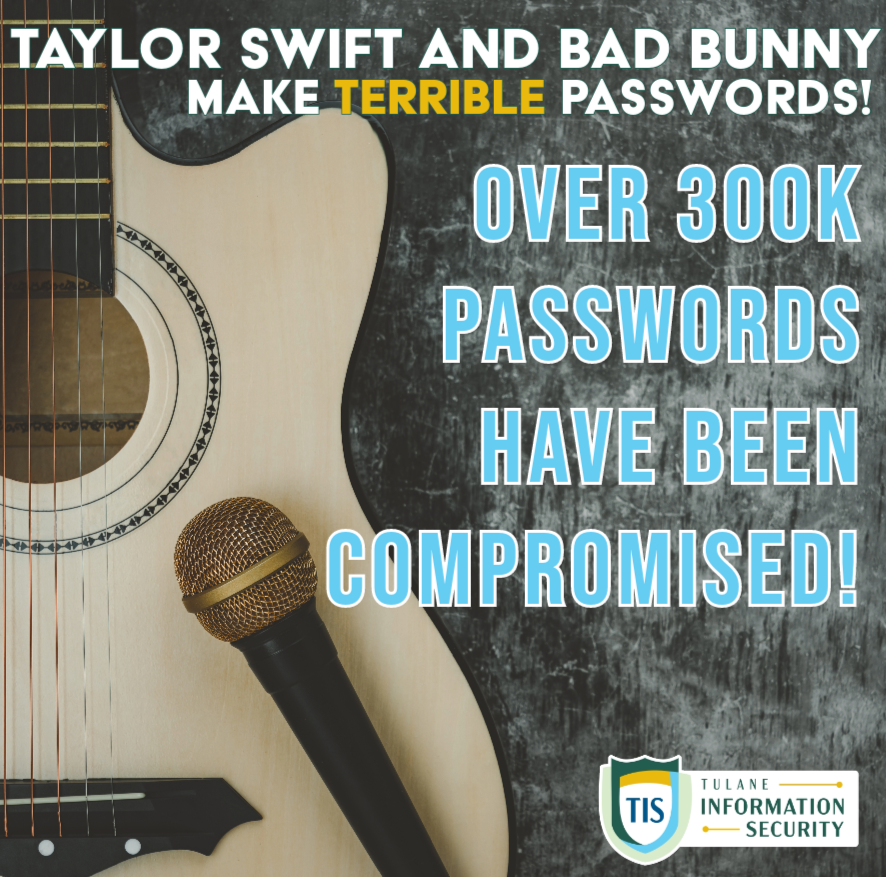
Taylor Swift and Bad Bunny make for great music, but terrible passwords. Spycloud has recovered over 300,000 compromised passwords using words related to the artists! Remember to keep passwords random. https://t.co/wAfgTEiiyC #CybersecurityAwarenessMonth#SecureTulane#Swifties
Passwords can be pretty annoying, but they are your first line of defense against cyber threats. Get some quick password (and passphrase) tips in this article from the Tulane #InfoSec team: https://t.co/zUEEUx7jtn #CybersecurityAwarenessMonth#SecureTulane#SecureOurWorld