The University of Cincinnati will be closed December 24, 2025 – January 1, 2026 for Winter Season Days. During this time, staff will not be available for assistance.
📧 If you still need help, feel free to email us—responses will resume the week of January 5, 2026.
🎄🔒 Happy Holidays from the Office of Information Security (OIS)!
🎁 Cyber-Smart Holiday Tips:
✅ Watch out for phishing emails posing as holiday deals
✅ Use strong, unique passwords (a gift to your future self!)
✅ Keep devices and apps updated
📱 It’s National App Day! While we love discovering new apps, not all are as friendly as they seem. 🕵️♀️
Before you tap “Download”:
🔍 Check app permissions
✅ Use official app stores
🔒 Keep your apps updated
Celebrate smart — protect your data while you enjoy your apps!
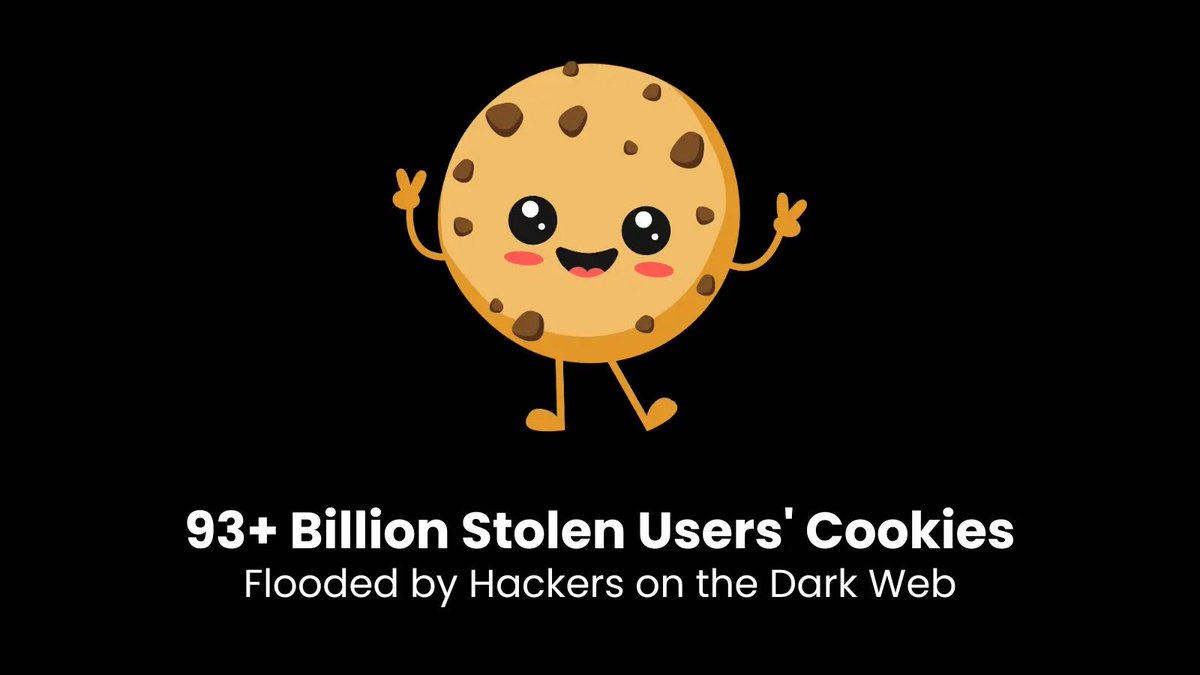
🍪 Happy National Cookie Day! While we all love sweet treats, not all cookies are good for you — especially the ones tracking your online activity! 🕵️♂️
✅ Review your browser settings
✅ Clear cookies regularly
✅ Only accept cookies from trusted sites
🛑🔍 It’s International Fraud Awareness Week!
Fraud comes in many forms — but phishing remains one of the most common.
📧 Be cautious with unexpected emails or texts
⚠️ Look out for urgent requests or unfamiliar links
🔐 Never share passwords or personal info via email
As the holiday shopping season kicks off, the Office of Information Security (OIS) reminds you to shop smart and stay cyber safe:
🛑 Don’t click on suspicious links or “too good to be true” deals
🛒 Stick to trusted retailers and secure websites (look for https://)
🪔💻 This Diwali, Light Up Your Devices — Not Cyber Risks!
The Office of Information Security (OIS) wants to remind you to:
🔐 Use strong passwords & enable multi-factor authentication
📱 Avoid sharing personal info over unsecured networks
🎃👻 Don’t Let Cyber Threats Haunt You This Halloween!
The Office of Information Security has some not-so-scary tips:
🕸️ Beware of phishy emails dressed as spooky deals
🧛♂️ Don’t get tricked — verify links before you click
🧙♀️ Keep your software updated and devices protected
🧼💻 Time for a Digital Hygiene Check-Up!
The Office of Information Security (OIS) recommends a quick cyber clean-up:
✅ Change outdated or reused passwords
🛡️ Turn on multi-factor authentication
🧹 Delete unused apps and accounts
🔄 Update software and security settings
🔐 October is Cybersecurity Awareness Month!
The Office of Information Security (OIS) is here to help you stay informed
🧠 Learn the basics: Think before you click
🔐 Use strong passwords + enable MFA
🛡️ Keep your software updated
📧 Report phishing — don’t fall for it
🎣 Don’t Take the Bait!
Phishing emails are getting smarter — but so can you.
✔️ Check the sender
✔️ Hover over links
✔️ Never share personal info via email
Stay alert, report suspicious messages, and protect your data.
#ThinkBeforeYouClick#CyberSecurity#PhishingAwareness
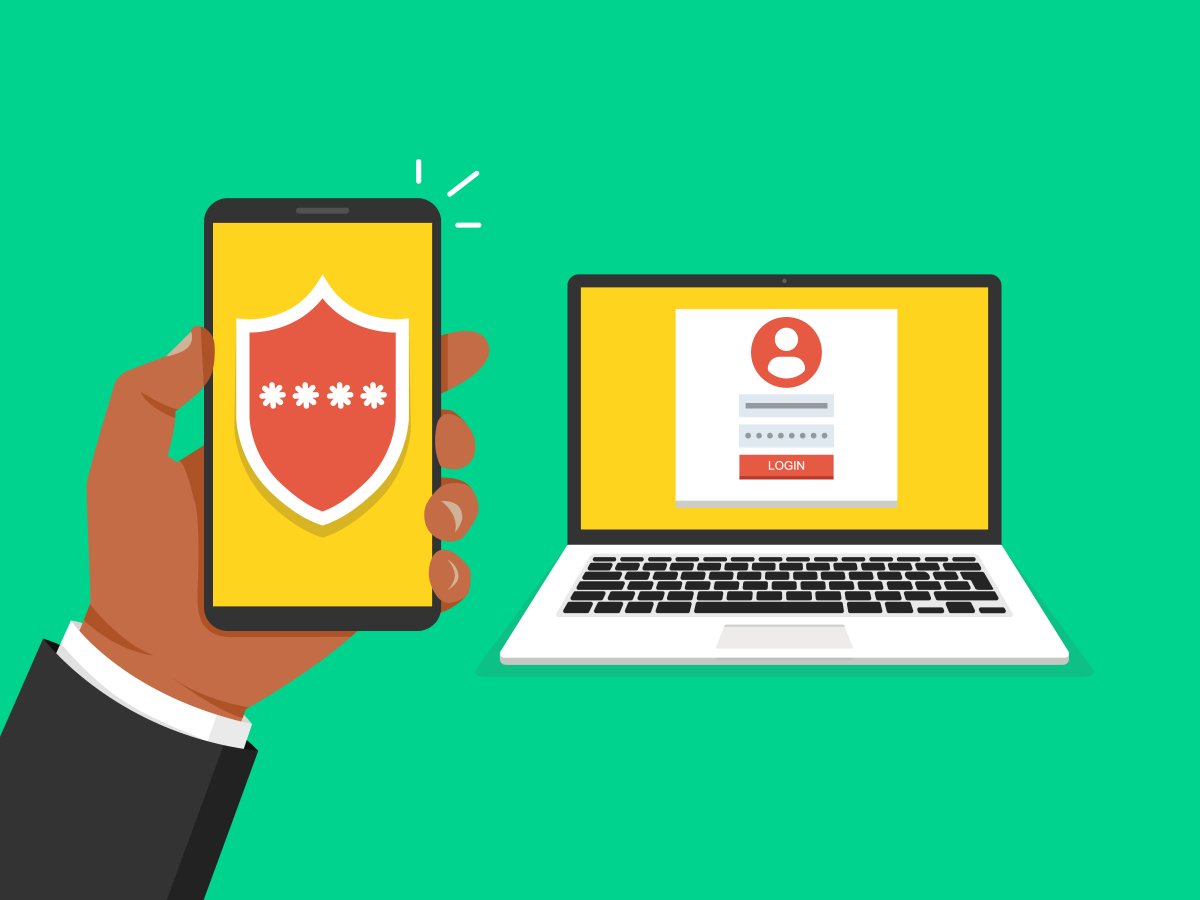
🔐 Think your password is enough? Think again.
The Office of Information Security recommends you add an extra layer of protection with Multifactor Authentication (MFA) — because one step isn’t always secure enough.
Secure your accounts. Stay cyber smart. 🛡️
#CyberAwareness
🔐 Your Password Is the Key — Make It Strong!
The Office of Information Security recommends you:
✅ Use long, unique passwords for every account
🔑 Consider a password manager to keep track securely
🚫 Avoid using names, birthdays, or “123456”
🔄 Update old passwords regularly
🔍 September is National Insider Threat Awareness Month
The Office of Information Security (OIS) wants to remind you to:
✅ Stay alert
✅ Report suspicious behavior
✅ Protect what matters
Security starts with awareness.
#CyberAwareness#OIS#NIATM
🧃Coffee shops. ✈️Airports. 📶 Campus Wi-Fi.
Public networks = public risks.
➤ Avoid logging into sensitive accounts
➤ Use a VPN if possible
➤ Never enter credit card info over public Wi-Fi
➤ Always log out of websites when done
🐾 Stay smart. Stay secure.
🎒📱 Heading back to campus? Don’t forget your cyber hygiene checklist.
✅ Update your UC passwords
✅ Turn on multi-factor authentication (MFA)
✅ Update your devices and apps
A new semester means a fresh start — make sure your data gets one too.
🔐 Cybersecurity in July 🔐
As we dive into the second half of the year, it’s the perfect time to refresh your digital defense habits!
🖥️ Avoid suspicious links
🛡️ Use multi-factor authentication
🔑 Create strong, unique passwords