https://t.co/I4RlS92aVn → MP4 in one click.
USU puts a Download button on every https://t.co/I4RlS92aVn page and saves the video as ABC-123.mp4.
• Free: first download each day has no ad, then one ad per download
• Chrome on Windows & Mac · 19+
https://t.co/E1TwLY3xAe
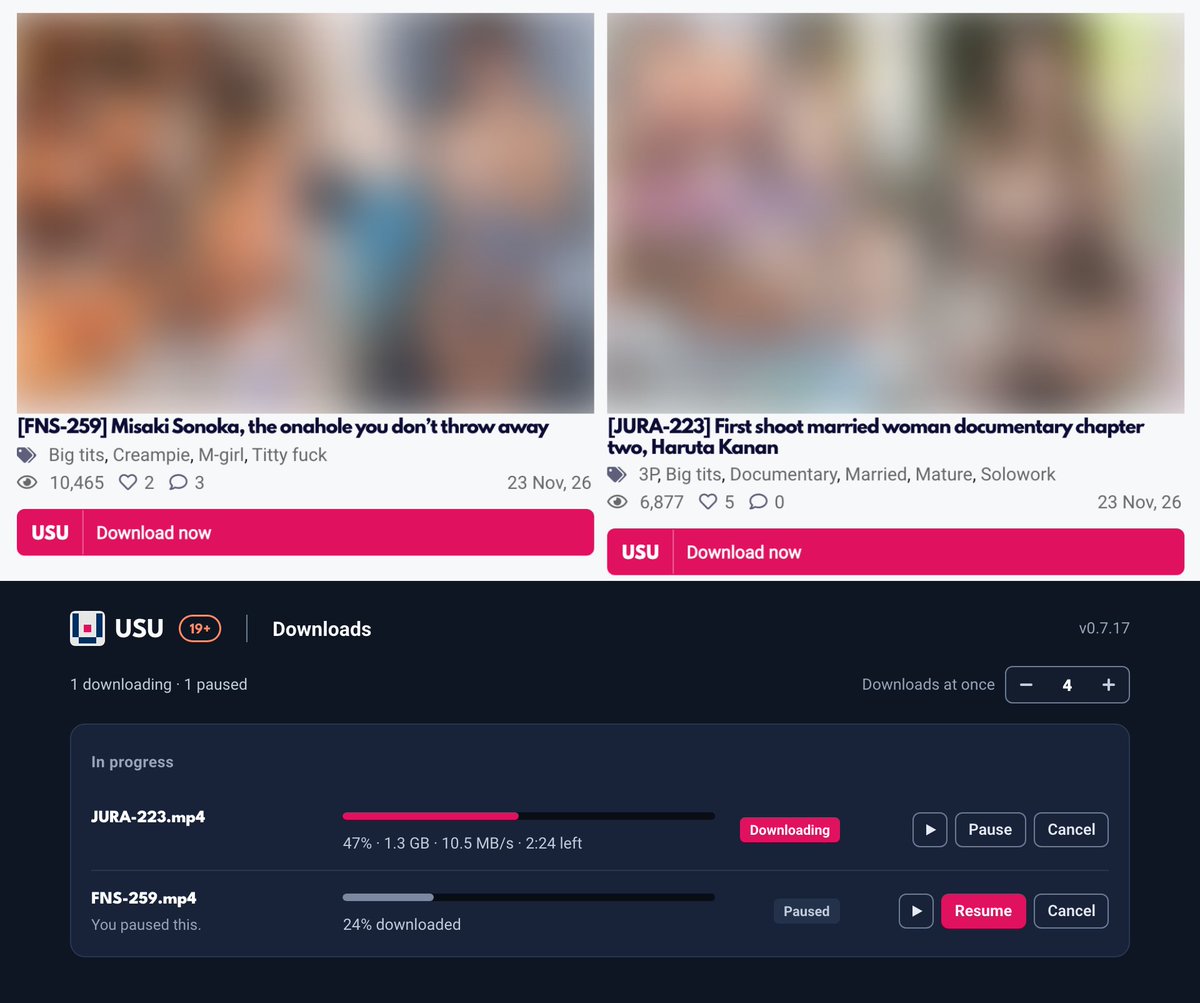
Want to keep a https://t.co/I4RlS92aVn video offline? USU adds a "Download now" button under every video on https://t.co/I4RlS92aVn. Click once and it saves as an MP4, with pause and resume.
Free with ads · Chrome · Windows & Mac · 19+
https://t.co/E1TwLY3xAe
Tired of streams buffering? USU saves https://t.co/I4RlS92aVn videos straight to your computer as MP4. One click on the Download button it adds to each page.
Free (first download each day ad-free) · Chrome on Windows & Mac · 19+
https://t.co/E1TwLY3xAe
Made for https://t.co/I4RlS92aVn users: a Chrome extension that puts a Download button on every video and saves it as an MP4 named by code (JURA-223.mp4). Real screenshots below.
Free, ad-supported · Windows & Mac · 19+
https://t.co/E1TwLY3xAe
How to install (6 steps, outside the Chrome Web Store):
1. Download the zip
2. Unzip it and keep the folder
3. Open chrome://extensions
4. Turn on Developer mode
5. Load unpacked, then choose the folder
6. Pin USU
Full guide: https://t.co/rIFov71bBk
https://t.co/I4RlS92aVn → MP4 in one click.
USU puts a Download button on every https://t.co/I4RlS92aVn page and saves the video as ABC-123.mp4.
• Free: first download each day has no ad, then one ad per download
• Chrome on Windows & Mac · 19+
https://t.co/E1TwLY3xAe
The finished file from the post above: JURA-223.mp4, 2.8 GB, in the Downloads folder.
Videos go straight from the host to your computer, not through USU. A paused download picks up where it left off.