I'm selling space on my MacBook.
10 sticker spots on the lid:
• Your logo stays on for 6 months
• Tagged in all upcoming content
• Badge on @rectanglesfm website
I never leave home without my laptop.
It’s your chance to travel with me, gets seen both online, and IRL at 2 conferences this September.
Prices start at $1,500.
Get your logo on my MacBook ↓
I didn’t really get meetings.
I'd show up
Nod along quietly
Say "sounds good"
Then go back to my desk
The work always felt more important.
Did I want to complain about decisions I didn't like? Sure. Usually, I’ll let it slide.
But then things just got harder.
Harder to advocate for the user
Harder to get my ideas heard
Harder to do my job
I was a designer, but I let PMs, stakeholders, and engineers, steer the ship.
And I wondered why my designs always needed reworking.
I had to learn how to speak up.
Without rambling
Without being defensive
Without losing the room
This S.P.E.A.K framework changed how I go about every meeting:
𝐒 — 𝐒𝐭𝐚𝐭𝐞 𝐭𝐡𝐞 𝐩𝐫𝐨𝐛𝐥𝐞𝐦
Before I give answers, I name what's wrong.
❌ Wrong: "I think we should redesign the onboarding."
✅ Right: "Users are dropping off at step 2. That's the problem."
See the difference?
One sounds like an opinion.
One sounds like a fact.
→ Facts get attention.
→ Opinions get ignored.
Pro tip: Write the problem in one sentence before the meeting starts. If you can't say it in one sentence, you don't understand it yet.
𝐏 — 𝐏𝐫𝐨𝐯𝐢𝐝𝐞 𝐜𝐨𝐧𝐭𝐞𝐱𝐭
Facts without context can’t persuade people.
Context answers the question everyone is already thinking:
"Why should I care?"
→ How bad is it?
→ Who is affected?
→ What happens if we ignore it?
Example: "3 out of 5 users in our last test couldn't complete onboarding. We're losing people before they even see the product."
Now they care.
Pro tip: One data point beats ten slides, find your one number and lead with it.
𝐄 — 𝐄𝐱𝐩𝐥𝐚𝐢𝐧 𝐦𝐲 𝐭𝐡𝐢𝐧𝐤𝐢𝐧𝐠
I don't just tell them what you think, I tell them why I think it.
❌ "I think we should simplify the flow."
✅ "I think we should simplify the flow because users told us they felt overwhelmed at step 2."
See the differences?
→ "What" = your opinion
→ "Why" = your credibility
Pro tip: Use this sentence: "I think [X] because [Y]." That's it. Four words that make you sound 10x smarter in any room.
𝐀 — 𝐀𝐥𝐢𝐠𝐧 𝐰𝐢𝐭𝐡 𝐠𝐨𝐚𝐥𝐬
Every room has a priority.
My job is to connect the point to that priority.
→ If they care about revenue: "This will reduce churn."
→ If they care about speed: "This will cut dev time in half."
→ If they care about users: "This is directly from user feedback."
I start speaking their language.
Pro tip: Before any meeting, ask yourself: "What does this room care about most?" Then frame everything around that one thing.
𝐊 — 𝐊𝐞𝐞𝐩 𝐢𝐭 𝐬𝐡𝐨𝐫𝐭
The more I talk, the less they listen.
Say it. Stop. Let it land.
→ 3 sentences max for my main point
→ Pause after I finish
→ Don't fill the silence, silence is power
Most people ramble because they're nervous.
Nervous people talk fast and long.
Confident people talk slow and short.
Pro tip: Practice your point out loud before the meeting. If it takes more than 30 seconds, cut it in half.
Put it all together ↓
Next meeting, try this:
→ S — "I noticed [PROBLEM]."
→ P — "Here's why it matters: [CONTEXT]."
→ E — "I think [SOLUTION] because [REASON]."
→ A — "This connects to [TEAM GOAL]."
→ K — Then stop talking.
That's it.
One paragraph.
Five steps.
Zero more invisible meetings.
P.S. In meetings, are you the quiet one or the loud one?
Designers don’t like to talk about money.
I don’t get it.
Rent’s due, either way.
Your monthly income, as a freelancer, could be $2k or $24k.
That was my freelancing income.
But my costs didn't move at all.
Same rent, same subscriptions, same direct debits, landing on the same dates, indifferent to whether it was a good month or a dead one.
I lived in two modes:
1. Big invoice lands
↳ I feel rich for a week and upgrade something.
2. Slow patch hits
↳ I'm checking my account before I'm properly awake and waiting for that specific notification sound.
Yearly, on paper, I was doing well.
Still, you don't feel great when a few invoices are late, all at the same time.
I managed to stop panicking.
By changing what happens to money the second it arrives in my account and before I got a say in it.
I don't brace to check my balance these days.
I check one number.
That tells me how worried I'm allowed to be.
This Wednesday's @rectanglesfm newsletter goes into it.
→ How I set up my money system
→ What that number is (that reduced my anxiety)
Skip it if late invoices don't faze you.
If they do ↓
Talking money management in this week’s issue: https://t.co/dfIfKQzlkT (not just for freelancers)
---
Help me make @rectangles amazeballs in 5m: https://t.co/OUZklg3DDB
Apple didn’t invent the GUI.
Steve Jobs (almost) had nothing to do with it.
In 1979, Jobs walked into Xerox PARC, most of it was already sitting there.
The mouse (1964)
Windows (1968)
Menus (1973)
Icons (1975)
The future of personal computing sitting inside a research lab.
Jobs saw it, simplified it, shipped it to millions of people.
The Mac sold.
The Xerox Alto never did.
A story of distribution deciding who gets remembered.
Facts far beyond Apple.
The people who built the graphical user interface (GUI):
1) Steve Russell (1962) made computers respond in real time, not hours later.
2) Ivan Sutherland (1963) let people draw directly onto a screen.
3) Doug Engelbart (1964) invented the mouse. Then demoed windows, clickable text, even video calls, in 1968.
4) Alan Kay (1973) built the Xerox Alto, the first machine that looked/worked like a modern PC.
5) David Canfield Smith (1975) gave us the "icons" on screens.
6) Larry Tesler (1975) invented Cut, Copy, and Paste, plus the idea that apps should behave consistently.
7) Dan Bricklin (1979) made the first spreadsheet program.
8) Ben Shneiderman (1982) made "intuitive, visual, direct" the goal of every interface.
9) Susan Kare (1984) designed the original Mac icons that made computers feel friendly.
10) Marc Andreessen (1993) built Mosaic, the browser that made the internet visual.
11) Steve Jobs (1984 & 2007) took all of it mainstream. Mac, then iPhone.
↓
These folks are hidden workforce behind modern UX.
11 people
60 years of work
Almost zero household names
Big ideas usually get built by a lot of people over time.
One invents the idea.
Another makes it usable.
Another builds a business.
Another gets it to millions.
Another turns it into culture.
Steve Jobs didn’t invent the GUI.
He just shipped it.
⋯
P.S. how many of these 11 legends did you already know?
Every AI conversation I’ve had this year has been about tools.
I’m kinda bored.
Prompts. Plugins. Workflows.
Meanwhile, the products we design are changing:
→ They remember
→ They reason
→ They act
New capabilities with every model update.
Barely anyone’s talking about what that means (me included).
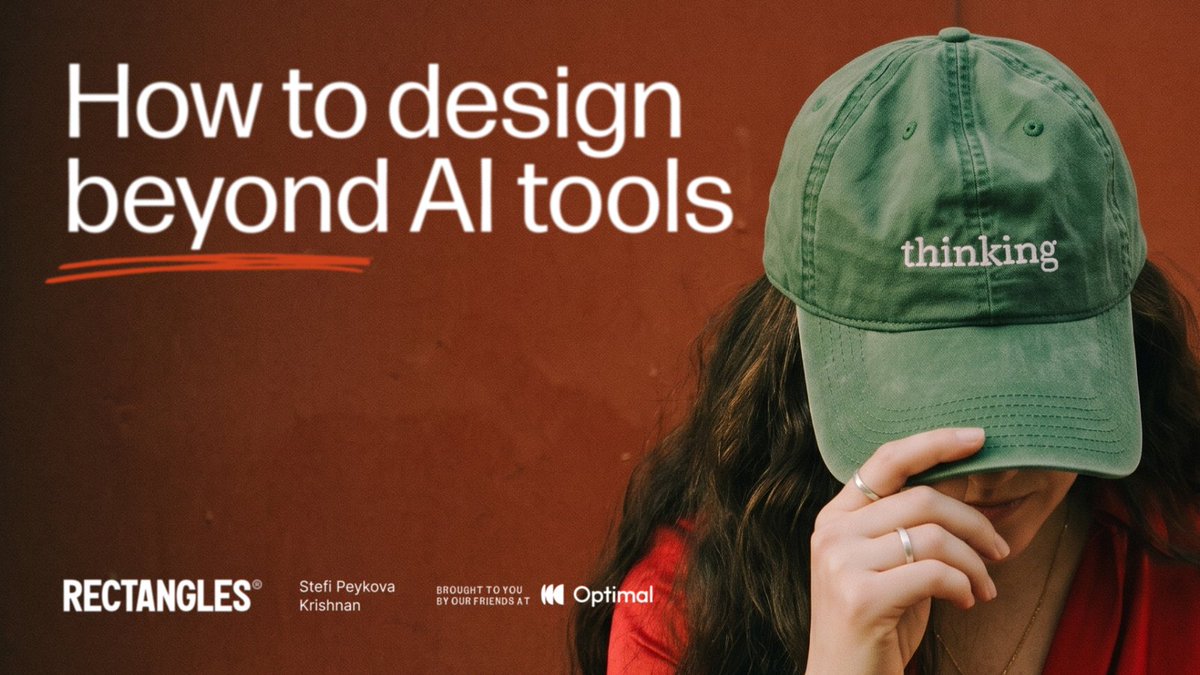
That’s why I’m bringing Stefi Peykova Krishnan on the @rectanglesfm
How to design beyond AI tools:
1. What we design: from interfaces to intelligence
2. How we design: in uncertainty, with curiosity
3. Where humans fit: human by design
And all of your questions!
Stefi co-founded the Bulgarian Design Council and led design on a precision-medicine platform for paediatric oncology. It went from 0→1 to national scale and won Best in Class and Gold for Service Design at the Good Design Awards Australia.
She’s also been running her own experiments with AI memory and cognition.
Using AI every day but only scratching the surface?
Come get curious with us.
🎙️ Join us Wednesday, Nov 25
📌 Drop your questions in the comments: https://t.co/41sUT88JZ2
📺 For a better streaming experience, go to YouTube (recorded): https://t.co/865T0ChE5M
💌 Get the written takeaways at https://t.co/O7IwocoqLQ
📅 Add to your calendar https://t.co/d4DpAXkrUx
Together with @optimalworkshop
The AI-Native Designer Loop:
1. Ask your research by connecting it to Claude or ChatGPT
2. Let Figma AI agent fix things based on real insights
3. Test it on real devices & record: screen, audio, video
4. Compare with a competitors actual website
5. Pull insights on the canvas and iterate
Each step used to mean different tools and switching between a million tabs.
Now it’s one loop, every tool talking to each other.
Learn more about Optimal + Figma: https://t.co/V0GmwIHOW8
My favourite clients have one thing in common.
They all pushed back.
Sharp questions, "why this, not that?”, and never let major decision through without making me defend it.
I'd walk out of those calls slightly annoyed.
But, I’d have much better work than I came in with.
This wasn’t always the case. Before, clients who pushed back made me feel defensive. And as they’re the client, I'd smooth things over, agree, and keep the peace.
Then I noticed the pattern.
The clients I agreed with the most, treated me like 💩, and just rolled over my work for the rest of the contract.
So on the first call now, before any money's changed hands, I do the reverse:
One small push.
A gentle disagreement.
A question they don't expect.
Something that gives them a reason to react.
Then I go quiet and watch.
What a client does in that moment tells me whether the next 3 months are worth taking.
I think we’re all trying to find the perfect design client.
Next Wednesday’s newsletter issue is about that.
↓