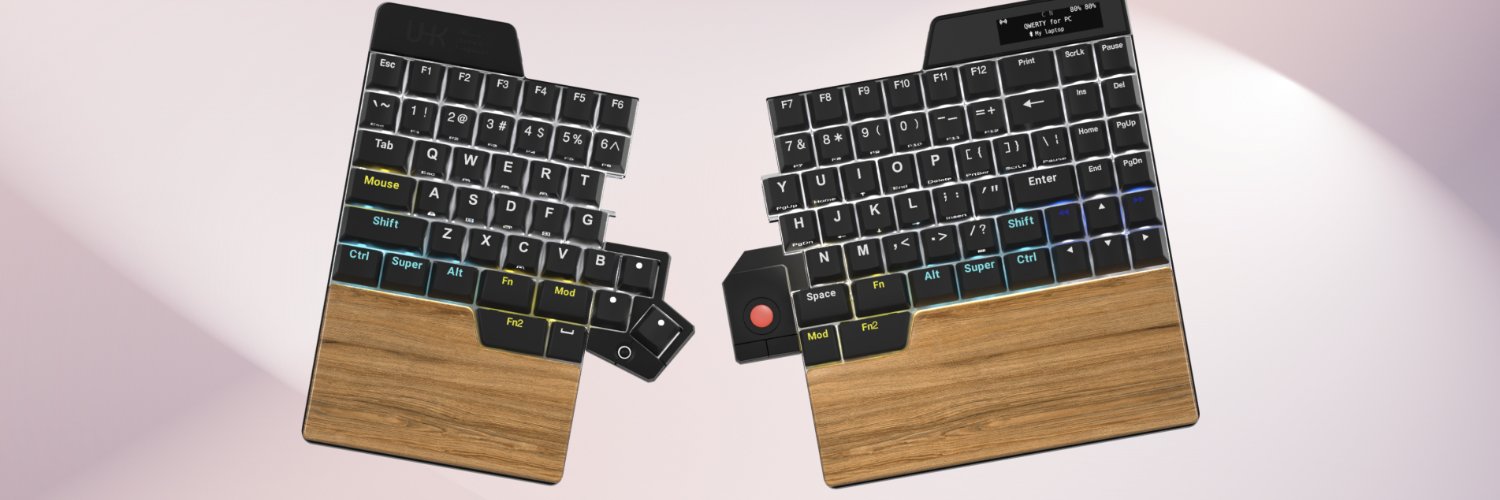
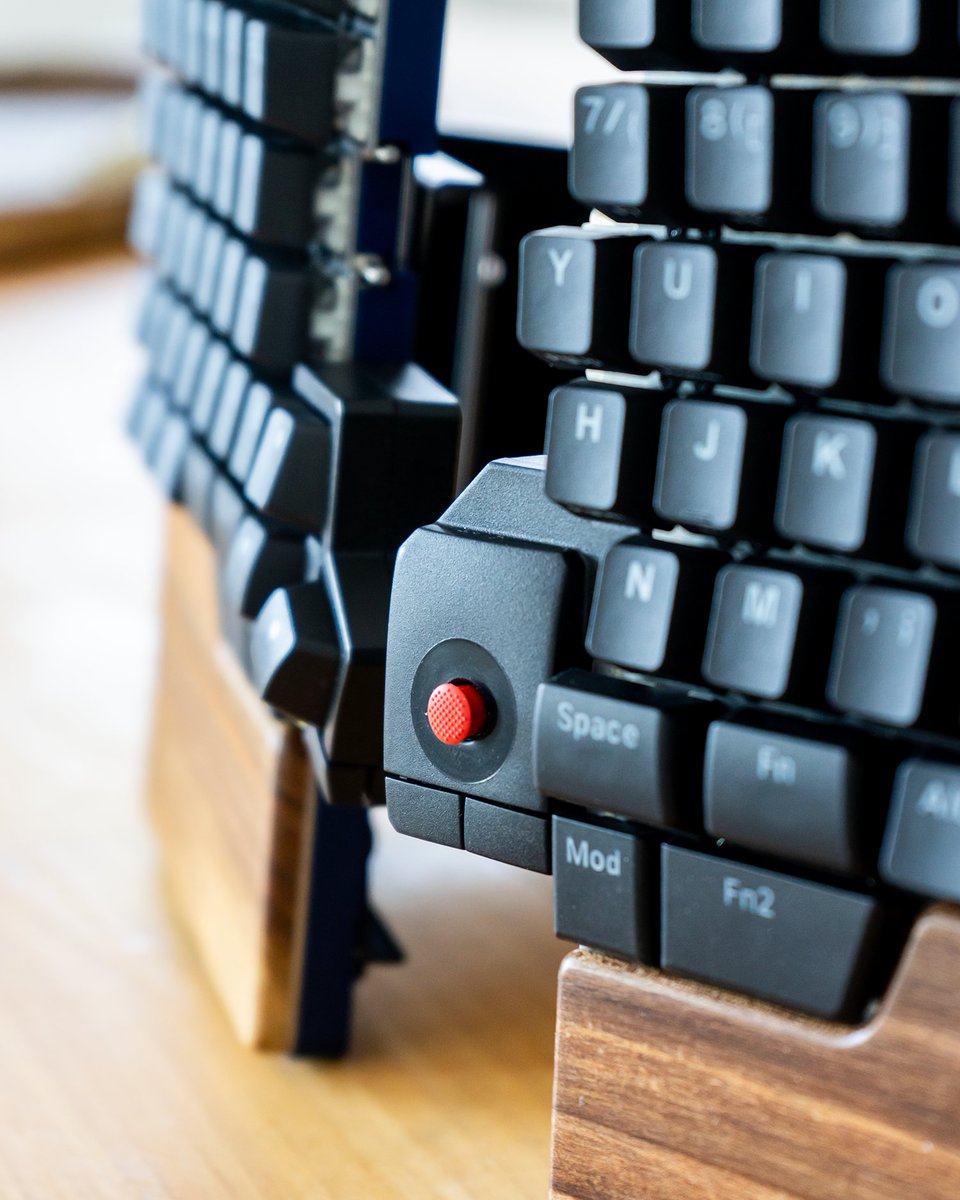
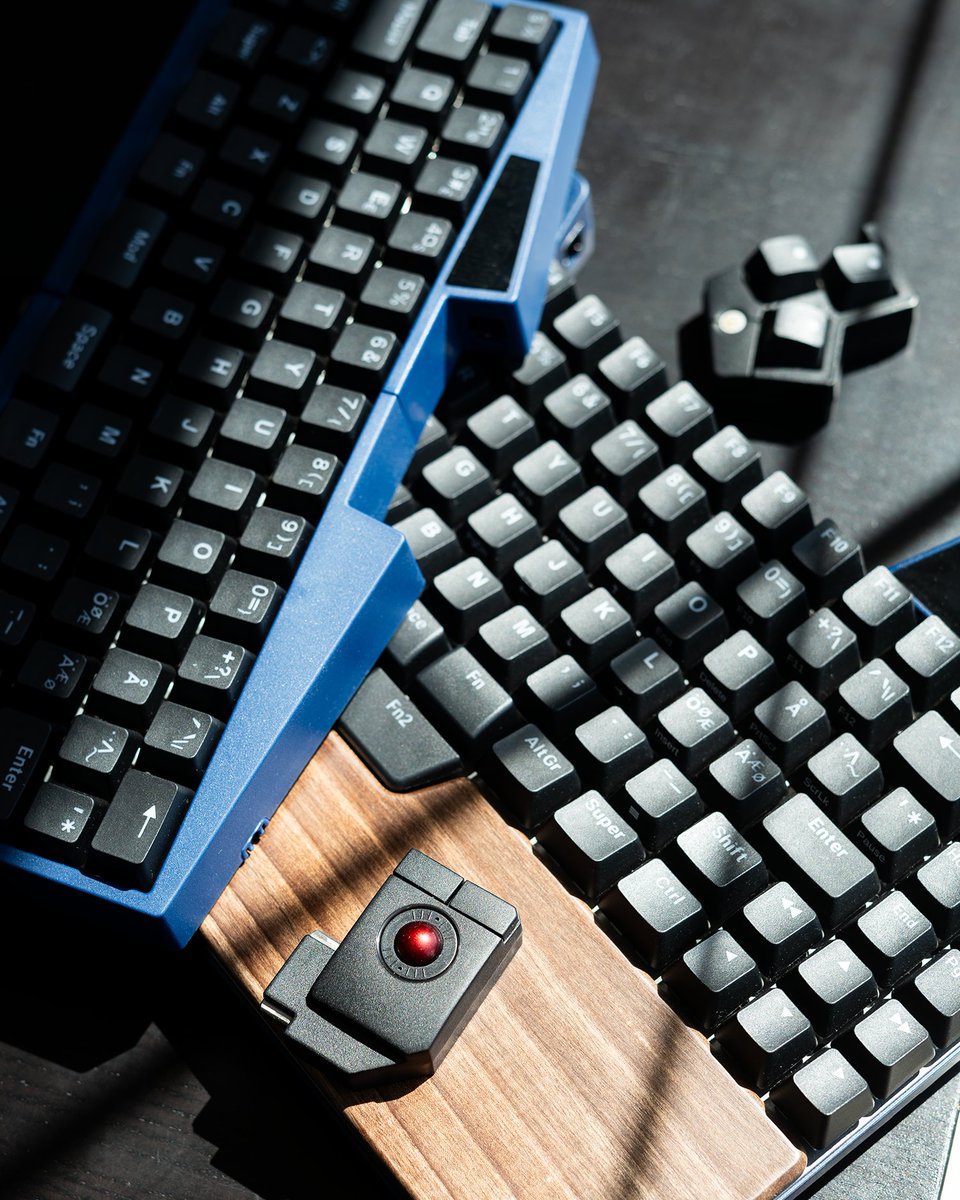
Small keyboard tweaks = big workflow gains on the Ultimate Hacking Keyboard. Pair it with UHK Agent. Thumb shortcuts, layers, macros = less mouse, more flow. Set once, then enjoy the payoff. What’s your first remap? #UHK#UHKAgent#Productivity#Workflow#WorkSmarter
People think typing pain starts and ends with wrists. Not quite. 🤔
It affects shoulders, neck, back, posture. Bad setup turns wrist strain into full-body tension.
Ergonomics is whole-body, not just hands
Your wrists type, your body pays. 💡
#UHK#Ergo#Typing#Posture#Work
Describe your setup in three words. 👀
Minimal. Clicky. Productive?
Cozy. Compact. Powerful?
Whatever defines your desk, we want to see it!
Drop a pic in the comments and tell us your setup in just three words. ⌨️📸
#UHK#MechanicalKeyboard#DeskSetup
Some like just enough. Others prefer “while we’re at it…”
UHK 60 for the minimalists. UHK 80 for those who believe there’s no such thing as too many features.
Different setups. Same obsession: making every keystroke count. 😏
#UHK#MechanicalKeyboard#Ergonomics
Who is the UHK 80 for?
For people who think full-size keyboards waste space and compact keyboards aren't quite enough. The UHK 80 hits the sweet spot: compact enough to free up desk space, complete enough to keep your workflow flowing.
#UHK#MechanicalKeyboard#Ergokeyboard
Some things are great on their own. Together, they’re even better.
⚡ Layers + Key Clusters: shortcuts where your thumbs want them.
⚡ UHK 80 + Keyboard Risers: better angle, better comfort.
⚡ UHK 60 + UHK Touchpad: less desk space, less hand travel.
Favorite combo? 👇
#UHK
How Much Time Can a Better Keyboard Save You?
Most people measure productivity in hours.
The real gains are often hidden in seconds.
Seconds spent reaching for a mouse. Seconds lost to unnecessary movement. Seconds repeating the same actions.
How many could you get back? ⌨️
🚀 First month with UHK?
✅ Get comfortable with the split design
✅ Discover layers and shortcuts
✅ Customize your workflow
✅ Enjoy faster, more comfortable typing
Before long, you'll wonder how you worked without it. What surprised you most? 👇
#UHK#ErgonomicKeyboard
From Basic Setup to Ultimate Setup 🚀
We've all been there. Then came the upgrades:
→ Split keyboard for better ergonomics
→ Custom keymap for faster workflows
→ Pointing device within reach
→ Cleaner workspace
What upgrade changed your setup the most? 👇
#UHK#DeskSetup
Still doing these tasks manually?
⚡ Typing the same phrases
⚡ Opening your favorite apps
⚡ Managing media controls
A good macro turns repetitive actions into a single keypress. What's one task you'd love to automate?
#UHK#KeyboardMacros#Productivity#MechanicalKeyboard
Switching to a split keyboard isn’t instant for most people.
But when it does click… it really clicks, and there's no going back. ⌨️✨
What was your experience like? Was it instant comfort or a slow transition?
#UHK#splitkeyboard#ergonomics#mechanicalkeyboards
Evolving your setup — which way to go?
Small tweaks often beat full rebuilds: a riser, a module, or a different size can refine your keyboard without starting over.
Tech setups are never truly finished — they evolve with you. The journey > arrival. ⚙️✨
#UHK#customkeyboard