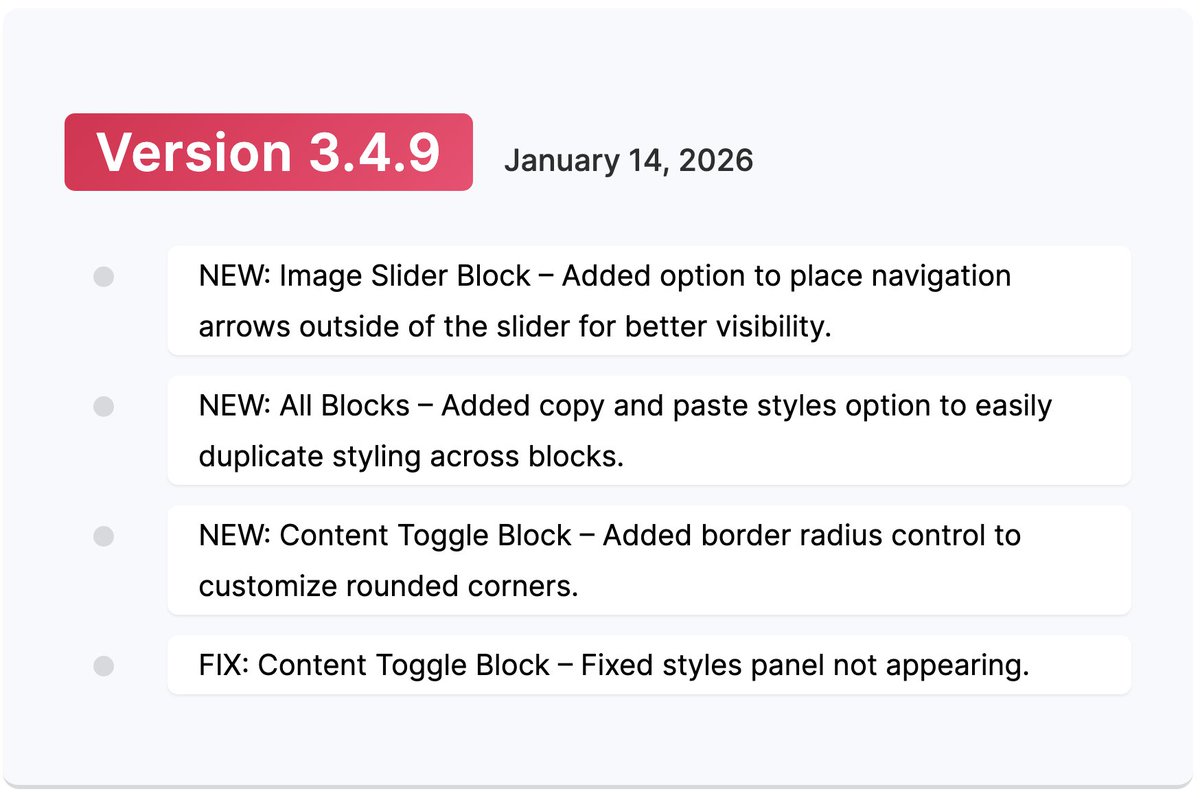
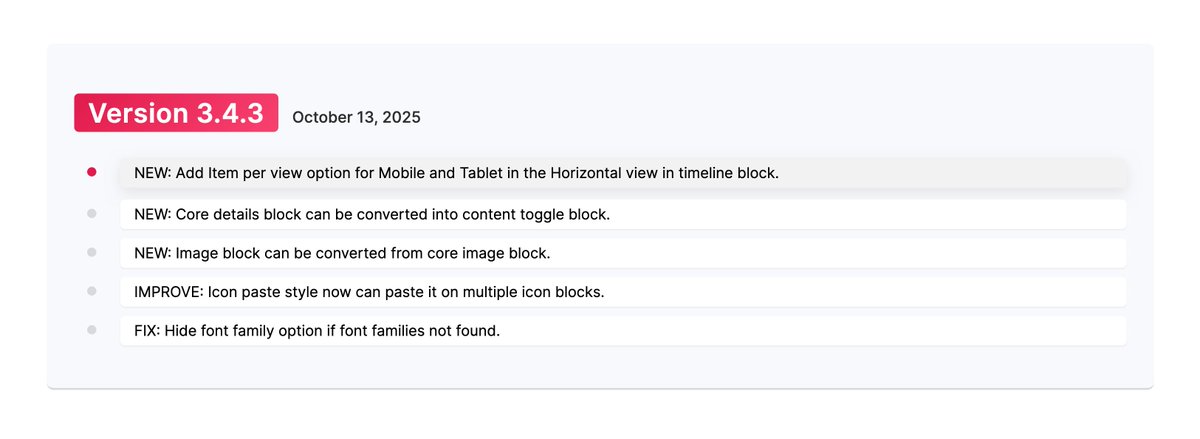
🚀 Ultimate Blocks v3.4.9 is live!
✨ Image Slider: Navigation arrows outside the slider
🎨 Copy & paste styles across blocks
🔘 Content Toggle: Border radius control
🐛 Bug fixes included
Update now and build faster with Gutenberg 💪
#WordPress#Gutenberg#UltimateBlocks
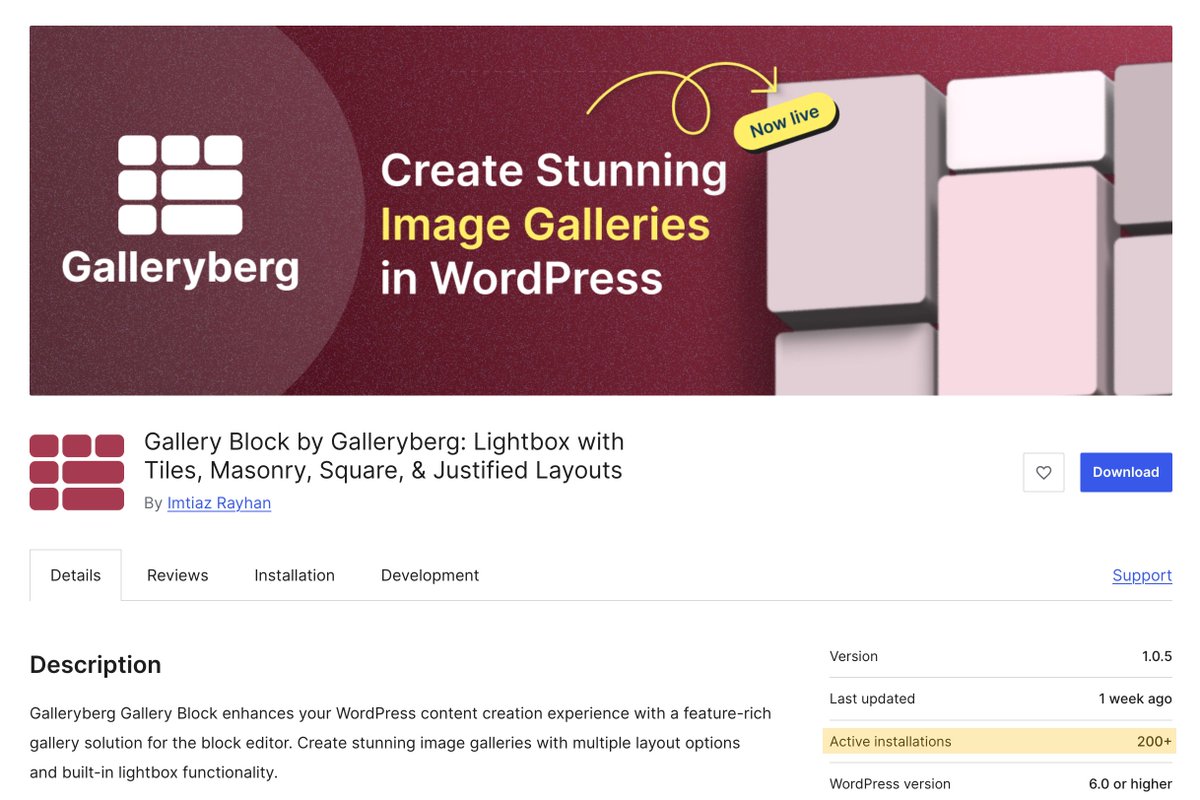
We’ve just crossed 200+ active installs on https://t.co/hAtmnl68OK
A huge thanks to everyone who supported us ❤️
We’re now working on the Pro version — coming very soon! 👀
https://t.co/CAQHeRl7vT
#Galleryberg#WordPress#Gutenberg#Milestone
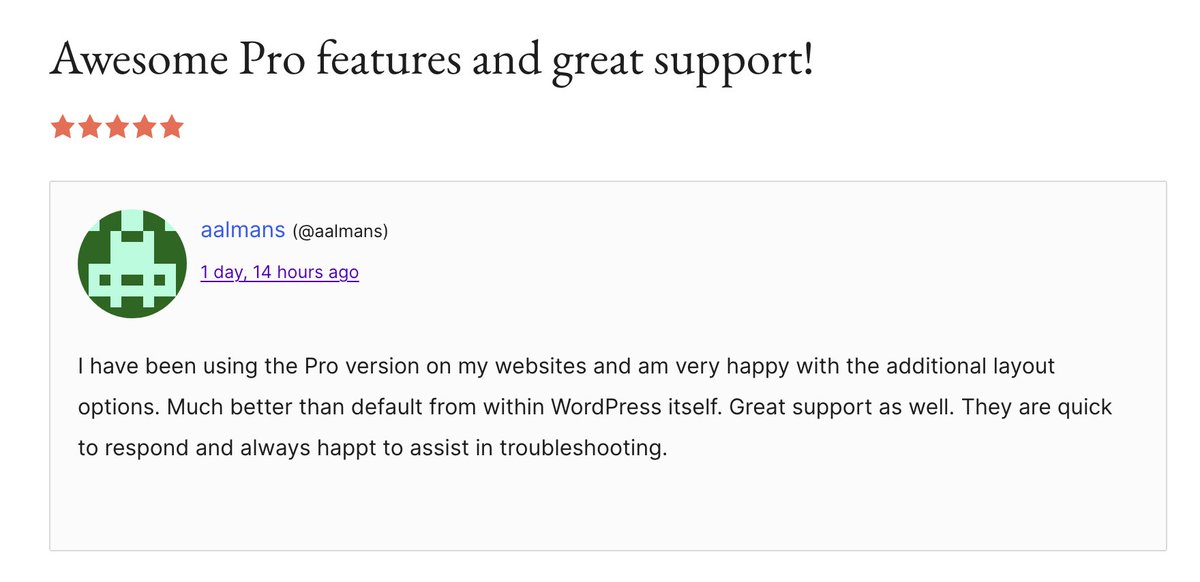
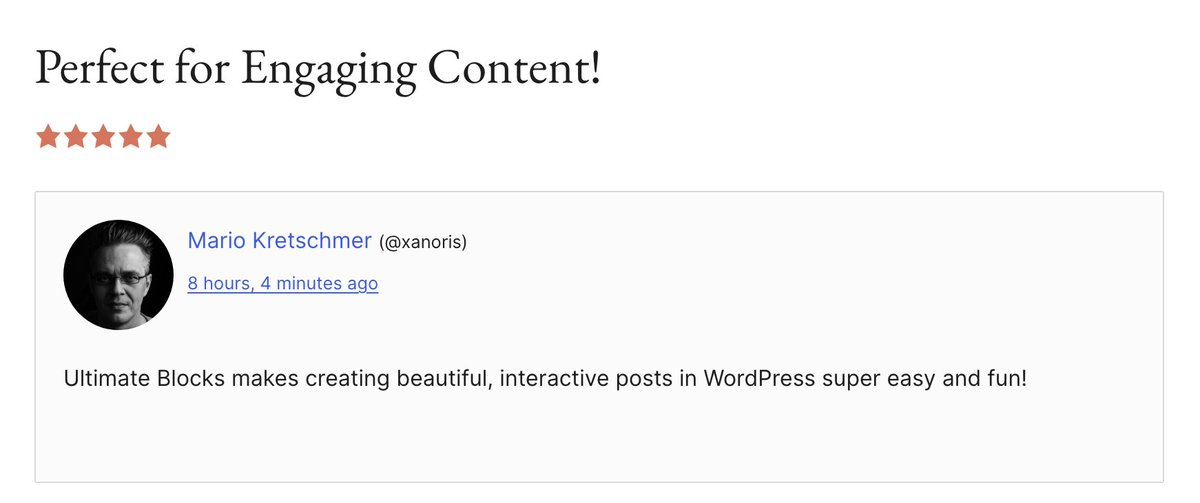
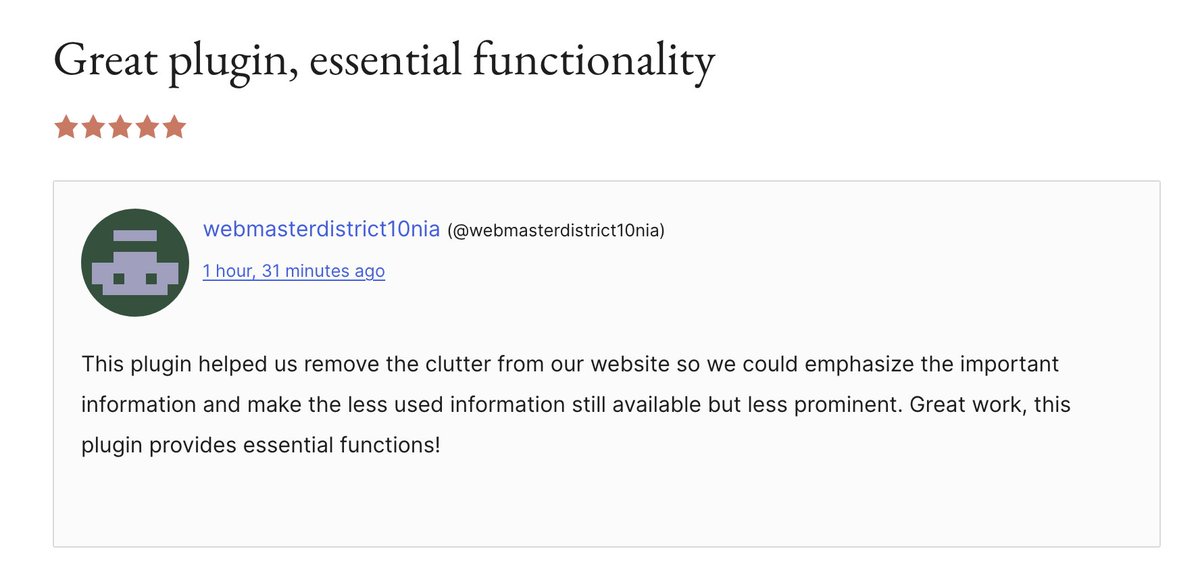
This review says it all. With AI making writing easy, what really stands out is how your content looks.
That’s exactly why we built Ultimate Blocks — to make your posts beautiful, interactive, and engaging. 💪
#WordPress#Gutenberg#UltimateBlocks
🌍 New Pattern Added!
The Travel Itinerary Timeline is now live in our WordPress Block Patterns Library 🎉
👉 https://t.co/mdEyZjapCI
Perfect for travel bloggers, agencies & event planners.
Copy → Paste → Customize 🙌
#WordPress#Gutenberg#Travel
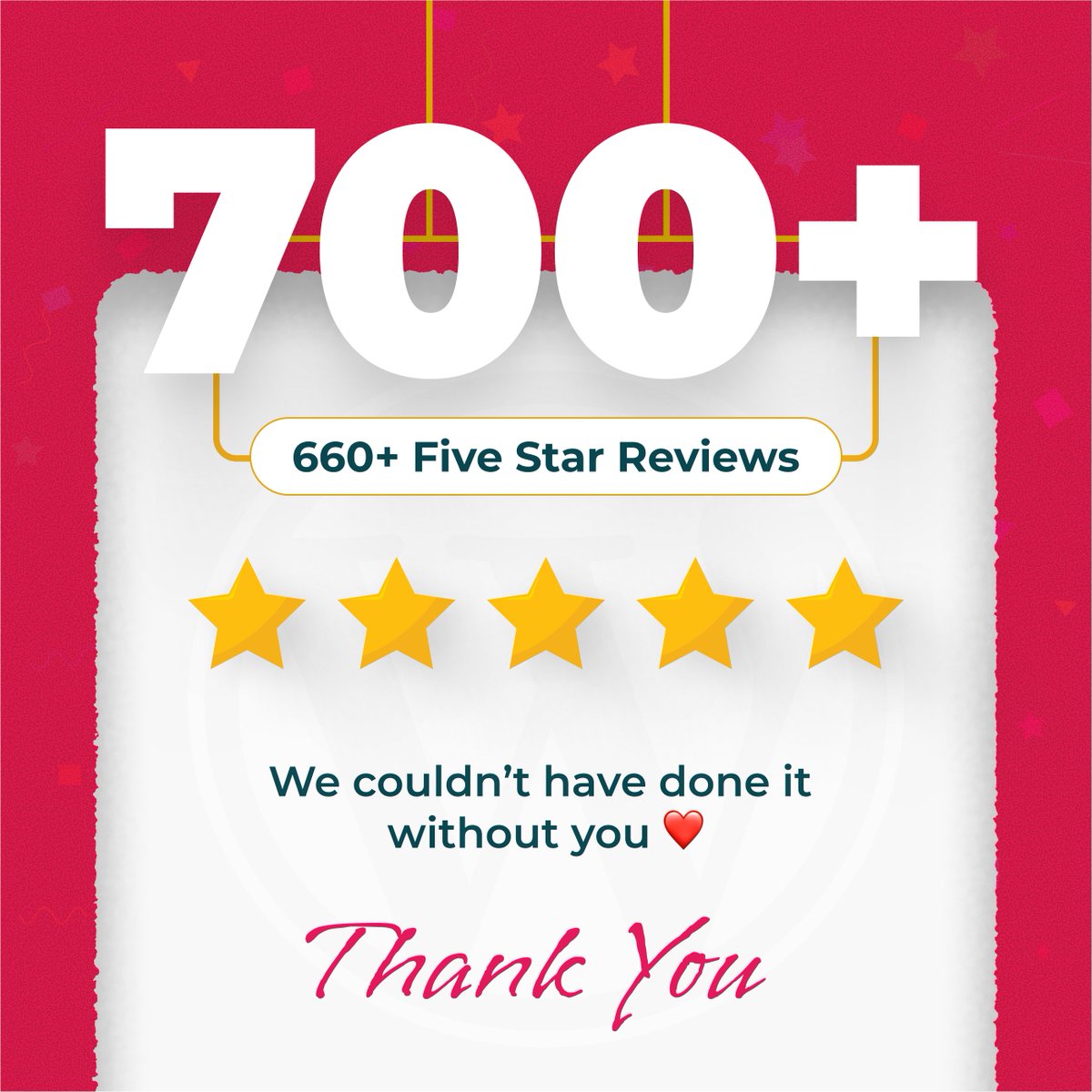
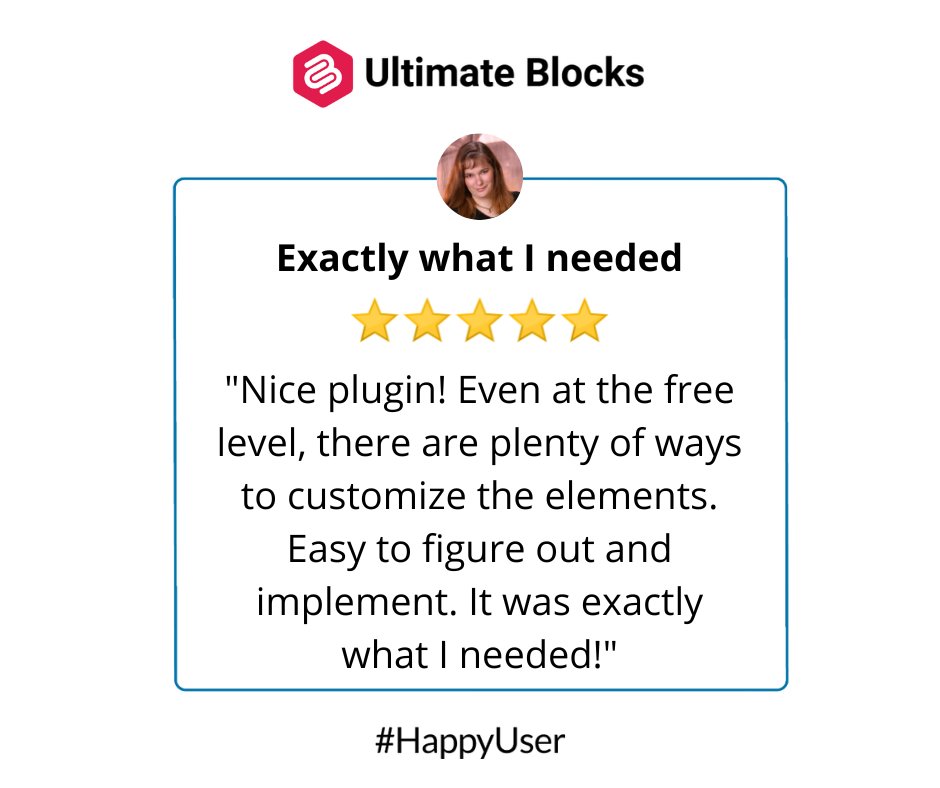
🚀 700+ reviews on https://t.co/hAtmnl68OK 🎉
💜 660+ are 5 stars! ⭐⭐⭐⭐⭐
Huge thanks to our amazing community for the love & support! 🙌
You inspire us to keep building the best Gutenberg blocks for WordPress.
#WordPress#Gutenberg#UltimateBlocks
Ultimate Blocks 3.3.8 is here!
✅ Bug fixes for Tabbed Content & Button blocks
✨ New border & color options for TOC & Progress Bar
🔄 'Click to Tweet' block now 'Post on X'
Update now & enhance your Gutenberg experience! #UltimateBlocks#WordPress#Gutenberg
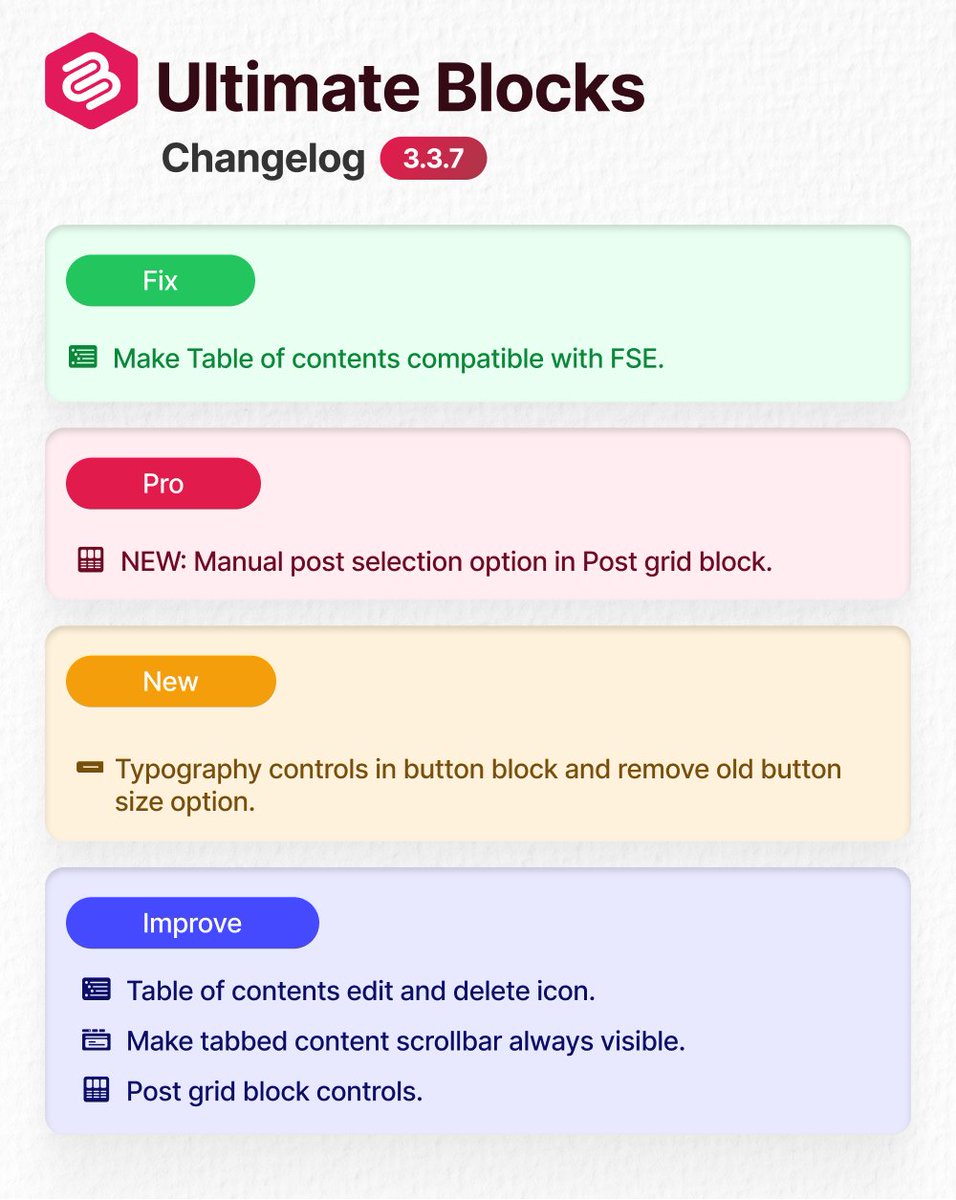
🚀 Ultimate Blocks 3.3.7 is out!
✨ Manual Post Selection in Post Grid (Pro)
📝 New Typography Controls in Button Block
🧩 ToC now supports FSE
🔧 UI Improvements across multiple blocks
#WordPress#Gutenberg#UltimateBlocks
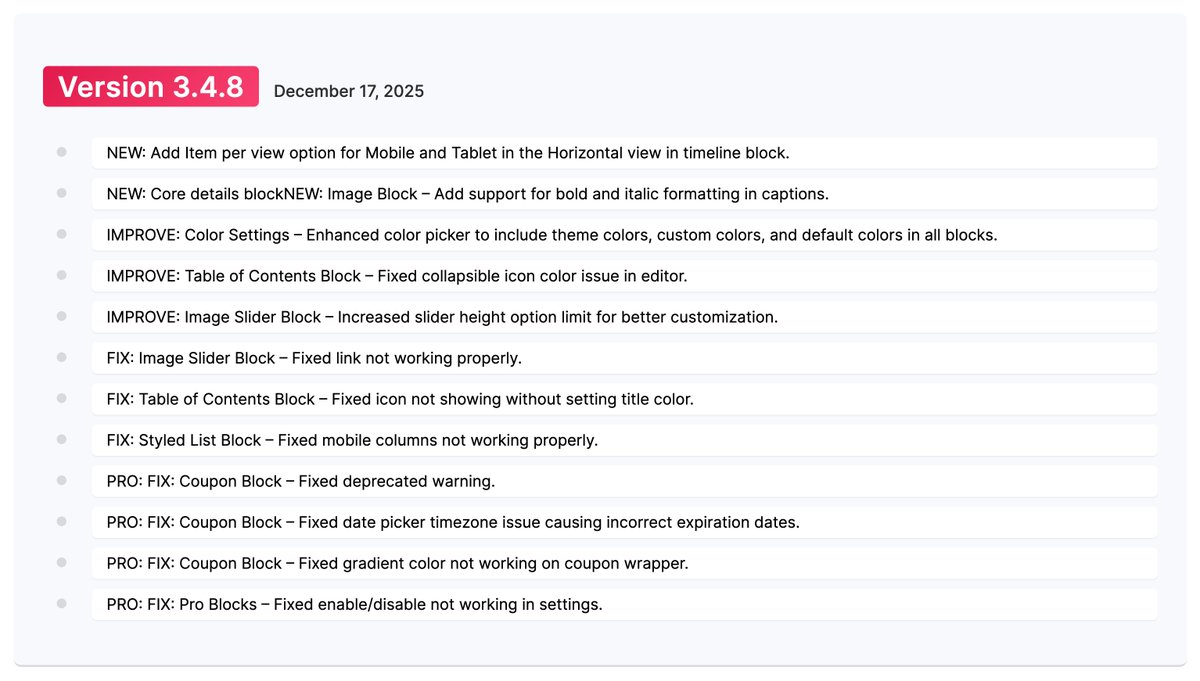
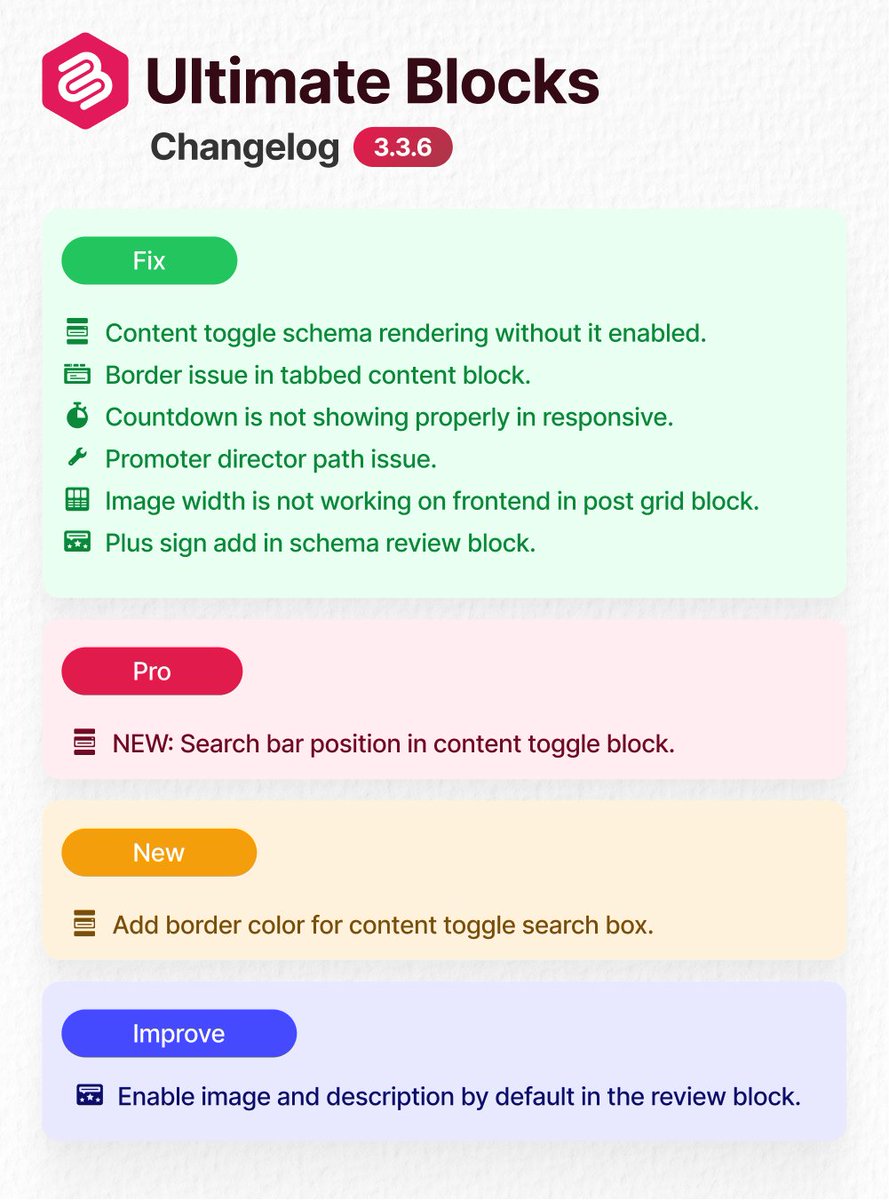
🚀 Ultimate Blocks v3.3.6 is live!
Fresh fixes, new features & improvements for your favorite #WordPress block plugin.
Check out what’s new 👇
#Changelog#UltimateBlocks#WordPress
Footnotes are a great way to provide additional references, context, or explanations without cluttering the main content. Footnotes can be added to #WordPress in a couple of steps.
Read this if you want to know How to Add Footnotes in WordPress.
https://t.co/yzEJYCIeHB
The Styles Tab in the WordPress Block Editor allows users to customize the appearance of individual blocks within their content.
Now, if you ask where to find the Styles Tab in #WordPress Block Editor, you need to read this.
https://t.co/1baYYFCGdL
The Styles Tab in the WordPress Block Editor allows users to customize the appearance of individual blocks within their content.
Now, if you ask where to find the Styles Tab in #WordPress Block Editor, you need to read this.
https://t.co/1baYYFCGdL