You can now save an UltraFinder search session and pick it up right where you left off.
UltraFinder 2026.0 is out for Windows, with saved sessions and safer searching inside Word and Excel files.
See what's new: https://t.co/qQAOK1QwUc
Test the new version free for 7 days: https://t.co/4jGeotLin3
#UltraFinder #FileSearch #Developers #UltraEdit
UltraCompare for Windows can now compare Word and Excel files without Microsoft Office installed.
UltraCompare 2026.0 is out for Windows, macOS, and Linux, including the first Linux release in five years.
Check all the updates:
https://t.co/X8iOm8Yw3F
Test the new version free for 7 days:
https://t.co/18L44Umrjh
#UltraCompare #FileComparison #Linux #Developers
You can now build a custom UltraEdit theme from just two colors.
This and many more updates are now available in UltraEdit and UEStudio 2026.1 for Windows, with a better terminal for tools like Claude Code, a new Encoding Preview pane for hex work, and more.
Check all the updates in UltraEdit and UEStudio 2026.1:
https://t.co/eJlT4GLVPT
Test the new version free for 7 days:
https://t.co/KXH5yJGy6P
#UltraEdit #TextEditor #Develoers #Coding
4 products, 3 platforms, 40+ new features and 250+ improvements.
The UltraEdit family 2026 release is out: custom themes in two colors, Word and Excel compare without Office, saved search sessions, and UltraCompare back on Linux.
Check all the updates in UltraEdit and UEStudio 2026.1:
https://t.co/eJlT4GLVPT
Test the new version free for 7 days:
https://t.co/KXH5yJGy6P
#UltraEdit #TextEditor #DevTools #Developers #Coding
No app install? No problem. 💻
Online hex editors make it easy to inspect or edit raw file data right in your browser.
Discover 5 free options worth bookmarking → https://t.co/Li99ajEvVR
#Developers#HexEditors#Coding#UltraEdit
Not everything inside a file is meant to be read as text. 👀
Hex editors reveal the underlying data, helping you investigate file issues, examine binary formats, and understand what’s happening beneath the surface.
👉 Discover how hex editors work and when to use one. https://t.co/ZQT7oQqgpN
#Coding #HexEditor #Developers #UltraEdit
Looking for the right HTML editor for your Mac?
From lightweight tools to feature-packed editors with extensions, previews, and project support, we compared 10 options to help you find the best fit for your workflow.
→ Explore the list: https://t.co/GbGxL6G1yU
#HTMLEditor #Mac #Coding #UltraEdit #Developers
💡 Notepad++ can do more with the right plugin.
Learn how to add the Hex Editor plugin to view and edit raw hexadecimal data directly in Notepad++.
Get the step-by-step guide: https://t.co/FHo5ducYMO
#UltraEdit#HexEditor#NotepadPlusPlus#Coding
10 GB files? Complex editing? Sensitive data? UltraEdit is built for it.
For over 30 years, we’ve helped developers and teams tackle critical work with powerful tools, reliable performance, and enterprise-ready support.
👉 Try UltraEdit free for 7 days! https://t.co/Yz5tuwExDj
#UltraEdit #TextEditor #Developers
Still think text editors are just for typing? Think again.
The right editor can help you find information faster, compare files, clean up data, write code, and work with even the largest files.
Explore what a capable text editor can do. 👉 https://t.co/eL8WfSLfsu
#devs#tools #coding #TextEditor #UltraEdit
“Wait, UltraEdit can do that?” 🤔
The UltraEdit AI Assistant helps you discover features, troubleshoot workflows, and get more out of UltraEdit.
From advanced search to file comparison, just ask!
Try it in the latest version!
#UltraEdit#AI#Productivity#TextEditor
\d+ is just the beginning.
Take your regular expressions further with conditional expressions, named subroutines, recursion, and lookarounds in UltraEdit.
👉 Explore advanced Perl-style regex techniques. https://t.co/6BHvhW2KU6
#UltraEdit#Regex#RegularExpressions#Coding
📄 Make your documents more AI-friendly.
MarkItDown converts PDFs, Word documents, Excel files, PowerPoint presentations, and more into lightweight Markdown while preserving useful content and structure.
👉 Explore MarkItDown: https://t.co/KAZBeLAkIR
#AI#MarkItDown#Python #Developers #UltraEdit
AI-generated data can be useful. AI-generated messy data? Not so much. 😅
From broken CSV rows to Markdown sneaking into JSON, formatting issues can make good AI output difficult to use.
👉 Learn how to get cleaner results with CSV, JSON, and plain text: https://t.co/W3ijR6emDt
#AI #Developers #Data #JSON #CSV #UltraEdit
Your device is connected. You hit Flash. Nothing happens.
Before rebuilding firmware, take a closer look at your HEX file. Learn about common file problems and how to inspect them. 👇
https://t.co/fXVAQ9gB3t
#UltraEdit#HEX#Developers#DevTools#Coding
Found a .BAK file in an old project folder? It could be the backup copy you need to recover an overwritten file.
But .BAK doesn’t indicate one specific file type. Learn how to identify, open, and restore these backup files with UltraEdit. 👉 https://t.co/qZDhtz3dUB
#UltraEdit #FileRecovery #DevTools #Developers #Coding
VS Code is the default. But is it the best fit for your workflow? 👀
Huge files? Remote servers? Security requirements? Different tools shine in different situations.
👉 See which coding tool fits the way you work. https://t.co/CjFwG5K268
#UltraEdit#DevTools#Coding
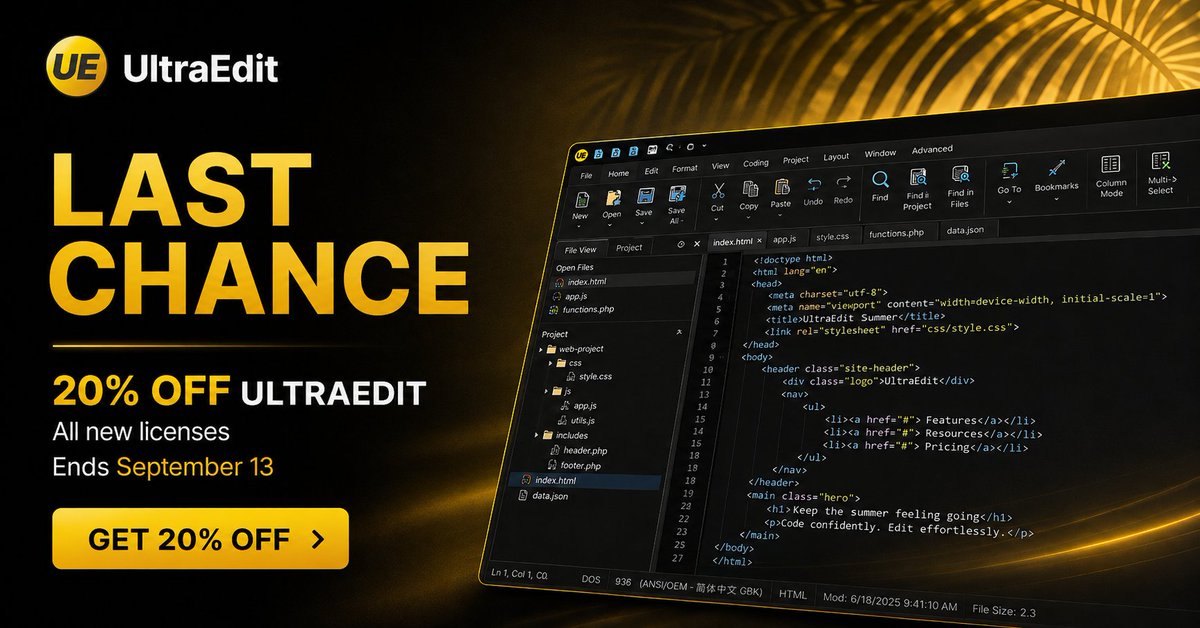
☀️ Final day! Your last chance to save 20% on any new UltraEdit license.
Summer savings end today, September 13. ⏰
👉 Don't miss it: https://t.co/Kb6rfhcJGp
#UltraEdit#DevTools#Developers#Coding
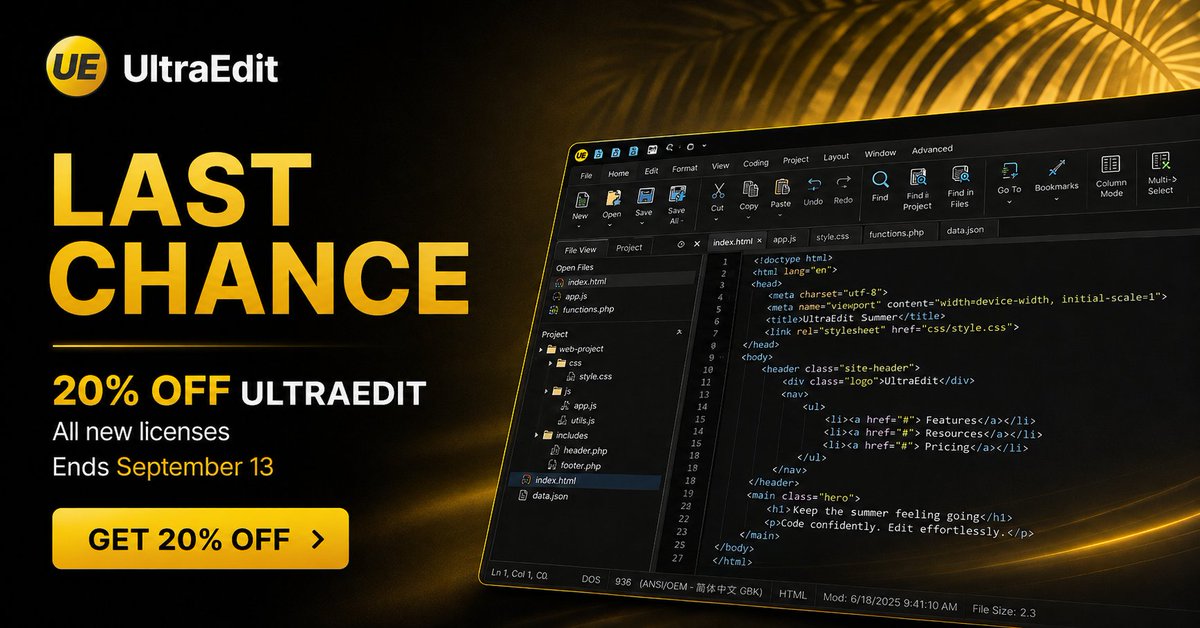
☀️ Last chance! Summer savings end soon.
Save 20% on any new UltraEdit license through September 13.
👉 Don't miss it: https://t.co/Kb6rfhcJGp
#UltraEdit#DevTools#Developers#Coding
Keep the summer feeling going ☀️
Save 20% on any new UltraEdit license through September 13.
👉 Get 20% OFF: https://t.co/Kb6rfhcJGp
#UltraEdit#DevTools#Developers#Coding