Voices: Kokoro-82M text-to-speech (Apache-2.0). Sound effects synthesized for the video.
Music: "Happy Lo-Fi" by Holizna (CC0, public domain).
#Math#MathJokes#SymPy#Comedy
Every answer in the video is the app's own, computed on the phone by SymPy:
- sqrt(-1) is i
- tap a term and delete it: x² + i + C → x² + C → x²
SymPy Editor: mathematics you edit by touch. Free on the App Store and Google Play; everything runs on your phone.
In Python and Jupyter: pip install sympy-editor
then, in a notebook: from sympy_editor import edit; edit(expr) - an editable widget, every edit in your kernel's SymPy.
Airport security confiscates i and the constant C
Penny is late for her flight. Officer Brooks taps every term of her formula: i is imaginary, C is arbitrary. Both confiscated.
Voices: Kokoro-82M text-to-speech (Apache-2.0). Sound effects synthesized for the video.
Music: "Happy Lo-Fi" by Holizna (CC0, public domain).
#Math#Calculus#SymPy#MathMemes
The night before the calculus exam (π²/6, -1/12 and the missing +C)
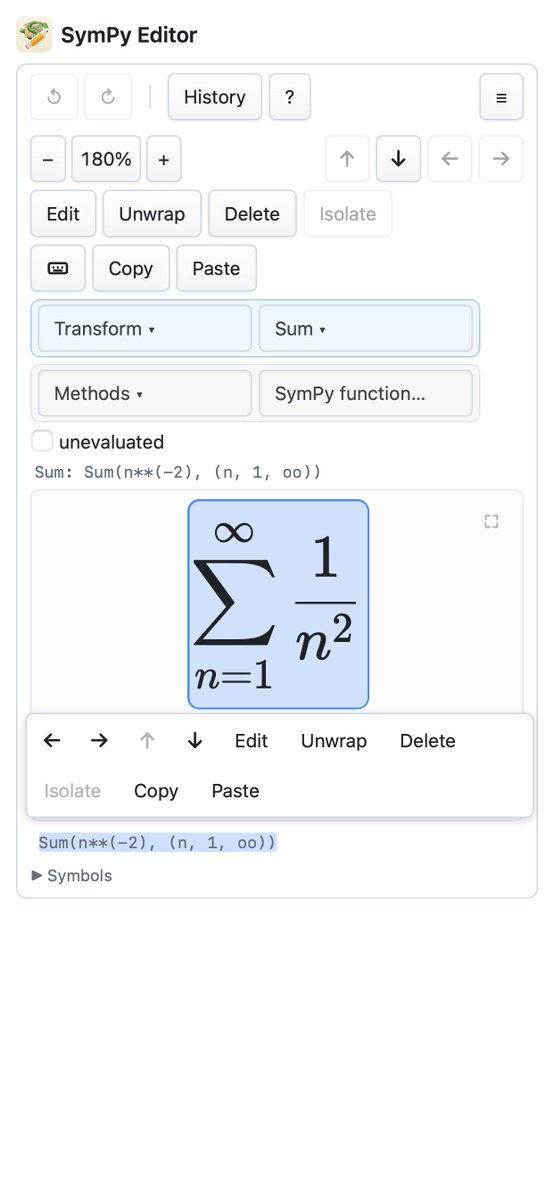
Midnight, the night before the calculus exam. Tom thinks the Basel sum is about two; Priya settles it on his phone with SymPy Editor. Then: is 1 + 2 + 3 + ... really -1/12? And where is the plus C?
SymPy Editor: mathematics you edit by touch. Free on the App Store and Google Play; everything runs on your phone.
App Store: https://t.co/sDGgF3O8To
Google Play: https://t.co/IGcCKkqDVB
Web app: https://t.co/kBJzveJ5KI
Source code (AGPL-3.0): https://t.co/NqPBXf4yqT
SymPy Editor has been launched on github: https://t.co/NqPBXf4yqT
It works as Jupyter widget, webapp, Android app and (soon) iOS app.
#math#algebra@SymPy@PlanetSymPy
Try it: https://t.co/kBJzveJ5KI
Also on the App Store (https://t.co/sDGgF3O8To) and Google Play (https://t.co/IGcCKkqDVB).
Source code (AGPL-3.0): https://t.co/NqPBXf4yqT
#SymPy#Python#Math#Pyodide
In this video:
- click any piece of a formula to select it, and type to change it
- evaluate the Basel sum (pi squared over six) and a Gaussian integral (the error function)
- type the formula as Python and watch it drawn as you type
- switch on the plot add-on and see what you select drawn
- differentiate in the Python console on the page and put the result back in the formula
- replay every step, or save the history as a web page or a Python script
In this video:
- w = edit(...) turns an integral plus a sum into an editable formula
- evaluate each term in place
- read the result back as a SymPy object with w.expr, ready for the next cell