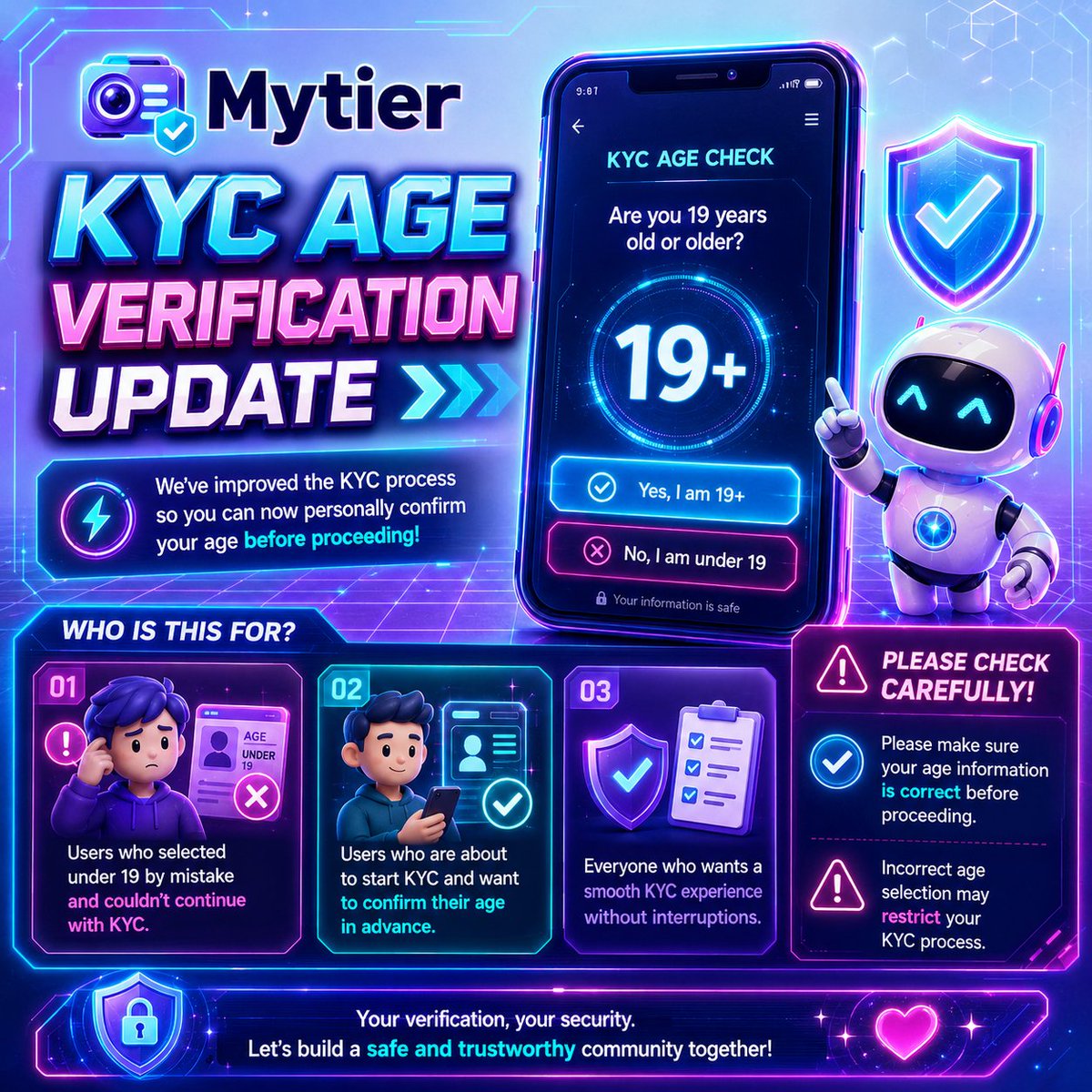
📢✨ Mytier KYC Age Verification Update Notice ✨📢
Hello, this is Mytier 🙌
We have confirmed that many users mistakenly selected the wrong age status during the Mytier app registration process, which caused difficulties with KYC verification 🪪⚠️
To resolve this, we have released an update that allows users to personally confirm whether they are 19 years old or older during the KYC process 🔧✅
📌 This applies to:
✅ Users who were unable to proceed with KYC because they mistakenly selected under 19
✅ Users who are planning to proceed with KYC from now on
✅ All users who need to confirm their age before starting KYC
Before proceeding with KYC, please make sure to check the age confirmation section carefully 👀📝
⚠️ If incorrect information is selected, your KYC process may be restricted
🪪 Please confirm that the information matches your actual details, then proceed with KYC correctly
🚀 For a smooth KYC process, we kindly ask all users to check carefully before continuing
Thank you 💙
📢 Mytier KYC Camera Verification Guide
We have received many inquiries regarding the KYC camera verification process, so we would like to share the instructions again.
When completing the KYC video verification, please follow the steps below:
✅ Blink your eyes.
✅ Turn your face to the right.
✅ Turn your face to the left.
Please complete the verification by following these steps in order.
📌 If the camera does not open,
KYC verification is not completed through the camera inside the Mytier app.
After moving to the verification page, the process is completed through your web browser.
Therefore, if the camera does not open, please check whether camera access is allowed for the browser you are using.
For example, if camera access is blocked in Chrome, Safari, or another browser, the camera may not work properly on the KYC verification page.
Please go to your phone settings, allow camera access for the browser you are using, then return to the KYC verification page and try again.
Thank you.
🔐 KYC Link
Please proceed with KYC through the link below 👇
https://t.co/m6e6WHSzoO
✅ Complete the process carefully
📌 Use your correct information during verification
━━━━━━━━━━━━━━
📢 Important Notice
We have added a manual capture button to the KYC process.
Please check the following before proceeding:
1️⃣ Lowercase letters only
The input field is intentionally set to accept lowercase letters only.
2️⃣ ID expiration date
If your ID does not have an expiration date, you may enter any date and continue.
3️⃣ Age requirement
Users registered as under 19 during Mytier sign up cannot proceed with KYC.
━━━━━━━━━━━━━━
Please review these points before starting KYC.
🔐🛡️ MYTIER KYC Official Announcement 🛡️🔐
To build a safer and more trusted ecosystem,
MYTIER will begin its KYC verification process on
📅 Thursday, June 4, 2026.
This KYC process will be conducted through MYTIER’s own system,
as we have decided to minimize external dependency and further strengthen our security standards.
Beyond a simple verification process,
we are preparing a stronger security structure designed to protect user accounts, assets, and the overall trust of the ecosystem.
🧬 Account trust verification
⚙️ Foundation for safer ecosystem operations
🔍 Enhanced verification reliability
🌐 Protection of a healthier ecosystem
📌 Strengthened participant information protection
🛡️ Improved ecosystem stability
MYTIER will continue to build a more secure environment
with stronger protection and greater trust for all participants.
🔐 The specific technologies and security structure applied to KYC
will be announced separately in future updates.
📢 Further details regarding the KYC process and schedule
will also be shared through our official channels.
🚀 MYTIER’s next stage begins with stronger security and higher trust.