Multiplicative nomogram - geometric constraints in AutoCAD. One example of the use of constraints is a multiplicative nomogram, a chart that allows you to multiply two factors graphically. See the tip: https://t.co/AXzLBNqKgq #AutoCAD#DWG#constraints#nomogram#CADs
Multiple vulnerabilities have been identified in Autodesk AutoCAD 2027 family (see ADSK-SA-2026-0021), some of them with high severity. Install the new AutoCAD 2027.1.1 Update available in your Autodesk Account:
https://t.co/fXzVbSJk5F #Autodesk#AutoCAD#trust#security
Oyasumi online tools - useful free tools: generator of random seamless textures of natural materials, 3D models of trees, shrubs, and natural stones, generator of 3D buildings in specific cities around the world with export to GLB, FBX, OBJ, SVG.
Read on https://t.co/2h991821F2
AnyCAD in Fusion - live referencing Inventor, Solidworks, STEP and other models. How to use the #AnyCAD feature to update a design or manufacturing process in #Fusion based on changes to the native CAD model from #Inventor, #Solidworks, #NX or #IGES? See https://t.co/6pR68UF1ca
New online tool on https://t.co/mOsPiL3XpM: the online beam calculator BeamViz allows to analyze shear forces and bending moments on rectangular, circular and I-beams, under point loads, distributed loads and moments. Free on https://t.co/m0VsMuiLtJ
Some #AutoCAD commands display warnings in the new “WPF” style while they are running - e.g. MESHSMOOTH alerting of non-standard 3D objects - or missing fonts, presence of AEC objects, and so on. How to suppress WPF dialogs with an #undocumented setting? https://t.co/e1m8bip7TE
A simple and free #AutoLISP utility IMG2OLE for #AutoCAD will convert attached raster images into embedded OLE objects inside your #DWG. See the tip https://t.co/DYAWBGVgFB #CADs
The free LISP utility TXT2ZC for #AutoCAD+#Civil3D creates points at the locations of text elevation labels and assigns them the corresponding Z-coordinates. It can also change elevation of existing points near the locations of the text labels. See the tip https://t.co/u2LnmUTt7Q
3 new online tools for Autodesk products on the https://t.co/mOsPiL3XpM portal (in 🇬🇧🇩🇪🇨🇿):
• 3D Nesting with - https://t.co/z9r6j0vNVV
• Random number sequences - https://t.co/hHMrx870Pb
• USD Viewer - https://t.co/BliCtzcmOv #Autodesk#AutoCAD#Fusion360#3dsMax#CADs
Mesh-In - import #OBJ, #STL, and #3DS Files into #AutoCAD. The freeware application MeshIn uses AutoCAD's JavaScript API to import #3D mesh files in the .OBJ, .STL, .3DS, or .OFF formats into AutoCAD DWG files. See https://t.co/47E1y3f6Lc
Get ready - agent-based #AI on the #Autodesk#Assistant platform is here. Integration of #LLM with #CAD geometry via #MCP, real-world examples of AI orchestration, recommendations for your IT infrastructure:
“When programs communicate through agents” https://t.co/J6SvAdDenI #CADs
In the Online Tools section of the https://t.co/gkb7o0Bxgi portal, you can find an interactive viewer/converter for CAD and 3D mesh format files (3dm, 3ds, 3mf, amf, bim, brep, dae, fbx, fcstd, gltf, ifc, iges, step, stl, obj, off, ply, wrl).
See https://t.co/r2cgslaG8y #cads
Will vibecoding lead to the death of the software industry?
Watching today's fascination with AI-powered app cloning evokes a sense of déja vu. Reminds of the situation, when Chinese clones of AutoCAD appeared on the market.
https://t.co/a686yuDPIN #AI#AutoCAD#Autodesk#CADs
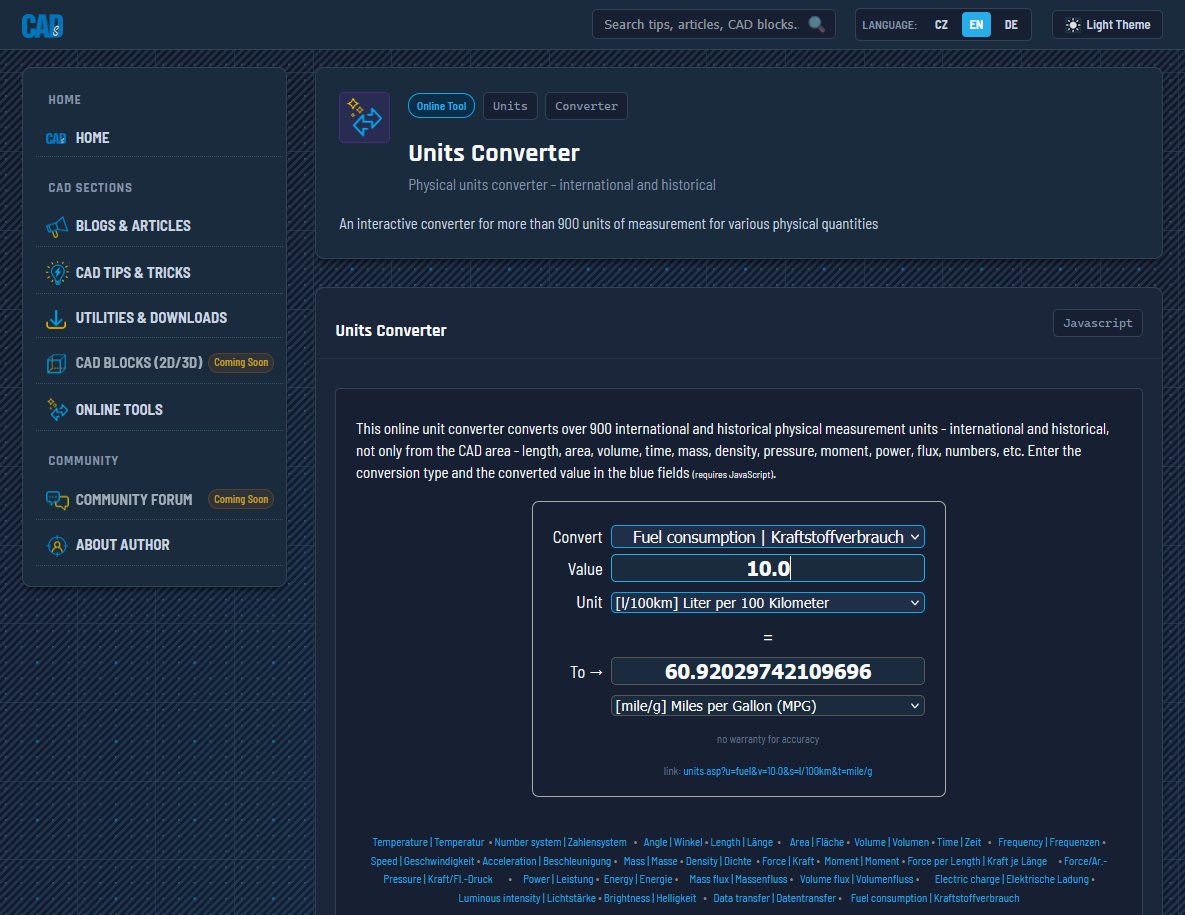
Two new or updated web tools on the https://t.co/mOsPiL3XpM portal - the physical units conversion tool - https://t.co/Vzv6LUD3gS, and the 1D nesting tool - https://t.co/P6d0Le74Fi #CADs#web#utility#conversion#online#generator#units#nesting
https://t.co/mOsPiL3pAe - the successor to CADforum. You won't loose your source of tips and reference information. Read on https://t.co/UqlhQrnD6T #CADs#CADforum#Autodesk#tips
Back in February this year, #Autodesk made its largest investment to a startup - 200 mil. USD to World Labs. This "spatial model AI" company was now acquired by #AMD for 8200 mil. USD - probably a pretty good deal for Autodesk, Nvidia and other co-investors. #WorldLabs#AI#Flow