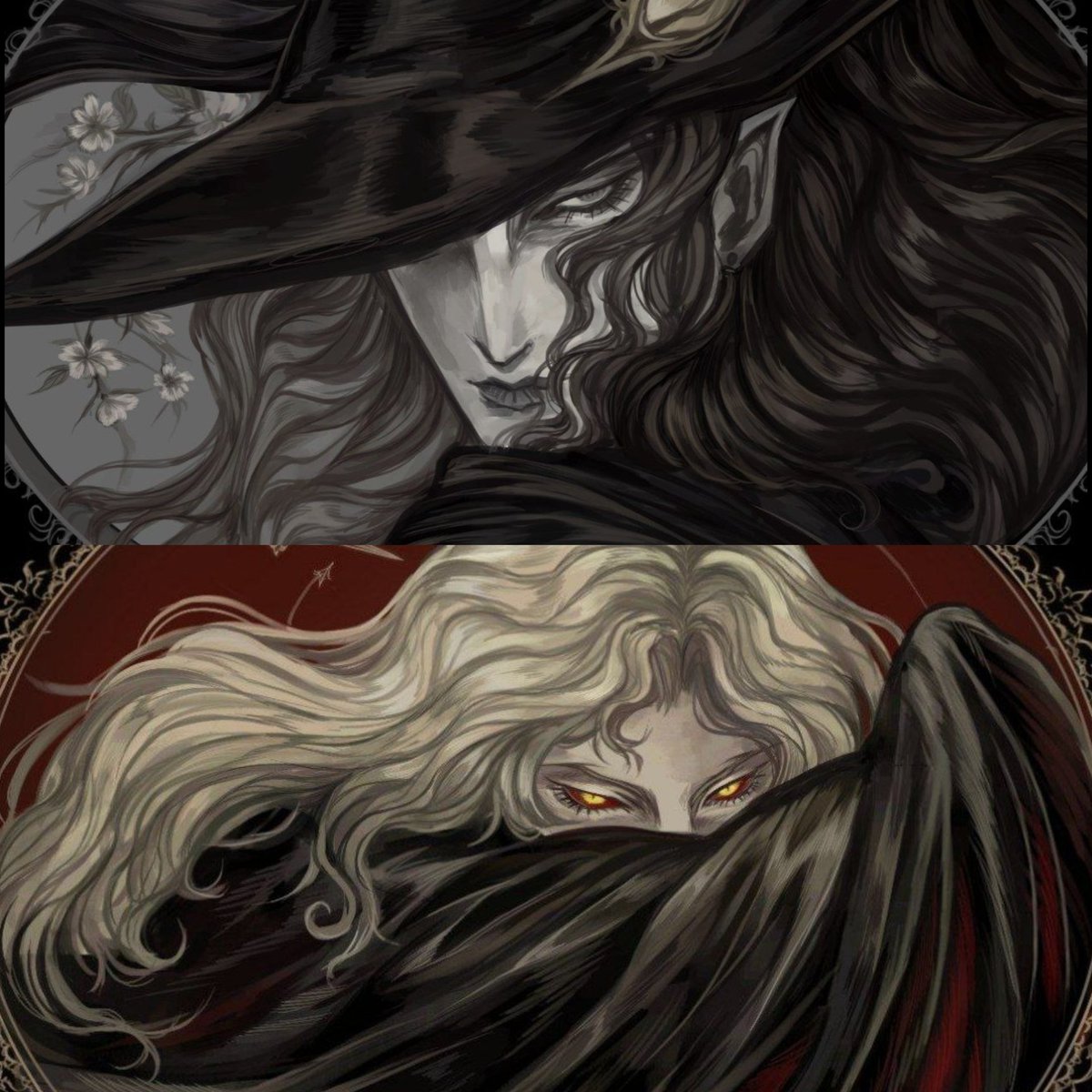
@haranikala Here's how to do it in Krita:
Clone tool -> Brush settings -> Tick Clone from all visible layers & untick Source point move. Ctrl + click to set the spot to clone from then paint away. Tick Source point move if you have a big texture & need more variance.
I don’t think I’ve ever made an official statement on here about this so here it is:
Do Not post AI slop in my art hashtag. I support art created solely by human hands. It’s quite literally why I joined NIJISANJI. And, to be completely honest, the thought of my mama’s work being fed to a generator makes me extremely upset. I totally appreciate your drive to create but what I cannot accept is the method by which that creativity is being achieved. Please do not make me look at you with contempt. Thank you.