Day 20: Quick Bite – Home Screen
Designed to be simple yet functional.
In under 60 seconds, users can discover promos, explore food categories, and find nearby restaurants.
Day 16 — Campus Loop
I made a UX tweak to the Add Schedule screen by adding options to repeat schedules and send reminders, helping students stay updated and on track.
Day 15: Campus Loop
Imagine an app where you can schedule your school activities — classes, study groups, and non-classroom tasks like personal study or assignment submissions, and get reminders so nothing slips through.
That’s Campus Loop.
Day 13
Was a bit under the weather the last three days, so I took a few days off to recover. But I'm back now like I never left!
Here's the Schedule screen: View your classes, study groups, and sync with Google Calendar all in one place. No more missing lectures or group meetups
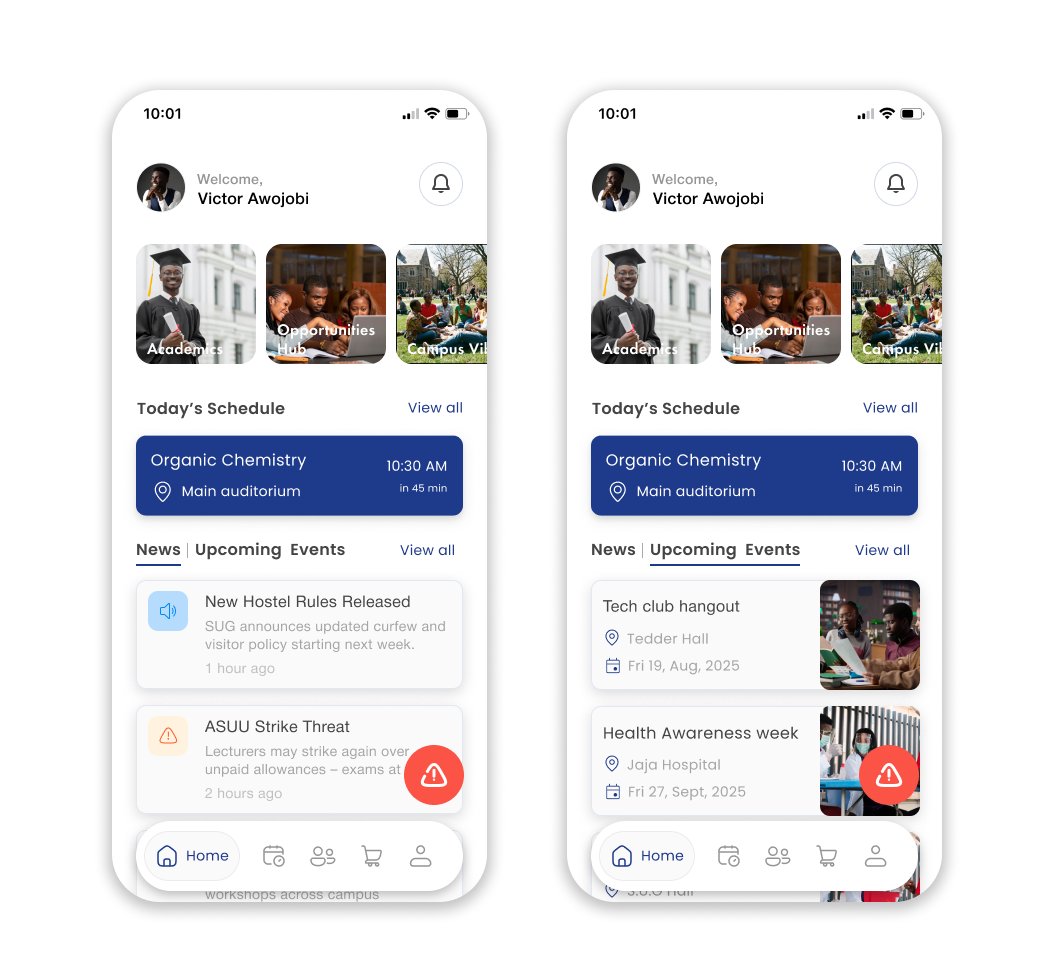
Day 12 – Campus Loop Home screen
Made a small tweak to the home screen: added a "News" tab beside "Upcoming Events" to give students quick access to campus updates.
Let me know your thoughts on this
#30DaysofDesign#CampusLoop#ProductDesign#UIUX
Day 8: Campus Loop
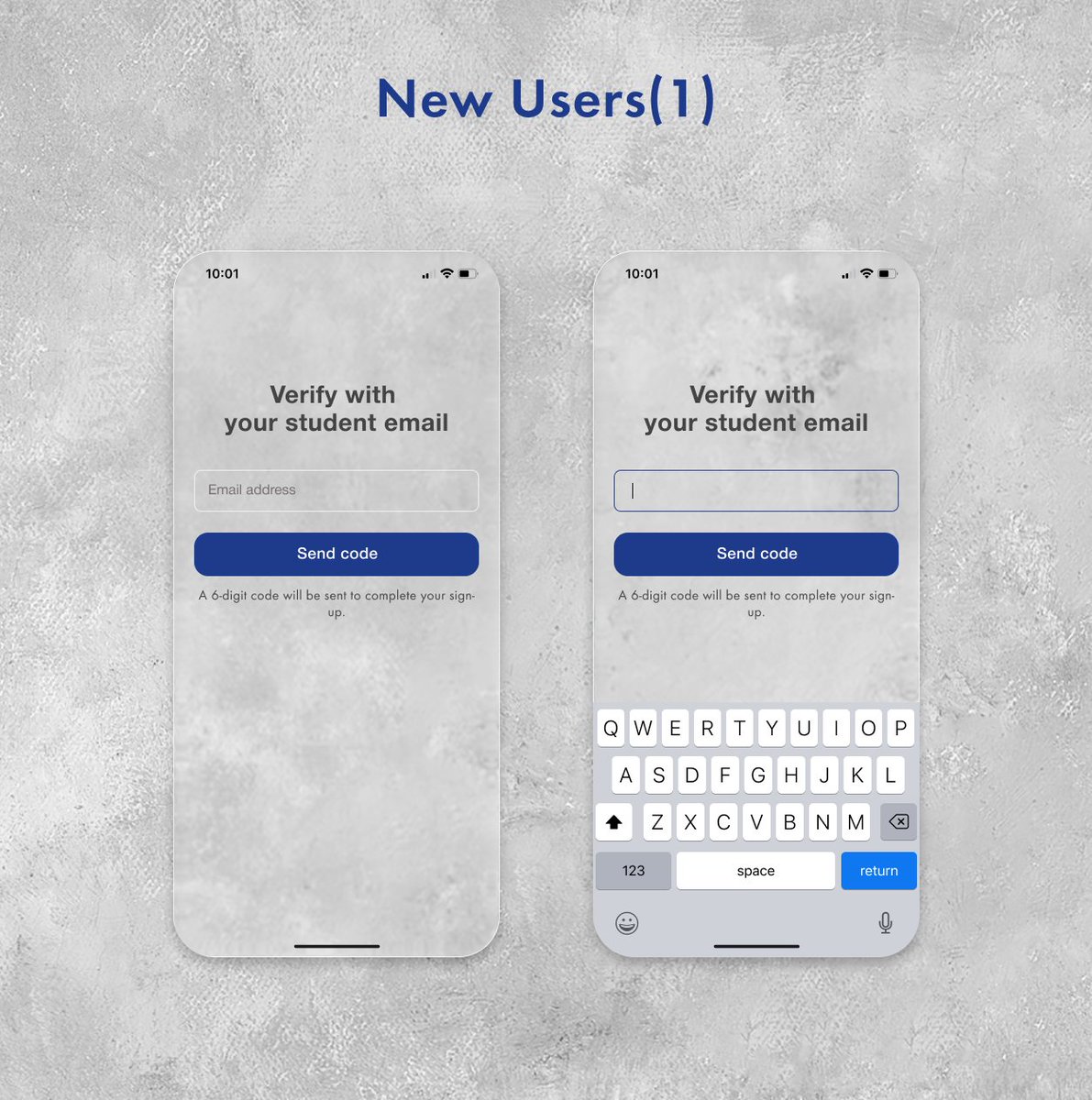
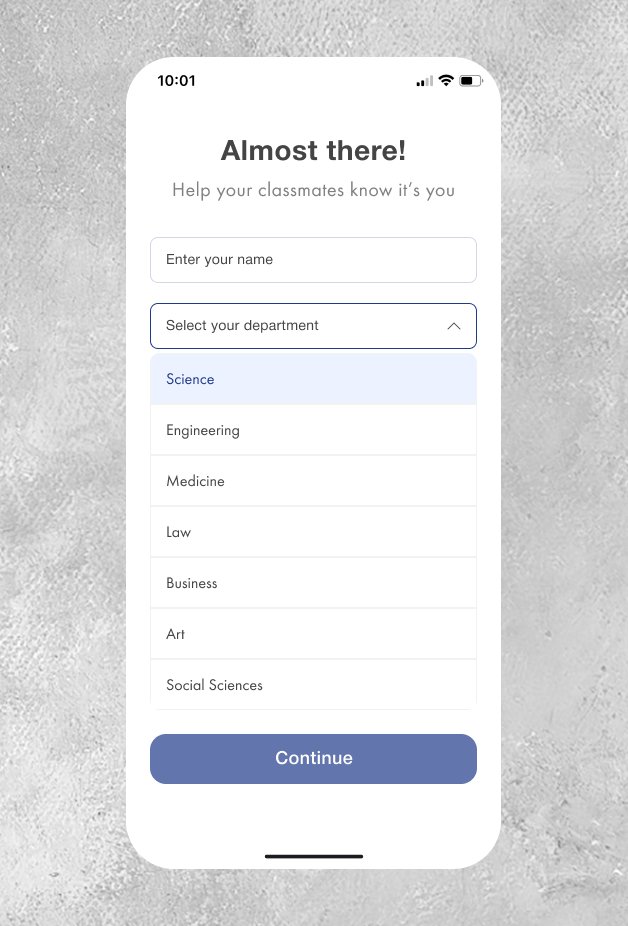
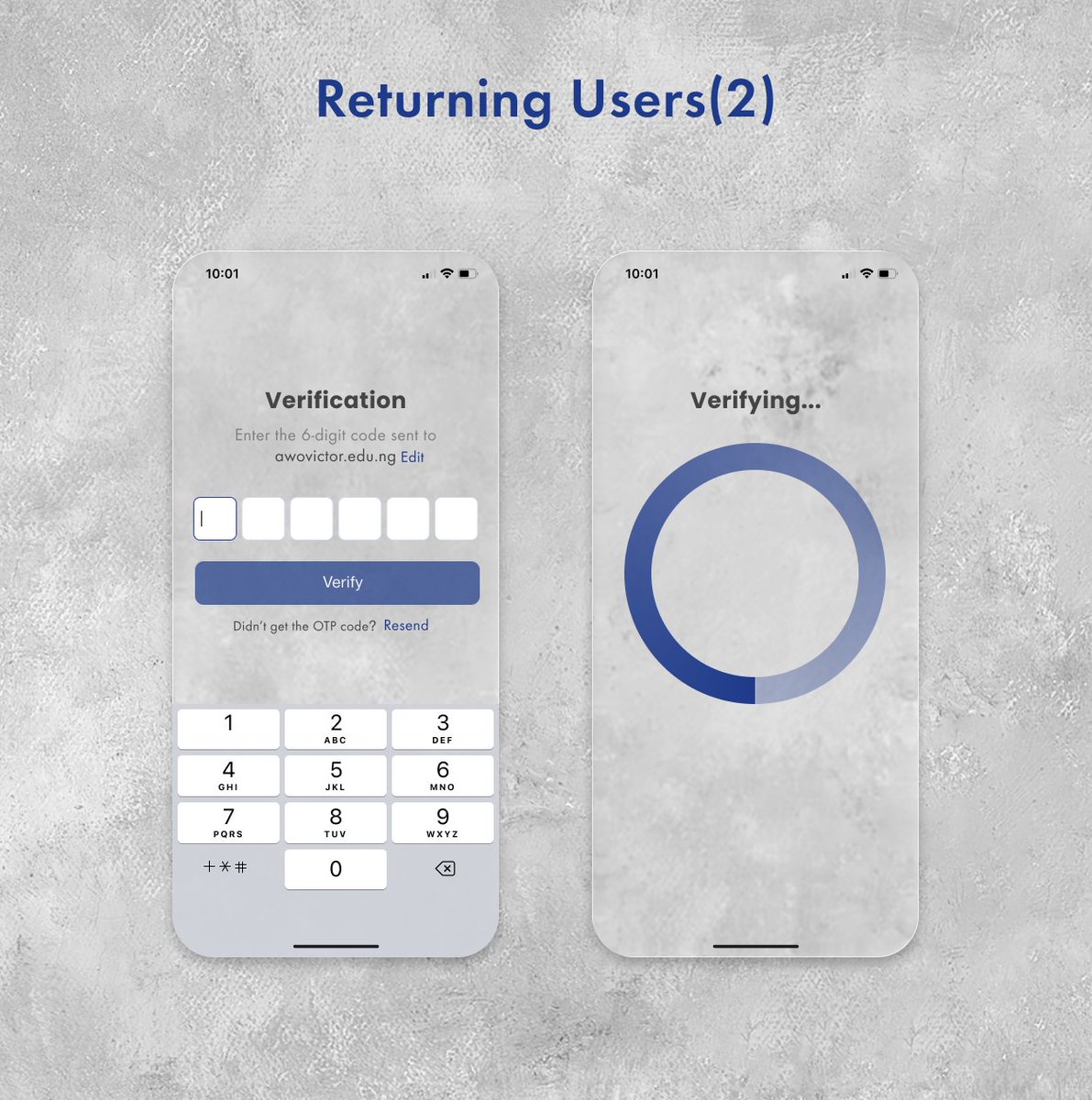
All you need is your student email to sign up and access features tailored to your university.
We kept one screen for both new and returning users to maintain consistency and keep things simple for everyone
#CampusLoop#UIUX#EdTech#30DaysofDesign#UXDesign
Day 7
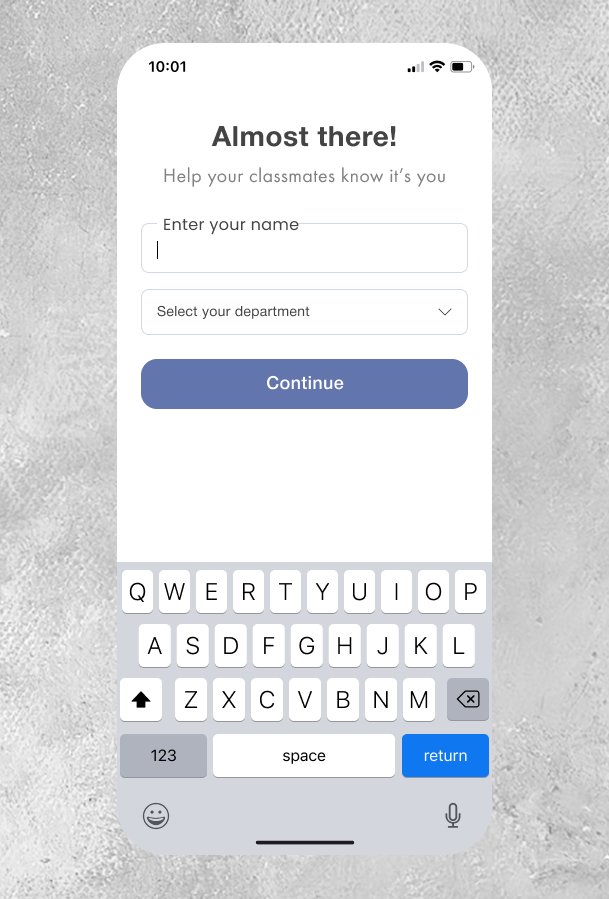
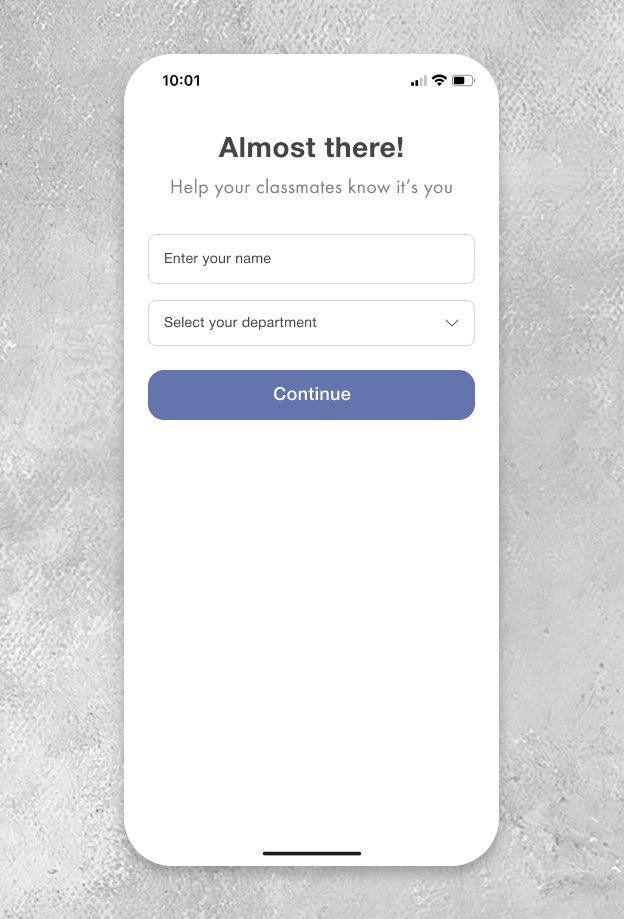
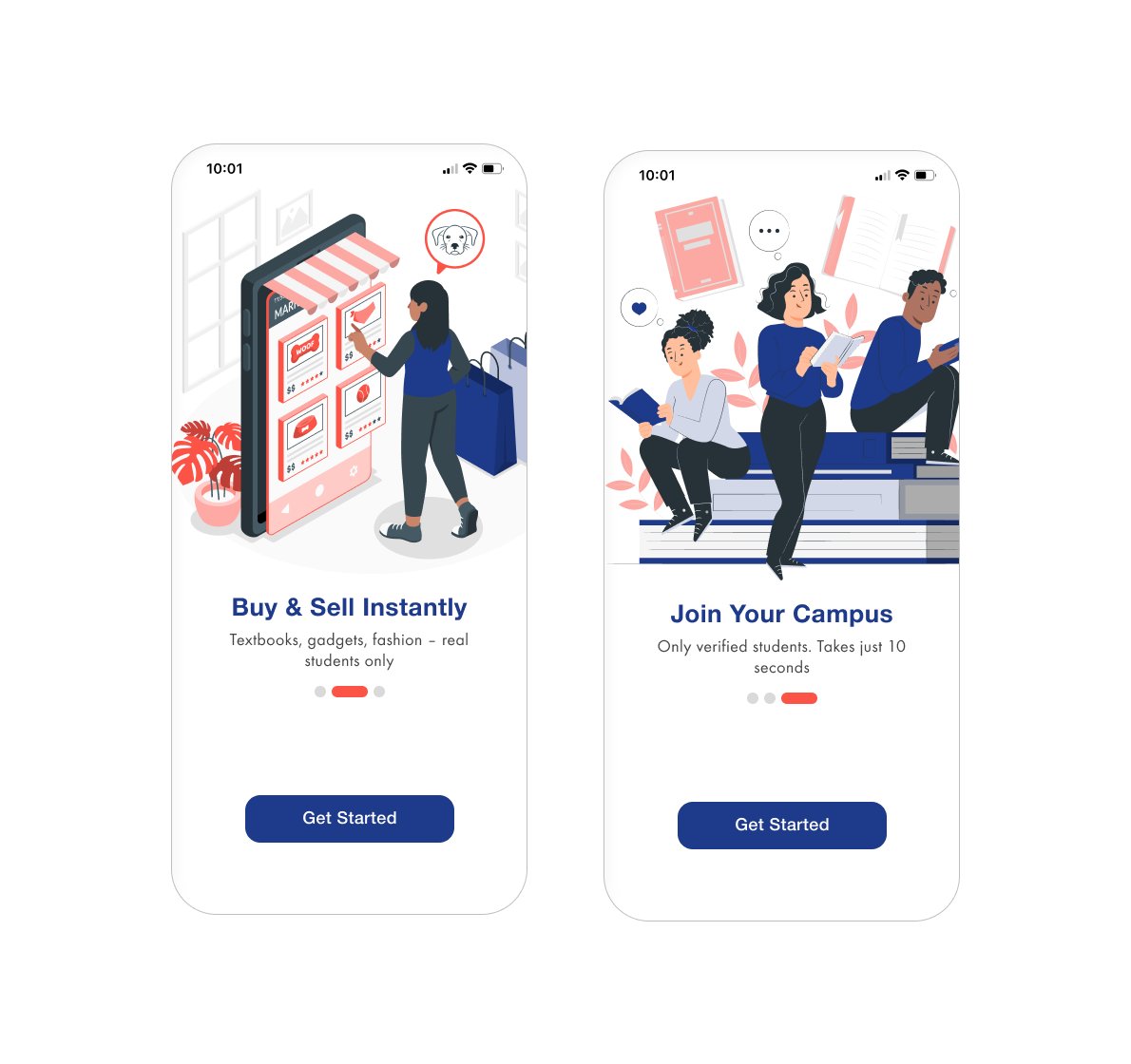
Meet Campus Loop, a platform designed to connect students with their schools through one app.
Today, I’m sharing the first onboarding screens to give you a glimpse of what’s coming.
More screens and features coming soon
#CampusLoop#Onboarding#UIUX#30DaysofDesign