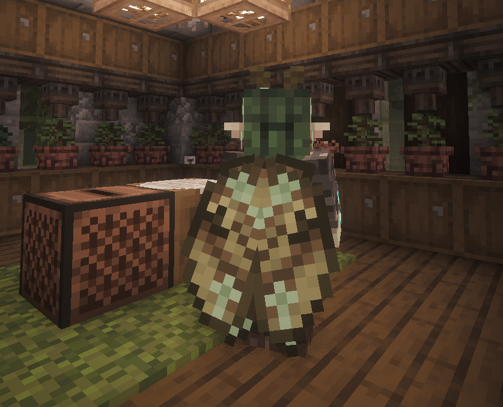
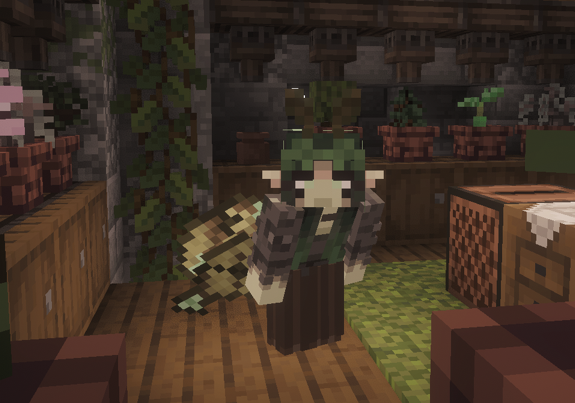
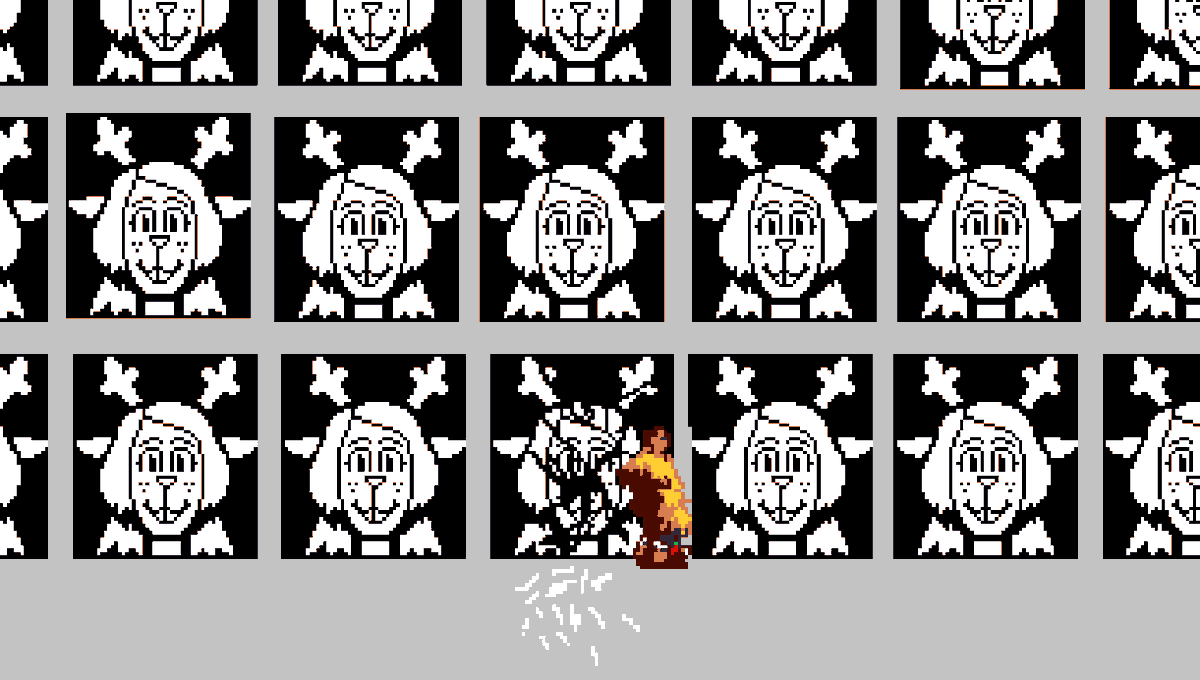
A good example of some of the things you can do with built-in UI features.
Godot's UI system is really complex as it's built to support apps like the Godot editor itself, right-to-left languages, etc. so you have to learn to use the right subset of it for your games. But especially now since the latest version it's really cool for animated UIs like that.
Little tip: By default, the drawing of Godot UI snaps to pixels which gives the editor its crisp lines. This can cause some jerkiness when animating moving UI nodes around.
When you're going to animate them like this, be sure to turn off pixel snapping for Godot UI nodes in the project settings:
- Go to Project -> Project Settings...
- Turn off GUI -> Common -> Snap Controls to Pixels
Alternatively be sure to exclusively use the new Offset Transform feature introduced in Godot 4.7 to animate visuals. See this video by @mreliptik for a nice rundown: https://t.co/A2hjpnKaRz