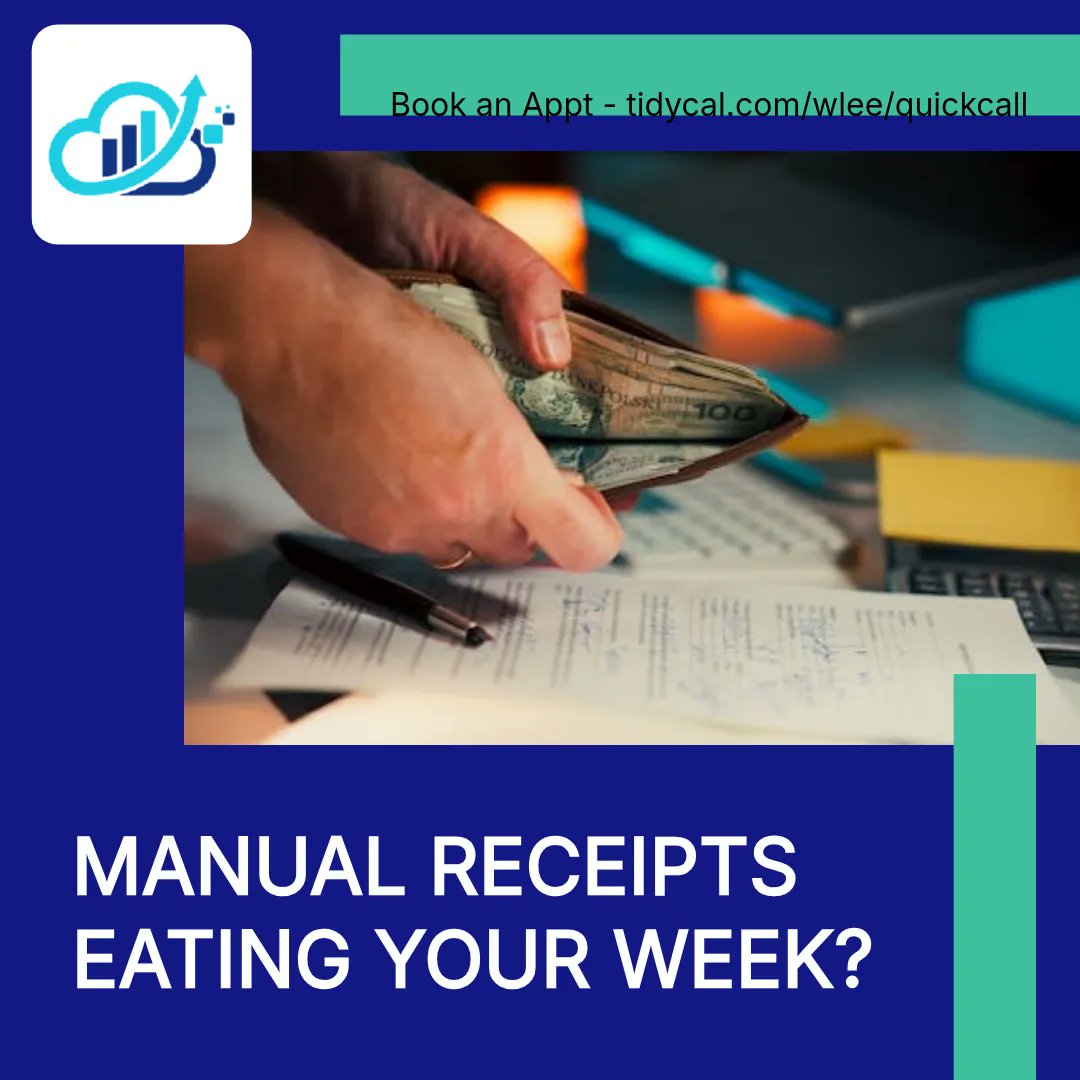
Manual receipts are eating your week. 🛑 If your bookkeeping still feels like typing, you don’t need more “work”—you need automation in QuickBooks Online. Here are 5 switches to set up: 1️⃣ Snap receipts in the QuickBooks mobile app—AI extracts and matches. 2️⃣ Build invoices with
voice commands (mobile). 3️⃣ Create Categorization Rules so recurring bills code themselves. 4️⃣ Use recurring payments so you stop chasing. 5️⃣ In Plus+, use AI insights in Profit & Loss to spot anomalies (like wages). Which one would save you the most time? Comment your pick.
Manual receipts are eating your week. 🛑 If your bookkeeping still feels like typing, you don’t need more “work”—you need automation in QuickBooks Online. Here are 5 switches to set up: 1️⃣ Snap receipts in the QuickBooks mobile app—AI extracts and matches. 2️⃣ Build invoices with
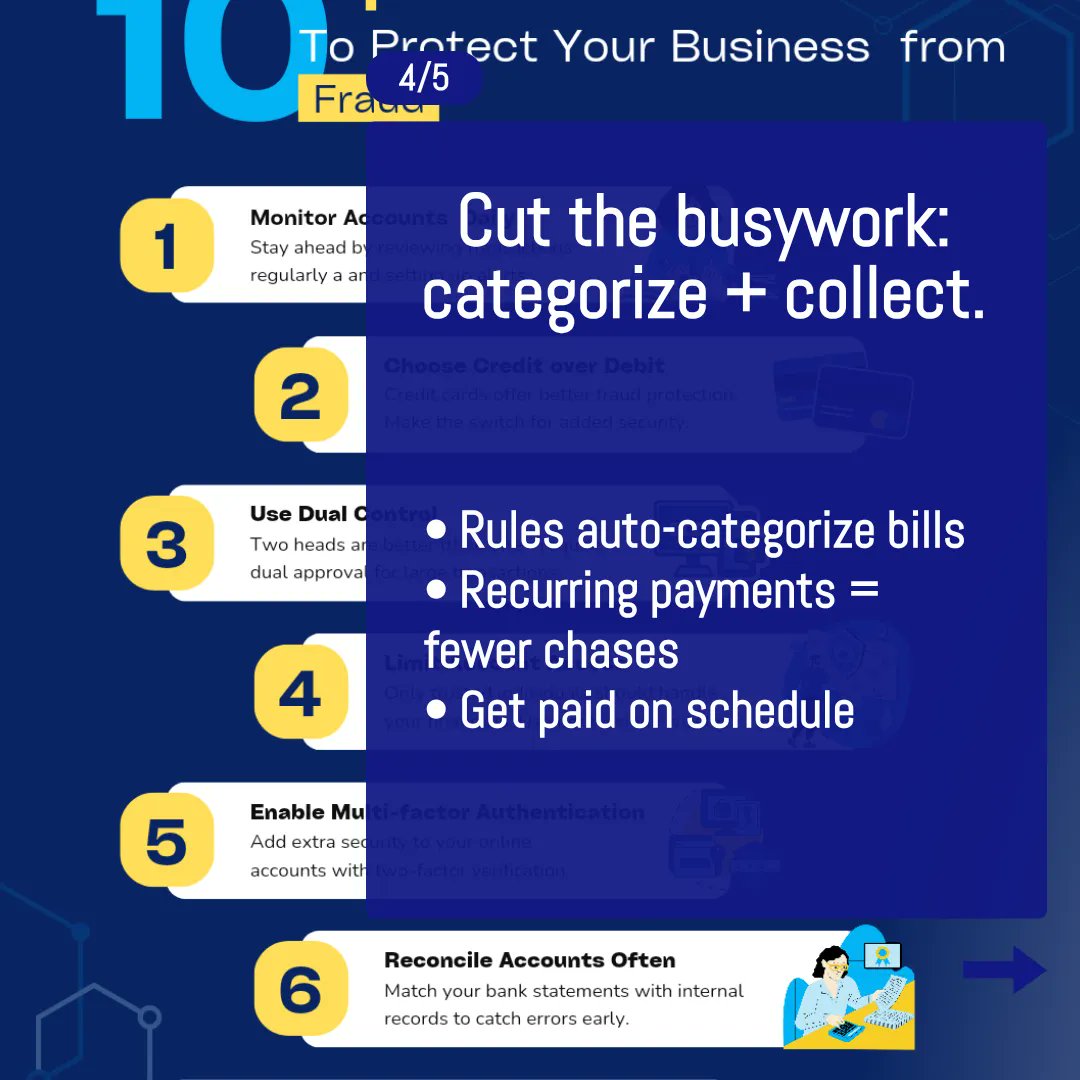
voice commands (mobile). 3️⃣ Create Categorization Rules so recurring bills code themselves. 4️⃣ Use recurring payments so you stop chasing. 5️⃣ In Plus+, use AI insights in Profit & Loss to spot anomalies (like wages). Which one would save you the most time? Comment your pick.
Manual receipts are eating your week. 🛑 If your bookkeeping still feels like typing, you don’t need more “work”—you need automation in QuickBooks Online. Here are 5 switches to set up: 1️⃣ Snap receipts in the QuickBooks mobile app—AI extracts and matches. 2️⃣ Build invoices with
voice commands (mobile). 3️⃣ Create Categorization Rules so recurring bills code themselves. 4️⃣ Use recurring payments so you stop chasing. 5️⃣ In Plus+, use AI insights in Profit & Loss to spot anomalies (like wages). Which one would save you the most time? Comment your pick.
Manual receipts are eating your week. 🛑 If your bookkeeping still feels like typing, you don’t need more “work”—you need automation in QuickBooks Online. Here are 5 switches to set up: 1️⃣ Snap receipts in the QuickBooks mobile app—AI extracts and matches. 2️⃣ Build invoices with
voice commands (mobile). 3️⃣ Create Categorization Rules so recurring bills code themselves. 4️⃣ Use recurring payments so you stop chasing. 5️⃣ In Plus+, use AI insights in Profit & Loss to spot anomalies (like wages). Which one would save you the most time? Comment your pick.
Your receipts shouldn’t eat your evenings. 🛑 If you’re still typing expenses into QuickBooks Online, here are 5 ways we help small businesses automate the work (and save hours weekly): 1️⃣ 🧾 Snap paper receipts in the QuickBooks mobile app—AI extracts and auto-matches to avoid
double-recording. 2️⃣ 🗣️ Create invoices with voice so you can bill while you’re on the go. 3️⃣ ⚙️ Use Rules to categorize repeat vendors (internet, utilities, etc.) automatically. 4️⃣ 🔁 Set up recurring payments to get paid without chasing reminders. 5️⃣ 🤖 If you’re on Plus+,
Stop wasting hours on manual bookkeeping. 🛑 If you’re still typing receipts into QuickBooks Online, 2026 is where that changes. Here are 5 ways we help small businesses automate the boring parts: 1) Ditch manual receipt entry: snap receipts with the QuickBooks mobile app. 2)
Create invoices with voice commands in the mobile app. 3) Set Categorization Rules using keywords in transaction descriptions. 4) Use recurring payments so you’re not chasing the same bills every month. 5) On Plus (or higher), use AI insights in Profit & Loss to spot unusual
Still keying receipts by hand in QBO? Why are you. 🛑 If you’re spending hours on manual bookkeeping, these QuickBooks Online “2026” wins cut the busywork fast: 1) 🧾 Snap receipts in the mobile app, then let AI extract amount/date and match to bank expenses. 2) 🗣️ Draft invoices