Looking for Calendly alternatives on #WordPress? 📅
Monthly fees, limited branding, and extra costs can be frustrating. Booking plugins keep scheduling on your site, give full control over data and design, and are often affordable for growing businesses
https://t.co/gOU52uctvH
Start a Blog That Works While You Sleep 💼
Go live in 20–30 mins for under $50. No advanced tech skills needed. Quick steps: register a domain, get hosting, install WordPress, and start writing. Share ideas, grow an audience, and earn while you sleep!
https://t.co/Kb50N3qz5L
Tracing #Malware in #WordPress 🔍
Regularly check access, error, and activity logs to spot suspicious activity before it becomes a breach. Tools like tail, awk, and WPScan help filter data, while security plugins provide real-time alerts
Stay proactive!
https://t.co/upQNte3e4L
How to Build Smart Calculators in #WordPress
Interactive calculators keep visitors engaged, give personalised results, and turn interest into leads.
No coding needed, ready-made templates handle the logic. A simple way to boost engagement on your #website
https://t.co/5qjsGSTkj4
Blog vs Vlog: Which Should You Create? 💼
A blog is written content (#WordPress, Medium). A vlog is video (YouTube, TikTok)
Blogs are easier and SEO-friendly; vlogs take more effort but can reach larger audiences.
💡 Which fits your strategy?
https://t.co/6hVzlgZcuE
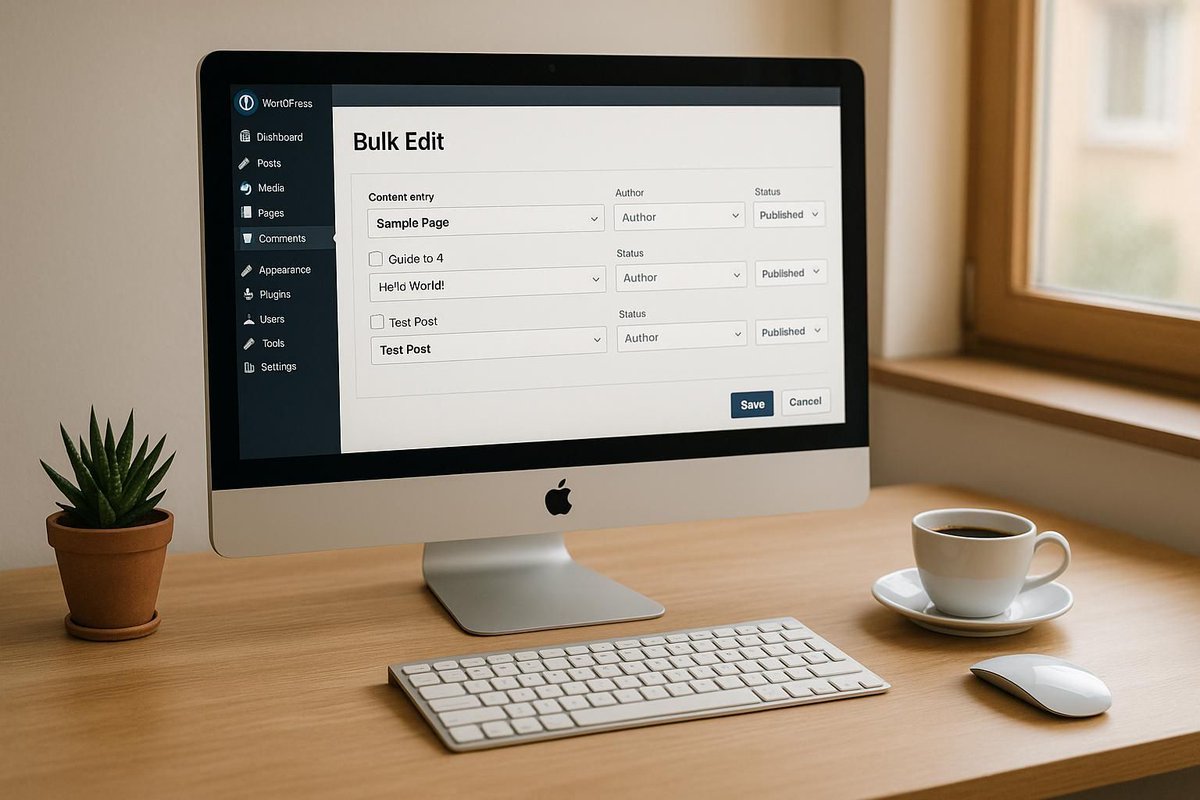
Bulk editing in WordPress ⚙️
Save time updating posts, pages, or products. Built-in tools work for basics, but plugins like WP Sheet Editor help with complex changes. Backups and testing are key for safe, consistent updates.
https://t.co/DiUv08zdFW
#WordPressSupport
Protect your site from SQL injection 💻 Hackers target weak websites, big or small. Update your site, enable a firewall, use 2FA, and review security settings ✅ A few steps now can save time, money, and stress later.
https://t.co/MWIQVtUYfq
#WebsiteSecurity#CyberSafety
Instant quotes on your site 💼 Cost Calculator Builder lets visitors get personalised estimates with drag & drop setup, flexible forms, and advanced logic. No coding needed. Engage users fast!
https://t.co/NgNsu71EzW
Creating AI Calculators in WordPress
Visitors want answers. Interactive calculators give instant, personalised results, boost engagement & leads. AI templates make setup easy—no coding needed ⚙️ More value, more interaction. https://t.co/iAUcR3nREX
#WordPressTools#LeadGeneration
Why disabling unused features boosts #WordPressSecurity ⚙️
Unused tools like XML-RPC, file editing & old plugins are attack points. Turn off what you don’t need, run regular audits & backups 🛡️
More safety, less risk 💼 https://t.co/VuMuXXov80
#WebsiteMaintenance
Handling WordPress plugin vulnerabilities 💼 97% of security issues come from plugins. Keep plugins updated, check vulnerability reports, and prioritise site security to protect your site and users.
https://t.co/MmErLE1Gdh
A faster WordPress site means happier visitors, better rankings, and lower bounce rates ⚡ The right plugins can handle caching, image optimisation, and clean-up with minimal effort. Even small speed gains make a real difference.
https://t.co/AghHuSHoMv
Managing a multilingual WordPress site does not have to be painful. Linguator is a free plugin that helps translate pages, posts, menus and media, with bulk and inline options so you stay in control.
https://t.co/LOSjsZekeJ
#WordPress#MultilingualWeb
WhatsApp is often the quickest way for visitors to reach a business. On WordPress, simple Click-to-Chat buttons or automated messages can boost conversations and response times by meeting users where they already communicate. Learn more 👇
https://t.co/yanuRzUSdL
Not sure how safe your #WordPress site is? 🛡️
Our security audit checks admin access, plugins, hosting, backups and more, with a clear report and fixes you can apply yourself or with our help. Includes a free page speed check ⚙️
https://t.co/M5RaQrUiwd
#WordPressSecurity
Found malware on your WordPress site? Act fast: scan, remove infected files, restore a clean backup, update everything, and change all passwords. Add firewalls & 2FA to stop reinfection 🔒
https://t.co/g1tUK6mUzR
#WordPressSecurity#CyberSecurity#WPTips#WebsiteManagement
Default WordPress login URLs are easy targets for bots. Change yours to a custom path to add a powerful extra layer of security, like hiding your front door off the main road 🔒
https://t.co/MZSvIwojI2
#WordPressSecurity#CyberSecurity#WPTips#WebsiteProtection
WordPress plugins are handy but risky, 97% of vulnerabilities come from them. Stay safe: use trusted plugins, update regularly, act fast if compromised, secure your site, monitor for unusual activity, and keep backups. ⚙️✅
https://t.co/MmErLE1Gdh
#WordPressSecurity
Enterprise #WordPress sites need performance reporting to stay fast and reliable. Real-time insights into load times, uptime and errors help prevent downtime, protect revenue, improve SEO and user experience, and support growth at scale.
https://t.co/q4AhgCDVXo
#EnterpriseTech
Malware can hide in your #WordPress database and reinfect your site even after cleanups. Backup first, scan for suspicious code, use trusted security plugins, remove threats safely, and keep everything updated. Manual checks plus automated tools work bestb https://t.co/beY8fHPLVW