Do you need a developer to run your WordPress site?
Not always, but for busy sites like e-commerce or membership portals, a professional can save you time and headaches.
DM us to discuss how we can support your WordPress site.
Keep reading: https://t.co/EevACGtAG0
What's your biggest #WordPress website challenge? Speed issues, security concerns, or plugin problems? Comment below, and let's discuss solutions.
Read more on fixes you can handle yourself: https://t.co/8XwoDbfR5b
Backing up your WordPress site isn't optional, it's essential. Regular backups can save you from unexpected disasters. Learn more about setting up automated backups: https://t.co/ZNg6cBECWf
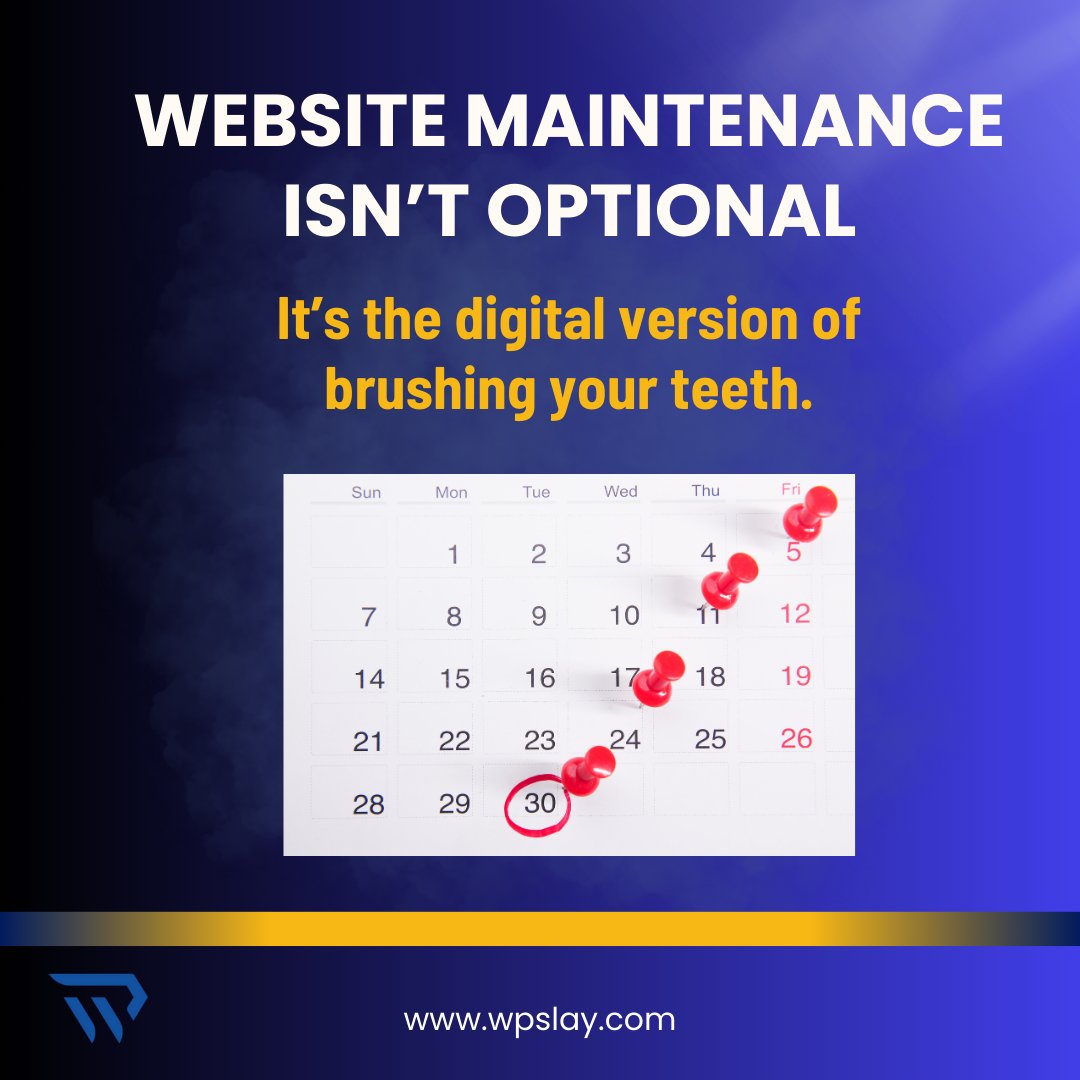
Website Maintenance Isn’t Optional
It’s the digital version of brushing your teeth.
Clean it. Check it. Update it.
Your website deserves monthly love—and it won’t take all day.
#WebsiteCare#WPChecklist
What your hosting provider isn’t telling you
“Unlimited” bandwidth? Soft limits.
“Free SSL”? Tied to their system.
Hosting fine print decoded—right here at WPslay!
#WebHostingTruths#SmartSiteOwners
Why your WordPress site feels slow
(And how to fix it)
Your homepage shouldn’t move like dial-up in 2025.
Want speed? Start by trimming the fluff.
#FixSlowSite#WPPerformance
Do I need a developer for WordPress?
Honest answer inside.
Want to tweak colors? You’re fine.
Want to “just change one line of code”? Call us before it breaks.
#WordPressQuestions#AskWPSlay
Google won’t guess what your site’s about.
Structure it right!
SEO isn’t magic—it’s method. Give Google what it’s looking for.
(Hint: It’s not a fancy font.)
#SEOForWordPress#RankSmart
No backup = no recovery.
You only notice when it’s too late.
If your site disappeared tomorrow, could you bring it back?
Backups are the boring hero every site needs.
#BackupYourSite#WPRescue
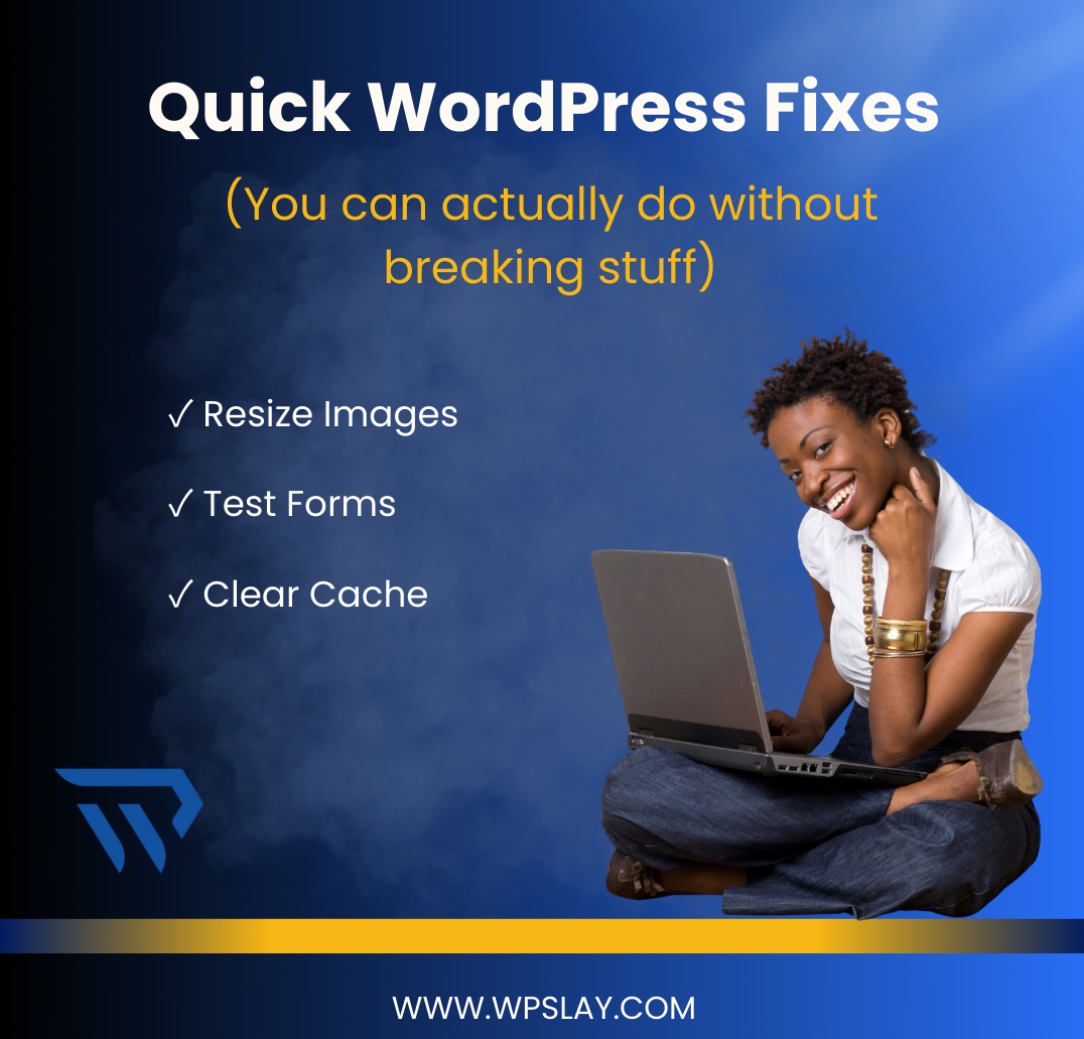
Not everything needs a developer.
Here are small tweaks that make big impact—no coding crisis included.
✓ Resize Images
✓ Test Forms
✓ Clear Cache
#DIYWebFix#WordPressSimple
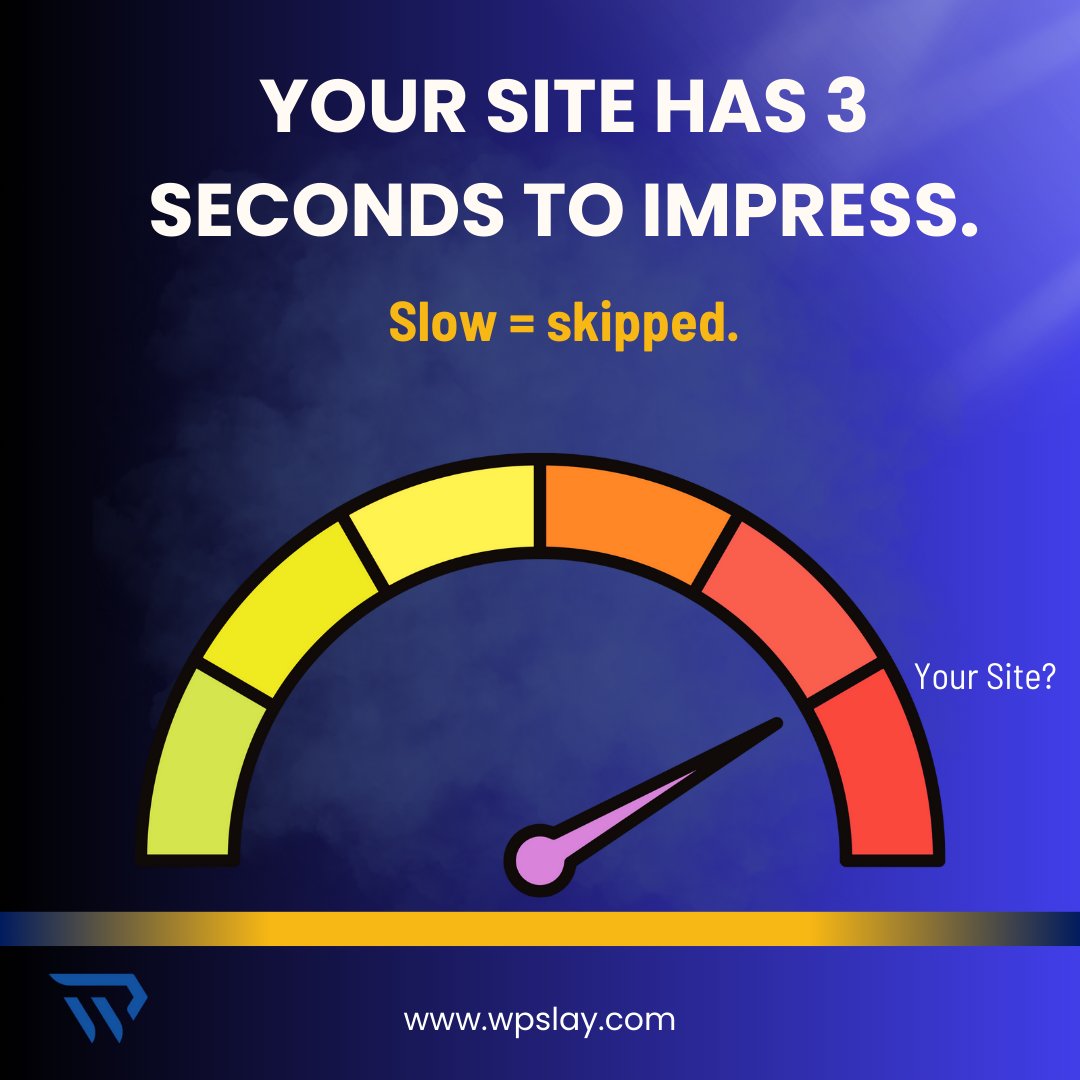
If your site loads slower than your coffee machine, your visitors are already gone.
Want to look pro? Start with speed.
#SiteSpeedMatters#WordPressCare
Not everything needs a developer.
Here are small tweaks that make big impact—no coding crisis included.
✓ Resize Images
✓ Test Forms
✓ Clear Cache
#DIYWebFix#WordPressSimple
That “remind me later” button? It’s silently stacking up problems. Updates aren’t optional—they’re your site’s first defense.
Don’t let procrastination cost you.
Why WordPress Updates Matter More Than You Think!
Every time WordPress rolls out a core update or a plugin developer releases a patch, it’s usually for a reason.
Read here: https://t.co/W0C259u8PV
The Ultimate Guide to Keeping Your WordPress Website Running Smoothly.
Your website is the digital face of your brand, and first impressions matter. Here's how to improve it!
WordPress Security Tips for First-Time Users: How to Boss Up Your Site’s Protection
Cyber threats are real, and WordPress security isn’t just an option—it’s a must. Let’s break down the effective security tips to keep your site safe from day one.
https://t.co/xV9aIH4rwA
Why AI Chatbots Are the Secret Weapon for Your WordPress Website
Customers expect instant responses, and if your site isn’t giving top-tier engagement, you’re already behind. That’s where AI chatbots come in—
https://t.co/L7vFrreUAH