Velocity's killer feature: auto-hide sidebar. Window gets narrow, panels fade away. One CSS tag per note reshapes the layout.
Math callouts with custom colors. A typeface so dialed in you'll forget fonts exist.
Every feature is intentional. No filler.
What's your favorite Obsidian theme?
Velocity is what an Obsidian theme looks like after a developer obsesses over it for a year.
Auto-hiding sidebars. CSSClasses per note. Math callouts. Cold, futuristic, neutral.
Tried it once. Haven't opened my theme settings since.
What Obsidian theme are you on?
Haven't printed, signed, and scanned a doc in years.
Preview does it all. Trackpad signature, form auto-fill. Save the signature once.
Haven't touched my printer since 2020. What do you still do manually?
Preview has Live Text. Open a photo, select text, copy, translate, call phone numbers directly.
Other hidden gems: view GIF frames one by one, password-protect PDFs, display PDFs as slideshows.
What hidden Mac feature am I sleeping on?
Using a paid PDF editor? Just use Preview instead, it can handle everything.
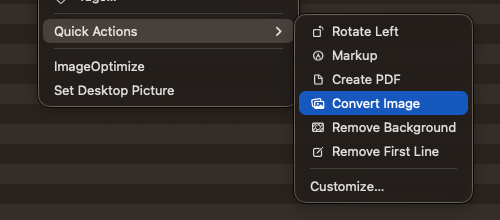
Merge, reorder, delete, annotate, sign, fill forms. Right-click in Finder to Create PDF without opening the app.
Save your money. What paid app did you not need?
Preview is the best free image editor on Mac.
Crop, resize, convert, batch export, remove background, color profiles. Select 20 PNGs, open, select all the thumbnails on sidebar, export as JPEG. Done.
Most underrated macOS app. What's yours?
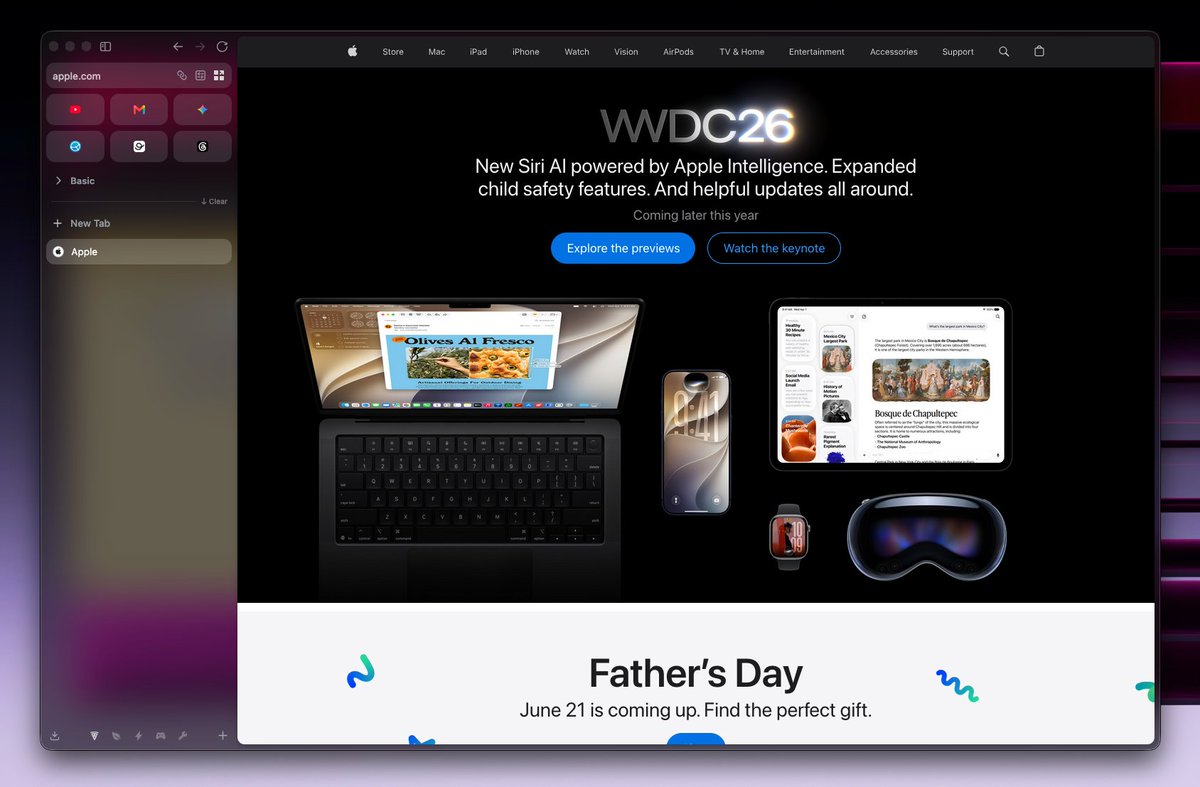
Three things Zen Browser gets right:
Isolated workspaces with separate containers
Compact sidebar that saves space
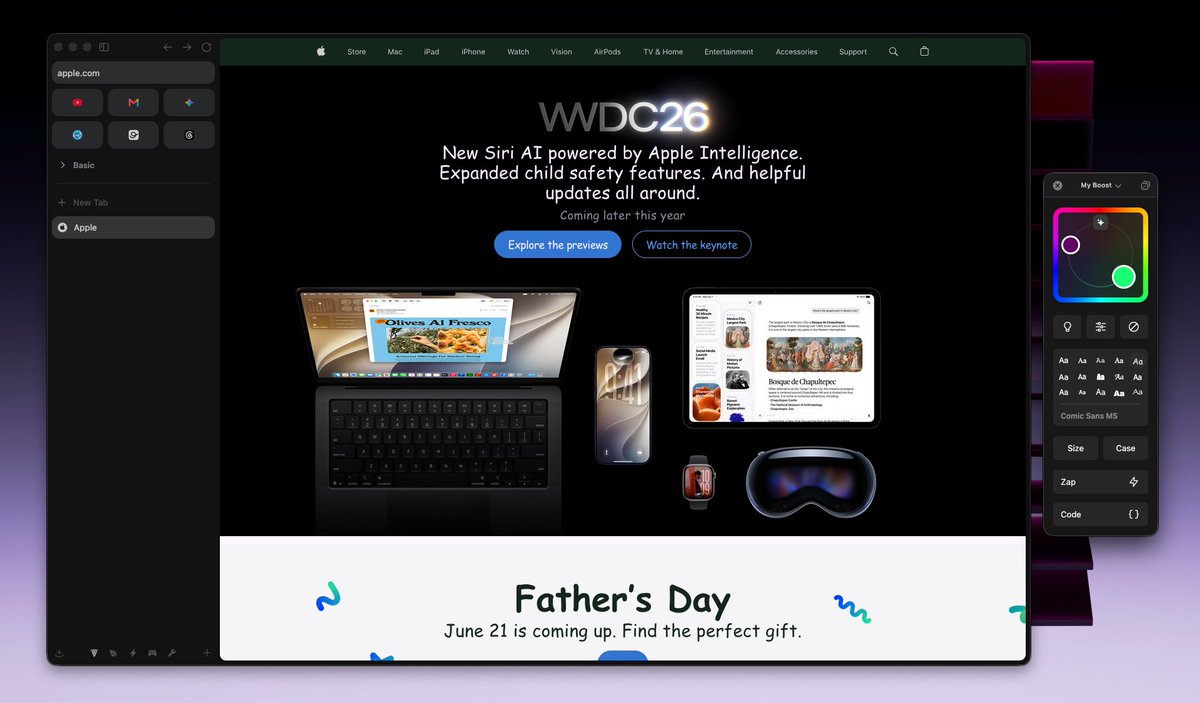
Boosts: customize any site's colors, fonts, and styles from the URL bar
Free and open source.
Your browser dealbreaker?
I've switched browsers too many times. Chrome to Firefox. Arc to Safari. Back to Arc.
Zen Browser finally broke the cycle. Firefox-based, vertical tabs, workspaces that work, free and open source.
What browser are you stuck on?
Finally, I managed to create a new iCloud account. My old Apple account was from 201X, and it still has the atmacdotcom address along with a atmedotcom alias.
Since the account is so old, and I’ve created several new iCloud accounts for past business use, I couldn’t make a new one on my own devices. I had to borrow my wife’s iPad Pro.
Creating an iCloud account on her device through the web didn’t work either, so I had to use the Mail app method. Next step, enroll in the Apple Developer Program.
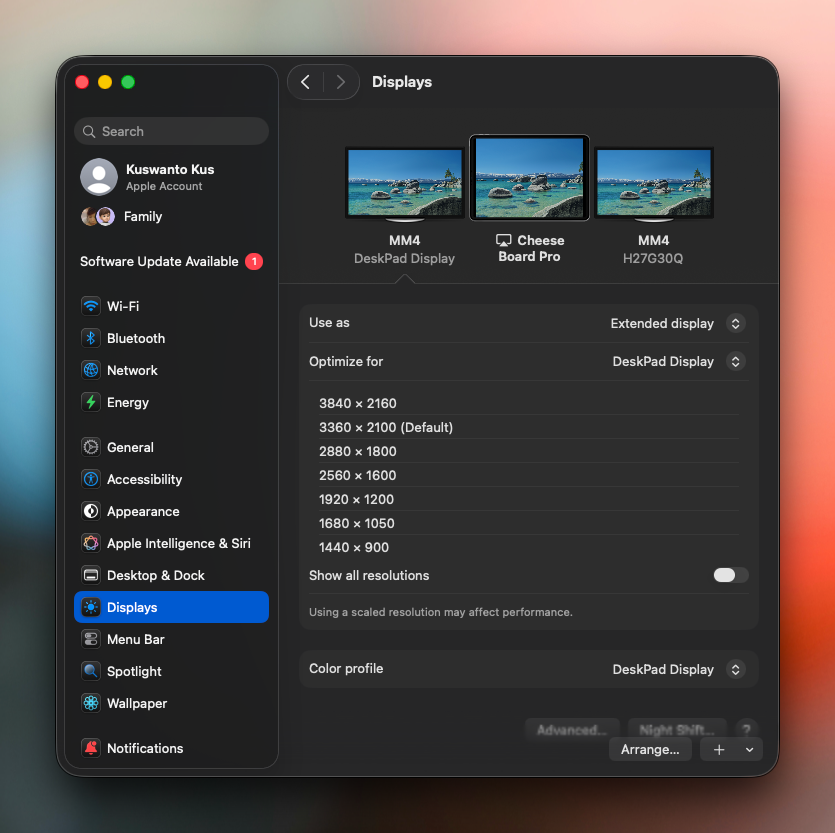
Used Sidecar for months before finding DeskPad. Virtual desktop at any resolution, mirror to iPad. Finally feels like a real monitor.
Best Sidecar setup you've found?
-
Free on GitHub.
https://t.co/lvgovFJ9rx
This simple CSS Snippets makes Obsidian Base Card View looks better and cleaner. Here's preview before and after.
Go to Obsidian settings, then head to Appearance. Hit the CSS Snippet folder icon. Make a new CSS file, call it base.css or anything you like. Drop in these CSS properties:
---
.bases-cards-label {
display: none;
}
.value-list-element {
padding: 4px 8px;
background-color: var(--background-secondary-alt);
border-radius: 99px;
line-height: 1.5em;
}
.bases-cards-property{
height: 30px;
}
.bases-cards-item {
background-color: var(--color-base-10);
}
Dear algorithm, connect me with:
Designers who build their own macOS apps Indie makers shipping in public People who still use Sketch over Figma Emoji enthusiasts (you exist, I know it)
Let's connect if any of these hit home.