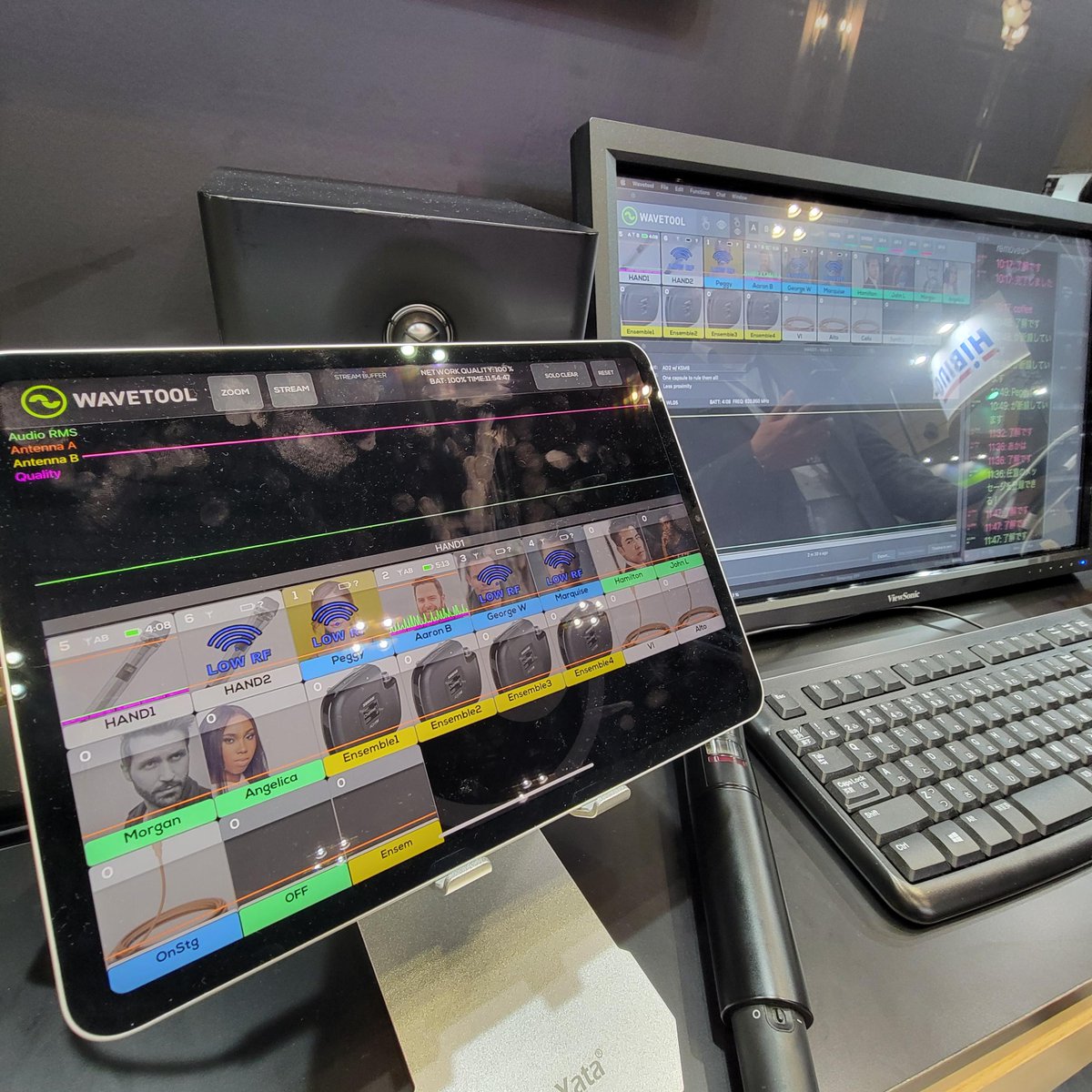
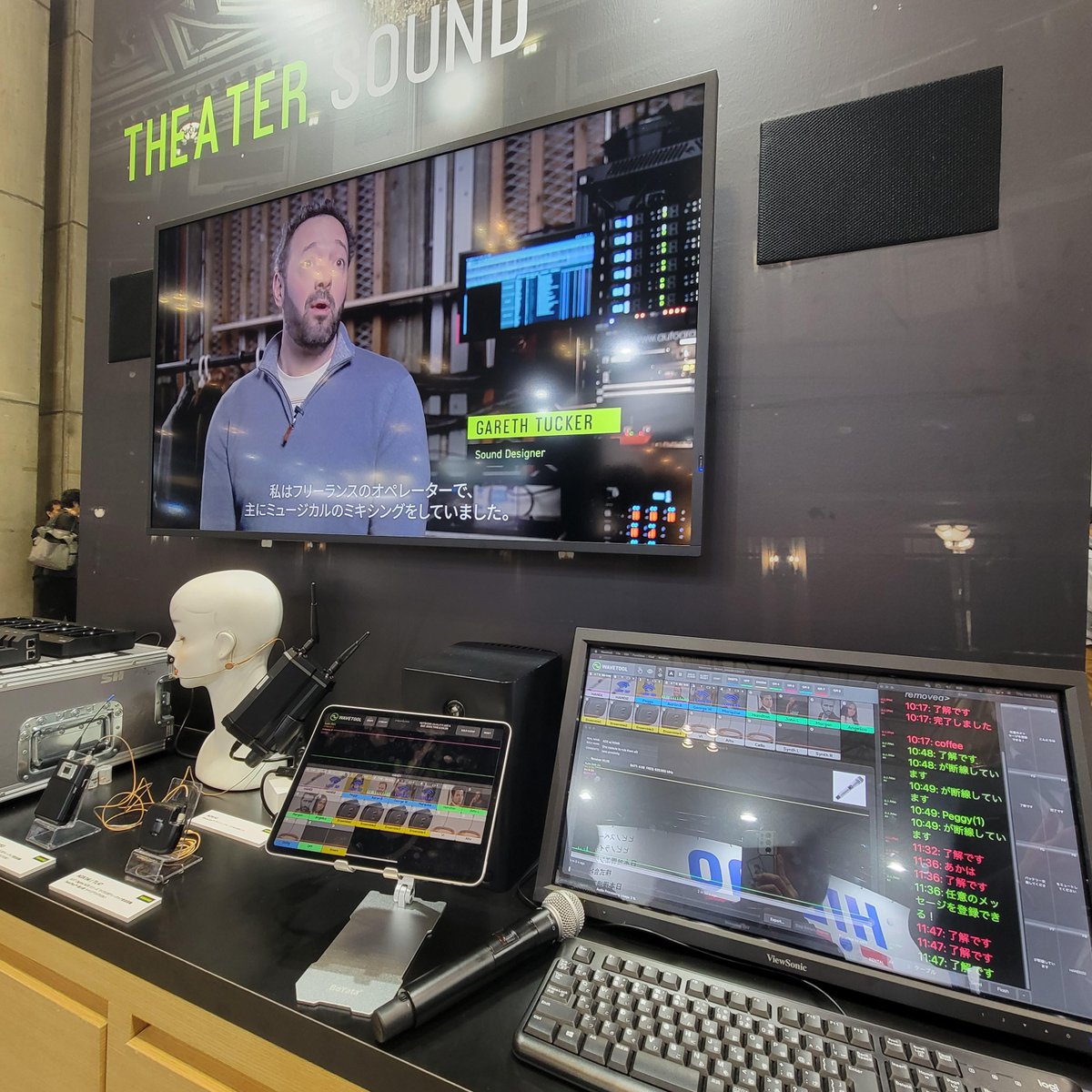
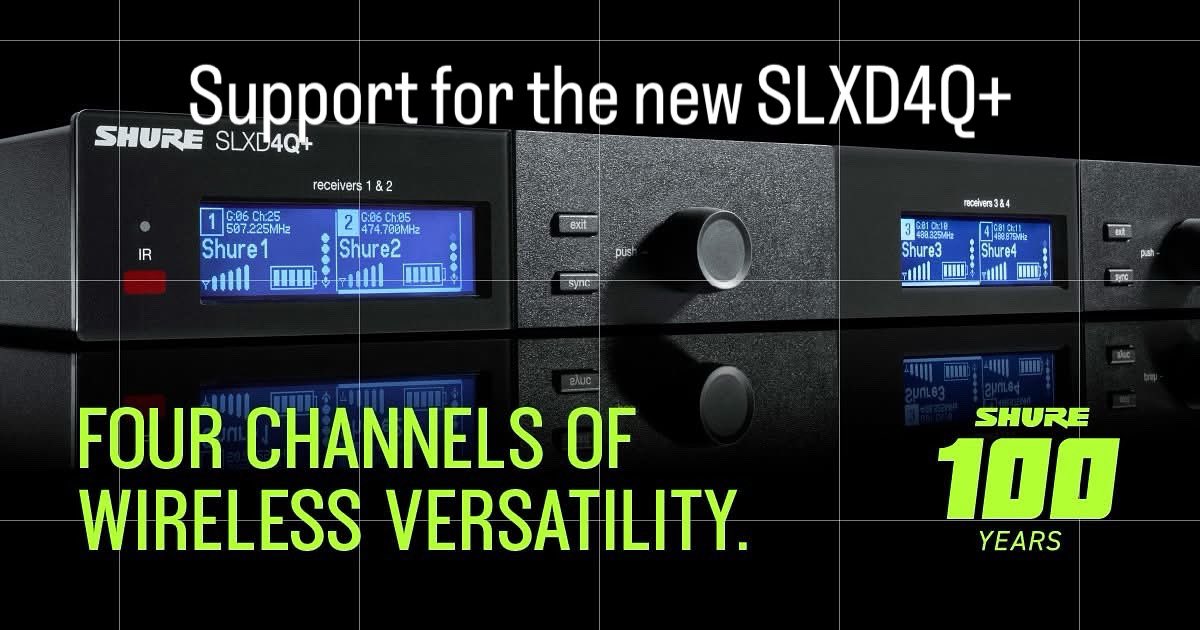
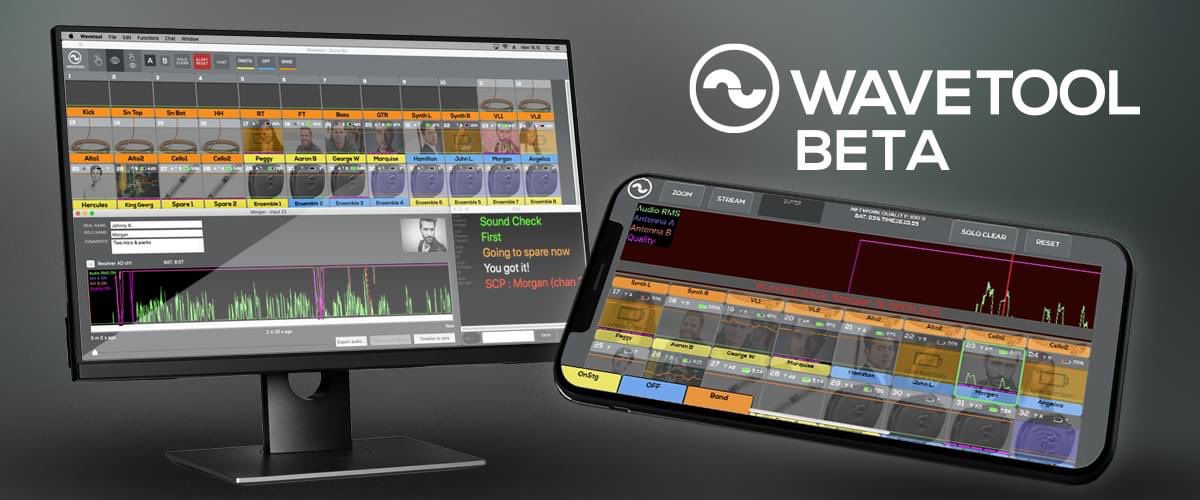
WAVETOOL V3.925 is HERE!
Dive into the latest and greatest WAVETOOL at https://t.co/XCvUulIsJK
-Support for macOS 15 Sequoia
-Seamless integration with Shure SLXD4Q+ receiver
-Bug fixes and sleek UI enhancements for smoother operations
Update now to WAVETOOL V3.925!
In Broadway's "Hell's Kitchen," the crew is using Shure Axient Digital and WAVETOOL software to bring the show to life.
“Using Shure Axient Digital wireless has been great ... we never get caught top of act with a bad mic." - FOH engineer Sean Woods
#HellsKitchenBway#Shure
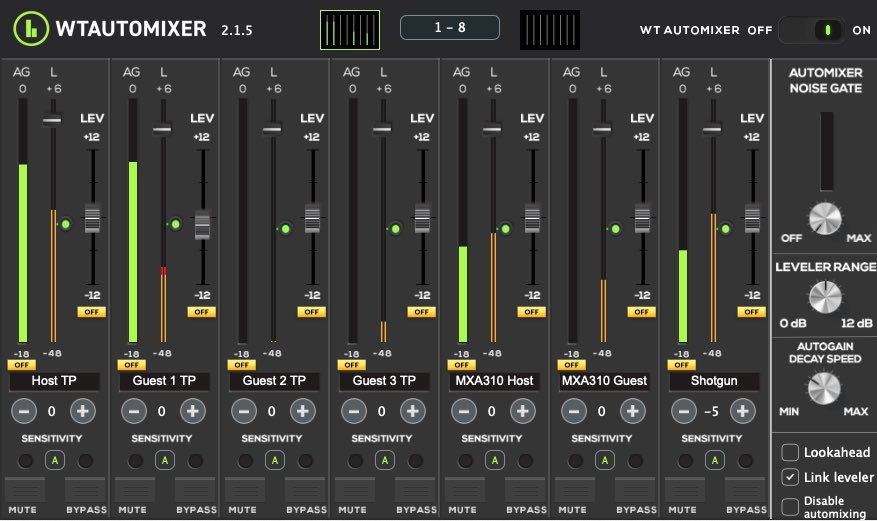
WTAUTOMIXER v2.1.5 is available now with:
-Improved automixing algorithm effortlessly silences unused microphones
-Native support for Apple Silicon computers
-Support for the latest macOS14 and WIN10/11 operating systems
Download and try free for 7-days:
https://t.co/M8Knd8sBfj
The new version of Wavetool is available now!
Wavetool 3.909:
-Support for macOS14 Sonoma
-UI improvements
-Bug fixes
Download the software at:
https://t.co/XCvUulIsJK
For more information, go to https://t.co/tpo4JFaTvI
Are you tired of juggling multiple software platforms to monitor your audio sources during a large production? Say hello to WAVETOOL, the ultimate solution to transform your audio monitoring experience.
Check out our blog for more firsthand testimonials: https://t.co/KNSoG5EkDt
Unleash the power of superior mic monitoring with WAVETOOL. This robust software swiftly detects and resolves microphone issues while streamlining communication between audio teams.
Take your audio monitoring to the next level: https://t.co/TznCI5AVrv
Did you know that you can also rent Wavetool in case you only have a short production for which you need a audio listening station? You can find the online store and the prices for rental products here: https://t.co/ekvEBOsXrn
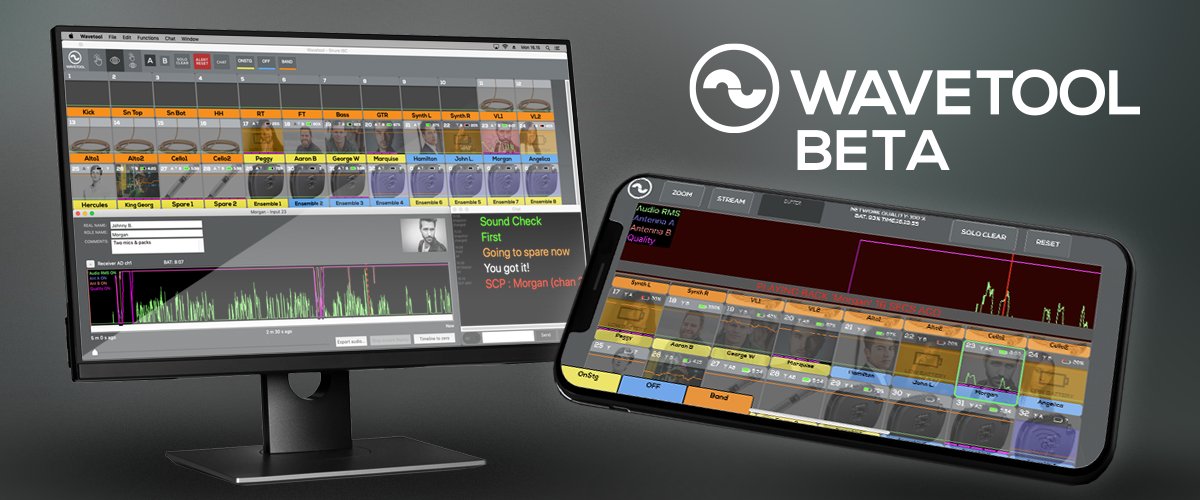
Wavetool BETA 3.85 is now available at https://t.co/5BsxgX35zG
New features and changes
-User defined chat colours (preferences -> chat preferences)
-Added support for @wisycom MRK16 with MCR54 receivers
-Added support for @Sennheiser EW-DX receivers
-UI improvements
-Bug fixes
Make sure to visit Shure in Hall 1 & Stand 1.13 at SHOWTECH Berlin, exhibiting 5th to 7th of June, and Shure Stand C22 at ABTT Theatre Show, exhibiting 7th and 8th of June. Visit us to see how Wavetool can improve your theatre workflow! #wavetool#shure#showtech#abtt
Interested in joining a growing software company with a market-leading audio software products and with a fun and cozy working environment? We are looking for a Senior software engineer in Tampere, Finland. Apply today or refer a friend! https://t.co/d1Xbkf0y7M
The new version of Wavetool is available now!
Wavetool 3.74 - September 9, 2022
Use the "check for updates" function to get your Wavetool to the latest version or download the software at:
https://t.co/XCvUulIsJK
-Notebook mode -a New way to make notes about wireless channels or actors. (Open Notebook timeline window from the Edit menu. Enable Notebook mode by choosing Notebook mode from the edit window. In Notebook mode, long clicking a channel will open up a text editor with macros.)
Wavetool BETA 3.73 is now available at https://t.co/5BsxgX2xK8
Try the new BETA build and let us know what you think by sending an email to [email protected]
You can have two versions of Wavetool installed at the same time and revert back to the release version if you want.
New features and changes:
-Native support for Apple's M1 chip
-Improved audio latency stability
-New and more precise graphics drawing on channels window and on timeline
-Possibility to show LTC in a channel. (First route LTC audio to the audio device that is in use as an input audio device for Wavetool. Then in Channel i/o, choose Wireless Dev. drop down menu and instead of choosing wireless device, choose LTC.
-Show Big LTC display
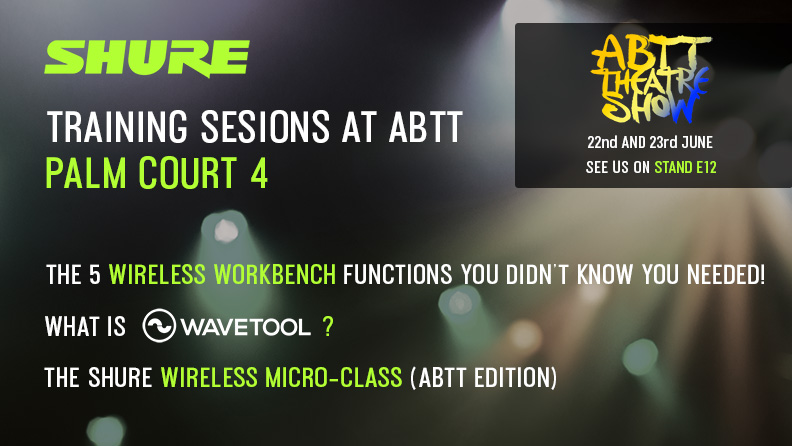
We will be at @abtttheatreshow this week running training sessions on Wireless Workbench, Wavetool and a Wireless Microclass. Places are limited, for more info and to register for the sessions visit here: https://t.co/ZtWMtjp2Gy or register on the day on stand E12 #abttshow2022