WebStorm 2026.2 is out!
Large TypeScript codebase? This release has your back.
TS 7 ships out of the box, no migration needed. We tested it on Kibana, and project load time went from ~12s to ~3s.
What’s more, GitHub Copilot is now natively integrated (no plugin setup required), and the new agent skills manager lets your AI agents carry knowledge of your stack across every project and session.
Check out the new version to discover all the updates: https://t.co/lCOvlrh7qZ
Your code is in WebStorm – now your telemetry can be too. 🔥
Explore logs, metrics, and traces for your Node.js services and frontend apps right inside WebStorm, before deployment. No separate backend required.
Link: https://t.co/Yi1EO3tm63
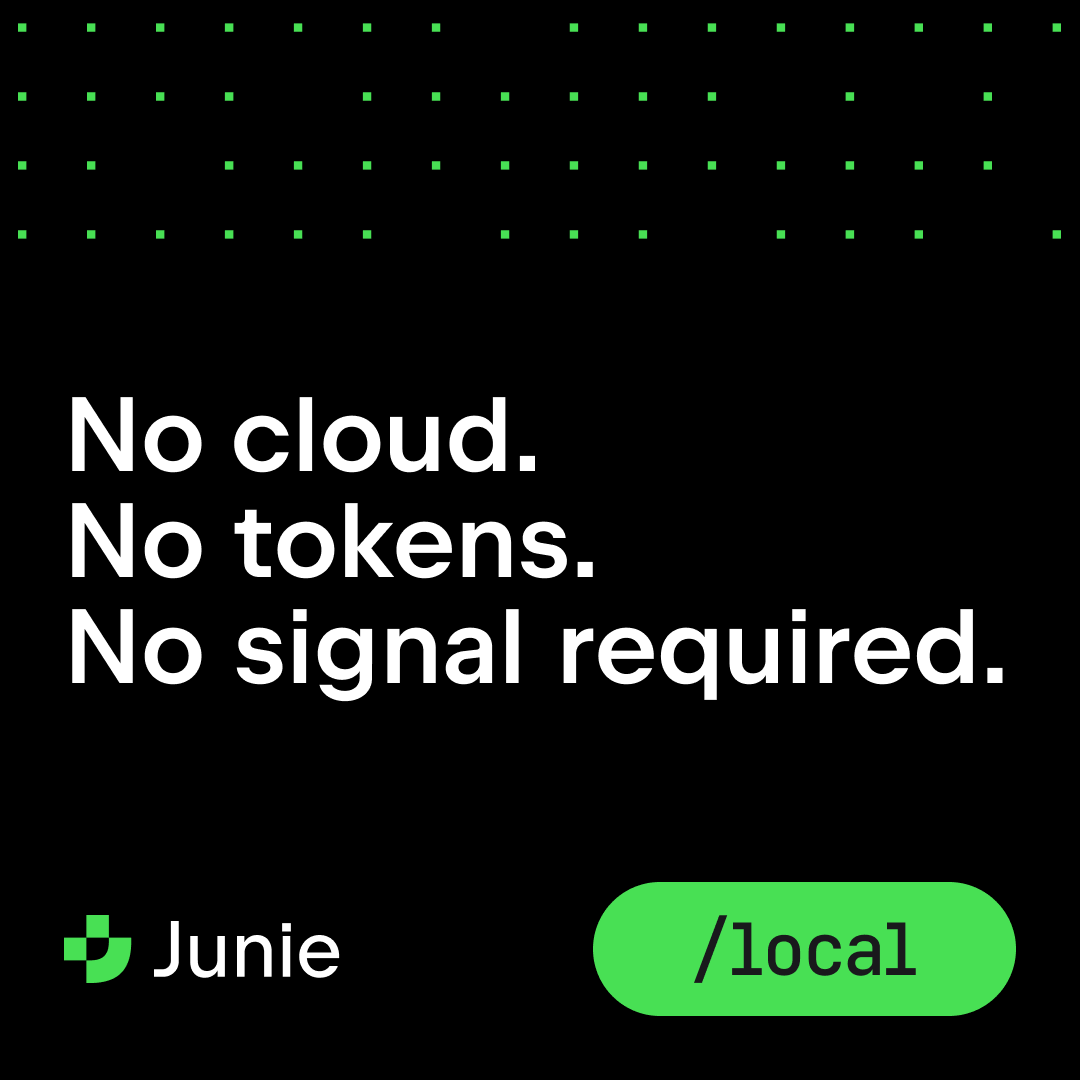
The dependency upgrade nobody wants to own. Junie Local runs on your machine, unmetered, so it can grind through it while you do something else. /local
Junie can now run entirely on your machine, and it’s completely free to use.
One command: /local. We picked and optimized the whole stack around the model: agent harness, model parameters, and inference engine. No tokens, no quota, no code ever leaving your machine.
Hey you there, passerby!
We're building the @WebStormIDE AI.JS Day agenda differently this time. No topic list. No speakers first.
Most "#AI in frontend" events are just product demos with a panel bolted on.
this bores me
so we're flipping it.
What's the one question about AI + frontend you can't stop thinking about? The one you'd actually show up to hear debated.
A few that are rattling around over here:
-will frontend dev still be a job in 5 years?
-what skills actually matter for developers now?
-does context matter more than the model?
Drop yours below. The best ones become sessions. Free, virtual, November 13. 👇👇
If you're already paying for #claude , #Codex, or #cursor, there's nothing stopping you from bringing your agents to @WebStormIDE . The IDE can use any of your existing subscriptions via ACP – no JetBrains AI credits required! Check out this video to see how to set it up and thanks to @juandadotdev for the question!
Bring your own agent to WebStorm. GitHub Copilot, Claude Code, or any ACP-compliant agent – connect them directly, with no JetBrains AI subscription required. ACP handles the protocol. You pick the agent.
Read more: https://t.co/4vAyAKXuAT
#WebStormTip
Did you ever dream that your AI agent would be able to check its own work in the browser? Well, dreams do come true.
Chrome DevTools Connect for WebStorm lets agents see and interact with the browser directly. It ships as a bundled Chrome DevTools CLI skill inside WebStorm, with a one-time setup on first use and automatic startup thereafter.
Built with @ChromeDevTools team: https://t.co/2FM7aaQwMf
#NewInWebStorm
Meet Chrome DevTools Connect for WebStorm → https://t.co/2NqocqFABf
Now your AI agent can open Chrome, inspect rendering, read console logs, and verify runtime fixes without you leaving the WebStorm IDE.
How do you evolve a language used by millions of developers without breaking the web? That's TC39's job – the committee that designs and evolves JavaScript.
We sat down with TC39 committee members during their 114th meeting, hosted at JetBrains' office in Amsterdam, to talk proposals, breaking changes, and what it takes to write a spec that has to work everywhere.
This is just a teaser – full interviews coming soon.
Watch: https://t.co/4ZblK883f5
@ikeyhoh A similar issue was fixed in 2026.2: https://t.co/wZWArfZ1mR. If you still encounter such a problem please submit a new ticket in https://t.co/n4CAY42too and share more details.
Chrome DevTools Connect for WebStorm is now live!
The agent can now open Chrome, read console logs and network requests, take screenshots, and interact with the page. The agent reaches for the browser when it decides runtime verification is needed, or when you ask it to. It ships as a bundled Chrome DevTools CLI skill with a one-time setup on first use and automatic startup thereafter.
Design → code → browser. No switching. Built with Google’s amazing @ChromeDevTools team!
More info: https://t.co/2FM7aaQwMf
Gathering design context before you write a single line of code shouldn't take longer than writing the code itself. Figma Connect puts it where your page is actually built:
🔹 In WebStorm, your design context flows straight from your Figma file into the AI chat, so your agent writes code that actually matches your design system.
🔹 Junie can now read your Figma file directly as part of an agentic workflow.
🔹 Soon, with the Figma Remote MCP in @getsome_air, your design context will be available to your AI coding agent, no IDE required.
Try Figma Connect in WebStorm to simplify page design: https://t.co/IoL5NP5rSV
We joined forces with the @figma team and cooked up something huge.
Figma Connect is now available for WebStorm! Your AI agent generates better code when it knows what the design requires. Figma Connect takes that context (component hierarchy, spacing, design variables, etc.) straight from your Figma file and passes it to the AI chat.
This is the first stage of a visual design-to-code workflow. There’s more to come. Check it out and share your feedback: https://t.co/nDCWeX67Ow
@juandadotdev@figma Hi! We're cool like that: you can easily bring your own agent (Claude, Codex, Cursor, whatever you already use), no JetBrains AI subscription needed. More info here: https://t.co/XKwU9OWDkp