Security starts at the core.
Windows memory integrity helps protect critical system processes by making it harder for malicious software to compromise devices. https://t.co/cbjQ4e5ceu
Moving AI from pilot to practice means making it work securely, at scale, and in everyday workflows.
At #MSIgnite, IT teams are exploring that shift through hands-on sessions and expert insights.
Which topic is your priority?
The AI pilot isn't the destination.
At #MSIgnite, explore how Windows can help move AI from experimentation to operation by establishing control, placing workloads intentionally, and enabling repeatable workflows that deliver business outcomes.
Explore BRK406: https://t.co/D6AkOc6s9g
Help keep unapproved apps off managed Windows devices. With Microsoft Intune App Control for Business policies, you can manage which apps are allowed to run while giving employees access to the apps they need.
https://t.co/7KvgZevjbM
Ctrl + Manage is a new monthly podcast that helps you understand the latest Windows management capabilities and how to put them to work in your environment.
https://t.co/mNtKV87U4v
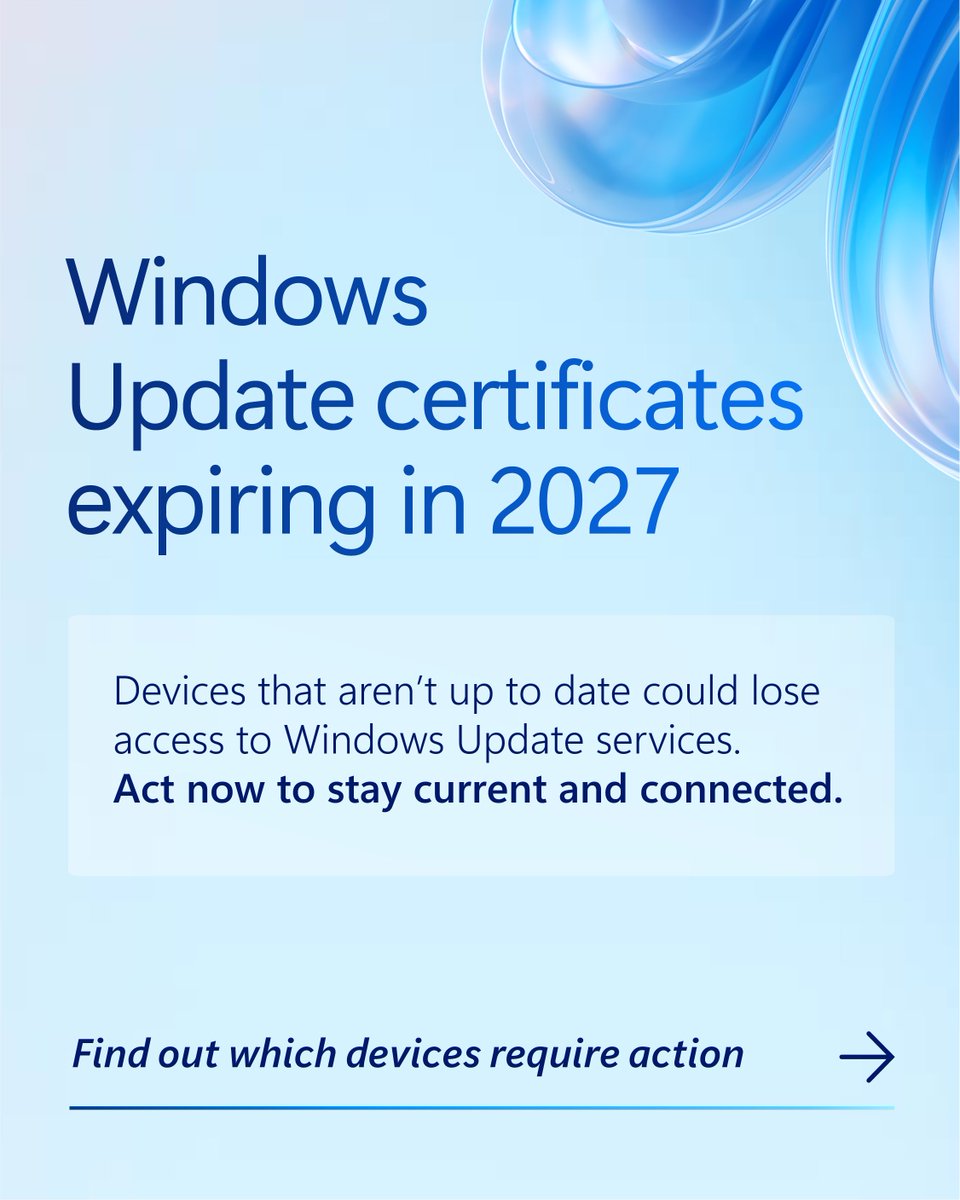
Prepare for Windows Update certificate changes coming in 2027.
Review your Windows environment now to identify older or out-of-date devices that may require action to maintain access to Windows Update services. https://t.co/ulSfNqRDOj
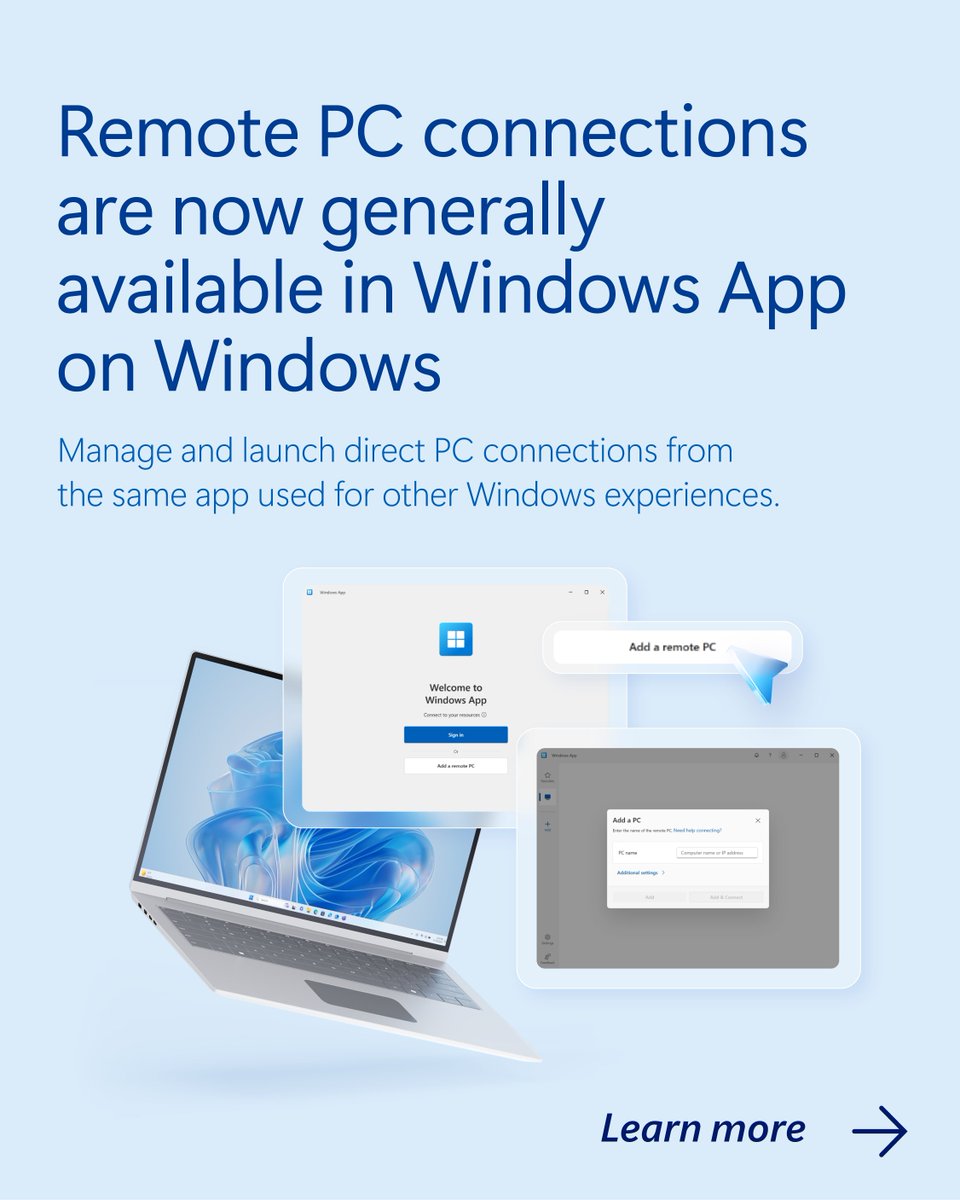
Remote PC connections are now generally available in Windows App on Windows.
Connect to the Windows devices you rely on, all from the same modern Windows App experience.
https://t.co/HwIFvMGFzn
ABB is using Windows 365 to support its global workforce, achieving a 50% cost reduction compared with previously used technologies, while enhancing security and global collaboration.
https://t.co/C14GezeMsF
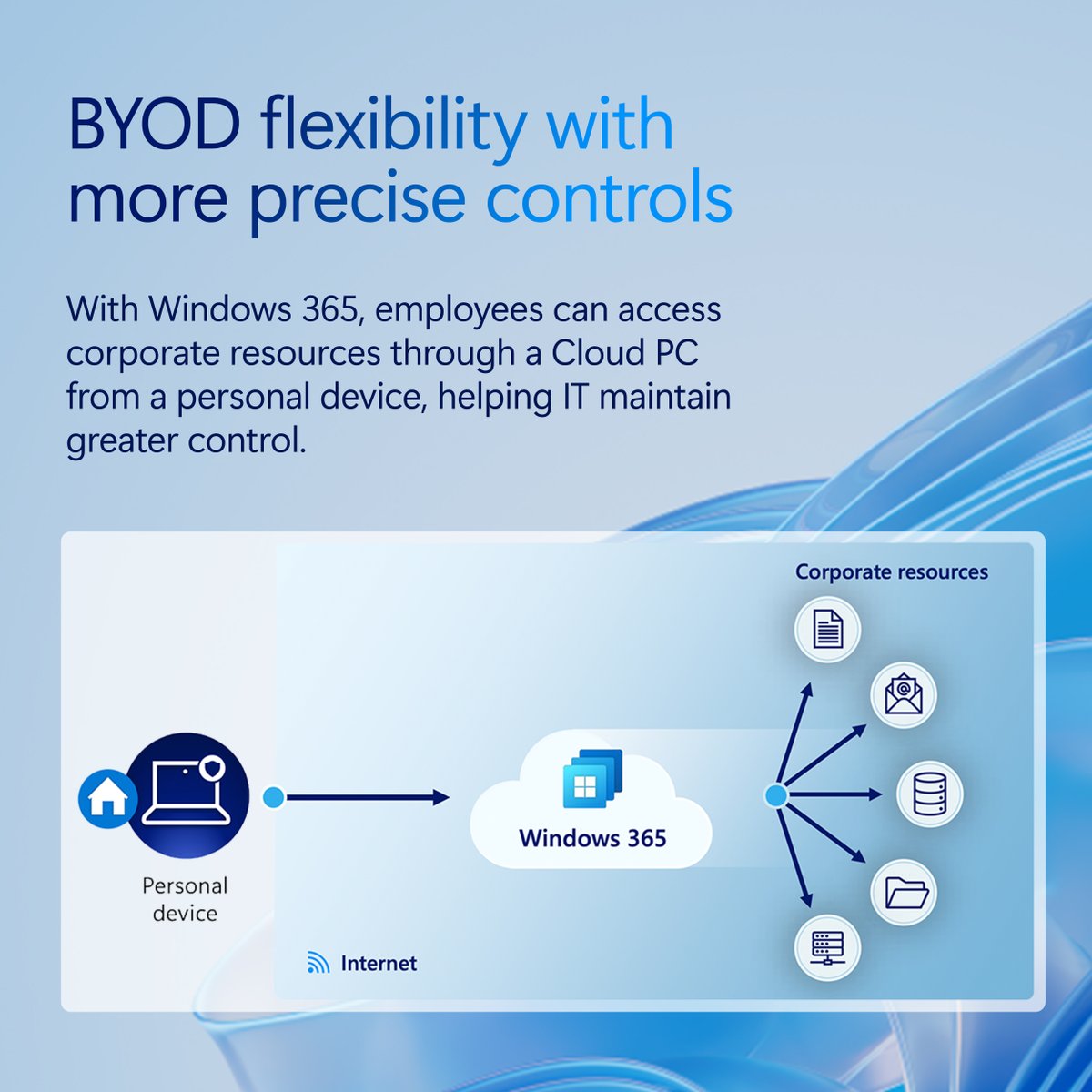
Support BYOD without putting corporate resources at risk. Windows 365 gives employees access to a familiar Windows experience from any device while helping IT maintain control.
Explore Windows 365: https://t.co/LF4CLI2KyK
The latest Windows 365 updates are here.
Explore new capabilities across identity, provisioning, security, recovery, and Cloud PC management.
https://t.co/4tPhnYTkbp
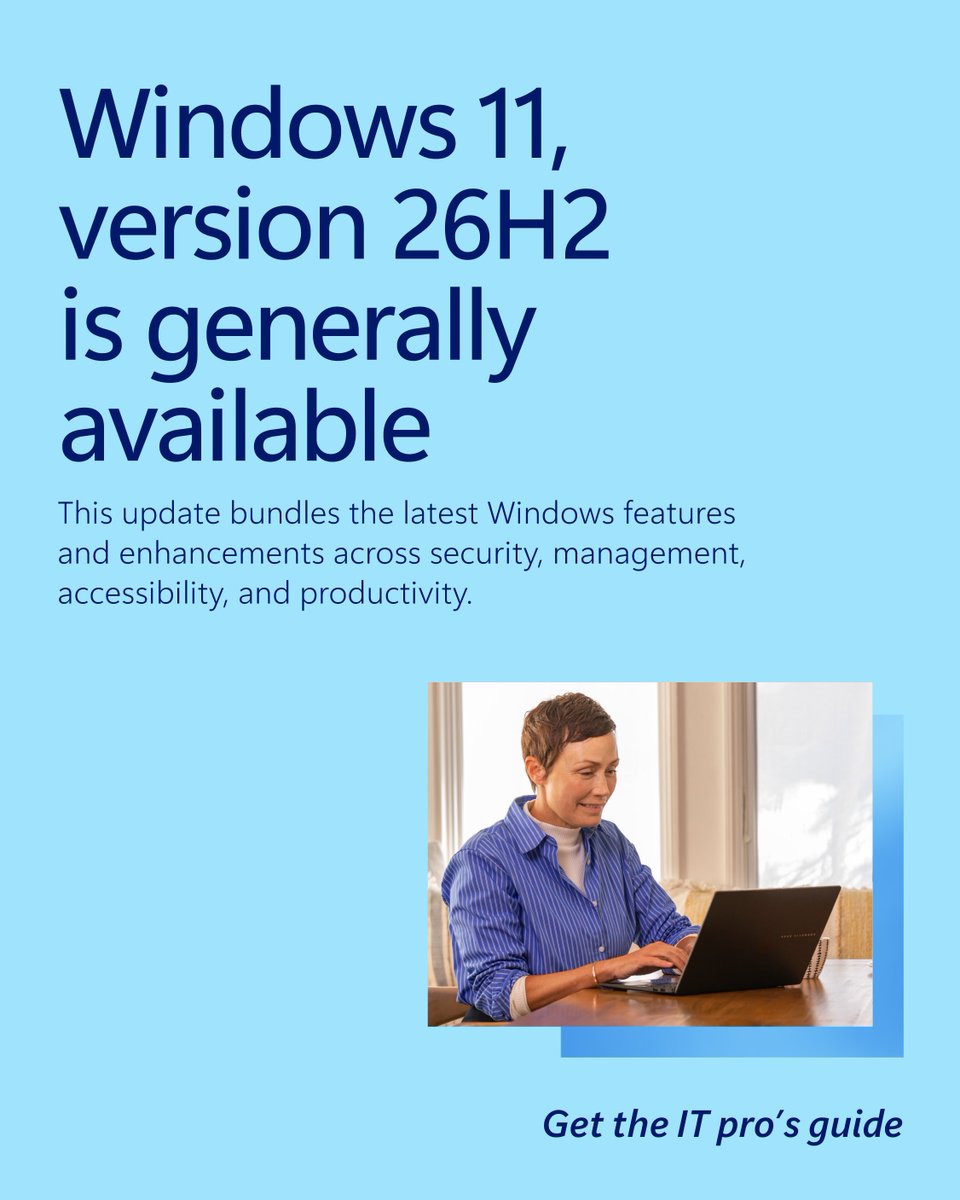
Windows 11, version 26H2 is now available! For eligible devices running version 25H2 or 24H2, moving to the latest release is fast and familiar.
Explore what’s new and start planning your rollout: https://t.co/sXlcjFiQdP
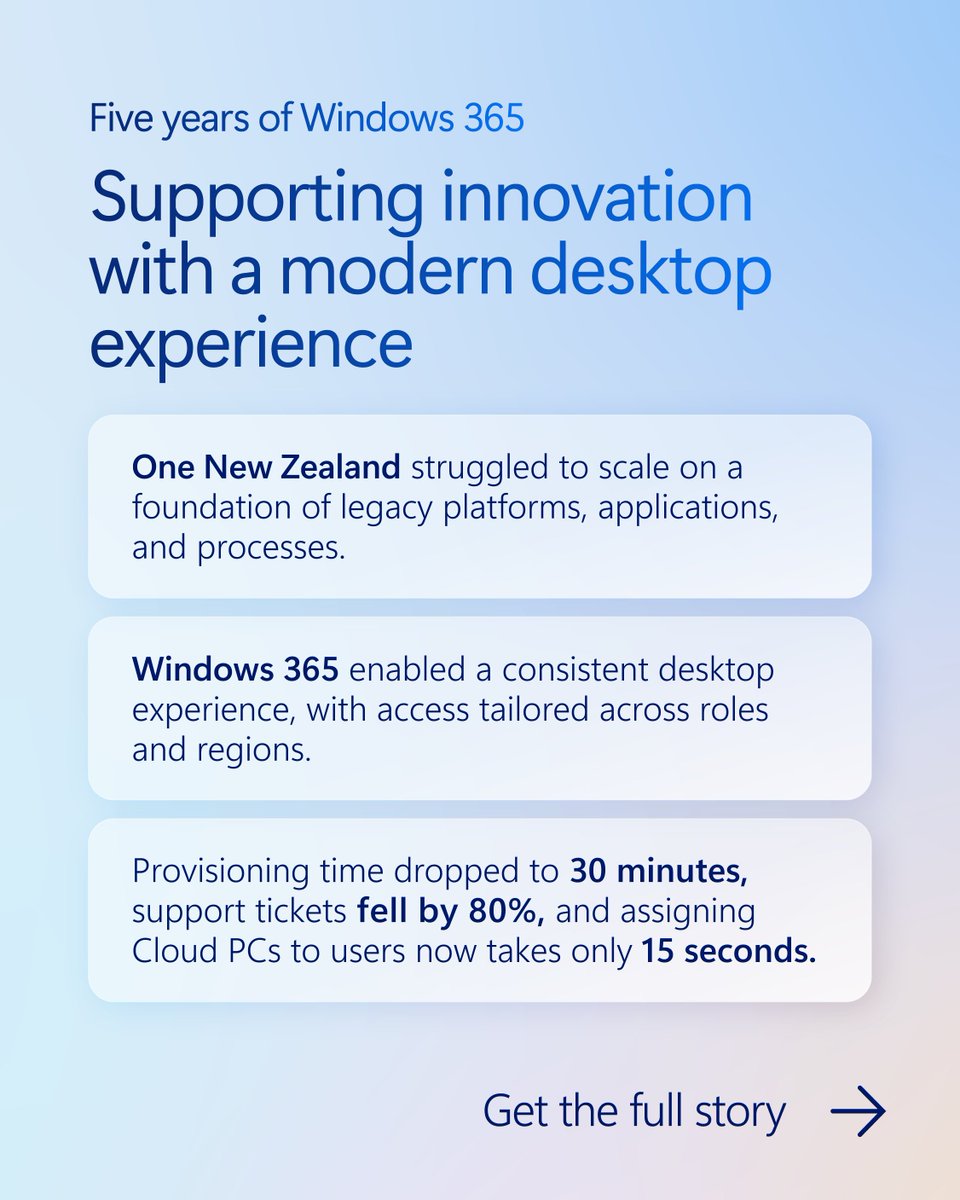
30 minute provisioning. 80% fewer support tickets. Cloud PCs assigned to users in only 15 seconds.
See how One New Zealand modernized its desktop experience with Windows 365: https://t.co/Rc3ZRkRxgK
What’s new across Windows? Catch up on the latest in security, recovery, Windows Autopilot, Windows 365, AI, and lifecycle planning in the August roundup.
Read more: https://t.co/3rGHSkOwAF
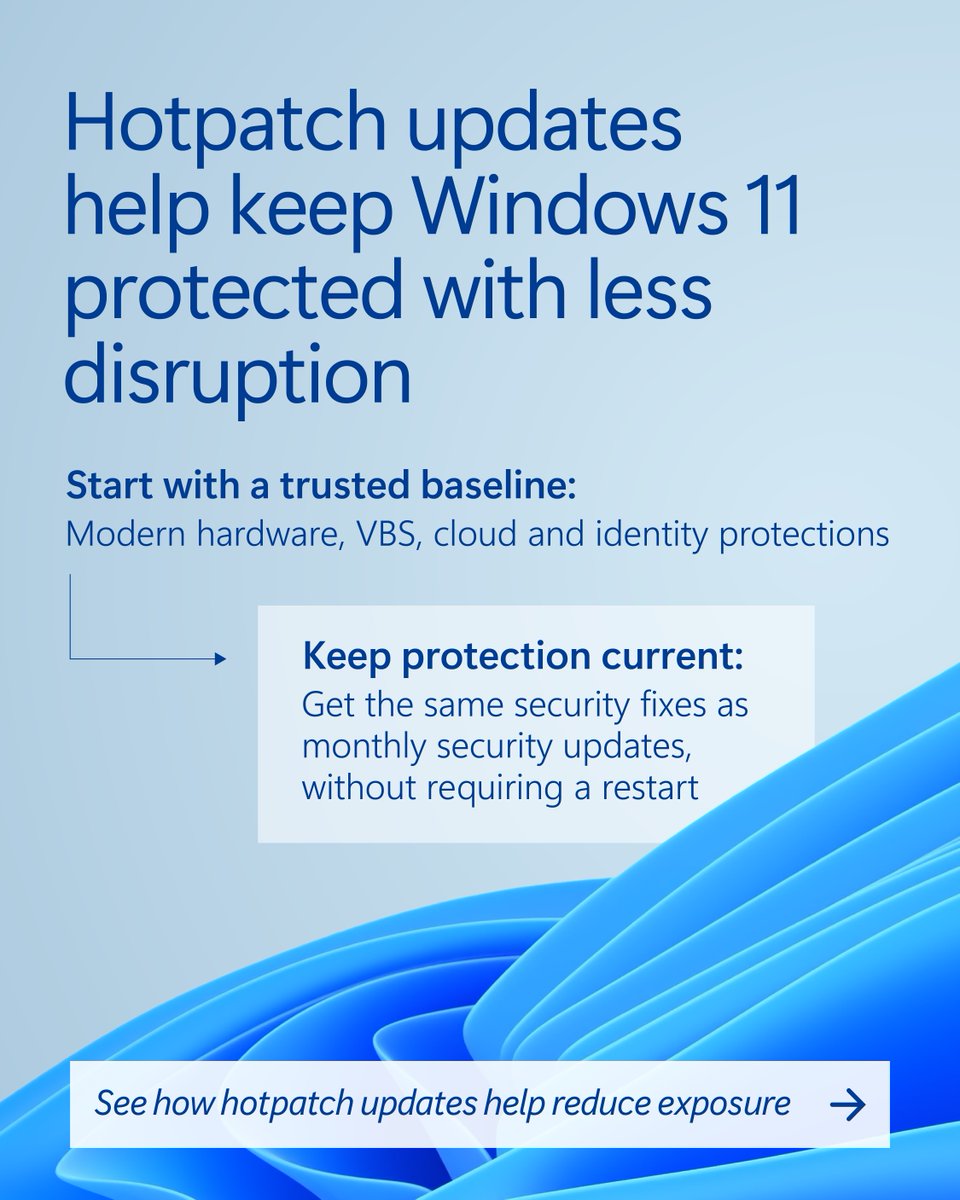
Keep Windows 11 devices protected without slowing down work.
Hotpatch helps IT reduce exposure with fewer restarts and less disruption. https://t.co/CZP9xfaLVC
Healthcare teams need secure, reliable access wherever care happens.
Northumbria Healthcare NHS Foundation Trust used Windows 365 + Microsoft Intune to modernize remote radiology workflows— cutting medical image load times from 20 minutes to under 5 seconds and helping clinicians work more efficiently. https://t.co/F7P5WRjXXr