🩵STOP SCROLLING NOWW🩵
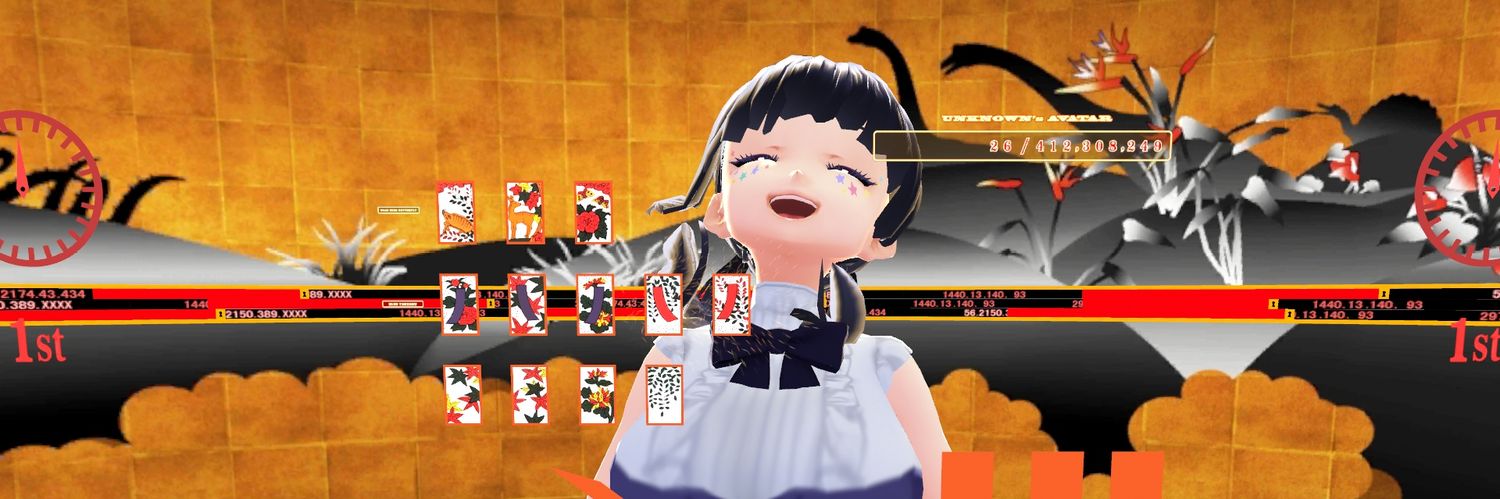
OMAGAAA something big for youuw! all my animated BG are FREE againn!😭
↻ + ♡ + tag me are really appreciatedd :3
download link beloww👇
#VTuberAssets#VGenShop
HAN CREADO UN CAPCUT GRATIS Y SIN MARCAS DE AGUA, Y YA TIENE 62K STARS EN GITHUB
CapCut te mete marca de agua, te bloquea funciones y encima te cobra suscripción.
Un grupo de devs se cansó y construyó la alternativa open source y gratuita.
Se llama OpenCut. Te explico todo:
Un editor de vídeo open source que están construyendo desde cero, con arquitectura basada en plugins.
La idea: una alternativa real a CapCut, pero abierta.
Sin marcas de agua, sin paywalls, sin suscripciones.
Lo que crearon:
→ Editor completo con línea de tiempo y multipista
→ Plugins nativos para expandir lo que puede hacer
→ Una sola app para web, escritorio y móvil (núcleo en Rust)
→ MCP Server, automatizaciones y soporte para agentes de IA
→ Licencia MIT: puedes hacer lo que quieras con él
Cómo instalarlo:
→ Clona el repo desde GitHub
→ Instala las dependencias
→ Ejecuta la versión clásica (disponible ya)
→ Sigue la nueva versión en https://t.co/wa5VTQYLn1
Es exactamente lo que CapCut debería haber sido desde el principio.
Enlace abajo👇
I’ve made a VTuber Media Kit Template!!
➡️ Open the link and sign in your Canva account.
➡️ At the top, File (or the three dots if mobile) > Make a copy.
➡️ Customize to suit your needs, theme, and platform!
This is my first time making something like this, so I’d love any feedback or suggestions.
I hope this can help others get started with their kits, or at least inspire ideas for building their own! Feel free to change up however much or however little you need to!
💙 https://t.co/3Acvn9OPGi
Actual tips for vtuber.‼️⚠️
A Nice to use and have feature on OBS is Audio Ducking!
But what is Audio Ducking? To simplify it you can set it up so that everytime you talk other audio sources like your game and music get reduced by a specific amount that you can set up.
It is pretty simple.
Add a compressor inside the Audio Source and basically change nothing but the " sidechain/Ducking Source " and choose your Microphone.
This can be done individually for every audio source you have.
What Now? - It looks way more Confusing then it is to be fair. The Threshold is the one important setting now. This settings depends on your loudness and your microphone settings. What this means is that the " -db" that you choose is the Volume when your Audio starts ducking and you can see it inside OBS at the Mic Output if you hit -10db by normal talking and - 4db you wanna choose the -10db so audio is getting ducked when you talk to chat or react to smth. You can also set it up so it only ducks when you are really LOUD to emphasize Horror , Funny or Loud moments even more.
Enjoy vtuber and content creator 👋
+1 coisa: para os VTubers: 64% dos jovens Chineses entre 14-24 anos assistem VTubers e ídolos virtuais regularmente
Então, sim, o Bilibili 🩷 global é uma GRANDE oportunidade
Meu artigo científico sobre o mercado VTuber chinês 🇨🇳🧑🏻🎤🧝🏻🎥🎮: https://t.co/Mn423B3qfY
Aparentemente o pessoal da China consegue ver sim os vídeos do global (com algumas restrições) e os vídeos e canais do Bilibili CN tbm estão disponíveis. Podemos ter a maior explosão de engajamento transcultural da história
Recomendo muito criadores testarem a plataforma
🚨AGORA: A Bilibili, YouTube da China, acaba de ser lançado globalmente. O app já está disponível no Android e em breve no IOS
A plataforma está totalmente em português! Você pode publicar vídeos e também assistir conteúdos do mundo inteiro, inclusive feitos na China
3 OBS settings I check on EVERY stream that most creators don’t know about:
1. Turn off Instant Replay → frees up GPU/CPU resources when you don’t use it
2. IP Family: IPv4 Only → can help avoid connection issues with certain networks
3. Split your video encoders → OBS on NVENC H.264, TikTok Live Studio on x264 so you’re not making your GPU do all the work
This is for MY set up- but have saved me SO many times from stream hiccups. What are your go-to settings?