🤔A common question we get on TradesViz:
❓ How can I see which groups of tags perform the best?
❓ How to analyze using tags effectively?
Our answer: Look at tag groups in TradesViz.
Forget about the "mistakes" or "strategy" category.
Define your own.
Design tags that FIT into this paradigm.
Analyze them.
Analysis depends on how you organize and add data to your trades. This means, how you create, define and categorize tags matters.
This is very subjective and depends on your exact strategies, trading type etc.,
Take your time. Use TradesViz group apply + tags features to come up with a scheme to categorize your trades.
Once you have a design in mind, add the tags to your trades and let TradesViz help you find, analyze, and provide you with insights ✅
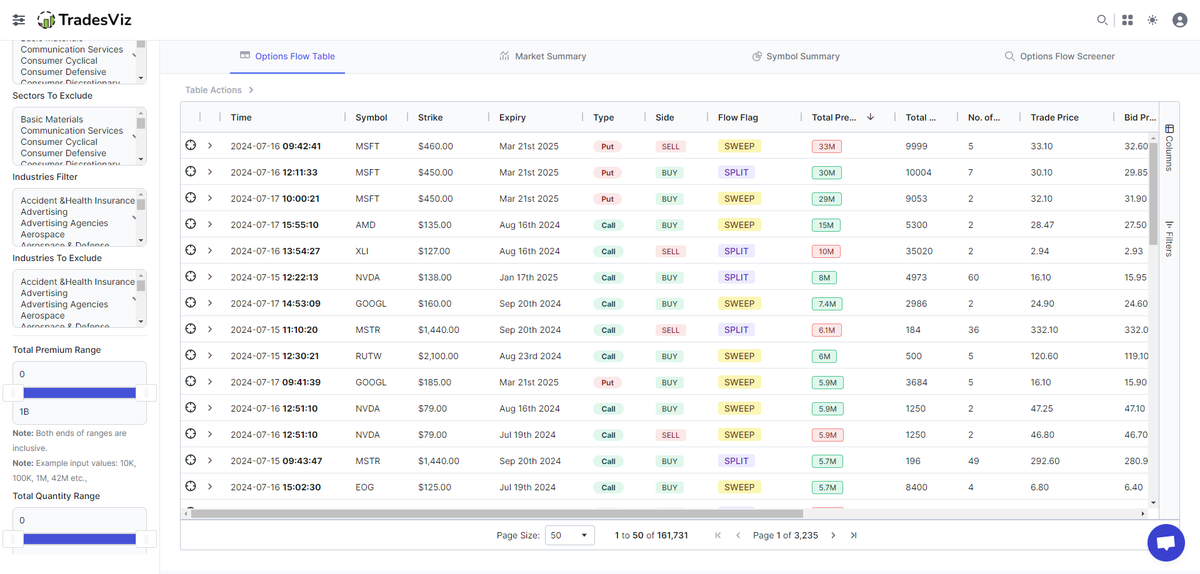
Top options flow from entire last week from TradesViz trading journal dashboard👇
1⃣ Use the filters to check for opportunities that are in line with your trading style
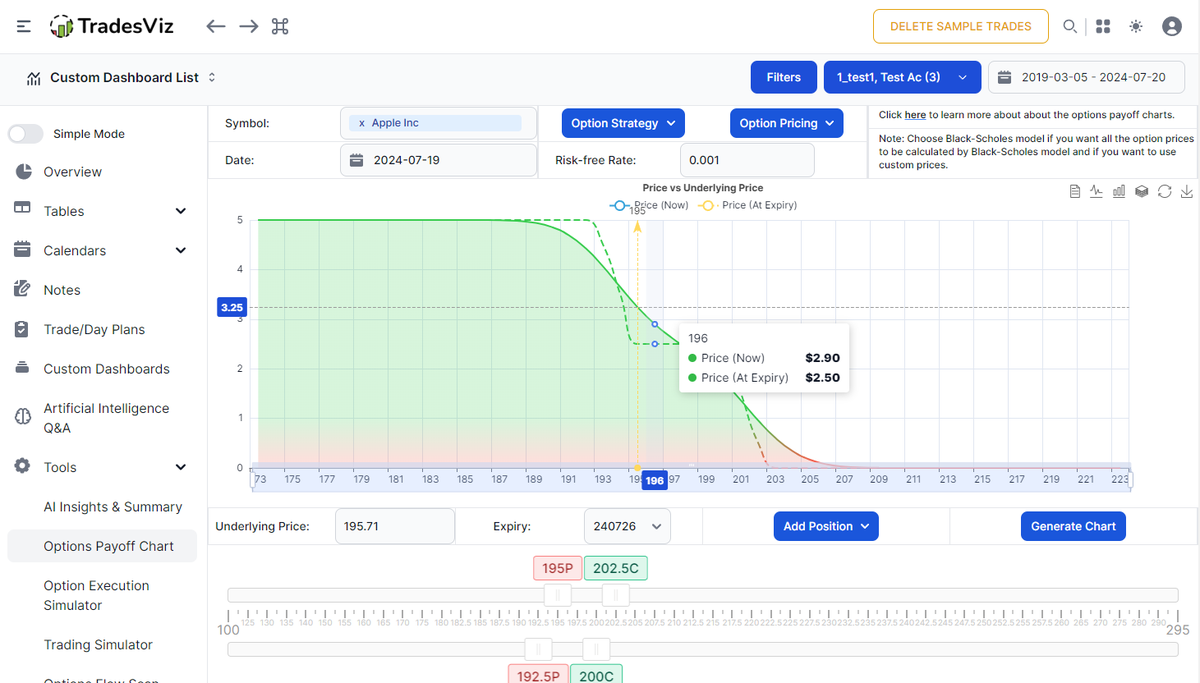
2⃣ Explore the symbol to zoom into the positions you would be interested in
3⃣ Plan your trade
4⃣ Execute!
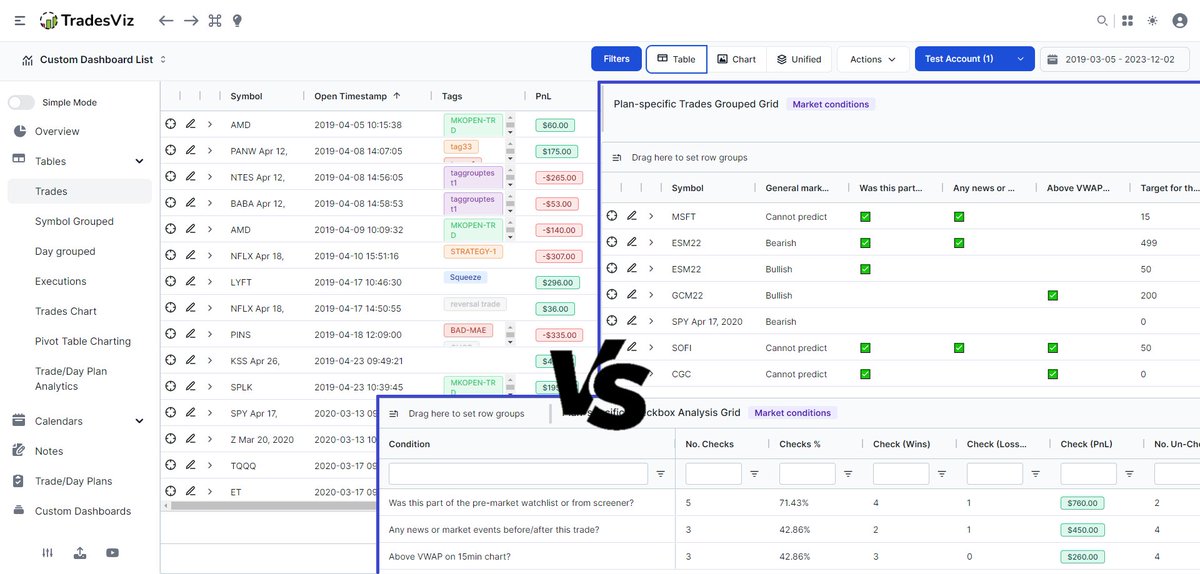
Tags <> Notes <> Checkboxes/Trade plans
What's your preferred way to add qualitative information on TradesViz journal?
Each method has its own pros/cons in terms of analytical abilities and ease of use.
Advanced: Trade plans
Intermediate: Tag groups + tags
Basic: Tags
Currency ($/etc.,) <> Ticks <> Points <> R-value
What do you want to view your dashboard in? 🧐
✅ All of the above is possible in TradesViz.
Check the 40-sec video showing this on TradesViz 👇
The filters table may very well contain the key to finding your edge 🤨😆
Sneek peak 👀
Every month is a month to look forward to if you're on TradesViz trading journal😉
Trade ideas, simulation, tracking, note-taking, journaling - you can do it all right here. right now on TradesViz.
#staytuned#options#tradingjournal#trading
It's nearing the end of the month!
Have you reviewed your metrics yet on the TradesViz trading journal? 📊
💡 Here's a tip: If you are looking to compare your trading across multiple months or tags or pretty much anything, check the group compare feature!