Say hello to effortless scheduling with Google Meet integration in #ZohoCalendar! 🌟
Whether you're planning a quick catch-up or a major brainstorming session, you can now schedule, invite, and join your Google Meet calls—all without leaving Zoho Calendar.
Working across time zones shouldn't mean missed meetings or wrong reminders. When your team spans the globe, one time zone isn't enough. 🌎
#ZohoCalendar's time zone and preference settings let you stay in sync wherever you're working from. 🚀
#RemoteWork#DistributedTeams
Tired of no-shows and rescheduling chaos because your team uses different calendar apps?
Calendar interoperability lets you check free/busy status across #ZohoCalendar and Google Calendar before you book. No more scheduling blind spots.✨
Read more👇
https://t.co/TBcArSrd4c
Your AI can write code, draft emails, and close tickets. Now it can handle your calendar too.
Zoho Calendar MCP lets your AI reschedule meetings, find availability, and manage calendars with one prompt.
Read what your calendar can do when you just ask.👇
https://t.co/kFF7IYz8j9
Scheduling a meeting shouldn't require a group chat, multiple follow-ups, and a cluttered inbox. 😵💫
Zoho Calendar's Manage Participants and Check Availability automatically finds a free slot that works for everyone. ✨
No back-and-forth. Just a time that works. ⏰
Create multiple booking pages, automatically add conferencing links, prevent double bookings, verify client identities, and more, with Zoho Calendar's Appointment Booking. 📅✨
Read all about it in our blog post 👇
https://t.co/l3s8E2viZe
#ZohoCalendar helps you find the best time for your events. It automatically surfaces the most suitable time slots based on participants’ availability, so you can skip the back and forth and schedule faster. 🚀
Learn more here → https://t.co/shI1uekc0M
Stop copying meeting details from emails into your calendar manually. ❌
With Zoho Mail, you can turn any email into a calendar event in seconds — title, date, attendees, and even attachments are added automatically. ✨ 📆
Just open the email → Add to Calendar → Done. ✅
More on this here 👉 👉 https://t.co/LEYABVc59m
Smooth meetings shouldn't depend on one person. 👥
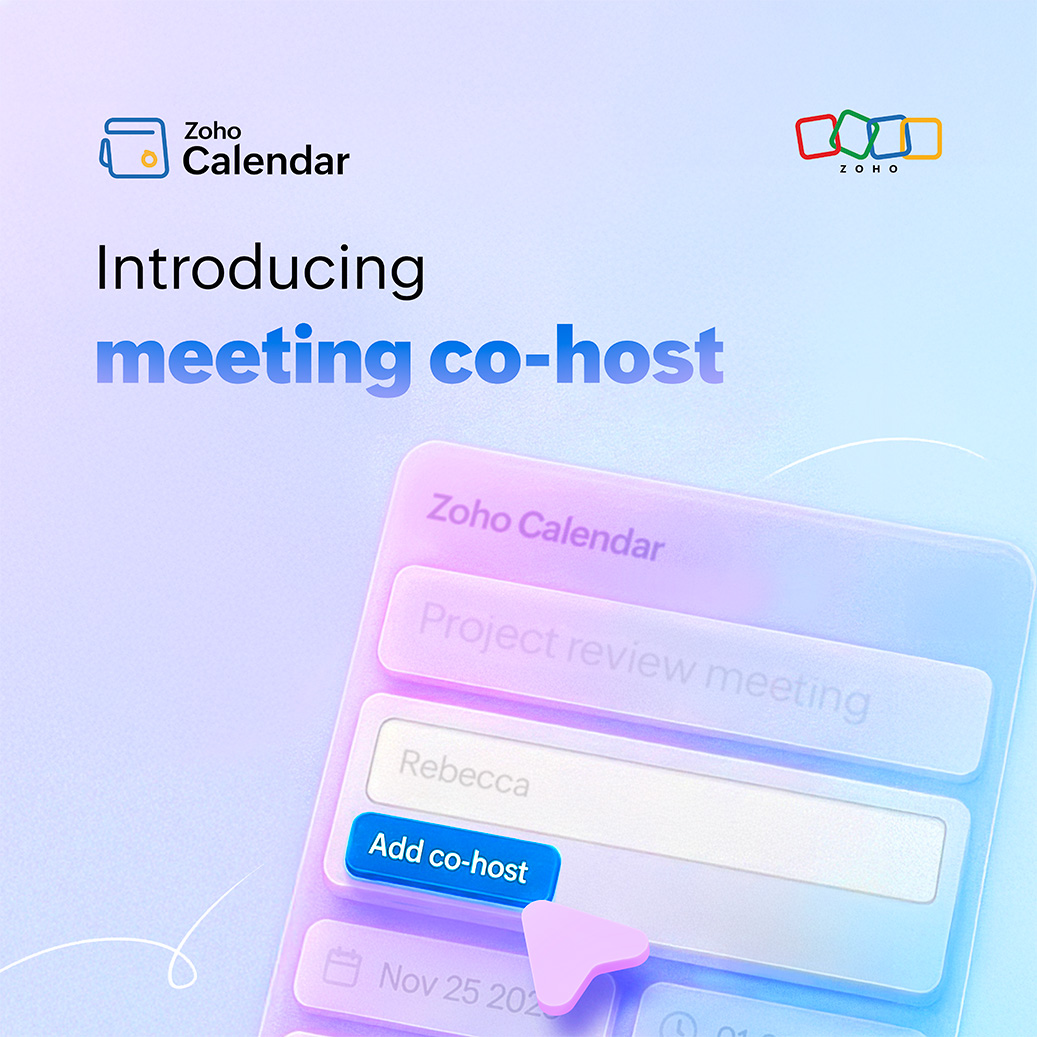
Zoho Calendar now supports Meeting Co-Hosts —so your sessions stay on track, even when the unexpected happens. 🚀
Read more 👉 https://t.co/FIR9ZcnW1n
Why does one meeting still mean so many steps? 😓
Create event → Calendar invite → Add participants → Create a group chat → Add everyone again 😫
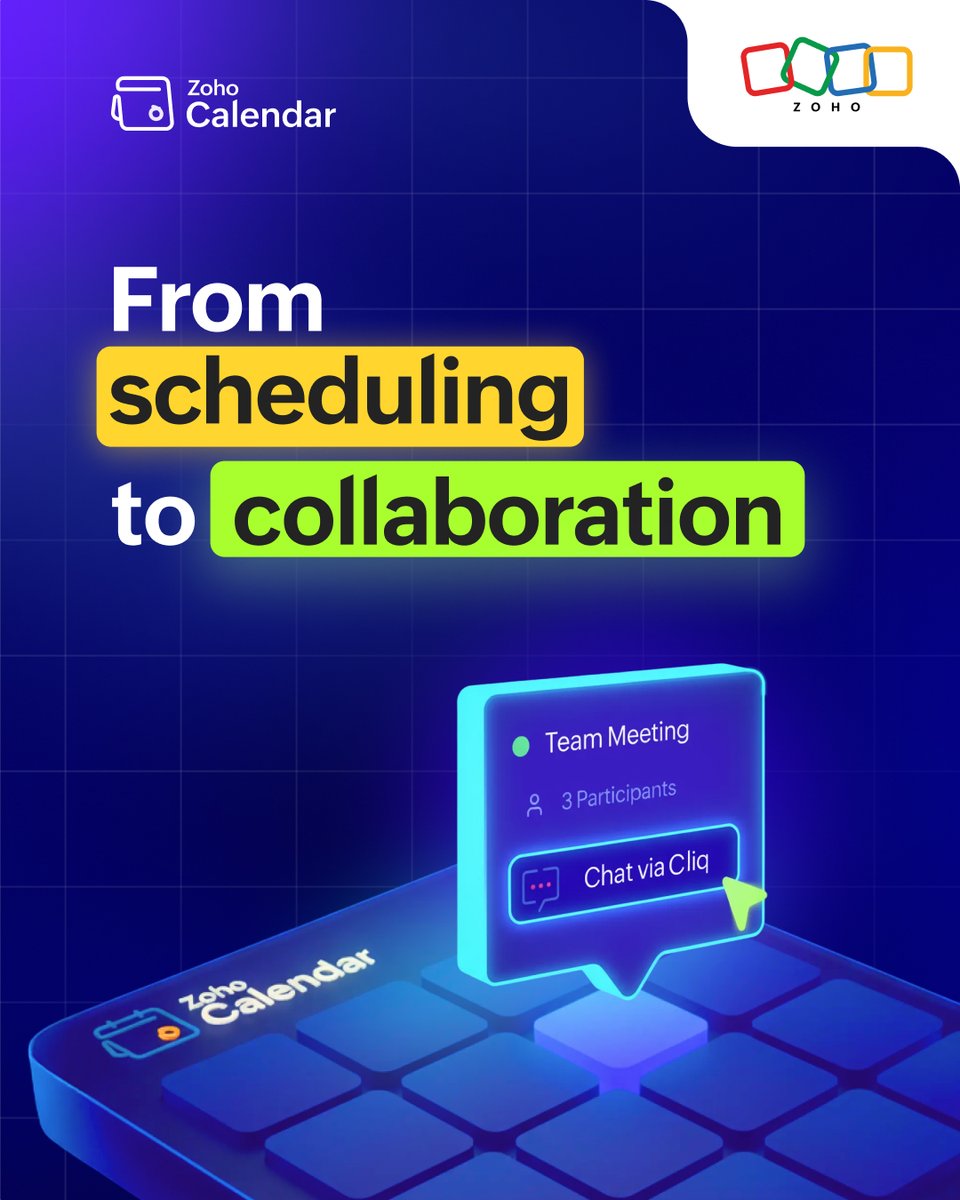
With Zoho Calendar × Zoho Cliq, the call and group chat are created automatically.
Here’s how 👉 https://t.co/NmhpglhgTy
Every quick inbox glance steals 23 minutes of your focus. 🏴☠️
Now multiply that across your whole day. 🤯
Reclaim your time: Turn off notifications and set dedicated check-in blocks on your @ZohoCalendar . Your attention will thank you. ✨
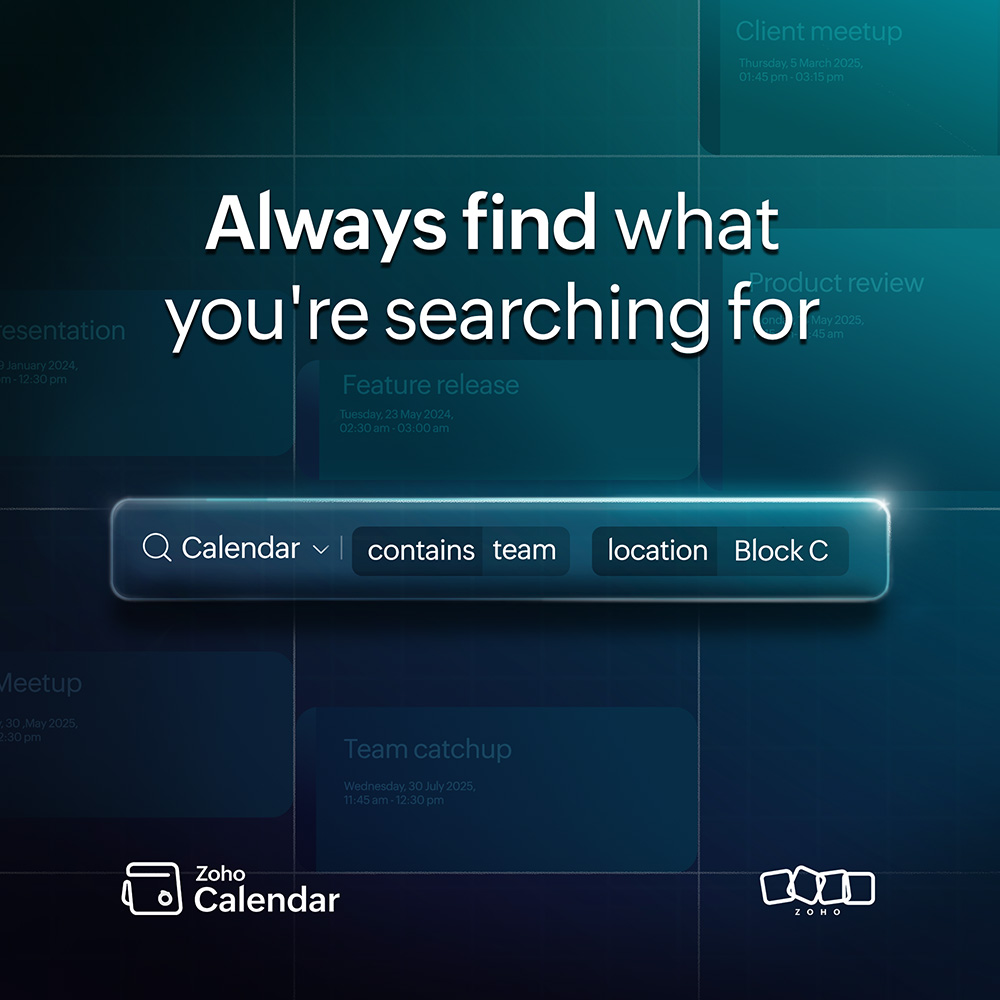
Need to revisit a previous event or check an old agenda? 🔎
Zoho Calendar’s powerful search bar helps you find them instantly! ⚡️
It supports a wide range of parameters, so you’ll always find what you’re looking for. 📅
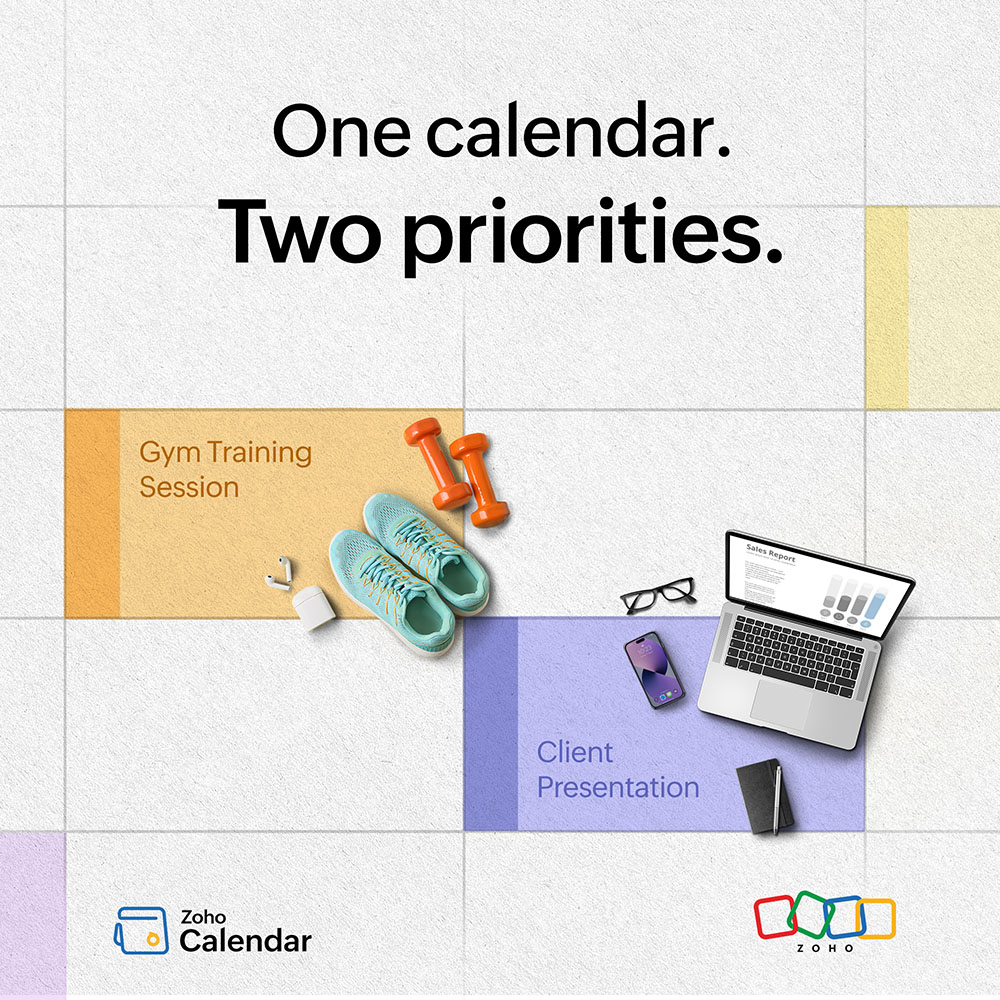
You can’t cancel on your trainer and you also can’t show up unprepared for a client presentation.
Layering your personal & work calendars keeps both worlds visible—so you don’t overbook or neglect one side to chase goals in the other.
Balanced. Visible. Non-negotiable. ✨
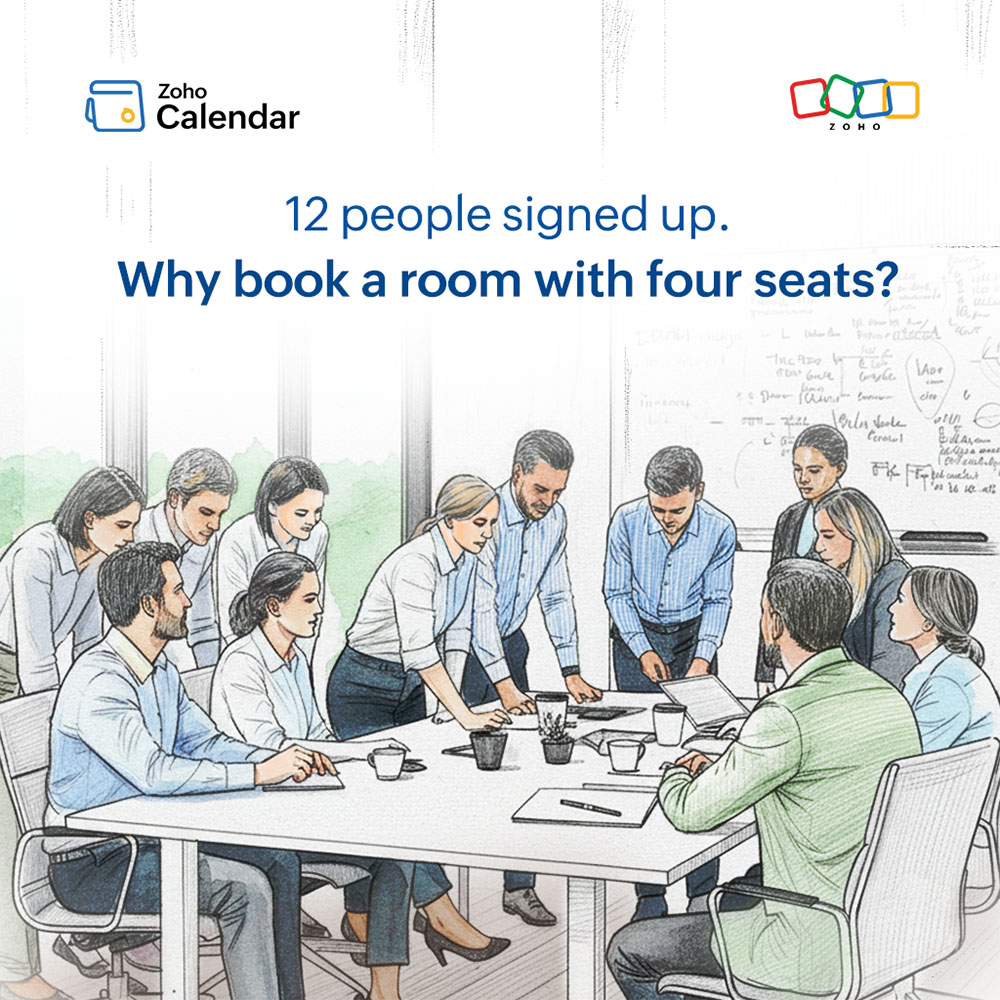
Every office has that meeting: you expect three, whole department shows up. No one confirmed, so you’re squeezing into corners and grabbing chairs.
With Zoho Calendar RSVP, you can:
📍 See who’s coming
📍 Book the right room
📍 Avoid crowding
Plan smart. Sit comfortably. 🪑✨
Golden rule: If it’s not on your calendar, it’s not happening! 🚫
Set up your digital calendar by blocking in focus time, admin work, and buffers before the week hijacks your schedule. 📆
Take control of your time. Own your productivity. 💪
Each meeting that runs longer than it's meant to can cost you valuable time. ⏰
Set up your Zoho Calendar to create buffers before each meeting automatically. 🔁
Small change. Massive mental clarity.💡
Explore this feature → https://t.co/zWgUwkCSvU