New #Azure Virtual Desktop (#AVD) Public Preview for configuring the transfer direction of the clipboard and the data types. 🎉
Your AVD session hosts must be running #Windows 11 Insider Preview Build 25989 or later.
More infos here:
https://t.co/LXyZoVE7El
#AVDPunks
Folks, you'll need to use the Insider Preview Dev Channel build to test this public preview. It also works for AVD and Windows 365. 😎
How to enable the Windows Insider Program is explained in our blog post: https://t.co/gya8psbxVx
As of today AVD on Azure Stack HCI is now GA.
You can now run #AzureVirtualDesktop on-prem, including Windows 10 & 11 multi-session.
Further details are in this @MSFTMechanics video: https://t.co/PQLBAqQRnu
& https://t.co/tCWpj6x70x
https://t.co/J61xhQLc4g
What is a Cloud Engineering Workspace without the loved engineering peripheral devices like the spacemouse and all the other fancy peripherals they are working with?
Check out our blog post:
https://t.co/cAfEdgS2qV
#AVD#RemoteFX#VirtualDesktop#VDI#AVDPunks#Azure
Very pleased to announce another #AzureVirtualDesktop public preview, this time it’s a new feature called Custom image templates. A new way to build OS images with several automated AVD & OS related installs & configs.
Please see this blog for details: https://t.co/Mt8I13JNsH
Do you want to use #Azure Image Builder but not too hot on PowerShell? Well now you can use the portal as #AIB is now supported in the Azure portal: https://t.co/dukONxzoYl
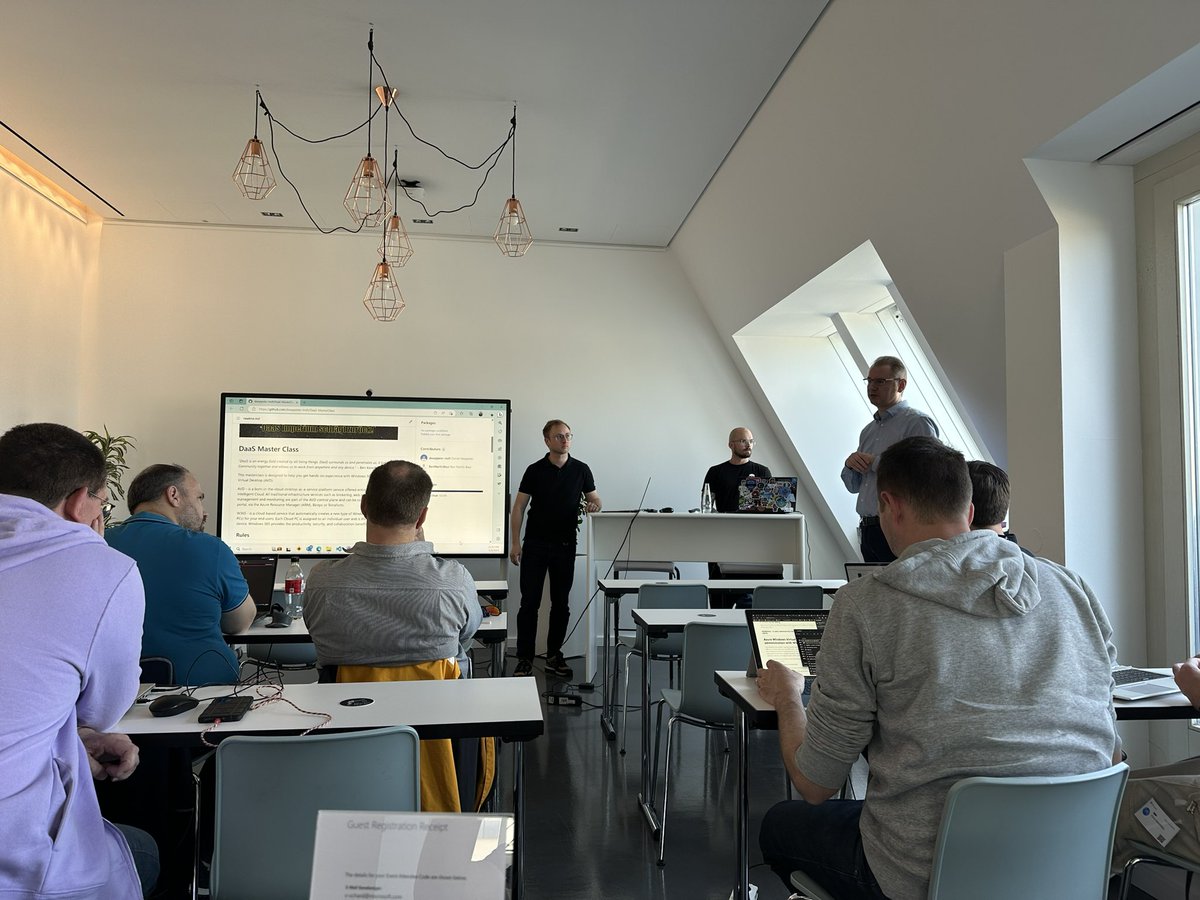
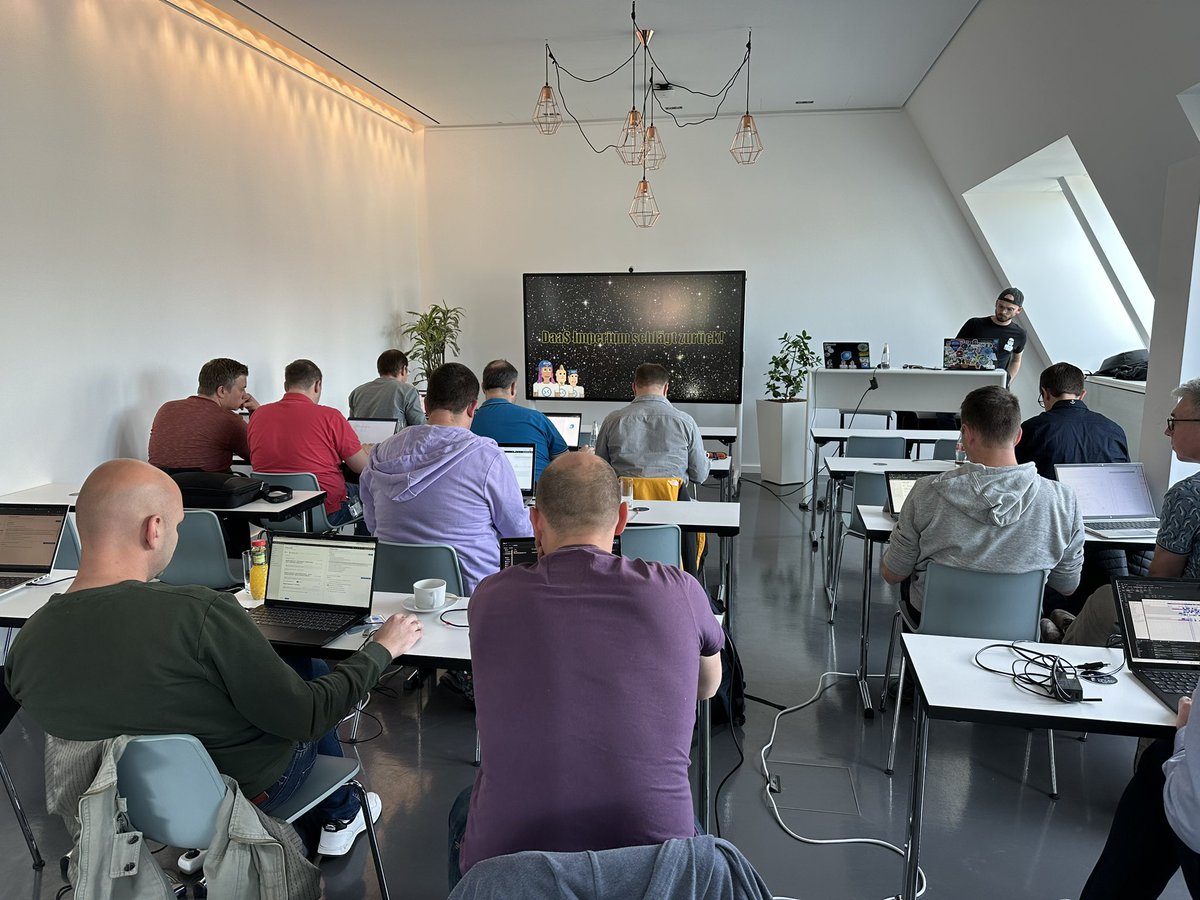
PLS RT Those going to E2EVC Berlin or plan to - please register, since we are near capacity now. Those who already registered please take a look @ Master Class on 4.05 that is delivered by awesome @_DanielWep & Co, which you may want to register for! https://t.co/KbZzxooJTX
Next #AzureVirtualDesktop public preview off the rank. This is for the uniform resource identifier schemes which allows end users to launch sessions using direct links: https://t.co/FfcIuwRAay #AVD
**New Blog Post**
#Azure Virtual Desktop (#AVD) x How to shutdown and deallocate unused personal Sessions hosts to #DoMoreWithLess and increase your #costoptimization score?
In this article we will show you how to do that.
Read more here: https://t.co/0Qk1QOTU90
#AVDPunks
@guyrleech You can try this PS command:
$(Get-AzVm -ResourceGroupName "YourRGName" -Name "YourVMName").StorageProfile.ImageReference.Sku
If the image name contains evd or avd, it is a multi-session OS. If you use a custom image, the defined custom sku must contain a tag for multisession.