How To Make Gaming Shorts in Premiere Pro with FREE Presets! 😃
Shorts are a very important part in content creation and in this video I will give you guys free presets and show you how to use them!
And if you want to, you can also go watch it on my youtube channel, that would be greatly appreciated! (link in the replies)
Link to the free preset pack is here 🔻 https://t.co/40UcyZQtcl
@CFoost@Showann2706 yea have to be careful. there's also a lot scam bot. which i had to check one by one to make sure its not a scam. thanks by the way
Hey everyone!
I’m looking for an artist to help with lore illustration for my VTuber project.
My current artist had to stop due to health issues, so the work were 70% done. I understand and wish her the best🙏
If you know any artists feel free to share portfolios.
Thank you!
I just finished posting my 𝗩𝗶𝗱𝗲𝗼 𝗘𝗱𝗶𝘁𝗶𝗻𝗴 𝗚𝘂𝗶𝗱𝗲!✨
Using my experience and knowledge from 8 years of editing and multiple years as a successful content creator (𝟴𝟬𝗸+ 𝗧����𝗸𝘁𝗼𝗸, 𝟱𝟬𝗸+ 𝗜𝗻𝘀𝘁𝗮𝗴𝗿𝗮𝗺) I've made this 30+ minute video tutorial going step by step to my process, techniques and tips for the 𝗔𝗹𝗴𝗼𝗿𝗶𝘁𝗵𝗺.
This tutorial was made with 𝗖𝗮𝗽𝗰𝘂𝘁 desktop for 𝗖𝗮𝗽𝗰𝘂𝘁 users, but many techniques can work or be translated on similar editing programs as well.
Add to cart here!🔻
https://t.co/H414Q5HLbK
@NullasArt You all are amazing. Keep going Up @NullasArt . Thank you for making my model! I'm truly happy and appreciate of the hard work you guys made.💙
Reposting my FREE Auto-Clipping System 🫡
I created a system that uses words Chat types & Emotes they use, combined with Twitch Activity-
to Automatically Create Clips, vertically formatted and ready to post, LIVE! All without pressing a button!
Full Tutorial in Comments
🔴VTube Studio Tips! #VTuber
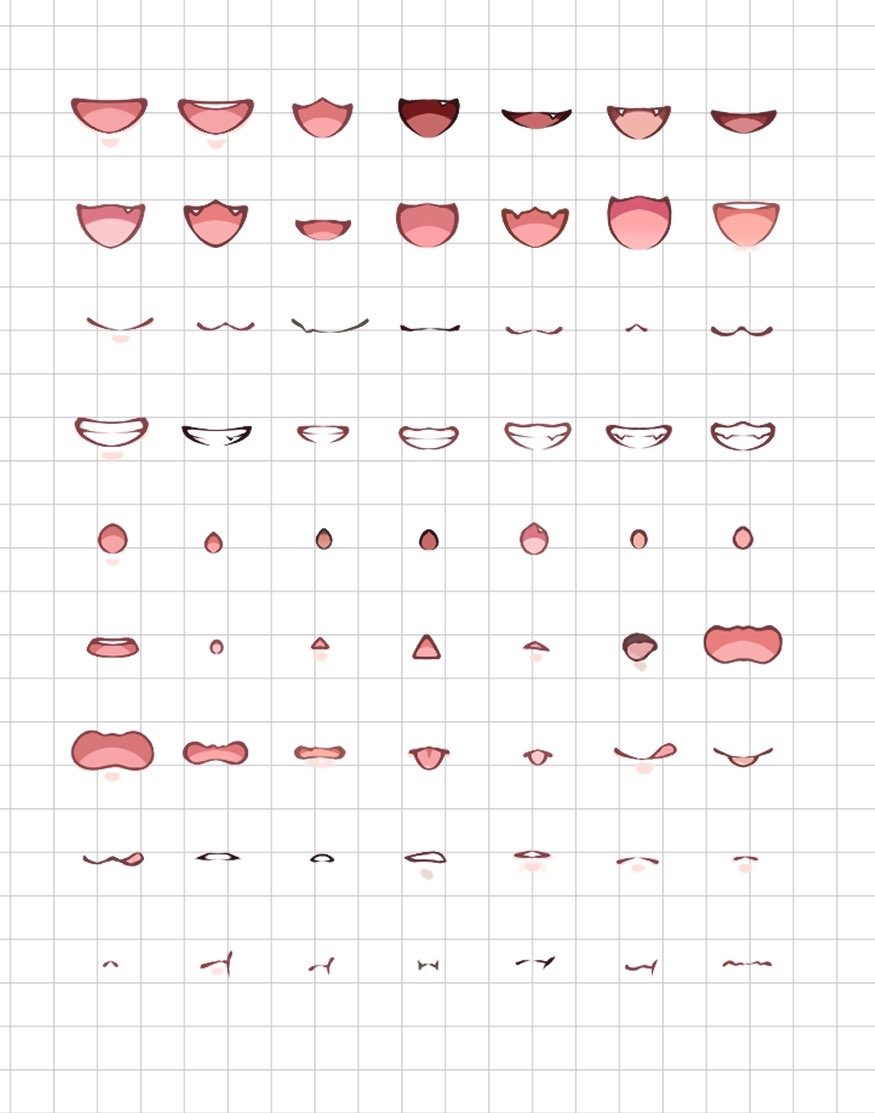
How to set up Simple Lipsync in VTube Studio!
Camera tracking fails when you look away,
but Voice Lipsync works perfectly.
Here is how to set it up in VTube Studio!
1. Open the Settings (gear icon) and find Microphone settings.
2. Turn on “Use microphone” and select your mic.
3. Go to the Model Settings (person icon).
4. Find MouthForm and set input to VoiceFrequency.
5. Find MouthOpen and set input to VoiceVolume.
Now your model reacts to your voice without glitching!
#NintaLive2DTutorial
More tutorials in my channel🔽🔽🔽
Reposting:
You don't need to spend 5-6 figures for 3D tracking!
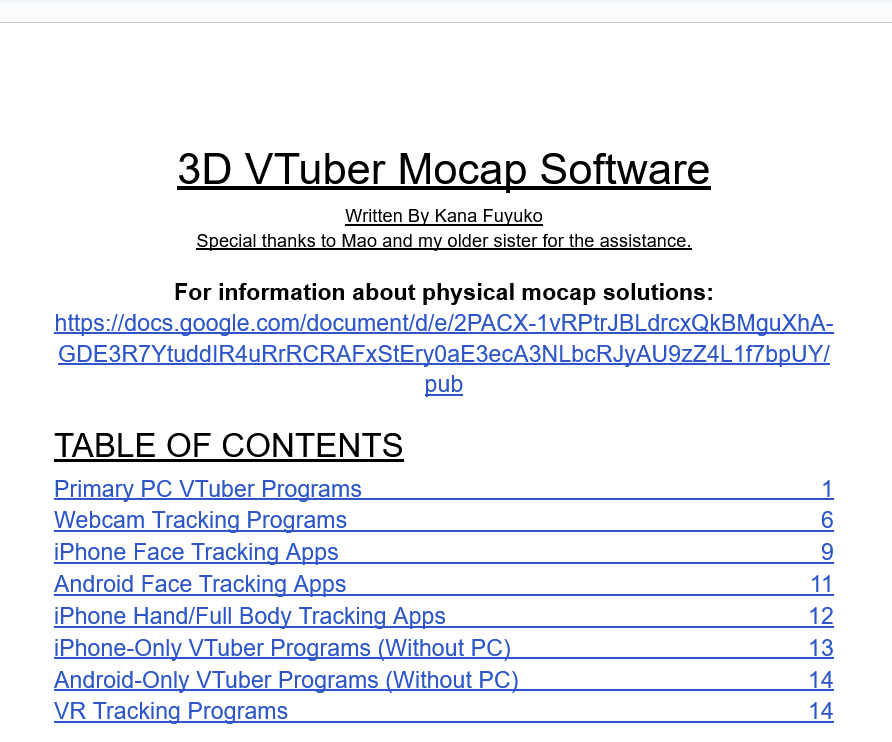
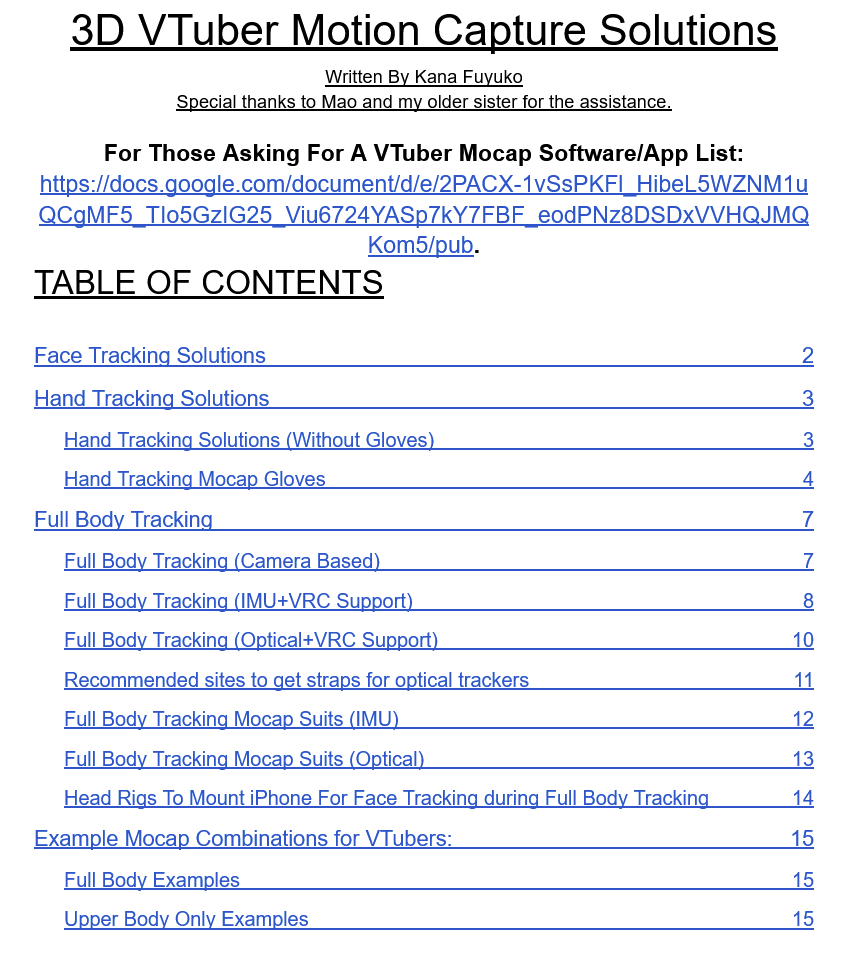
Kana has previously compiled SUPER DETAILED docs for 3D VTubing motion capture with prices!
Read these for more info:
Physical solutions: https://t.co/UuJdl0bXWV
Software solutions: https://t.co/WdWhrkWedb
‼️ DROP YOUR OC! ‼️
🔥RAFFLE TTIIIME JAN.🔥
You have a chance to win any commission from my vgen https://t.co/gtcRxtAy5I
Rules:
• Retweet
• Like
Please include your comm choice in the comment if possible,Thank you so much for always participating ! ❤️🙏><
#oc#art#artraffle