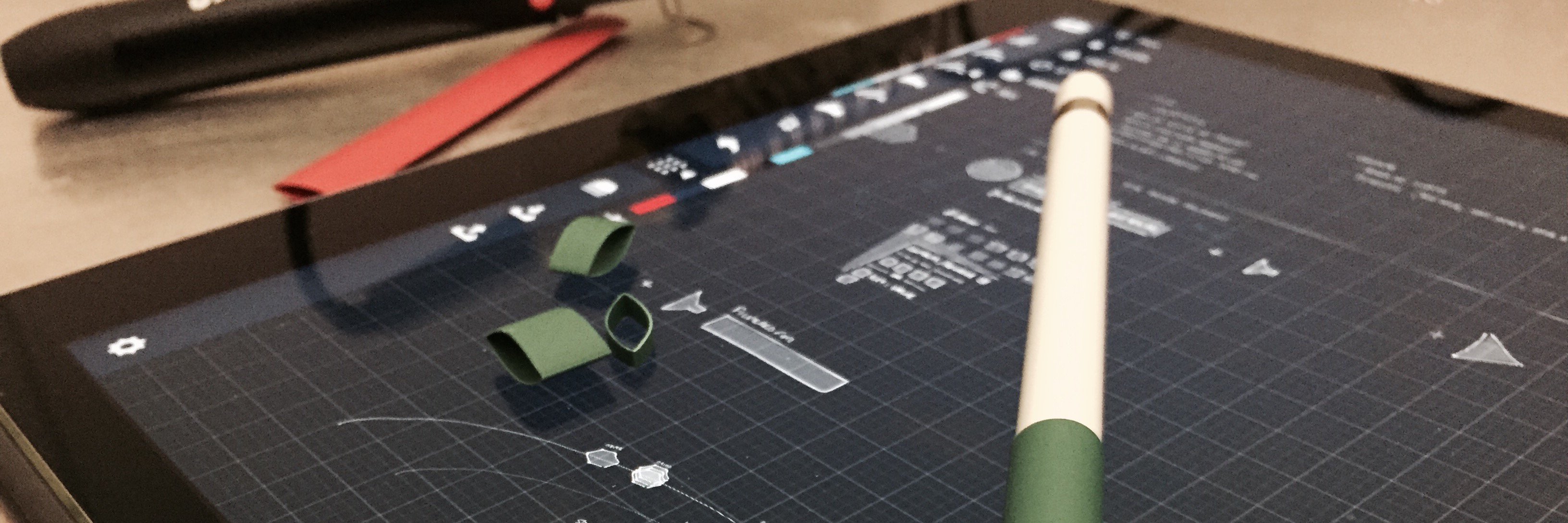
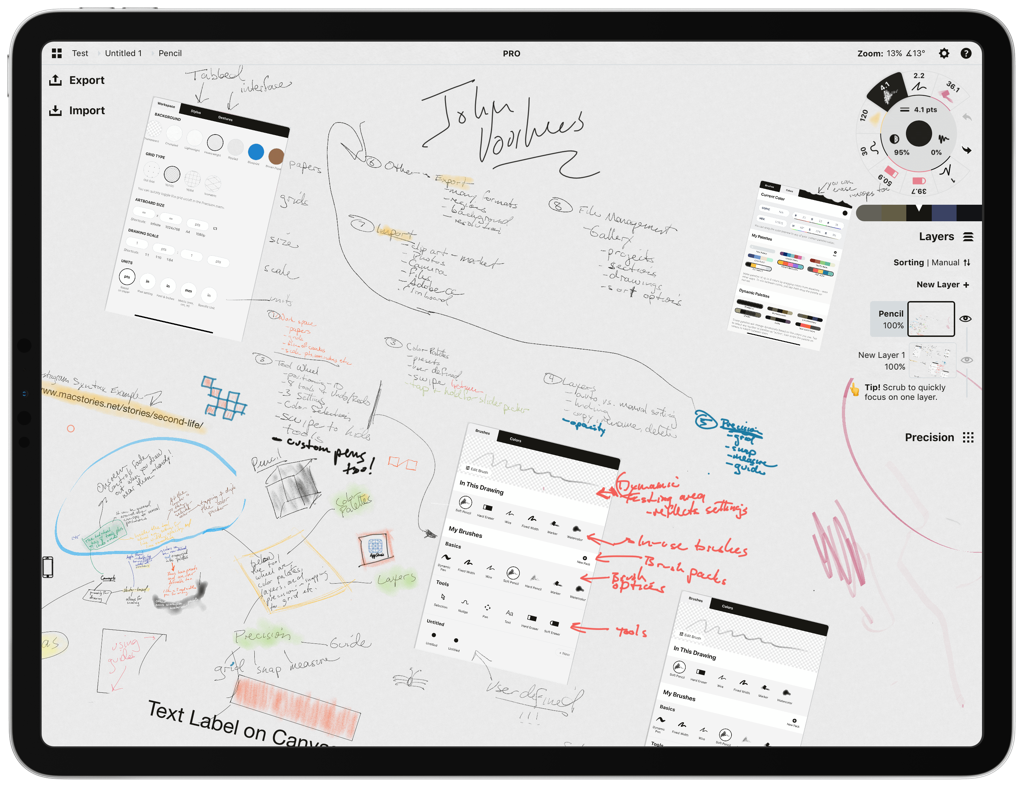
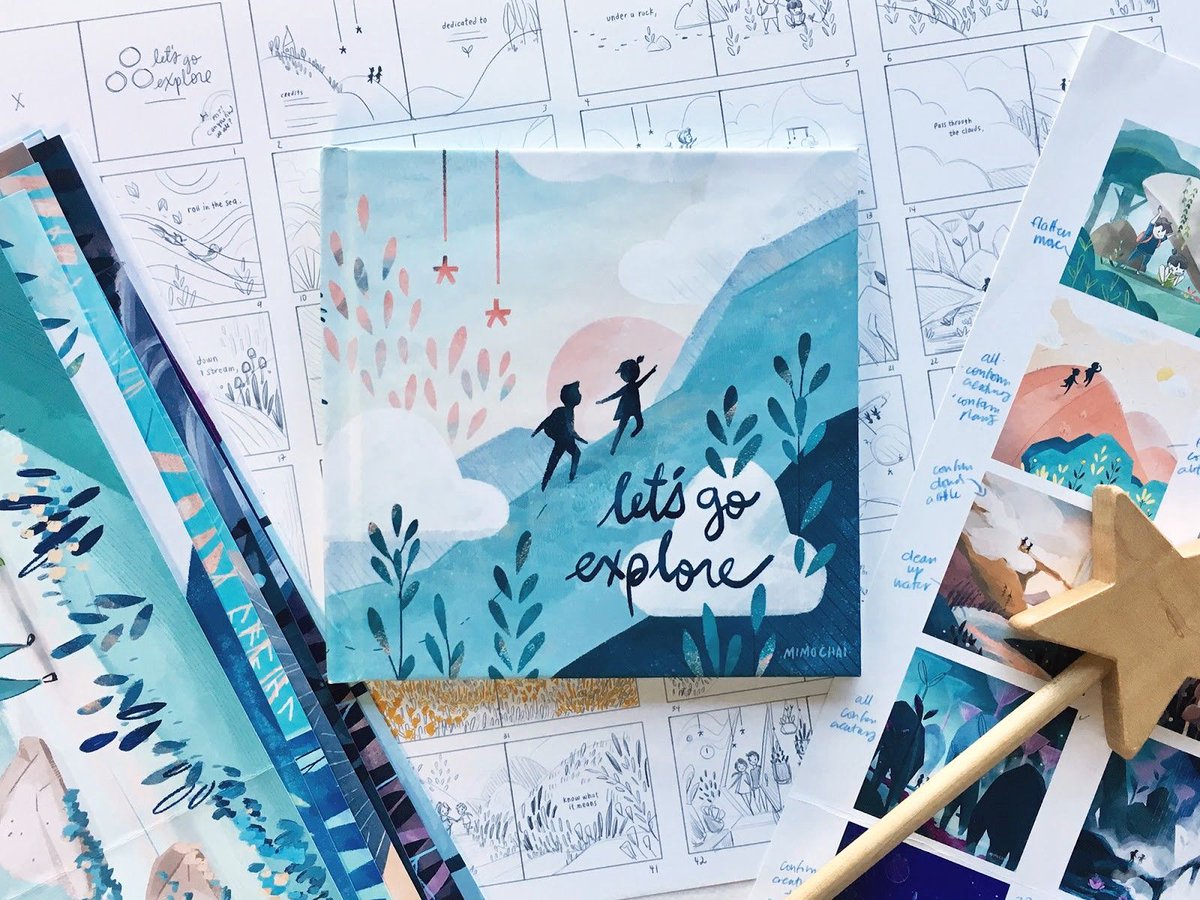
A huge thanks to everyone involved over the years! Couldn't have come this far without your hard work, support and feedback. Very much looking forward to the next ten!
We’re wishing Concepts a very happy 10 years! 🎂
Our team has built #ConceptsApp into a creative tool that innovators use to discover & realize their best ideas.
Many thanks from us to all of our wonderful users.
Read our story https://t.co/QRF0uR9pld
#designstory#design
My research of Concepts for the iPad is what led to this week’s interview on @appstoriesnet interview with Yarrow Cheney who directed The Grinch for @IllumEnt. This is an amazing app that’s become a big part of my iPad workflow. Here’s the review:
https://t.co/dLJAAYn3Tk
Ready to uncap your creativity? Grab a pen and open the Concepts app. Sketch fluidly, mix your palettes, and blend in watercolors—the only limit is your imagination. Available now: https://t.co/mFgpsiQ8DE
Design with new brushes, brush customization, live smoothing and gallery organization in Concepts 5.1, available now in the @AppStore. 🖌️ https://t.co/osRyfjXjep
So awesome to see @ConceptsApp in an official Apple video! @combinatorial opens and closes discussing the thought we put behind our @AppStore page. Great job Dave! https://t.co/lZTrd9ikiC
@monezz@ConceptsApp Long press to select, check your filters at the bottom to include locked items, then highlight and release. The popup menu should include an option to unlock.