day 12 of #100DaysOfSwiftUI
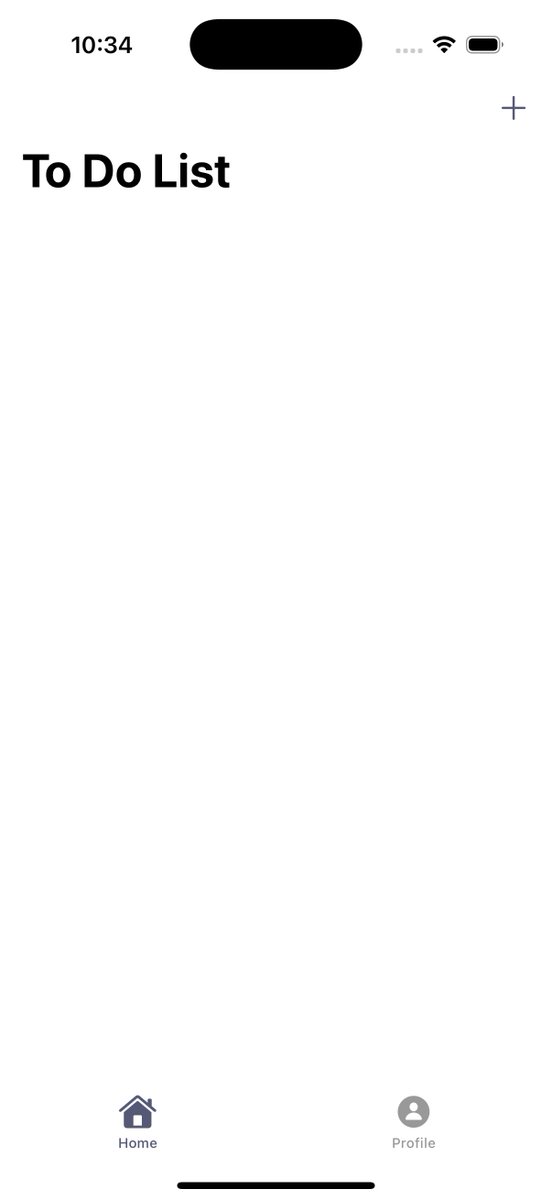
yea ill need a recap of today - we enabled todo items to become visible on main page, added toggle checkmark circle button nd sliding delete button. I get lost every time firebase is mentioned T-T. will learn how to make these buttons responsive later
day 10 + day 11 of #100DaysOfSwiftUI
forgot to log progress heh ;-;
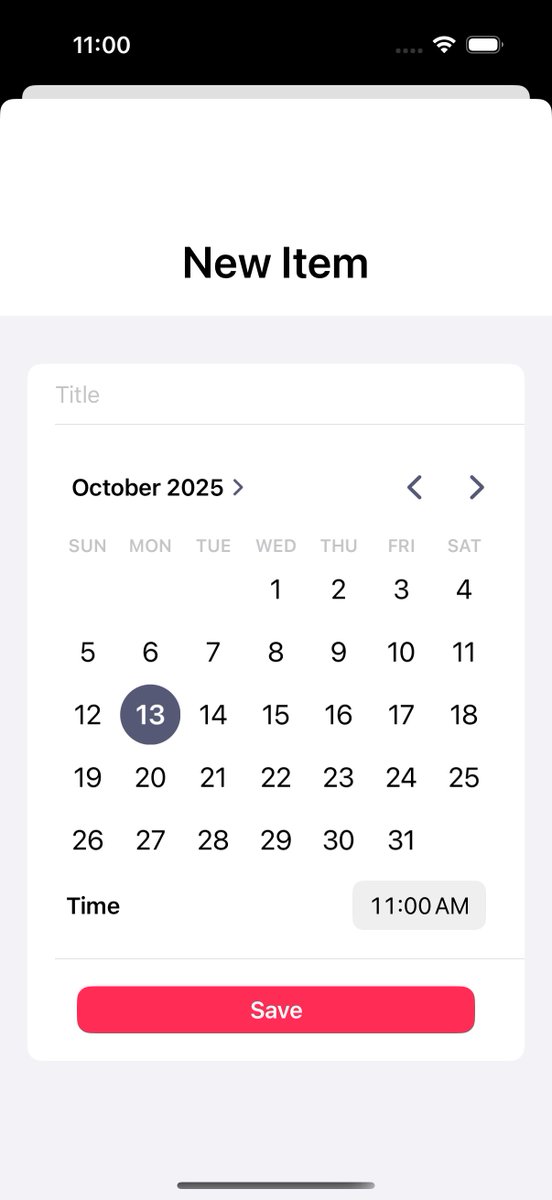
used .sheet for the new view where we can add todo list items. also validated the data, showing relevant Alert() messages, and enabled data storage into a new fb collection
day 9 of #100DaysOfSwiftUI
long day so i just studied functions, diff type of parameters, returning multiple values, customizing parameter labels with the "_ "
day 8 of #100DaysOfSwiftUI
we got 2 pages!! today we used TabView for the 2 linked Views, .navigationTitle for title and .toolbar for that plus button; also used @/ViewBuilder for readability which is still confusing to me uh; oh & system images for icons, so efficient ;-;
day 7 of #100DaysOfSwiftUI
brain fried, wanna be a very beginner again ong :_)
learnt how to enable log in and sign ups using firebaseAuth, it is so fascinating how this works and I deff wanna spend more time understanding this concept,
think the login and register view is done
day 6 of #100DaysOfSwiftUI
learnt about ViewModels, @/Published vars and @/StateObject vars. so interesting how they connect. I think they'll become much easier to understand with time tho heh
day 5 of #100DaysOfSwiftUI
been following a tutorial on To-Do list app on YouTube and its taught me so much; every so often I go AAH SO THATS HOW !
learnt about NavigationView, Form, Button, & most importantly how helpful Stacks are
// ignore the bad UI/UX here, its a wip ;-;
day 4 of #100DaysOfSwiftUI
studied loops and how to connect different views together. apparently each view needs a viewModel ;-; hopefully i can learn more about that tmrow