Kaggle Dataset + Excel = Your First Project
First Project + GitHub = Your First Portfolio
First Portfolio + LinkedIn Post = Your First Visibility
First Visibility + Consistency = Growing Audience
Growing Audience + Second Project = Stronger Portfolio
Stronger Portfolio + Job Application = First Interview
First Interview + Preparation = Job Offer
Job Offer + Negotiation = Better Salary
Better Salary + Side Projects = Extra Income
Extra Income + Investments = Financial Freedom
It all starts with one Kaggle dataset.
Download one today.
"After learning Data Analysis, how can I get a job?"
Forget the traditional 9-to-5 grind.
If you actually know your tools (Spreadsheet, Power BI, SQL).
Here are 10 ways to make cool money as a Data Analyst.
🧵
Data Analyst + Excel = Entry Level Job
Data Analyst + Excel + SQL = Mid Level Job
Data Analyst + Excel + SQL + Power BI = Senior Level Job
Data Analyst + Excel + SQL + Power BI + Python = High Paying Job
Data Analyst + All Tools + Portfolio + Network = Dream Job
Data Analyst + All Tools + Communication + Storytelling = Leadership
Data Analyst + All Tools + Business Knowledge + Strategy = Consultant
Hey algorithm, connect me with people who love:
📊 Data Analysis 📈 Data Science 💻 Excel, SQL, Power BI & Python 🔍 Problem-solving 🧠 Critical thinking 📚 Continuous learning 📕 Data books 📝 Analytics projects 🔬 Research & insights 📖 Data storytelling 📢 Sharing knowledge 📓 Learning and growing
If that’s you, welcome home.
YESTERDAY ONE OF MY STUDENTS ASKED ME:
"WHAT IS THE BEST WAY TO LEARN EXCEL?"
IF YOU WANT TO BE GOOD AT EXCEL AND BECOME WORK-READY.
THIS IS THE ROADMAP THAT YOU CAN USE:
18 most used Excel functions and how to USE them:
1. FILTER – Filter data
2. SORT – Sort values
3. UNIQUE – Unique values
4. SEQUENCE – Generate numbers
5. TRANSPOSE – Flip rows/columns
6. SUMIFS – Add with many conditions
7. COUNTIFS – Count with multiple conditions
8. TRIM – Remove extra spaces
9.UPPER – Uppercase text
10. LOWER – Lowercase text
11. PROPER – Capitalize words
12. CONCAT – Join text
13. TEXTJOIN – Join text with delimiter
14. XLOOKUP – Modern lookup
15. NOW – Date & time
16. IFS – Evaluate multiple conditions
17. AND – TRUE if all are TRUE
18. AVERAGEIF – Average with one condition
Day 1 with @TechSphereAcad
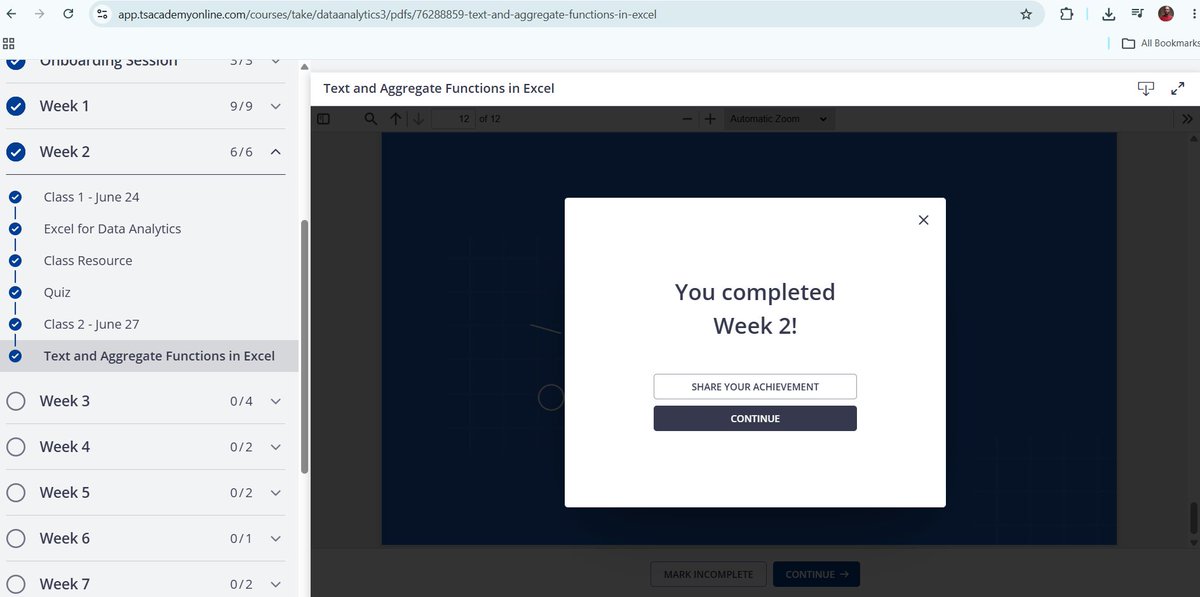
I just reached a new milestone in my Data Analytics journey with TS Academy! The experience has been incredibly rewarding.
#30DaysOfTech#LearningWithTS
https://t.co/LPR9PQHWkA
Dear Data Analyst!
This roadmap works everytime:
Month 1 — Excel
Month 2 — SQL
Month 3 — Power BI
Month 4 — Python
One tool at a time.
In the right order.
This is the only roadmap you need.
Thank you @TechSphereAcad Ts Academy and to today’s tutor, Adetola Durojaiye, for an insightful session.
Also a very big thank you to @aproko_doctor for this scholarship opportunity.
Looking forward to learning, growing, and enjoying every step of this journey.
#Hajime Cohort